Tag Archives: YPS VIVID 8
Build It Once: Choosing LED Components That Scale With Your Show
This guide advises selecting scalable LED components like the YPS VIVID 8 controller (supports sACN/Art-Net) and durable YPS pixels (5V, 12V, 24V) for efficient, expandable light shows. Proper power sizing, injection, and fused distribution kits ensure reliable, bright displays.
ASRock RGB Software: Sync Polychrome RGB with Pro Pixel Controllers for Holiday and Event Shows
Guide to syncing ASRock Polychrome RGB with xLights and pixel controllers like YPS VIVID 8 for flawless holiday/event light shows; includes setup, power, weatherproofing, and professional protocols.
The Universal LED Light Remote App: One App to Run Your Whole Light Show
A universal LED light remote app enables seamless control of multi-brand light shows via common protocols like sACN and Art-Net, enhancing ease, reliability, and compatibility with controllers like YPS VIVID 8.
RGB Fusion: Build Cohesive Halloween, Christmas, and Event Light Shows with Confidence
RGB Fusion synchronizes LED pixels and controllers for cohesive Halloween, Christmas, and event light shows. Use YPS VIVID 8, xLights, and pixel types like Bullet and Gumdrop for vibrant, timed displays.
OpenRGB Explained: Where It Fits in Holiday and Event Light Shows
OpenRGB is open-source software for controlling diverse RGB devices in holiday/event light shows, offering customization and integration with tools like xLights, WLED, and YPS VIVID 8 controllers.
SignalRGB for Holiday Light Shows: How to Sync Your PC RGB With Outdoor Pixels (The Right Way)
SignalRGB syncs PC RGB lighting indoors but lacks outdoor pixel support. For holiday light shows, combine SignalRGB with xLights, FPP, and YPS controllers to create vibrant, synchronized displays.
OpenRGB for Holiday & Event Light Shows: A Quick-Start with YPS Controllers
Guide to using OpenRGB with YPS VIVID 8 controllers for reliable, weatherproof holiday/event light shows. Covers hardware, wiring, syncing, power, troubleshooting, and software integration.
Signal RGB, Simplified: How to Get Accurate Color and Clean Data in Your Pixel Show
This guide explains Signal RGB basics, emphasizing correct color order, reliable WS2811 protocols, proper wiring, controller setup, and power management to ensure accurate colors and stable pixel data in LED light shows.
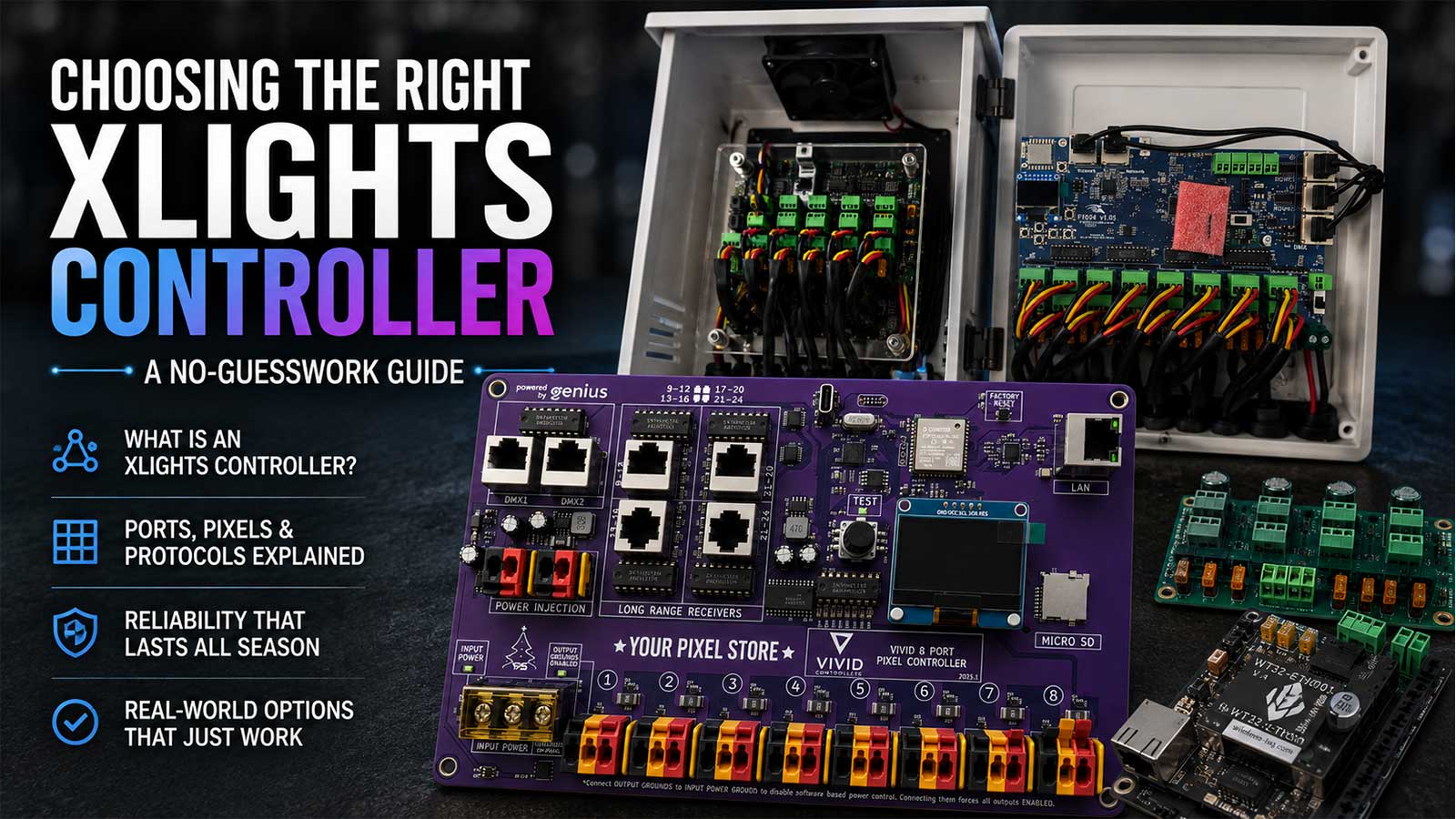
Choosing the Right xLights Controller: A No‑Guesswork Guide
This guide simplifies choosing xLights controllers, explaining pixel controllers, universes, power/networking needs, and mapping. It highlights ready-to-run options like Falcon F48V5 and YPS VIVID 8 for efficient, scalable holiday light setups.
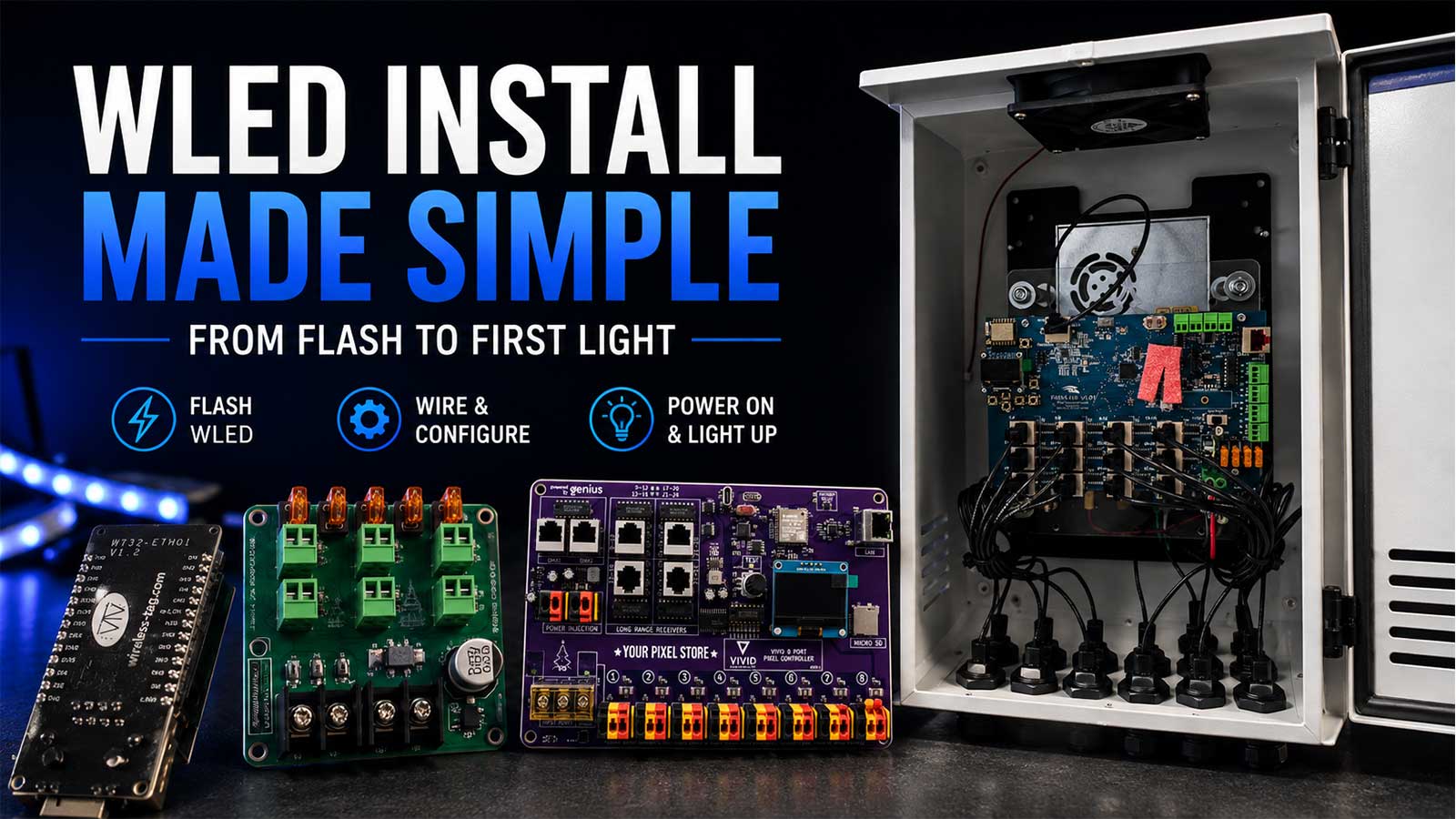
Build Once, Run All Season: Choosing LED Components That Just Work Together
Guide on selecting compatible LED pixels, controllers like YPS VIVID 8, power supplies, wiring, and enclosures ensures reliable, weatherproof outdoor light shows with smooth setup and xLights integration.
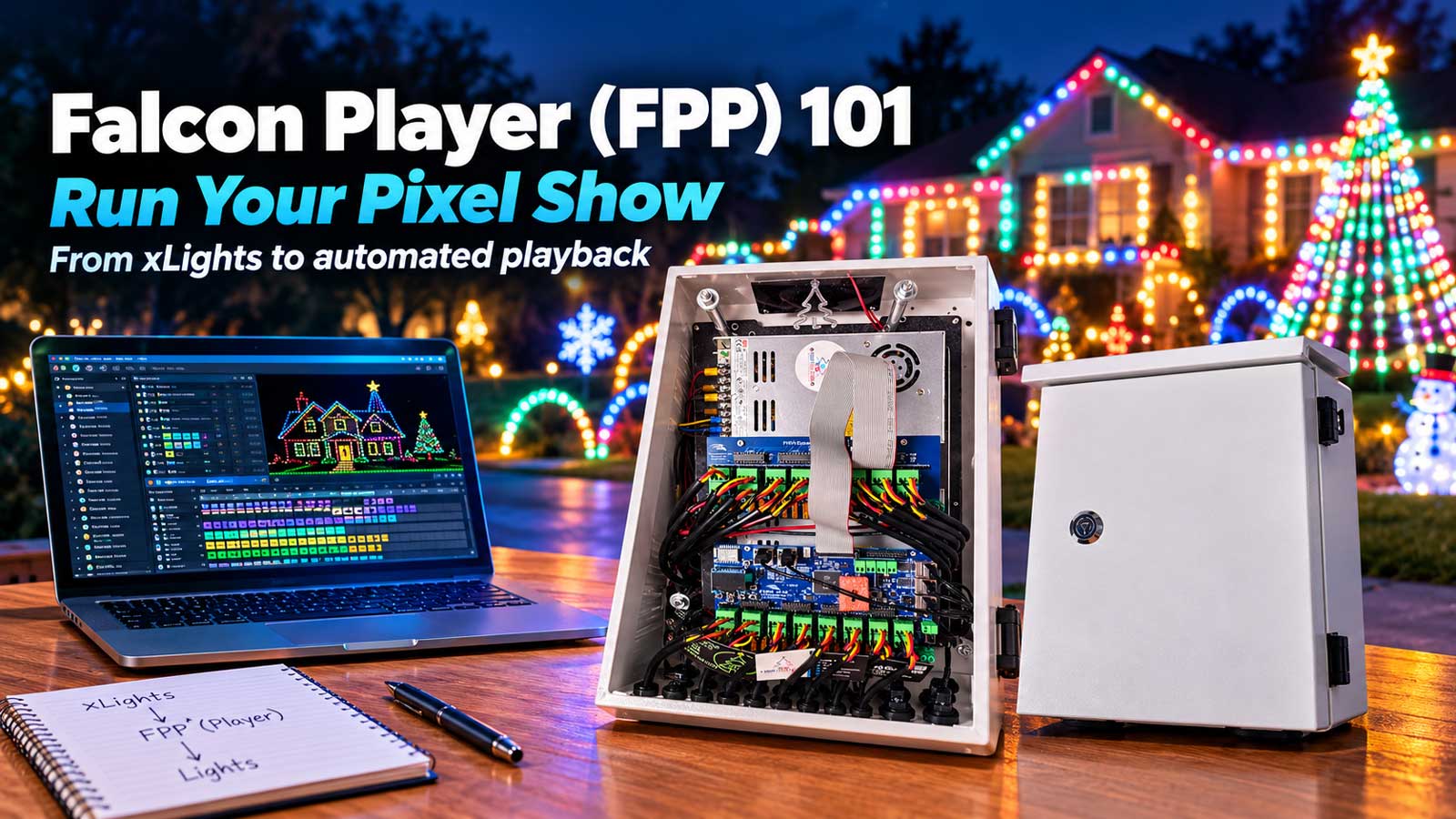
Falcon Player (FPP) 101: Run Your Pixel Show
Falcon Player (FPP) runs xLights sequences smoothly on Raspberry Pi or BeagleBone, enabling reliable Halloween and Christmas light shows. Use YPS VIVID 8 controllers, configure networks, upload sequences, and follow best practices for seamless displays.
Tesla Light Show Downloads: Free Starter Pack, How-To, and Pro Tips
Free Tesla Light Show starter pack offers 3 sequences, USB setup guide, and installation steps. Pro tips include syncing Tesla lights with yard lights using WS2811 pixels and YPS VIVID 8 controller.