Blog
Build It Once: Choosing LED Components That Scale With Your Show

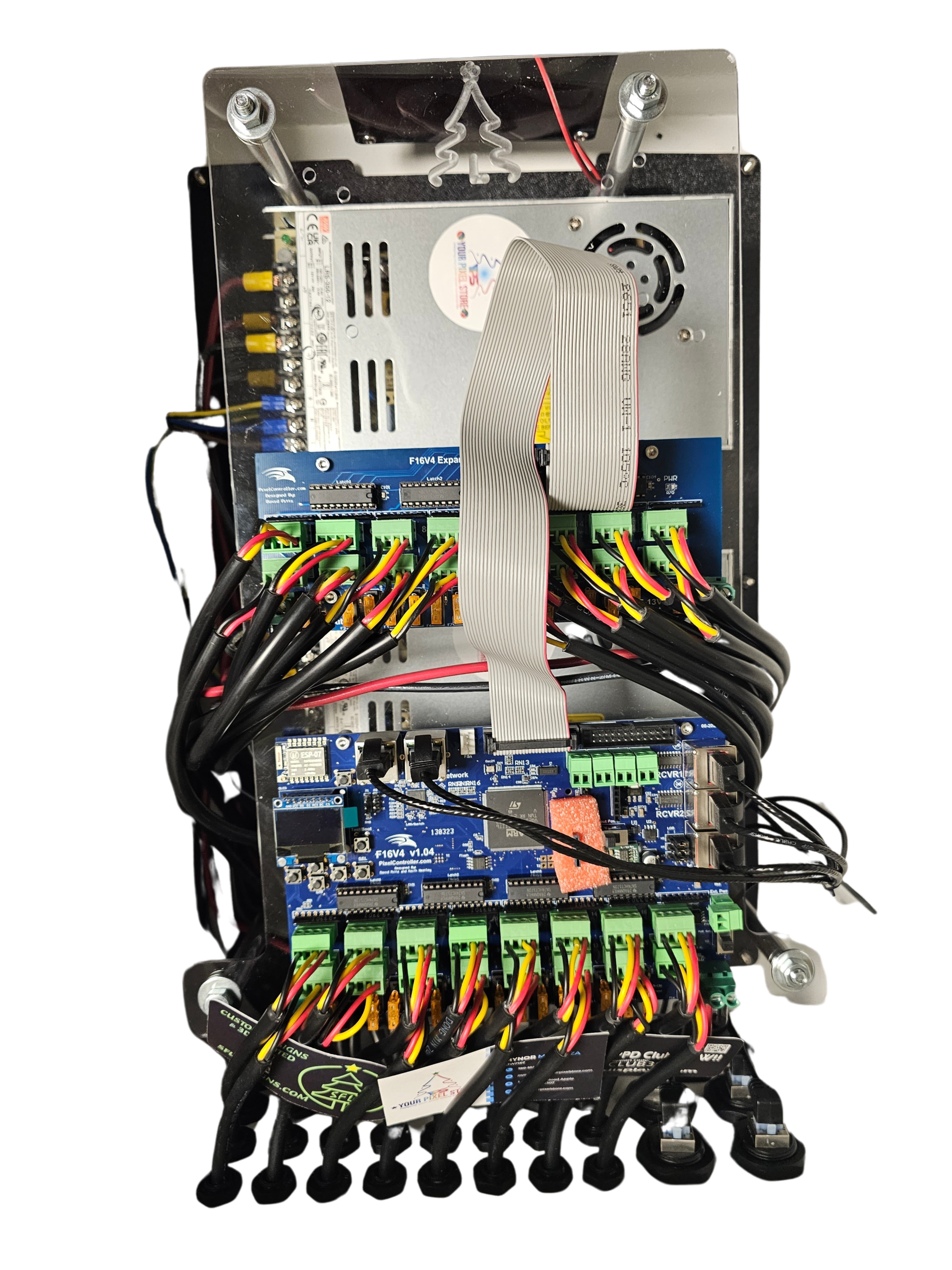
Too many DIY light shows get stuck swapping parts or chasing compatibility issues as they grow. Picking the right LED pixel controller and components from the start saves headaches down the road. This guide lays out what you need to build a scalable LED display with proven YPS solutions that keep your Christmas light show or Halloween lighting running smoothly as it expands. Ready to dive deeper? Check out this guide for more insights.
Choosing the Right LED Controllers
Starting with the right LED controller sets the foundation for your scalable display. It’s crucial to understand how channel count and protocol support work to keep your lights shining bright.
Importance of Channel Count
Understanding channel count is critical for any light show. Simply put, it determines how many individual lights your controller can manage. The more channels, the more complex your display can be. If you plan a small Halloween display, a lower channel count might suffice. But for those aiming for a grand Christmas light show, higher channel counts become necessary. This ensures your display remains cohesive and doesn’t need a major overhaul as it grows.
Protocol Support: sACN and Art-Net
Protocol support acts as the language between your controller and lights. Most advanced controllers support sACN and Art-Net—two popular protocols in the lighting world. These ensure smooth data transmission across your entire setup. If you’re using software like xLights, protocol compatibility is a must. Choosing a controller with these protocols ensures that you can expand your display without worrying about communication breakdowns or lag, making your show look professional.
Benefits of YPS VIVID 8
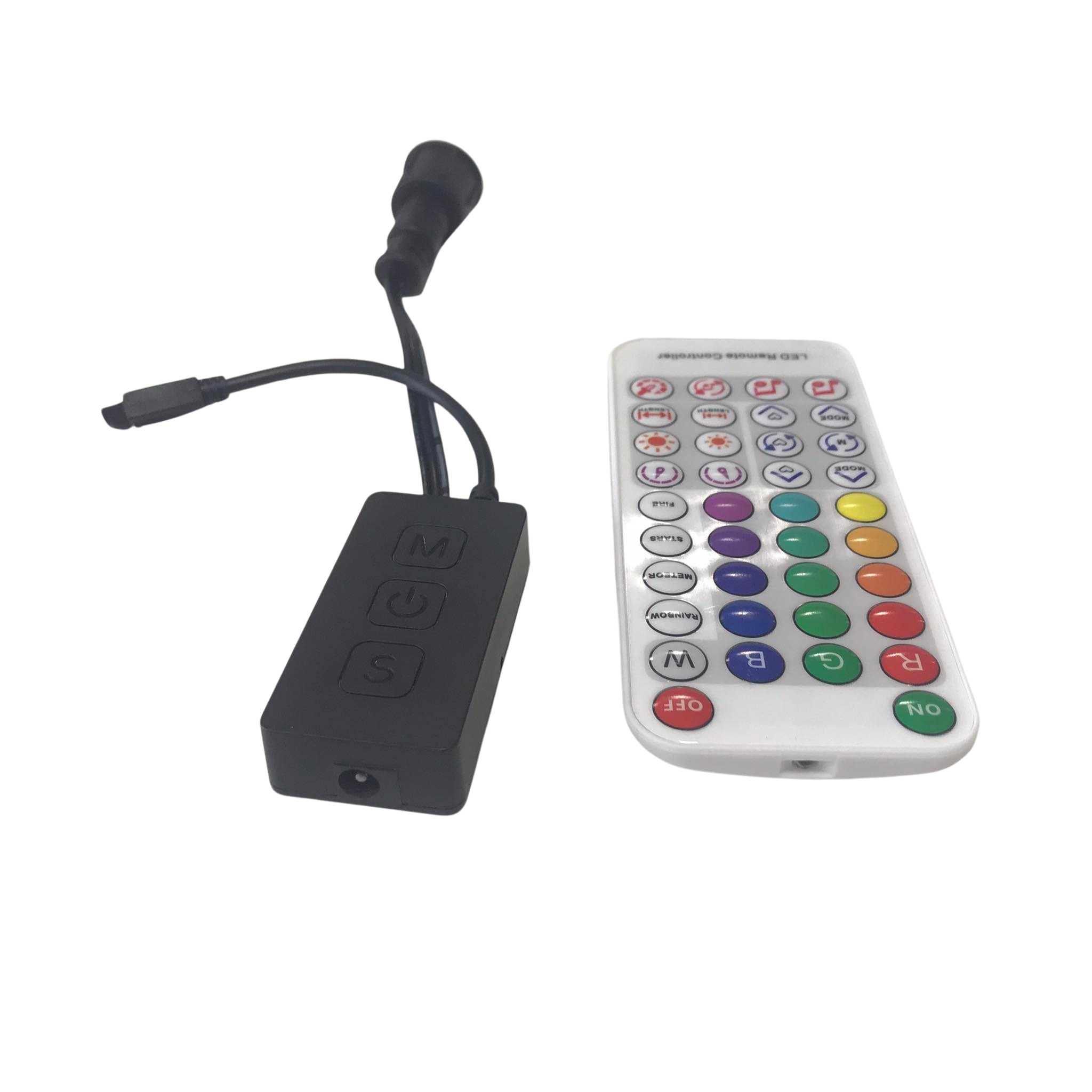
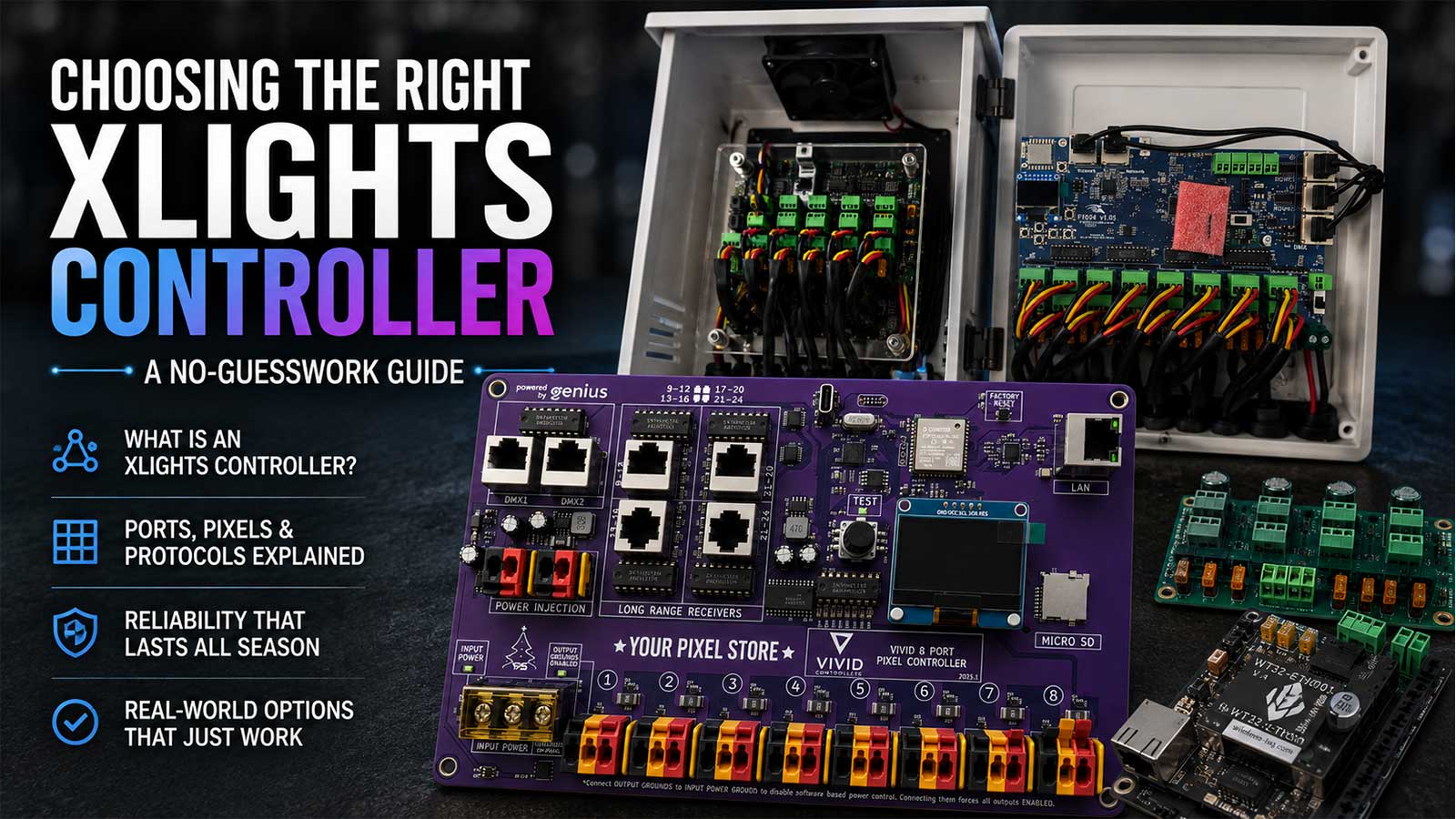
The YPS VIVID 8 offers a remarkable advantage in the world of pixel controllers. It’s designed to handle complex displays effortlessly. With its user-friendly interface and robust support for sACN and Art-Net, this controller simplifies the setup process. It allows you to focus on creativity rather than technical issues. Plus, its compatibility with ready-to-run systems means quicker installations and fewer headaches. When it comes to building a reliable display, this controller stands out as a top choice.
Selecting Durable Pixel Options
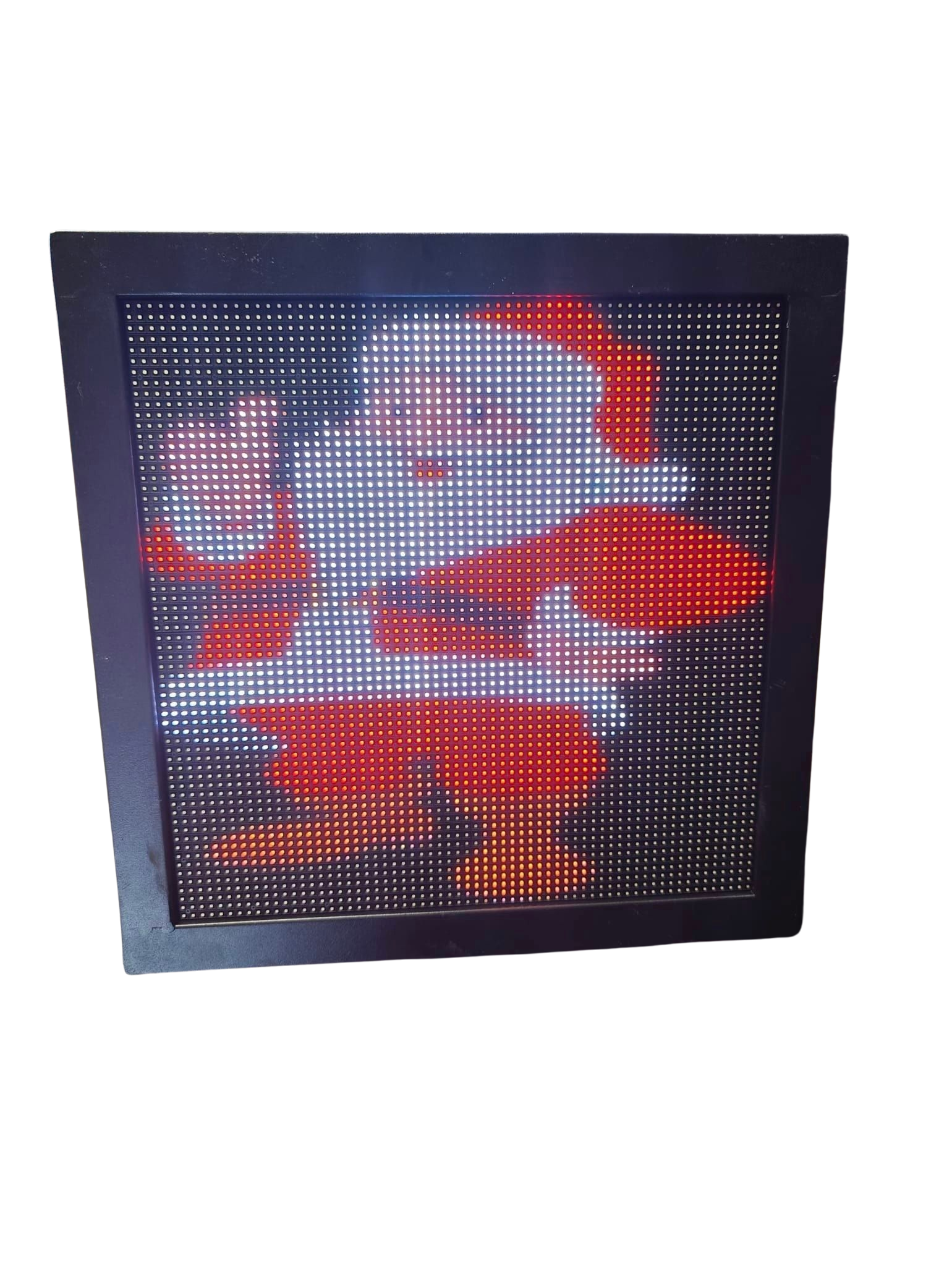
Choosing the right LED pixels is just as vital as picking the right controller. Your pixel choice affects brightness, energy consumption, and longevity.
Comparing 5V, 12V, and 24V Pixels
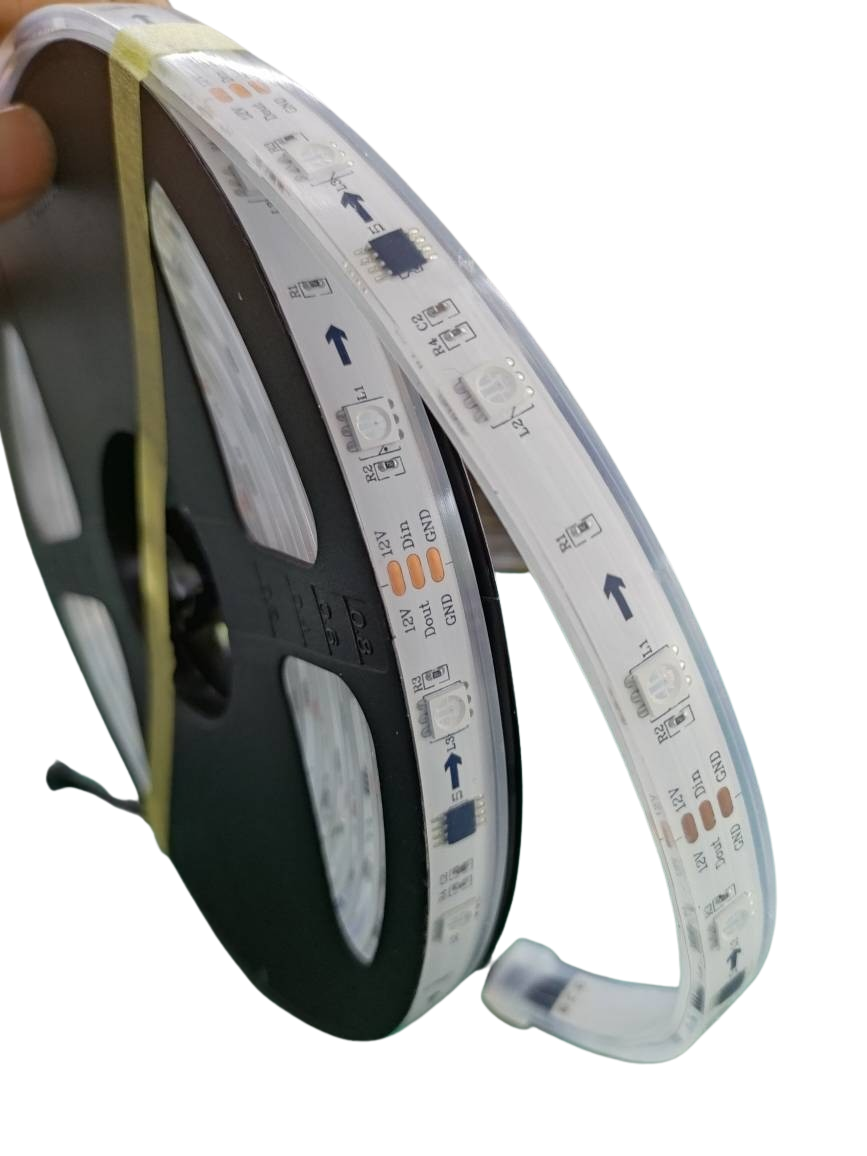
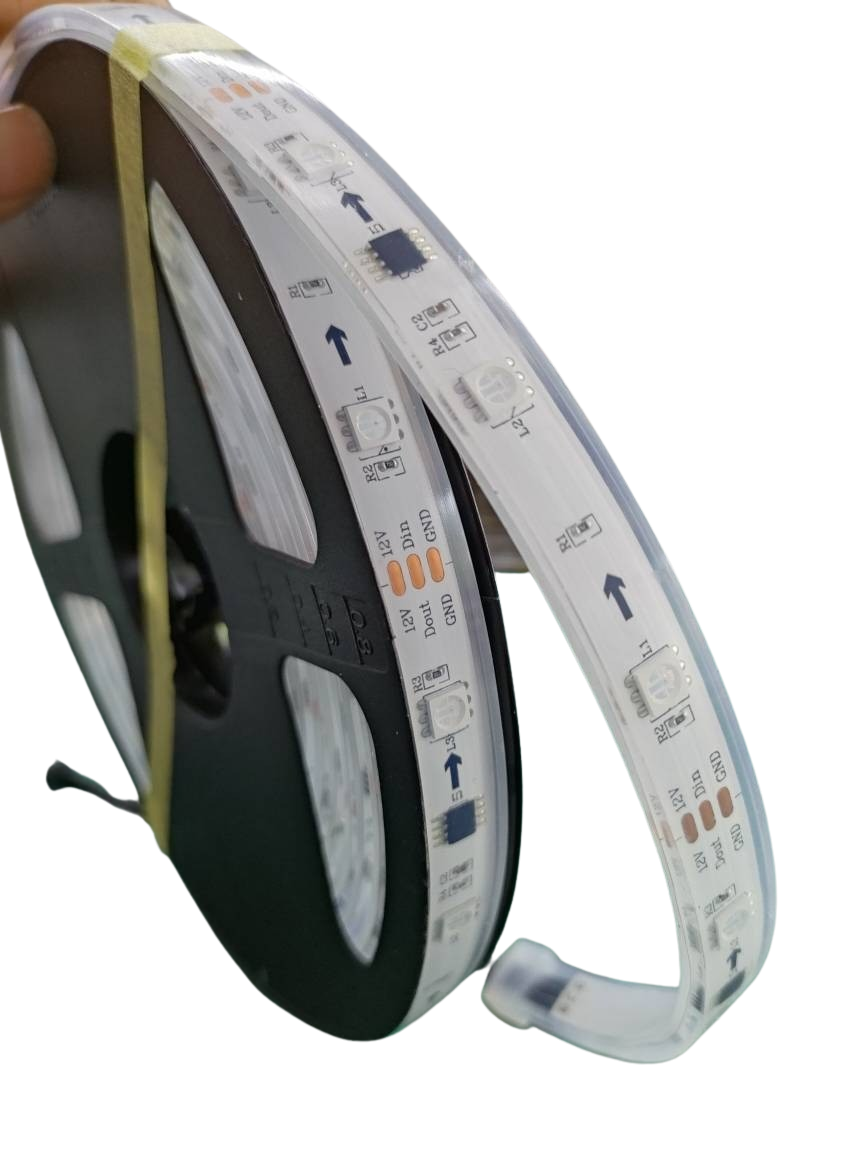
When selecting your LED pixels, voltage matters. 5V pixels consume less power but have shorter wiring distances. They’re ideal for smaller setups where power efficiency is key. On the other hand, 12V pixels strike a balance between power and distance, making them versatile for medium-sized displays. For large installations, 24V pixels shine. They allow longer runs without signal drop-off, making them perfect for grand displays that span wide areas.
Node Density and Wiring Distances
Node density refers to how many pixels are packed into a given space. Higher density means more detailed displays but requires careful wiring. If your show covers a big area, lower density can save costs and reduce complexity. Wiring distances also impact your display’s performance. Longer distances need more power injection to keep brightness consistent. It’s essential to understand your layout to choose the right node density and wiring strategy.
Why Choose YPS Bullet and Gumdrop Pixels
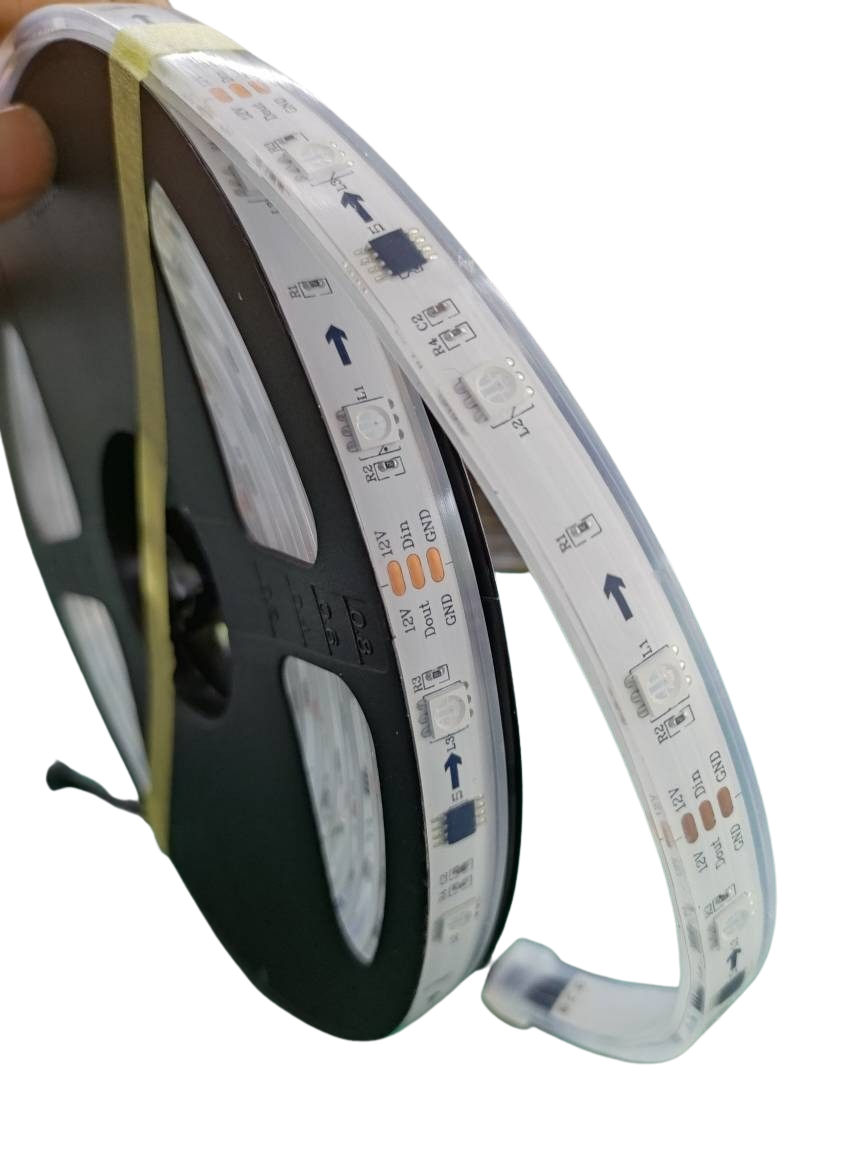
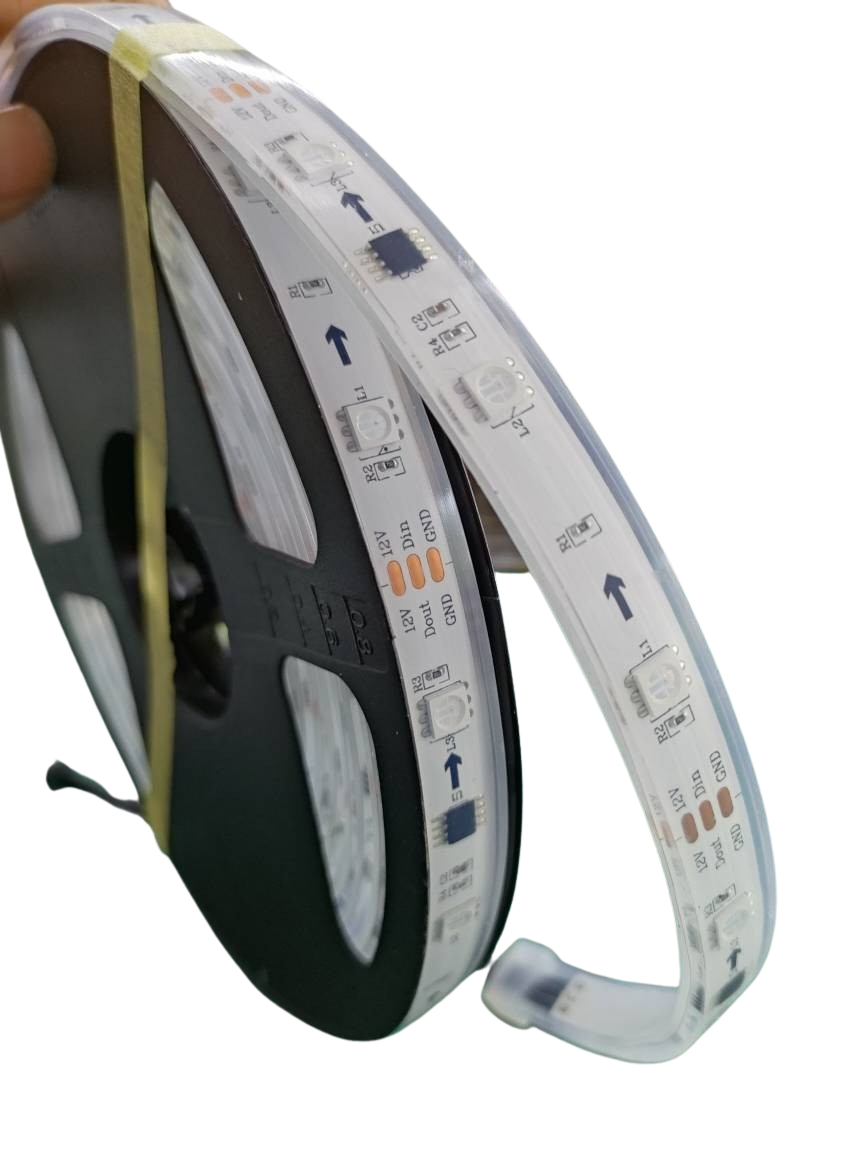
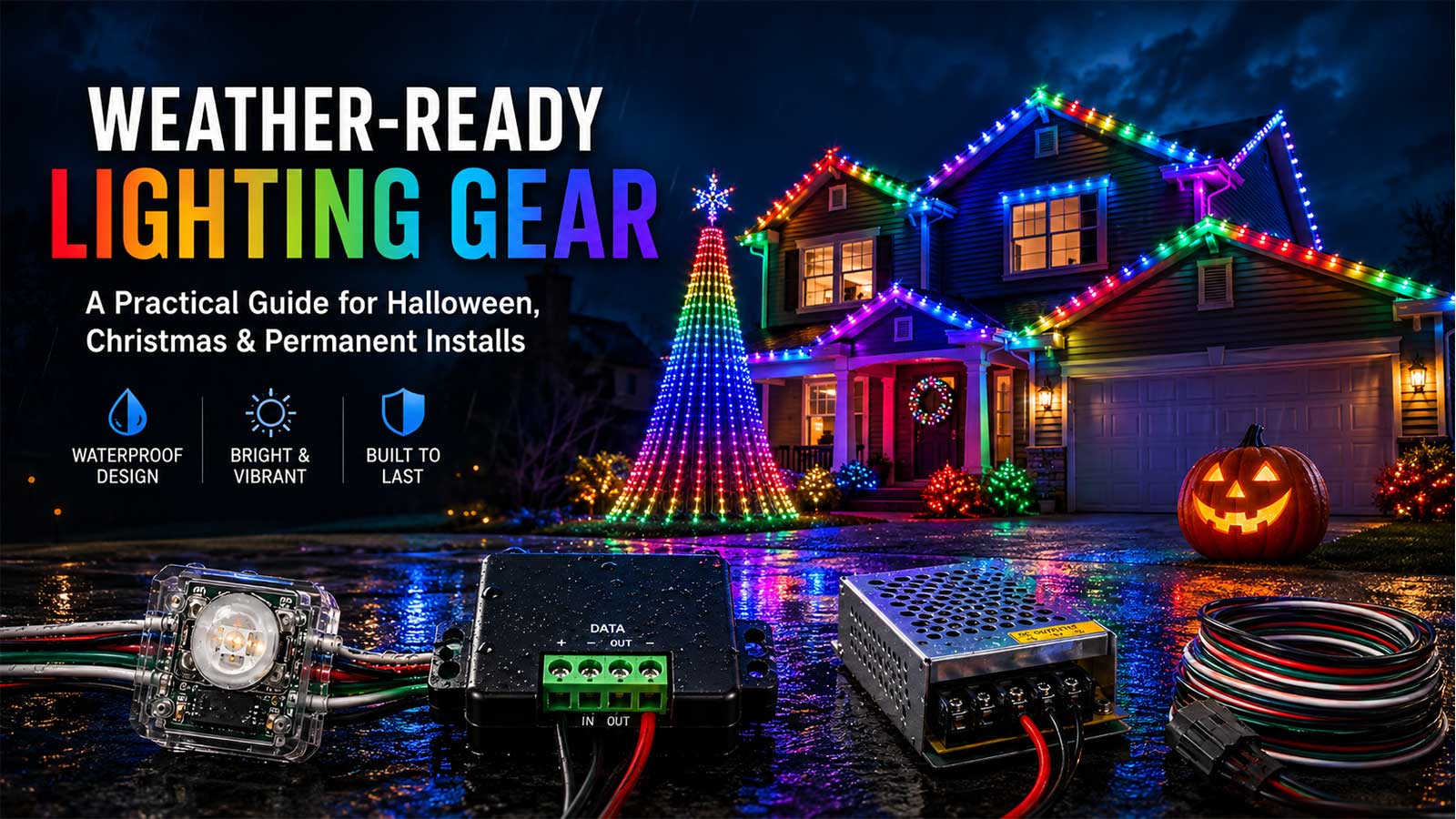
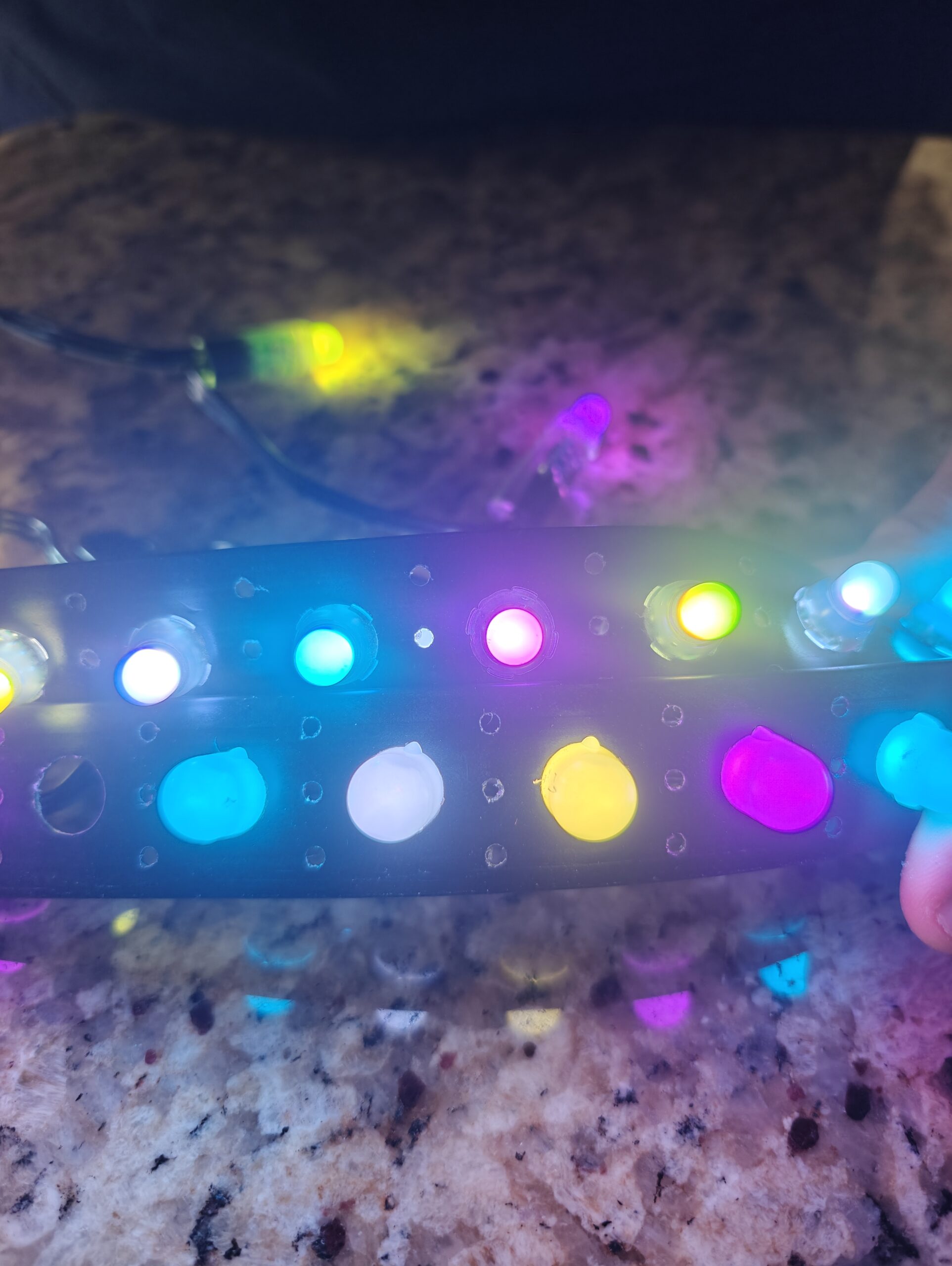
YPS Bullet and Gumdrop Pixels offer reliability and flexibility. These pixels are designed for durability and are IP67 rated, ensuring they withstand outdoor conditions. With their xConnect pigtails, they provide secure connections and prevent water ingress. These features make them ideal for both temporary and permanent installations. Opting for these pixels means fewer replacements and less downtime, keeping your display running smoothly.
Ensuring Reliable Power Supply
A dependable power supply is key to maintaining a consistent light show. Proper sizing and distribution prevent outages and ensure your display shines bright.
Sizing Power Supplies with Headroom
When selecting a power supply, always ensure it has extra capacity, known as headroom. This avoids overloading and potential failure. Calculate your total power needs and add a 20% buffer. This ensures your power supply can handle unexpected surges or expansions without a hitch. Keep in mind the total wattage of your pixels and controllers to choose the right supply.
Smart Power Injection Techniques
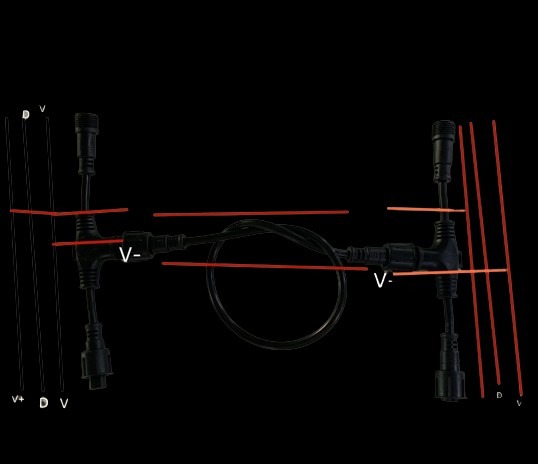
Power injection helps maintain brightness across long runs. This technique involves adding power at intervals to prevent voltage drop. If your display covers a large area, power injection is essential. It keeps your pixels lit uniformly, avoiding dim spots that can detract from your show’s impact. Using T-cables for injection simplifies this process and reduces the need for complex wiring.
Prebuilt Fused Power Distribution Kits
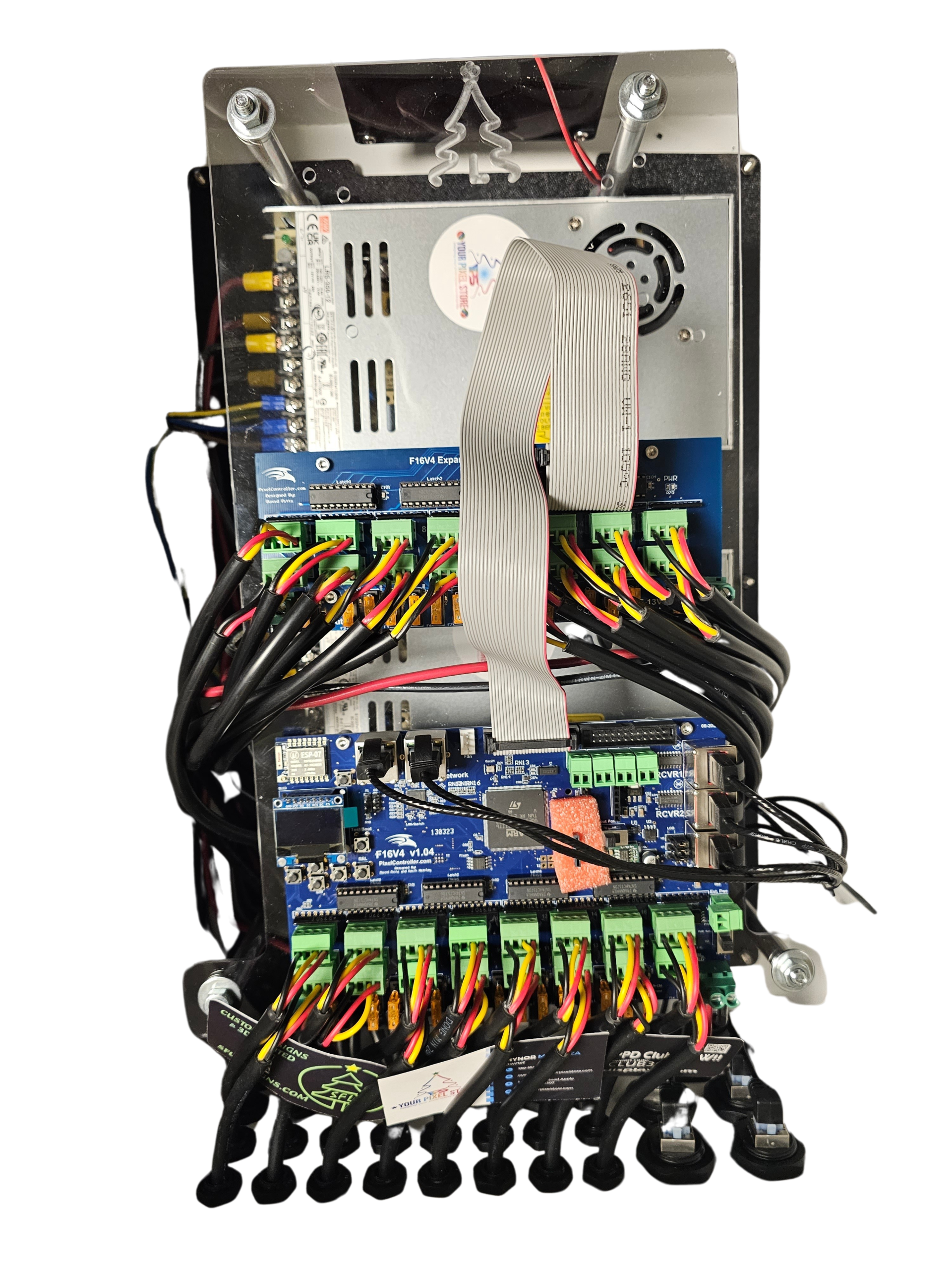
Prebuilt fused power distribution kits offer a hassle-free solution for managing multiple power lines. These kits simplify wiring and provide protection against overloads. Each line is fused, preventing damage and ensuring safety. They make scaling your display straightforward. By investing in a quality distribution kit, you reduce setup time and minimize the risk of power-related issues, allowing you to focus on the creative aspects of your display.
Frequently Asked Questions
What is the best LED pixel controller for a scalable display?
The YPS VIVID 8 is a top choice due to its support for sACN and Art-Net protocols, making it ideal for large and complex setups.
How do I decide between 5V, 12V, and 24V pixels?
Choose 5V for power efficiency, 12V for versatility, and 24V for long runs. Your choice depends on your display size and power needs.
Why is power injection crucial for large displays?
Power injection prevents voltage drop, ensuring consistent brightness across your display. It’s essential for maintaining uniformity, especially over long distances.
What benefit do prebuilt fused power distribution kits provide?
These kits simplify wiring and offer overload protection, making them ideal for expanding displays and ensuring reliable power management.
How does node density affect my LED display?
Higher node density allows for detailed displays but requires more precise wiring. Choose density based on your display’s size and complexity.