Blog
Pixel Lights: The Complete Guide

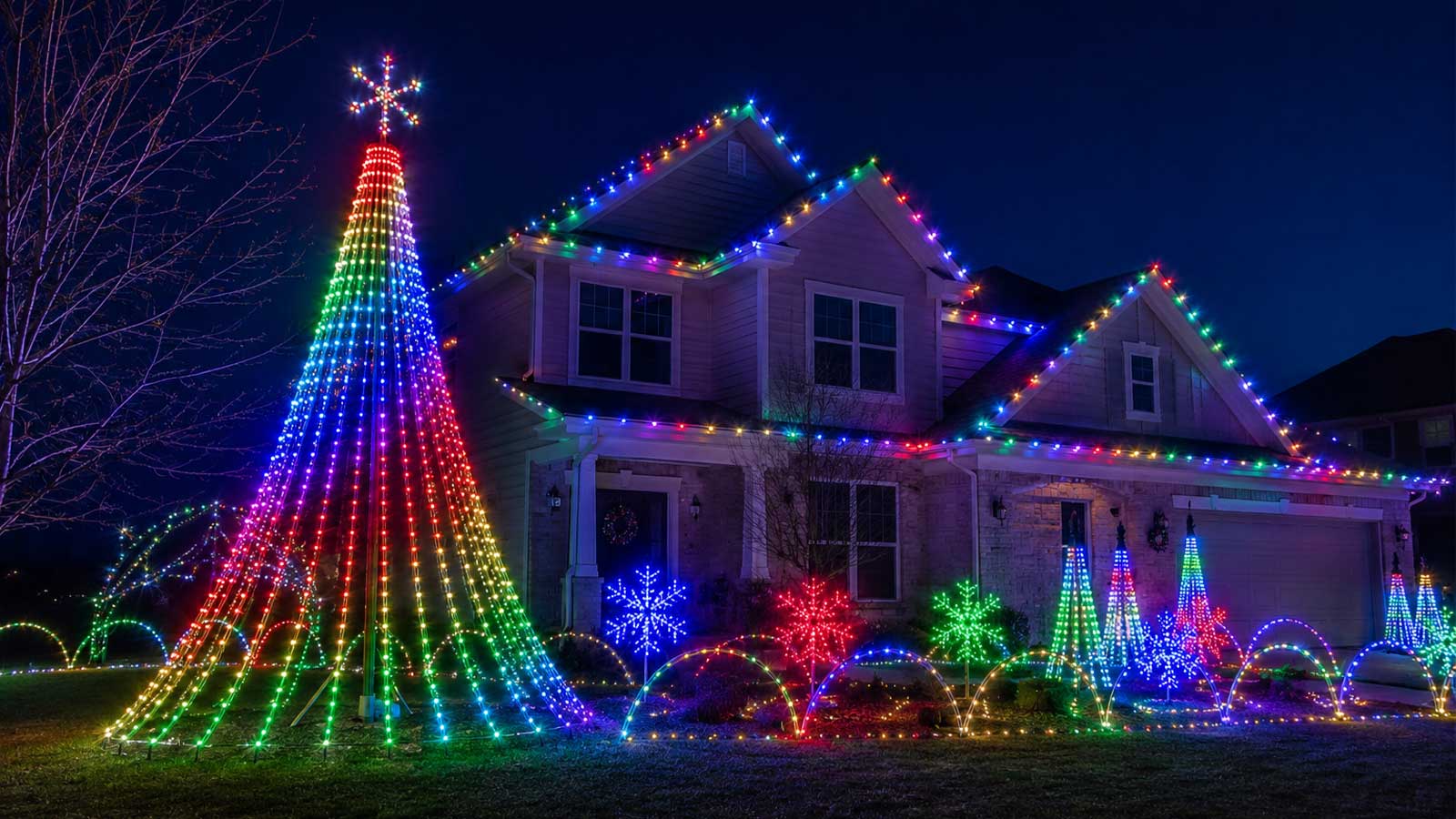
You drove past a house where every light danced in time to the music, and you thought, “What are those, and could I ever do that?” Those are pixel lights, and yes, you could.
Pixel lights are RGB LEDs you can control one at a time. Each light, or a small group of lights, has a tiny chip inside that reads its own instructions, so one can glow red while the one next to it glows blue and the next one fades to nothing. String hundreds or thousands of them together, and a controller can make them do just about anything: chase, twinkle, sweep color across your roofline, or run a full animated show set to a song.
We sell the whole setup here at Your Pixel Store, and we help people build their first display every season. This is the complete guide: what pixel lights are, how the whole system works, the parts of a real show, what it costs, and exactly where to go next for each piece. Think of this page as your map. Whenever a section points to a deeper guide, that’s the trail for that specific topic.
What are pixel lights?
Pixel lights are individually addressable RGB LEDs. Each pixel holds a red, a green, and a blue LED plus a small driver chip, and that chip lets you set each pixel’s color and brightness on its own. One pixel can be any color at any moment, independent of every other pixel. That’s what separates a pixel from an ordinary color-changing bulb, and it’s what makes an animated light show possible.
That “individually addressable” part is the whole idea. A regular RGB strand changes color all at once, top to bottom. With pixel lights, every single point is its own little screen you can paint.
Quick note on the name. People use “pixel lights” loosely. Sometimes they mean one LED, sometimes a single node or bullet, sometimes a full strand, and sometimes the whole synced display in the yard. There’s even a permanent-lighting brand that uses the name for a plug-and-play product that works differently from show pixels. In this guide, a pixel means one individually addressable point of light.
How do pixel lights work?
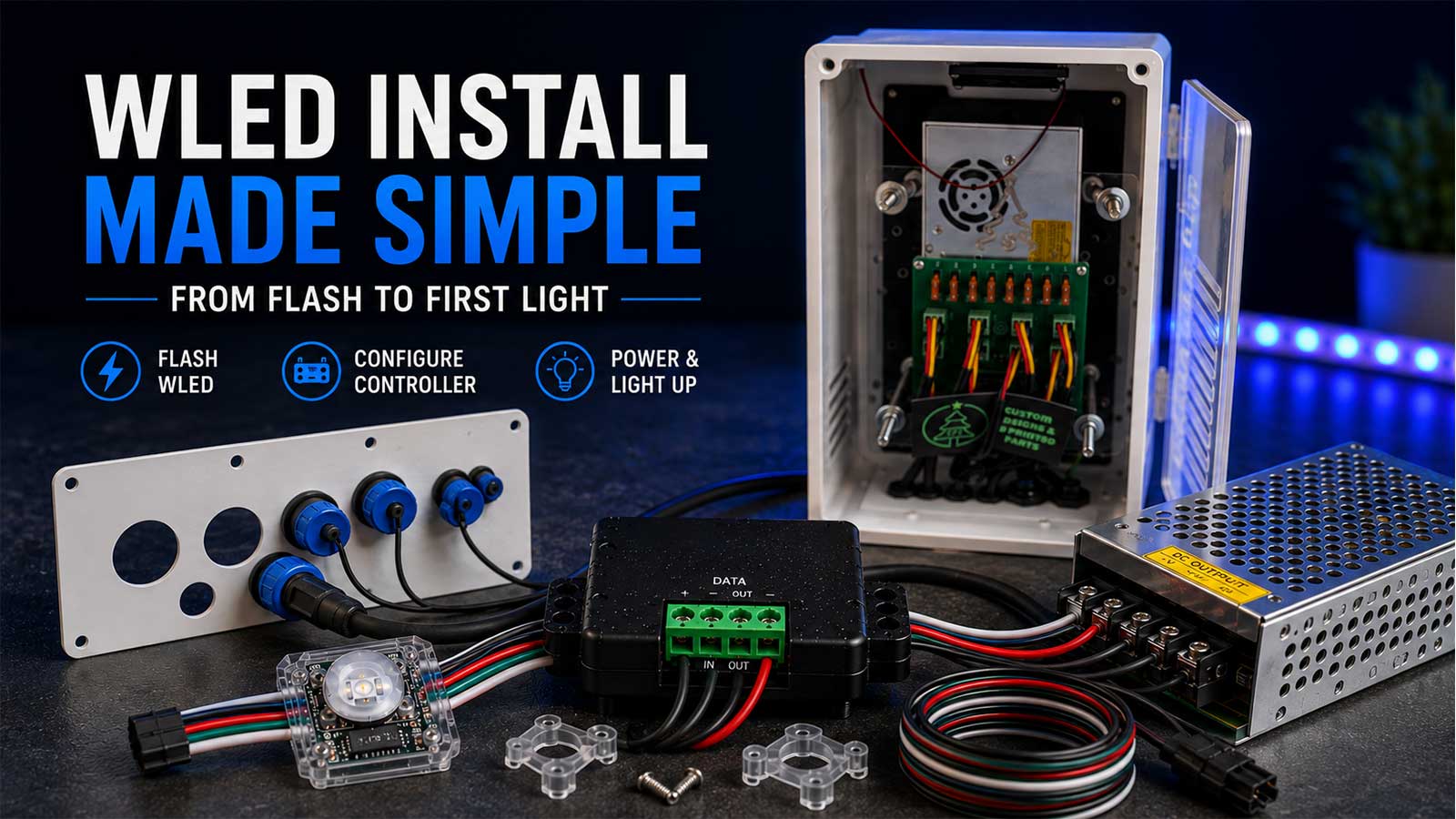
A pixel light show runs on four things working together: the pixels, a controller, a power supply, and sequencing software. Here’s the chain in plain terms.
The controller sends one stream of data down a single wire. The first pixel reads the first slice of that message, sets its own color, then passes the rest of the message down the line. The next pixel grabs its slice and passes the rest along, and so on down the strand. That hand-off is why it’s called a data signal, and it’s how one wire can run hundreds of pixels that all show different colors at the same time.
Each pixel also needs power. Pixels run on low DC voltage, usually 5V or 12V, so you can’t wire them straight into a wall outlet. A power supply takes the AC from your house and converts it to the DC voltage the pixels need, the same way a phone charger does. On long runs the voltage sags toward the far end, so builders add power injection, which just means feeding fresh power in at a second point so the last pixels stay as bright as the first. Most modern displays run 12V for that reason. If you want the full breakdown, our guide on 5V vs 12V vs 24V pixels covers it.
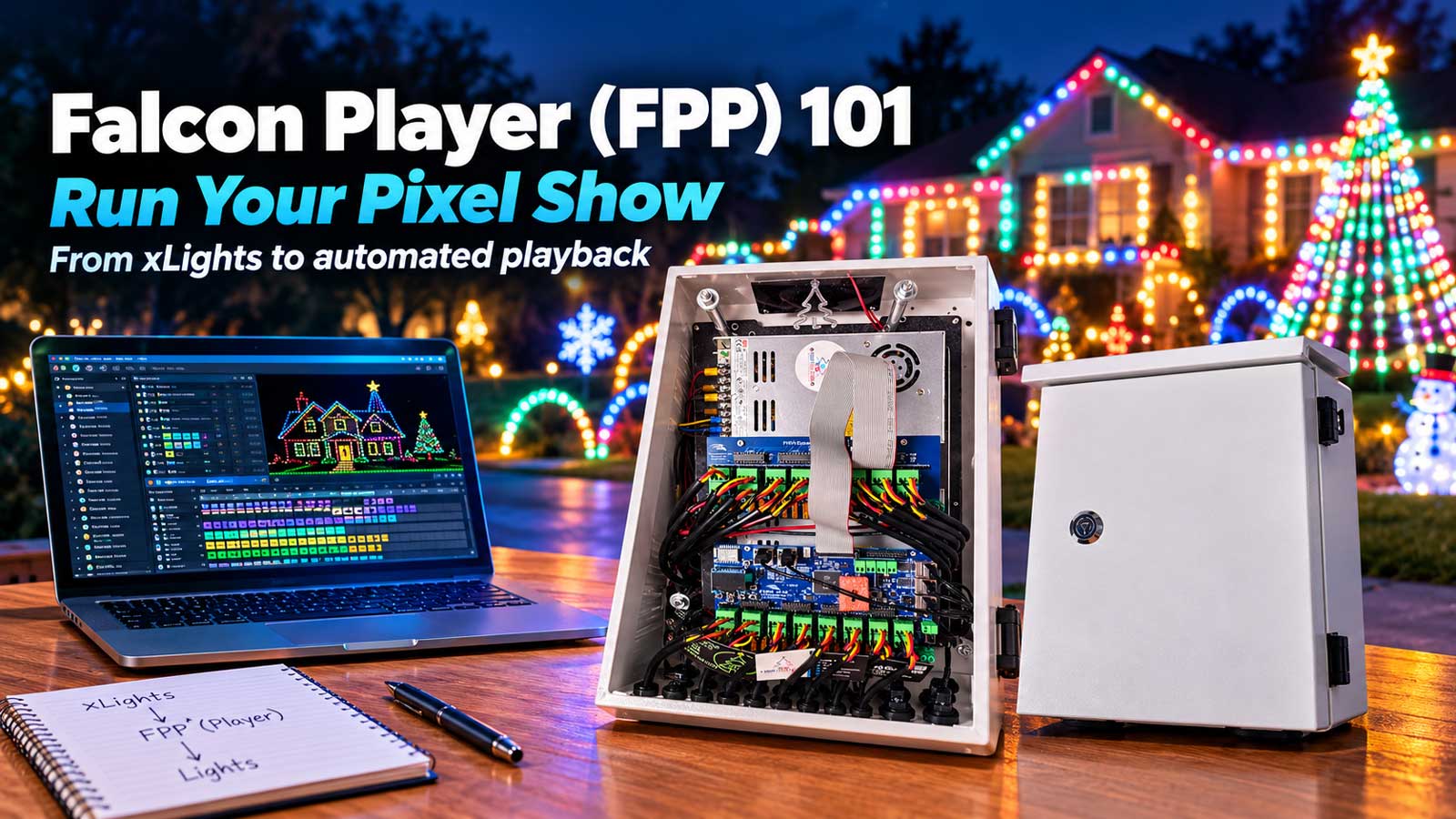
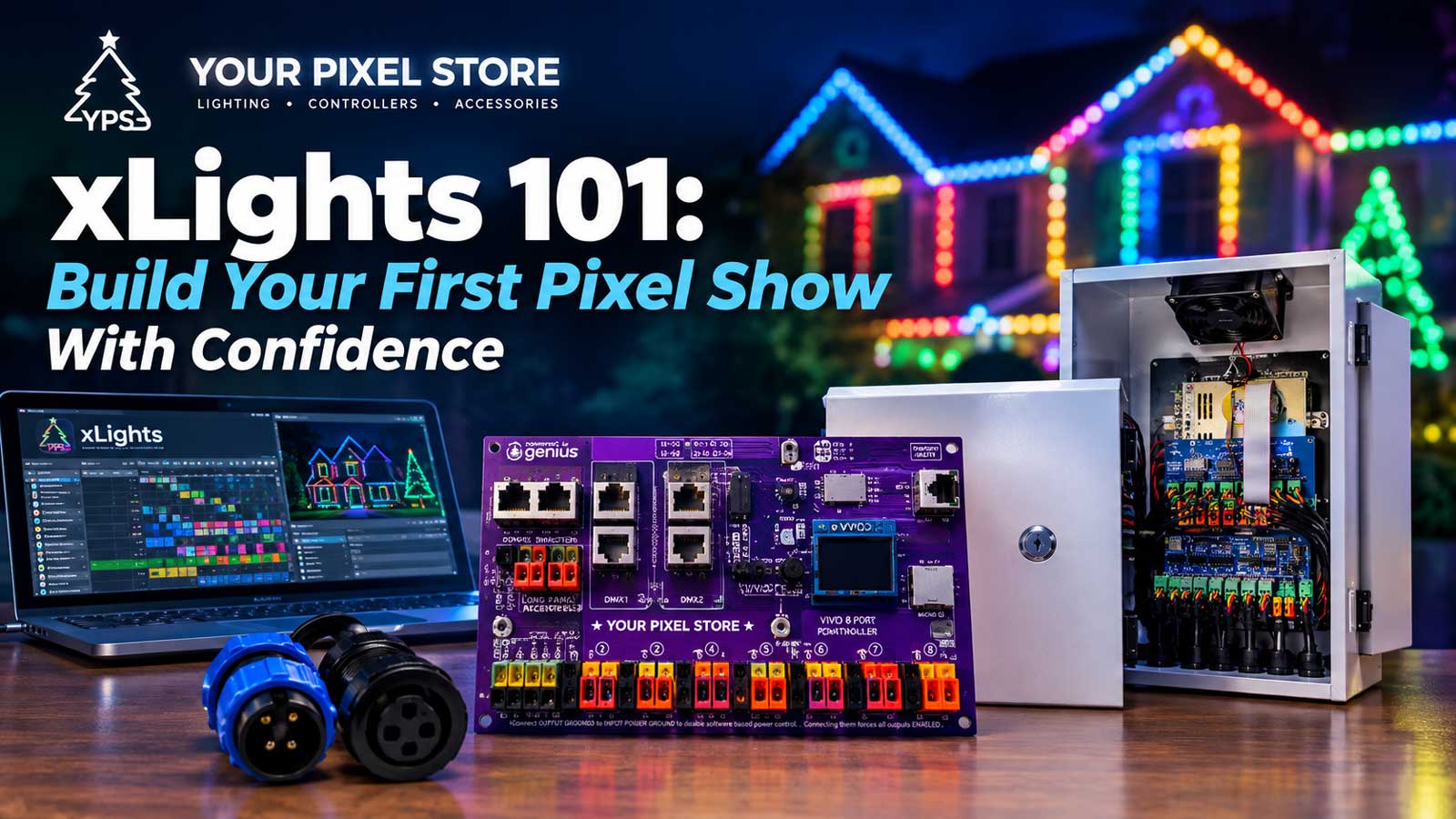
Then there’s the show itself. Sequencing software is where you tell every pixel what to do, moment by moment. The most common program in the hobby is xLights, which is free and open source, and it has beat-tracking built in so you can line effects up to a song. You build the sequence on your computer, and a show player like FPP (Falcon Player) runs it on the night, usually from a small Raspberry Pi. Our xLights 101 guide walks through your first sequence, and FPP 101 covers the player side.
Here’s the core setup at a glance:
- Pixels – the addressable RGB lights themselves (common chips include the WS2811 and WS2812B from WorldSemi)
- Controller – sends the data signal that tells each pixel what to do
- Power supply – converts household AC to the 5V or 12V the pixels run on
- Wiring – connects it all, often with xConnect plugs so you’re not soldering in the yard
- Sequencing software – xLights builds the show, FPP plays it back
Pixel lights vs. regular RGB and “smart” string lights
If you already own smart bulbs or an RGB strip that changes color from an app, you’re partway there. The difference is control.
A smart bulb or a basic RGB strand changes the whole thing at once. Tap the app, and every light turns blue together. With pixel lights, each point moves on its own, so you can run a wave of color down the strand, spell out a shape, or sync the whole yard to a beat. It’s the difference between one color at a time and a programmable show.
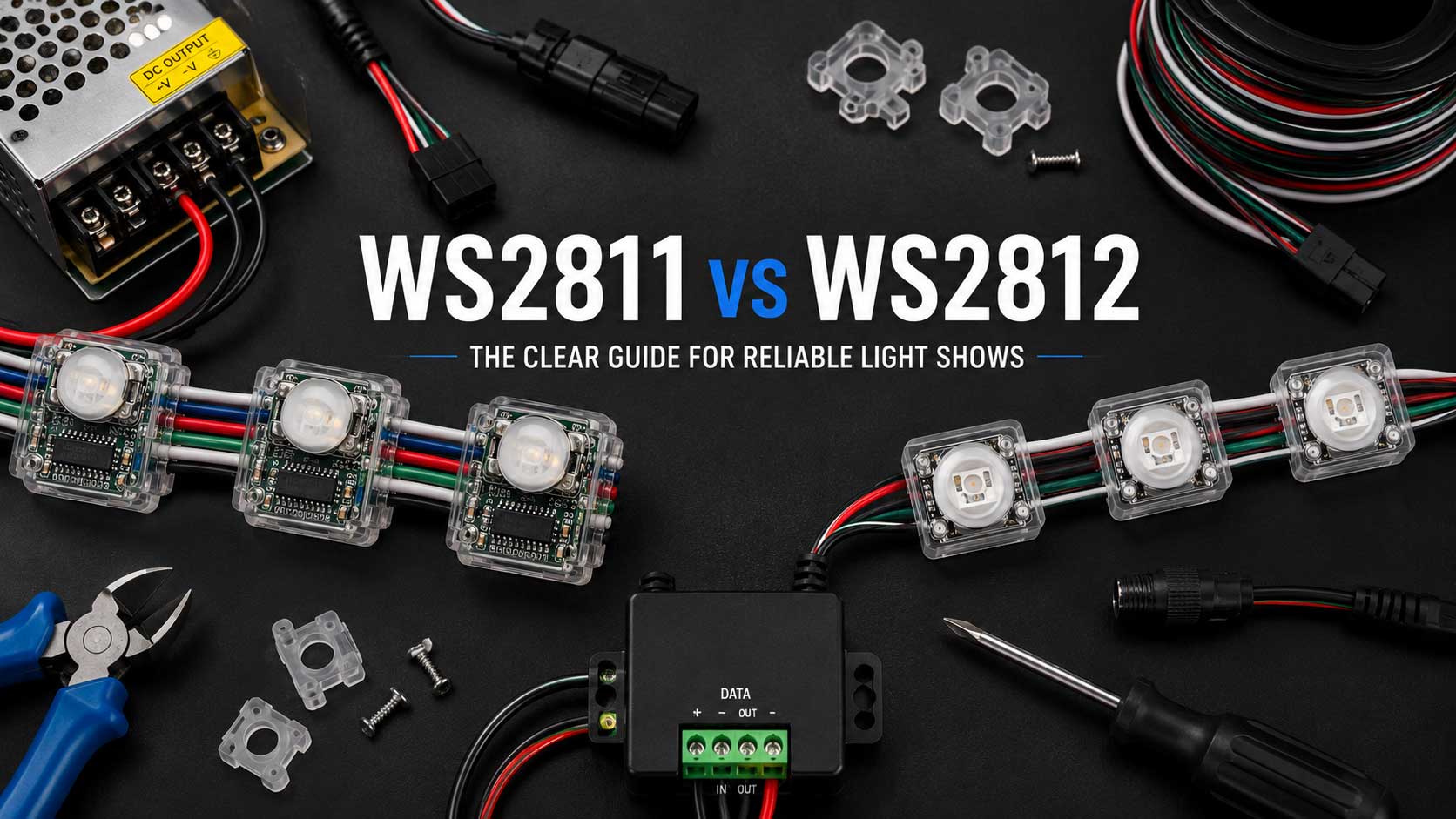
That’s the real upgrade “pixel” adds. Not more colors. Independent control of every light, plus software that choreographs them. If the deeper hardware side interests you, the chip inside the pixel is where most of the differences live, and our WS2811 vs WS2812 guide breaks down which one to use.
Is an LED pixel light the same thing as a pixel light?
Yes. An LED pixel light and a pixel light are the same product, just named two different ways. Some sellers write it as “pixel LED light,” some as “LED pixel light,” and some just say “pixels.” All of them describe one thing: an LED package with a tiny driver chip built in, so a controller can set that single point’s color and brightness without touching its neighbors.
You will also see “addressable pixel lights” and “programmable pixel lights.” Same hardware again. “Addressable” refers to the fact that every pixel has its own position in the data stream, so the controller can address it directly. “Programmable” refers to what you then do with that: write a sequence that tells each one what to display, frame by frame. If a listing uses any of these terms alongside a chip name like WS2811 or WS2812B, you are looking at real pixel lights and not a basic RGB strand.
The parts of a pixel light show, and where to go deeper
Everything below is the same core idea, just pixels in a different shape or a different flavor of hardware. This section is the hub. Skim it, then follow the link that matches whatever you’re deciding on right now.
Pick your pixels
Pixels come in a few shapes and chip types, and the choice mostly comes down to the look you want and how you’re mounting them.
- Bullet vs. square nodes are the two most common shapes for outlines and props. They mount differently and throw light a little differently. You can compare both side by side in our pixels shop.
- Seed and pebble pixels are tiny, closely spaced points, great for dense fills and fine detail. You’ll find them in our pixels shop when you’re ready to compare.
- The chip inside matters for compatibility. The classic question is WS2811 vs. WS2812, and our WS2811 vs WS2812 guide sorts out which to use.
- RGB vs. RGBW decides whether you get a dedicated white channel for cleaner whites and pastels. RGB mixes its whites from red, green, and blue, which reads slightly tinted; RGBW adds a fourth white LED for cleaner whites and softer pastels. Both are in our pixels shop if you want to compare.
Choose a controller
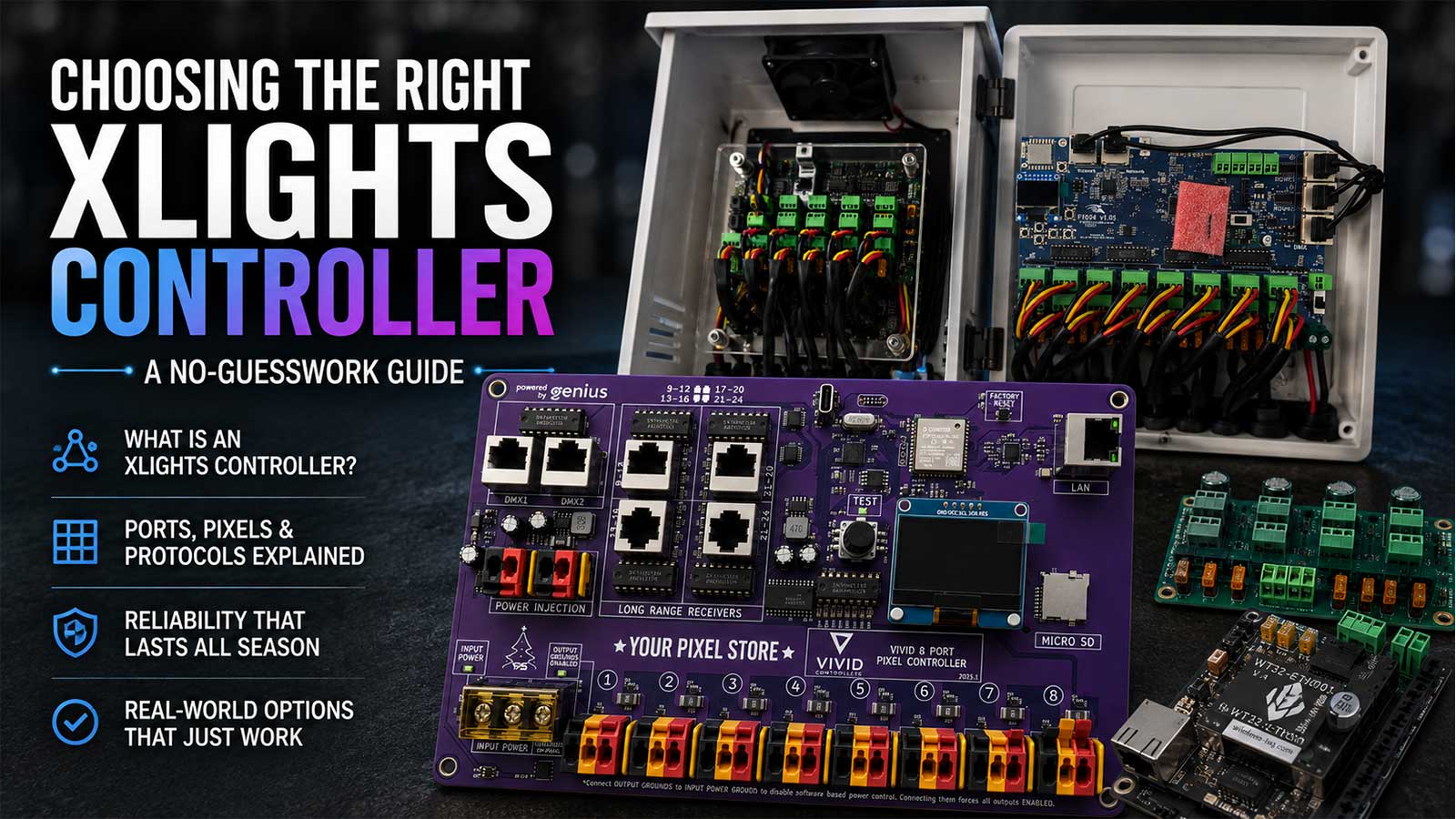
The controller is the brain that sends the data signal. Which one you need depends on how many pixels you’re running and how far apart your props sit. Our guide on how to choose the right pixel controller helps you match a controller to your show, and when you’re ready to buy, our controllers are here.
Power it safely
Power supplies convert your household AC to the 5V or 12V your pixels run on, and voltage choice affects how far you can run before you need power injection. Start with 5V vs 12V vs 24V pixels to understand the trade-off, then shop power supplies once you know your voltage.
Build the show
The pixels and power get the lights on. The software makes them dance. xLights is where you build the sequence, and FPP plays it back on show night.
Keep it running outdoors
A yard display lives in rain, wind, and cold, so weatherproofing matters. Our outdoor pixel compatibility guide and our weather-ready gear guide cover keeping everything sealed and safe.
Where you’ll see pixel lights in a real display
That house that stopped you in the street was probably running a handful of common elements. Once you know them, you’ll spot them everywhere.
The roofline outline traces the edges of the house and gives you those clean sweeps of color along the gutters. A mega tree is the cone of light strands that fans out from a tall pole, and it’s usually the centerpiece. A matrix is a grid of pixels that acts like a low-res screen, so it can show words, faces, or video. Props are the coro shapes and outlines (snowflakes, arches, singing faces) scattered across the yard. Every one of those is the same idea, just pixels arranged in a different shape and told what to do by the same controller.
The most popular starting point is a Christmas display, since that’s where most people first see pixels in action. If a holiday show is your goal, our Pixel Christmas Lights buyer’s guide walks through planning a first-year holiday build.
Is this for you? An honest look at cost and effort
Pixel lights aren’t plug-and-play, and that’s the part most “what are they” pages skip. You can’t buy one box and be done. A working show needs pixels, a controller, a power supply, wiring, and time in the software. That’s the honest trade for being able to build a show instead of just changing a color.
For budgeting, the hobby runs on a rough rule of about a dollar per pixel once you add up pixels, controller, power, and props, a figure Learn Christmas Lighting uses as a planning baseline too. A small first-year roofline might be a few hundred pixels; a whole-house display climbs into the thousands. The advice we give first-timers, and the advice you’ll hear across the hobby, is to start small your first year. Do one element, learn the software, and expand next season.
The learning curve is real, but it’s not a wall. Plenty of our customers wire their first 100 pixels having never touched a controller, and they get a show running. The gear works, and when it doesn’t, there’s a real person here to get on the phone.
How to get started
If you’re ready to plan a first display, the next step is picking the pieces that fit your yard. A simple path: browse the pixels shop to choose your pixels, use how to choose the right controller to pick the brain of your show, then total up your list. If you’d rather skip the guesswork for year one, the pixel show starter kit bundles the basics.
And when you want a real person to help you map out that first show, our one-on-one help puts you on the phone with someone who’s built plenty of them.
Pixel Lights FAQ
What are pixel lights?
Pixel lights are individually addressable RGB LEDs. Each pixel has a red, green, and blue LED plus a small driver chip, so you can set every pixel’s color and brightness on its own. Wired together and run by a controller, they create animated light shows, often synced to music.
How do pixel lights work?
A controller sends a data signal down one wire. Each pixel reads its slice of that message, sets its own color, and passes the rest to the next pixel. A power supply feeds the pixels 5V or 12V, and sequencing software like xLights tells every pixel what to do, moment by moment.
How are pixel lights different from smart string lights?
Smart string lights and basic RGB strands change color all at once. Pixel lights control each point on its own, so you can run color across a strand, display shapes, or sync the whole display to a beat. The upgrade is independent per-pixel control and software that choreographs the show.
How much do pixel lights cost to start?
The hobby uses a rough budgeting rule of about a dollar per pixel once you total pixels, controller, power supply, and props. A small first-year element might run a few hundred pixels. Most builders start small the first year and add more each season.
What voltage do pixel lights use?
Pixel lights run on low DC voltage, usually 5V or 12V, fed by a power supply rather than a wall outlet directly. Most modern outdoor displays use 12V because it holds up better over longer wire runs with less power injection.
What software runs a pixel light show?
Most builders use xLights to design the sequence and FPP (Falcon Player) to play it back, often on a small Raspberry Pi. xLights is free and open source, with beat-tracking built in so you can sync effects to music.
What is an LED pixel light?
An LED pixel light is a single addressable RGB LED with a small driver chip built into it. The chip reads the controller’s data signal, sets that pixel’s color and brightness, then passes the rest of the signal down the line. “LED pixel light,” “pixel LED light,” and “pixel light” all refer to the same component.
What is the difference between addressable and programmable pixel lights?
There is no hardware difference. Addressable describes the wiring: each pixel holds its own slot in the data stream, so the controller can target it individually. Programmable describes the software side: you build a sequence that tells each pixel what to do over time. Any addressable pixel is also programmable once you connect a controller and sequencing software.