Blog
Free Projection Mapping Software: What’s Really Free and How to Sync It With Your Pixels

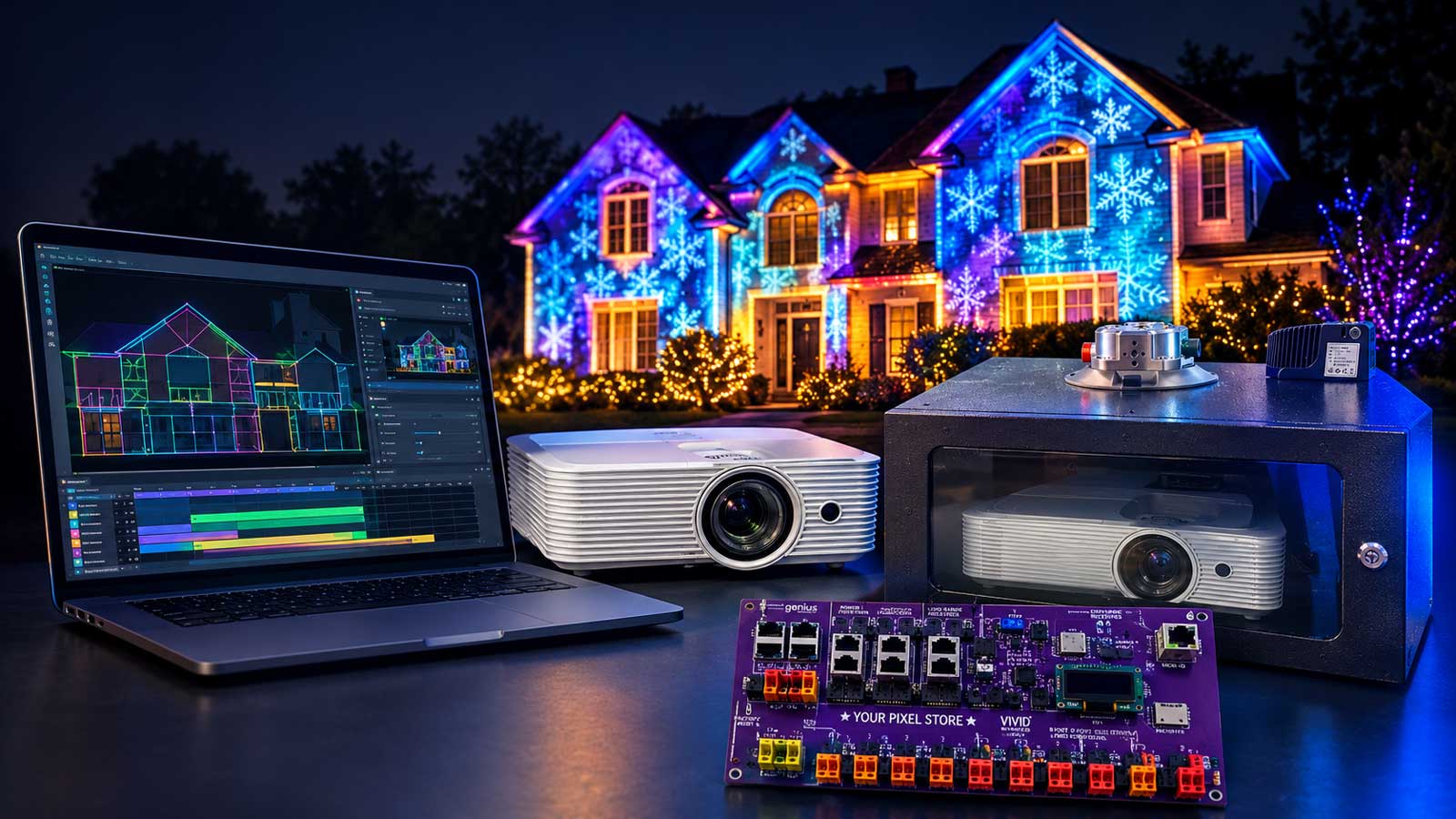
For a first-timer on Windows, the best free projection mapping software is Smode Community, and TouchDesigner Non-Commercial is the pick for Macs and pixel output. On a Raspberry Pi, map the video on a computer, then let FPP (Falcon Player) play it in step with your pixel sequence.
That’s one of two ways to sync a projector with your show. In the other, a mapping app sends pixel data while it feeds the projector. Below, you’ll see which tools are free, which are watermarked demos, and how each sync path works.
What Projection Mapping Software Does
Projection mapping software shapes video to fit a real surface, like the front of your house. Instead of a flat rectangle on the siding, you get video that lines up with the windows, doors, and trim.
Your projector’s keystone setting can only square up the whole picture as one rectangle. Mapping software goes further. It splits the picture into separate shapes, bends each one to fit, and masks out the parts that should stay dark. Some tools, like Splash, can also blend two or more projectors into one picture.
Free projection mapping software does that same job, with limits on resolution, licensing, or the computers it runs on.
Projection mapping aims light at a surface, and pixel mapping is a different job. It turns video into color data for physical pixels, like the matrices and panels in our LED pixel panels guide.
Free Projection Mapping Software Compared
We checked each tool’s license, limits, and latest release in October 2026. Only tools that are free, free for non-commercial use, or free with limits made this table. Watermarked demos and trials are in the paid section further down. Phone apps can map too, but PicoMap’s free version allows one layer.
| Tool | Cost and license | Runs on | Free-version limits | Sends pixel data (sACN/ArtNet/DDP) | Last update | Best for |
|---|---|---|---|---|---|---|
| TouchDesigner Non-Commercial | Free, non-commercial only | Windows 10/11, macOS 13+ | 1280 x 1280 max, no paid work, exports video | ArtNet, sACN (unconfirmed on free key) | Sep 2026 | Macs, pixel output |
| Smode Community | Free, non-commercial only | Windows 10+, 8 GB graphics card | 1920 x 1080 max, no paid work, exports video | Not confirmed | R14 build, date not listed | Windows, video for FPP |
| MapMap | Free, open source | Windows, macOS, Linux (per site) | None stated, export not confirmed | None documented | Fork only, Jan 2026 | Learning the basics |
| VPT 8 | Free (freeware) | Mac, Windows (64-bit) | None stated, export not confirmed | None documented | May 2018 (final) | Mac or PC, past the basics |
| Splash | Free, open source (GPLv3) | Linux | None stated, export not confirmed | None documented | 0.12.6, date not listed | Multi-projector blending |
| ofxPiMapper | Free, open source | Raspberry Pi 3B+ or older | None stated, no export listed | None documented | Date not listed | A spare Pi 3B+ |
Checked October 2026.
light projection in the skies
TouchDesigner Non-Commercial
TouchDesigner is a node-based visual programming tool from Derivative. Its free Non-Commercial key caps resolution at 1280 x 1280 and drops some Pro features. It’s free only if you aren’t receiving money or compensation, so a home display fits and a paid event doesn’t. It runs on Windows 10 or 11, or on a 2020 or newer Mac with macOS 13 or later. An Intel Mac needs a discrete AMD graphics card. The latest build shipped September 1, 2026. It’s the best free projection mapping software for a Mac or for pixel output. The drawback is the learning curve, since you build everything from nodes. Download it from Derivative’s website.
Smode Community
Smode Community is the free edition of Smode, a real-time 2D and 3D video mapping tool from Smode Tech. It works at up to 1920 x 1080 for input, output, and video export, with no watermark. Its license covers non-professional, non-commercial use only, so a home display fits and paid work doesn’t. It needs 64-bit Windows 10 or newer and a graphics card with 8 GB or more, and Intel and Matrox graphics aren’t supported. It launched in 2023, and Smode’s download page listed the R14 build in October 2026. Video export makes it the best free pick for building a mapped video that FPP can play. The drawback is that it’s Windows only. Download it from Smode’s website.
MapMap
MapMap is a free, open-source mapper from the MapMap Team, and it has the gentlest learning curve in this list. It has no stated usage limits. Its site names Windows, macOS, and Linux, but nobody maintains the original anymore, and its GitHub page lists no releases. An unofficial fork fixed the Windows build in January 2026. It’s best for learning how mapping works at no cost. The drawback is that bugs in the original won’t get fixed. Download it from the MapMap Team’s website.
VPT 8
VPT 8 is free mapping software from HC Gilje, with keystone and mesh warps, masks, and support for video files and live inputs. It runs on 64-bit Mac and Windows. VPT 8 came out in May 2018 as the final version, and development stopped there. It’s best for Mac or PC users who’ve outgrown MapMap, and we found no commercial ban on it. The drawback is age, since nobody’s updating it for new systems. Download it from HC Gilje’s VPT page on his blog.
Splash
Splash is free, open-source (GPLv3) mapping software from Metalab at the Société des arts technologiques (SAT). It calibrates and blends several projectors. Its docs say it was tested with up to eight outputs on two graphics cards in one computer. It runs on Linux, and the Flatpak package is the recommended install. Metalab still maintains it, though slowly, and its latest tag, 0.12.6, carries no date we could confirm. It’s best for multi-projector setups on a Linux PC. The drawback is the learning curve, since it expects Linux skills and a 3D model of your surface. Download it from Metalab’s GitLab page or Flathub.
ofxPiMapper for Raspberry Pi
ofxPiMapper is a free, open-source openFrameworks add-on from Krisjanis Rijnieks that runs mapping on a Raspberry Pi. It handles quad, triangle, and grid warps with images, video, or generative content, and you control it by keyboard or over SSH. The catch is hardware. It works up to the Pi 3B+, and as of October 2026, Pi 4 and Pi 5 support is still being investigated. We couldn’t find a recent release date, so treat it as stale. It’s best only if you have a spare Pi 3B+ or older. Download it from the ofxPiMapper page on GitHub.
Sync Video With Your Pixel Show
There are two ways to tie a projector to your pixel show.
Path A: FPP Plays the Projector Video
In Path A, FPP plays the video out its HDMI port while it sends data to your pixels, so both stay in step. FPP 10 rebuilt video playback on GStreamer, with HDMI and DSI output. The current release is FPP 10.2, from October 3, 2026.
Give the sequence and video the same base name, like MySong.fseq and MySong.mp4. Sound plays from the player, and FPP 10.2 holds the lights until the audio is audible. Its new Prevent HDMI CEC at Boot setting keeps the player from waking your projector at boot.
Render the video at your projector’s native resolution, aspect ratio, and frame rate. Skip tutorials that mention omxplayer, since they predate FPP 10.
FPP doesn’t warp video, so bake the mapping in first with free projection mapping software that exports a file. Smode Community exports up to 1920 x 1080, and TouchDesigner Non-Commercial records up to 1280 x 1280.
You can also send video through a matrix model in xLights, but size it with care. A 192 x 108 matrix stretches each pixel over a 10 x 10 block on a 1080p projector, so it looks grainy. Builders suggest 384 x 216, which means bigger files and longer renders.
A second FPP player at a far-off projector can follow along as a MultiSync remote, once you set up and network FPP first.
Path B: A Mapping App Drives the Pixels
In Path B, a laptop app feeds the projector over HDMI while it sends pixel data over your network. Among free projection mapping software, only TouchDesigner documents pixel output, over sACN (E1.31) and ArtNet through its DMX Out CHOP. That output isn’t on Derivative’s list of features the Non-Commercial key leaves out, but we haven’t confirmed it works there. Test it before a show depends on it.
For sACN, TouchDesigner starts counting universes at 1, and Derivative suggests unicast over broadcast when you send many universes. If FPP also runs your show, give the app its own universes or props, or switch sources between shows.
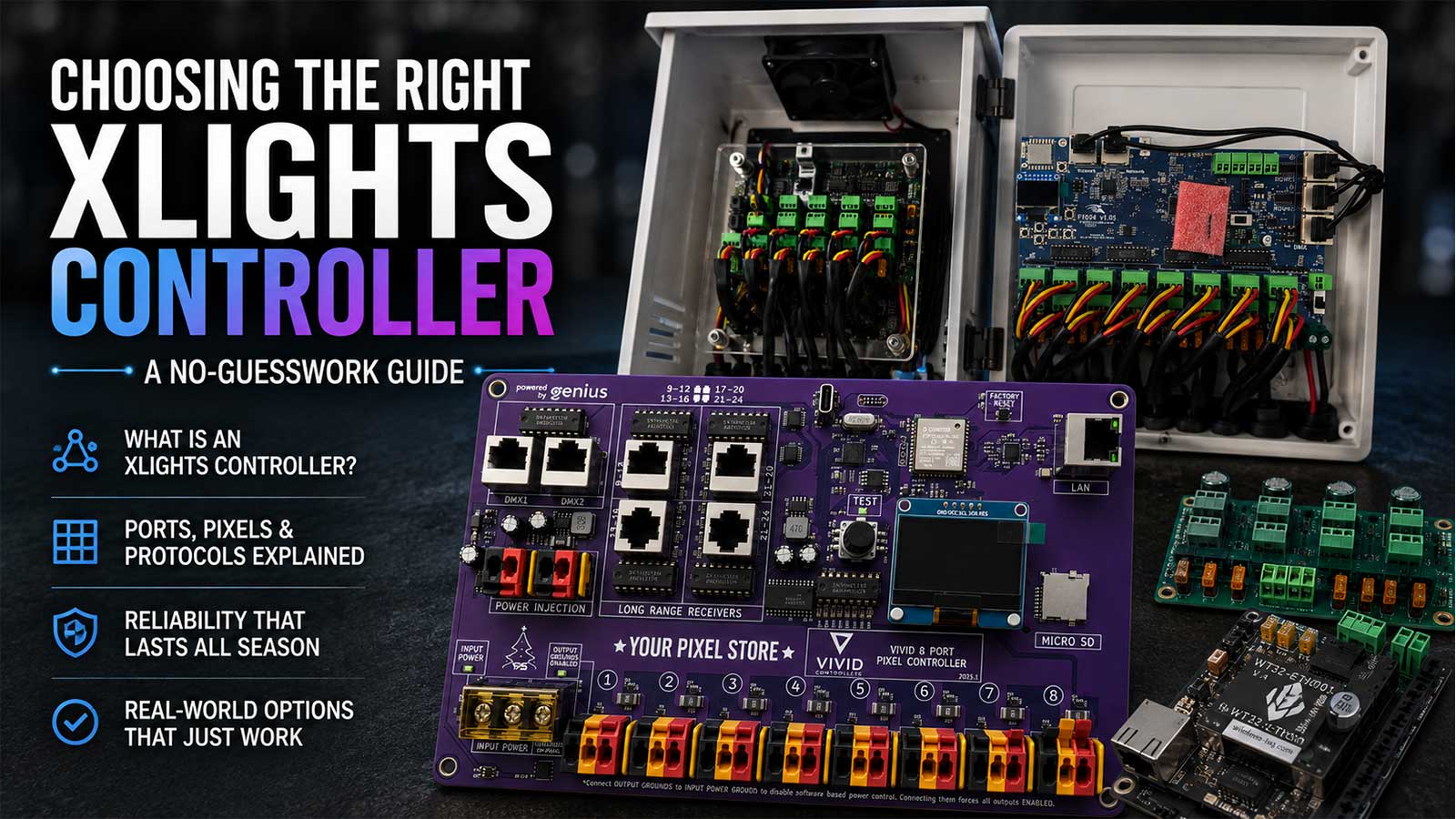
Your board must accept sACN, ArtNet, or DDP. Our guide to choosing an xLights controller compares Falcon, Kulp, and VIVID 8, all sold by Your Pixel Store. A WLED controller can also take sACN or DDP for a single prop.
Which Path Fits Your Show
Adding one projector to an FPP show is a Path A job, with the mapping baked into an MP4. For video and xLights effects in one sequence, use Path A’s matrix route and accept lower resolution. For live or audio-reactive mapping, use Path B with TouchDesigner Non-Commercial, inside its 1280 x 1280 cap and non-commercial license, or a paid tool.
Plan a Halloween or Christmas Projection on Your House
Projector Specs That Matter
Your Pixel Store sells projectors and projector enclosures, so you know where we stand.
- Brightness and resolution. Compare ANSI lumens, the ISO 21118 standard, and ignore “LED lumens” or “lamp brightness,” as Epson warns. One mapping guide asks for at least 3,000 lumens and 1080p for a house, and another suggests 10,000 or more outdoors. Size it to the surface.
- Throw ratio. Distance divided by image width. A 2.0 ratio needs 10 feet of distance for a 5-foot-wide image.
- Laser or lamp. Epson rates its laser projectors up to 20,000 hours in Normal mode, and lamps usually last 1,000 to 4,000 hours.
- Darkness. Mapping looks best at night.
A projector you already own can be enough for a window or garage door in a first season. A whole facade, a long throw, or nearby streetlights is where a brighter projector, or two, earns its price. For dew and weather, see our guide to an outdoor projector enclosure.
Content, Masks, and Testing
Measure the wall or garage door first, then use the throw ratio to find where the projector has to sit. Lock that spot before you build content, because the map only fits from there.
Make or buy content at the projector’s native resolution and aspect ratio. Ready-made Halloween and Christmas content packs are common in the hobby. Check each pack’s license for home display use before you build around it.
In your mapping tool, warp the video to the edges of the house and mask out the windows and doors. Test at dusk or after dark, when you see what the street will see. If FPP plays the show, export the mapped video and run the full sequence with the pixels on, a few nights before opening night.
When to Pay for Projection Mapping Software
Free projection mapping software stops short in three places. Both non-commercial licenses rule out paid events, both cap resolution, and only TouchDesigner documents pixel output. Each tool below offers a demo or trial with a watermark.
- MadMapper 6 adds LED and DMX output. Its demo watermarks video and blacks out DMX every 30 seconds. As of October 2026, it rents from €39 a month, or a version 6.x license costs from €399, before tax.
- Resolume Arena 7 is where Resolume keeps projection mapping, edge blending, SMPTE timecode, and DMX fixture output. Arena costs €799 per computer as of October 2026. Its demo never expires and saves your work, but it watermarks the output and plays a robotic voice reminder.
- HeavyM calls its demo free, but the demo watermarks the output and can’t save or load projects. The Live tier runs one output up to 1920 x 1200, Pro adds unlimited outputs and blending, and Pro+ adds video export. None of them send pixel data. Its order page listed €299 and a 30% sale as of October 2026, without saying which tier that price covers.
- Millumin V5 runs only on macOS 11 or later. Its trial runs 30 days with no limits, then watermarks the output. As of October 2026, it rents for €29 a week, €69 a month, or €199 a year, and lifetime licenses start at €399.
QLab 5’s free mode on a Mac plays video to one screen, but custom geometry needs a paid Video license.
Common Questions About Free Projection Mapping Software
Is There Free Projection Mapping Software That Isn’t a Trial?
Yes. TouchDesigner Non-Commercial and Smode Community are free for non-commercial use, capped at 1280 x 1280 and 1920 x 1080. MapMap, VPT 8, and Splash are free outright, but nobody maintains MapMap or VPT 8 anymore. The paid tools above offer demos or trials, and each one watermarks your output, either right away or once a trial ends.
Can You Use Free Projection Mapping Software for Paid Work?
Not with the two strongest picks. TouchDesigner Non-Commercial is free only if you aren’t receiving money or compensation, and Smode Community is for non-professional, non-commercial use. We found no commercial ban for VPT 8, MapMap, or Splash. If your display takes donations or has a sponsor, read the license or ask the publisher first.
Can One Player Run the Projector and the Pixels Together?
Yes. FPP 10 plays video out its HDMI port while it sends E1.31 or DDP data to your pixel boards. Give the video and the sequence the same base name so they play together. FPP doesn’t warp video, so export the mapped video from your mapping tool first.
How Bright Should a Projector Be for a House?
Plan on at least 3,000 ANSI lumens, and more for a big surface. One house-mapping guide sets 3,000 lumens and 1080p as the floor, and another suggests 10,000 or more for outdoor surfaces. Ignore “LED lumens” and “lamp brightness” ratings, and run the show after dark.
Once you’ve picked your free projection mapping software, the projector and its housing are the last pieces. Your Pixel Store sells both, and the specs above matter no matter where you buy. Compare brightness, throw, and housings in our Projectors and Enclosures category.