Blog
LED Pixel Panels 101: Bring Your Holiday and Event Visuals to Life

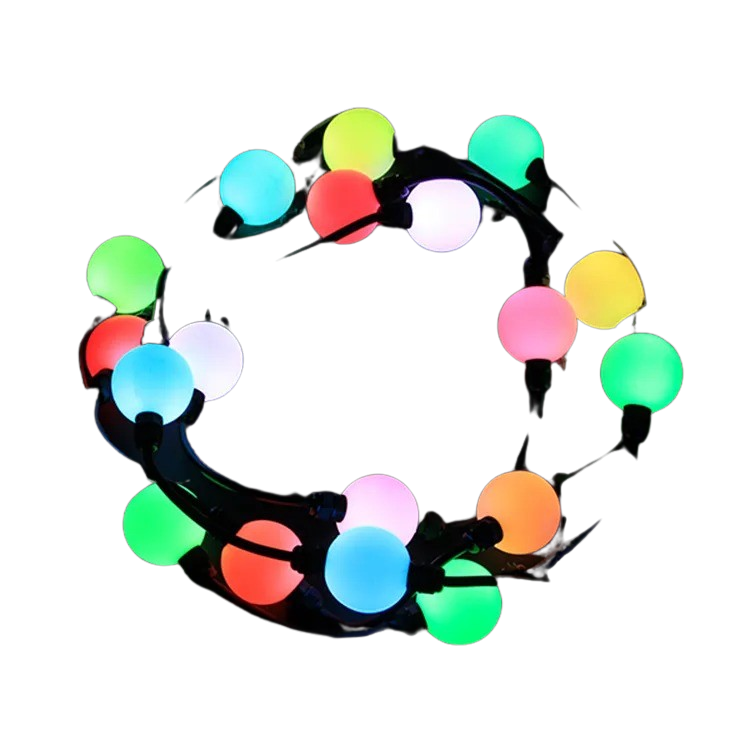
LED pixel panels are changing how you light up holidays and events, but setting them up right can feel like a puzzle. From picking the perfect RGB pixel panel to wiring power injection and mapping with xLights, every step matters for a smooth show. In this guide, you’ll get clear, hands-on advice on choosing, controlling, and mounting LED matrix displays that make your Halloween, Christmas, or event lighting stand out without the headaches.
Understanding LED Pixel Panels
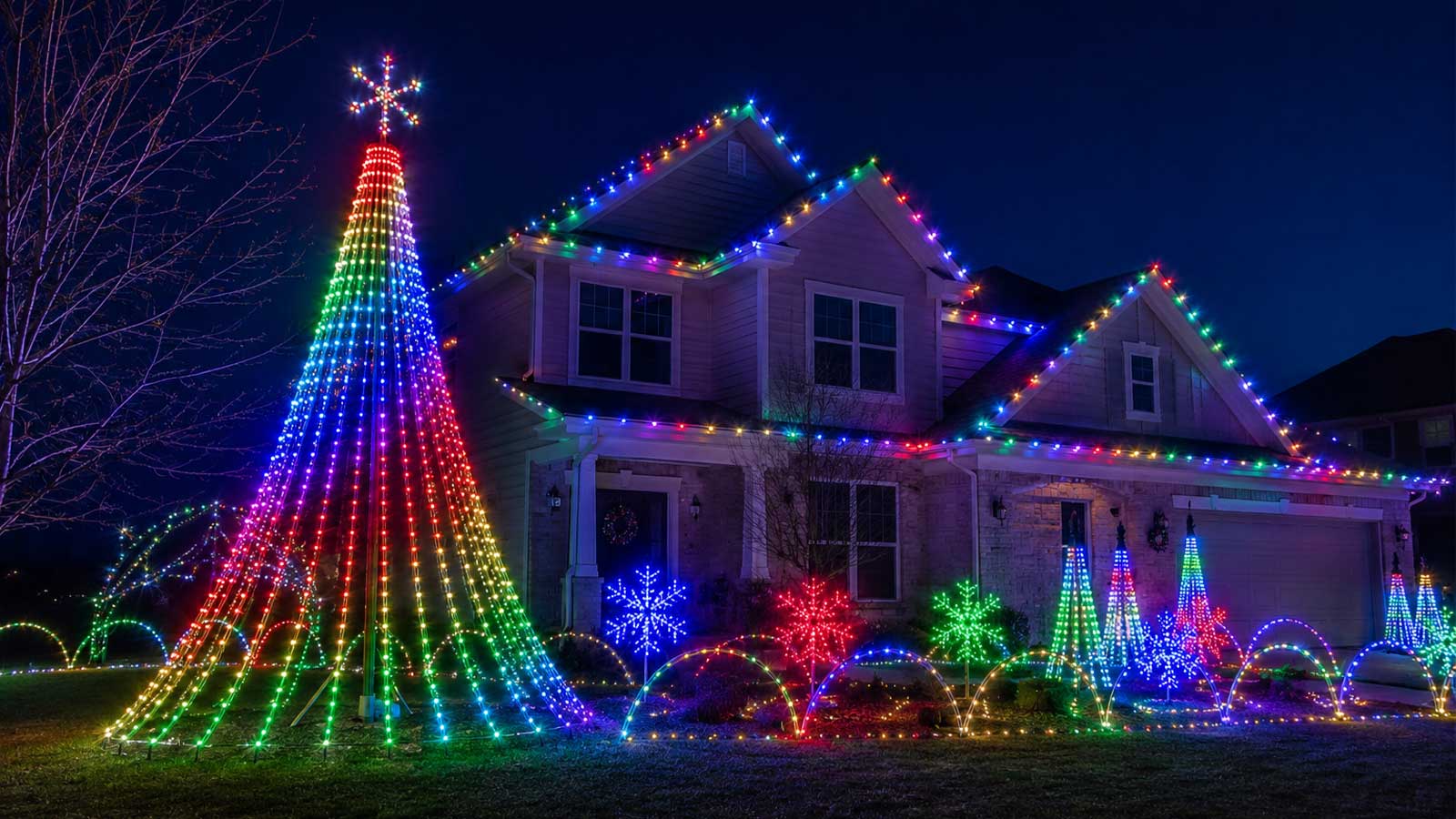
LED pixel panels are at the heart of spectacular holiday displays. They transform ordinary spaces into vibrant canvases of light.
What Are LED Pixel Panels?
LED pixel panels are special light displays made up of many small LEDs. Each LED can change color and brightness, allowing for dynamic patterns. These panels are perfect for making eye-catching displays that can be customized to fit your theme. They come in different sizes, like the popular P5 and P10 panels, offering flexibility for different projects.
How LED Panels Work in Shows
These panels work by using a pixel controller, which tells each LED what color and brightness to show. The controller connects to your computer or a control system, allowing you to design and manage your light show. Whether it’s a Halloween haunt or a Christmas light show, these panels adapt to any occasion. They create effects that captivate audiences, making your event memorable.
Real-World Applications and Benefits
LED pixel panels are used in various settings. From holiday light shows to permanent installation lighting, they offer endless possibilities. Businesses use them for advertising, while DIY creators love them for home displays. The benefits are clear: they save energy, are long-lasting, and provide stunning visual effects. Most people think all lighting is the same, but pixel panels bring a unique edge.
Choosing and Installing Your Panels
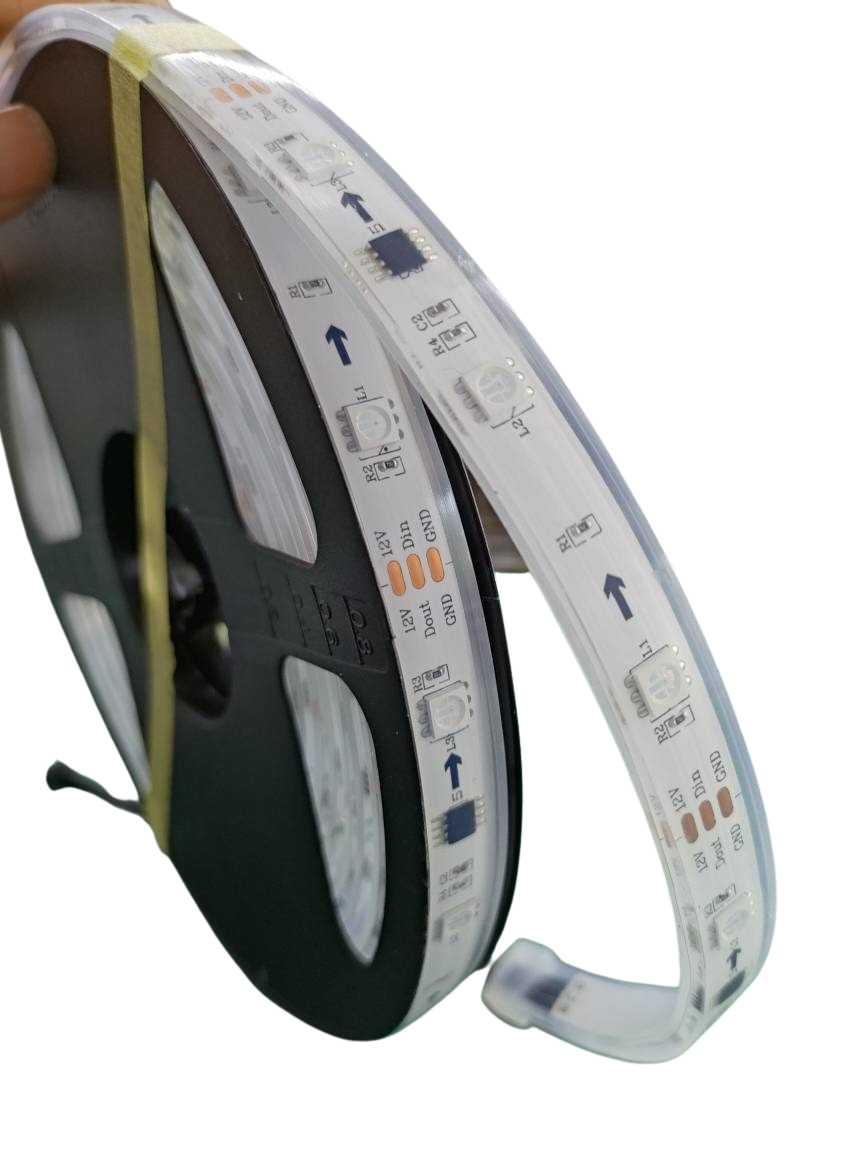
Selecting and installing your panels is crucial for success. The right choices here ensure your display runs smoothly and looks fantastic.
Selecting the Right Pixel Controller
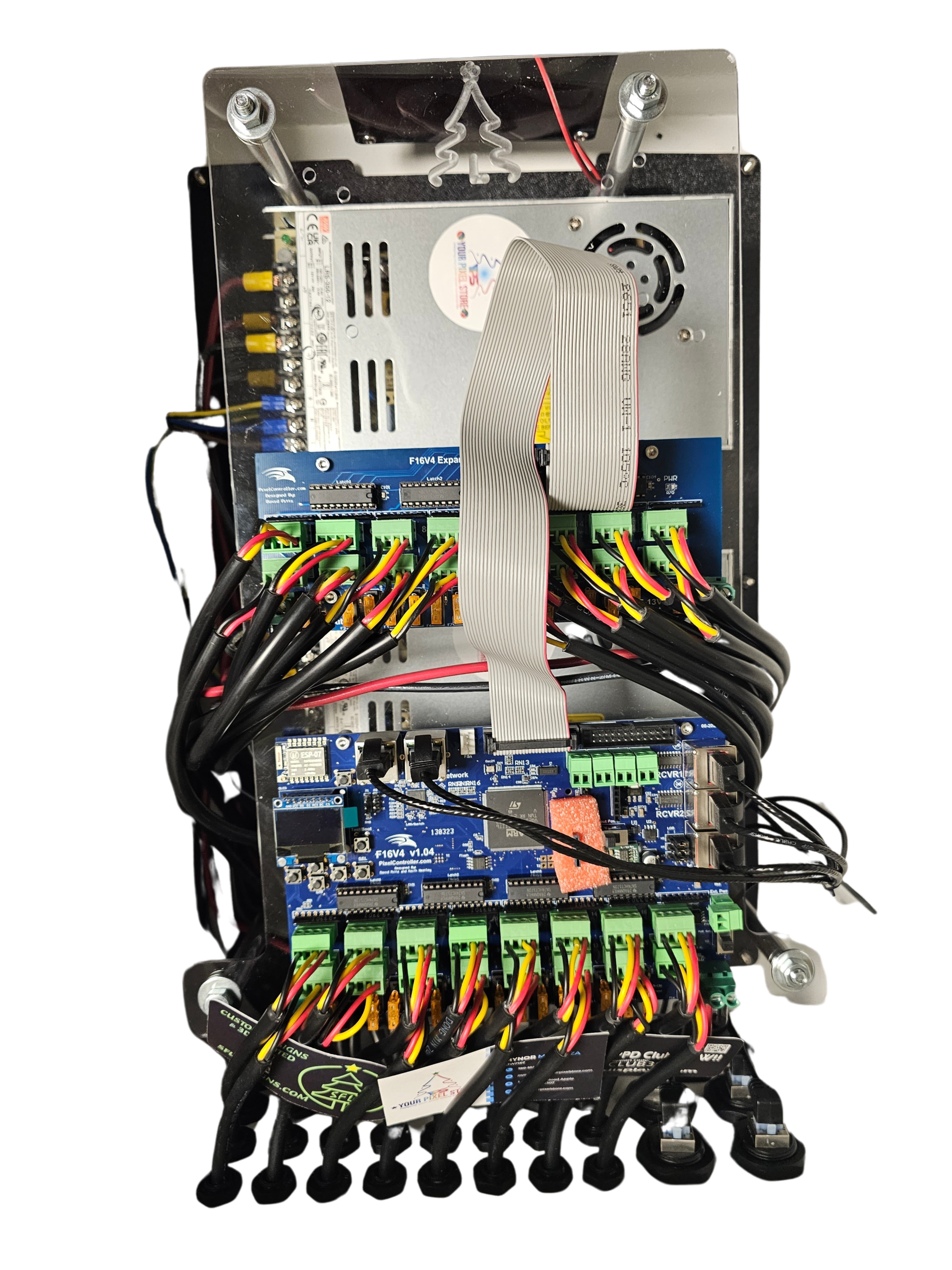
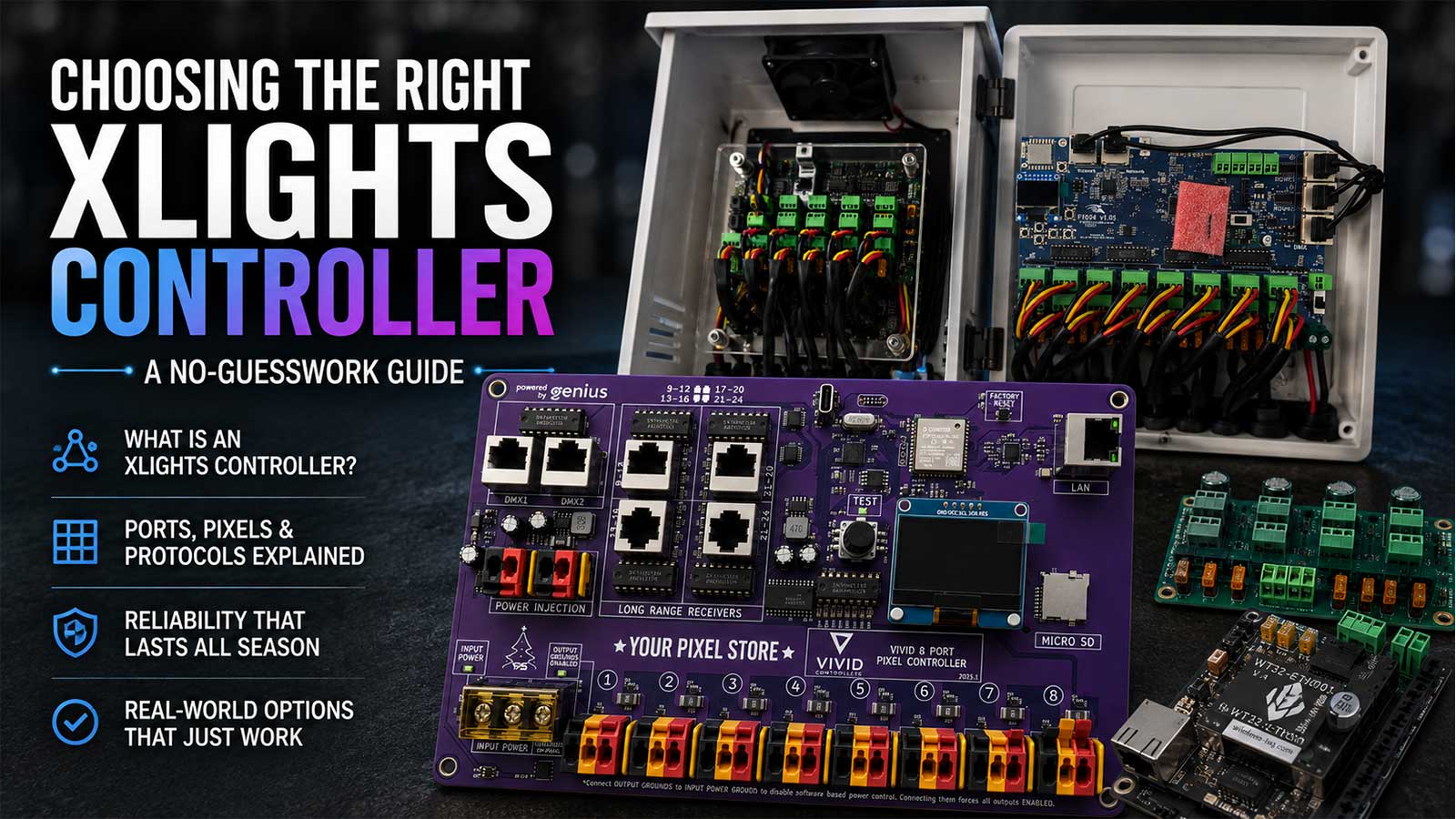
Choosing the right pixel controller is the first step to a successful setup. You’ll need a controller that matches your panel type and project size. The YPS VIVID 8 is a popular choice, known for its reliability and ease of use. When selecting, consider how many panels you’ll connect and the complexity of your designs. A good controller helps bring your creative vision to life.
For more in-depth guidance, check out the Pixel Controller Software Guide.
Powering and Controlling Your Panels
Powering your panels correctly is vital to avoid flickering or other issues. Ensure you have a stable power source and consider power injection for larger setups. This keeps your panels bright and consistent. Control is equally important; software like xLights helps in mapping designs precisely. With the right power and controls, your display will run smoothly and impress all who see it.
Mounting and Enclosure Tips
Proper mounting protects your panels and enhances their presentation. Use sturdy enclosures to shield from weather, especially for outdoor LED panels. Ensure the mounting allows for easy access, so you can make changes or repairs as needed. Secure installation prevents damage and keeps your display looking professional. Most people overlook this step, but it’s key to a lasting setup.
Building Your LED Display
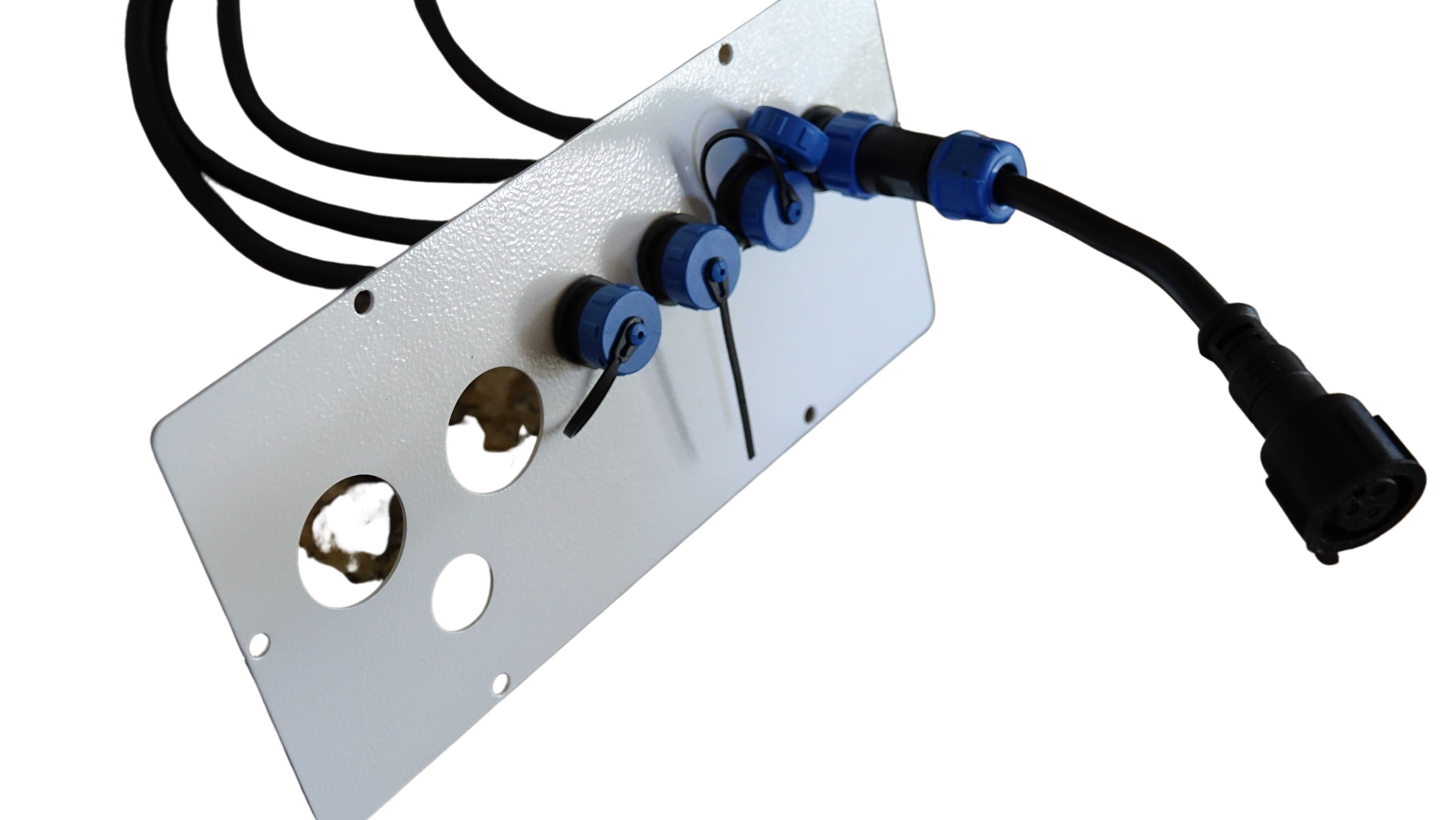
Now it’s time to bring it all together. Planning and creativity make your display truly shine.
Planning a Holiday Light Show
Start by imagining how you want your holiday light show to look. Sketch out your ideas and consider the space available. Planning helps you decide on the number of panels and the types of effects you’ll use. Whether it’s a Christmas light show or a spooky Halloween setup, clear planning ensures you get the result you want.
Creating with xLights Mapping
Using xLights for mapping allows precise design control. This software helps you map out each panel’s function and design intricate patterns. It’s a great tool for beginners and experts alike. By setting up your xLights mapping effectively, your show will run seamlessly and look amazing. For tips and tricks, the Falcon Controller Guide offers valuable insights.
Expanding to Larger Installations
As your confidence grows, you might want to expand to larger installations. This involves more panels, complex designs, and perhaps even permanent installation lighting. Keep in mind the need for additional power supplies and controllers. Expanding can be a big step, but with the right products and planning, it’s entirely achievable. The longer you wait, the more you miss out on creating breathtaking displays.
In conclusion, LED pixel panels offer endless possibilities for creative and impactful displays. From choosing the right equipment to mapping out your designs, every step is crucial in bringing your vision to life. At Your Pixel Store, we provide the tools and support you need to succeed in any lighting project. Ready to start your next show? Dive into our resources and let your imagination guide the way!