Blog
SignalRGB for Holiday Light Shows: How to Sync Your PC RGB With Outdoor Pixels (The Right Way)


SignalRGB makes syncing your PC’s RGB effects with outdoor pixels easier than you might think, but it doesn’t cover everything for a full holiday light show. If you want your Halloween or Christmas pixels to dance perfectly with your desktop setup, you need the right tools and a clear plan. This guide walks you through how to combine SignalRGB with xLights, FPP, and YPS controllers so your driveway display looks sharp and runs smoothly. Learn more about SignalRGB.
Understanding SignalRGB and Its Limits
To get your displays running smoothly, it’s important to understand what SignalRGB can and can’t do. This sets the stage for leveraging additional tools to achieve your desired effects.
What SignalRGB Does Well
SignalRGB excels in creating synchronized lighting across your PC setup. It’s perfect for gamers and tech enthusiasts looking to match their RGB peripherals with their desktop effects. The system supports various devices and provides a straightforward interface for controlling colors and patterns. Most importantly, it brings your PC setup to life with vibrant displays.
However, when it comes to extending this synchronization beyond your desk setup, you’ll need additional tools. SignalRGB is mainly designed for indoor use, focusing on PC components. Its strengths lie in delivering immersive lighting experiences right on your desktop.
Where SignalRGB Stops
While SignalRGB is a robust tool for desktop setups, it stops short when you want to take your RGB effects outdoors. This is where you need more advanced solutions. SignalRGB does not natively support outdoor pixel displays or complex light shows. For those looking to sync their PC RGB with outdoor lighting, SignalRGB alone is not enough. You will need a combination of software and hardware solutions to bridge this gap.
Syncing PC RGB with Outdoor Pixels
Transitioning from indoor PC lighting to outdoor displays requires a new approach. This is where tools like xLights and FPP become invaluable.
Using xLights and FPP
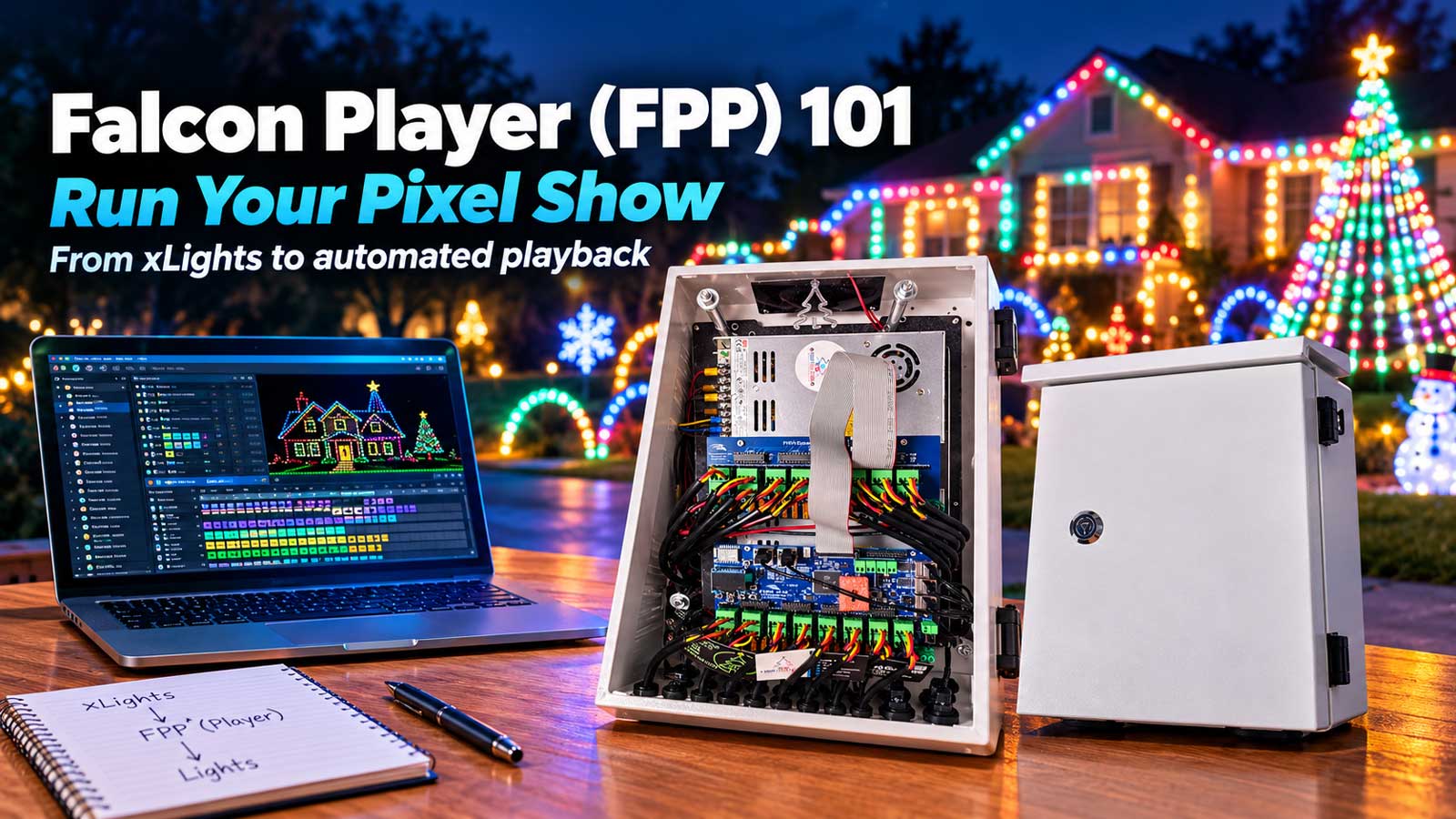
xLights is a powerful sequencing software that allows you to control your outdoor pixel lights. It works well with SignalRGB by providing the necessary framework to handle complex light sequences. By using xLights, you can map out your entire light show, whether it’s for Halloween or Christmas. The software lets you design intricate patterns, ensuring your outdoor display is just as impressive as your indoor setup.
Meanwhile, the Falcon Player (FPP) acts as the backbone for executing these sequences. It runs on devices like a Raspberry Pi or BeagleBone, managing the show without needing a dedicated computer. FPP ensures your patterns play out smoothly, maintaining synchronization between your PC and outdoor pixels.
Setting Up YPS Controllers
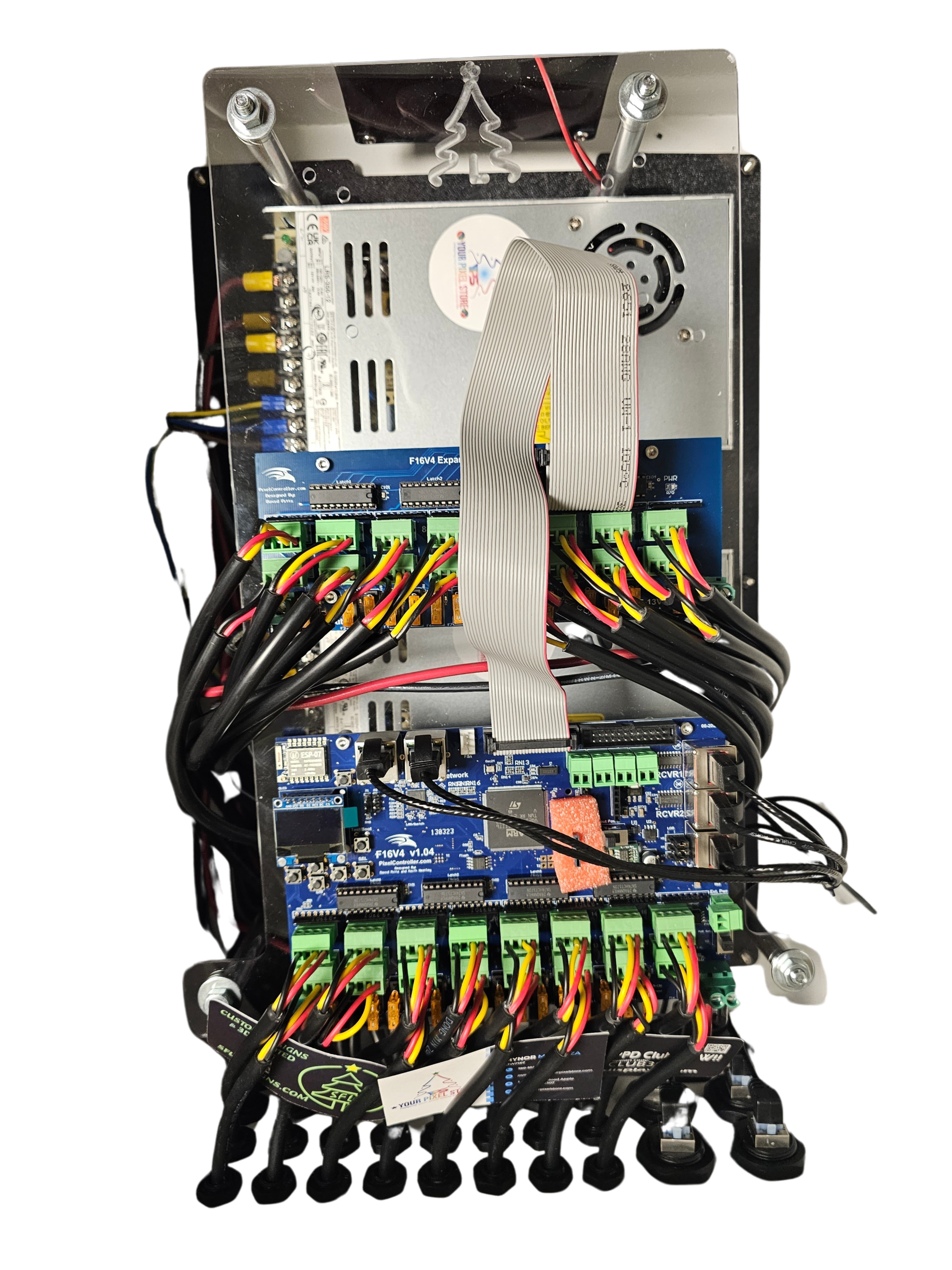
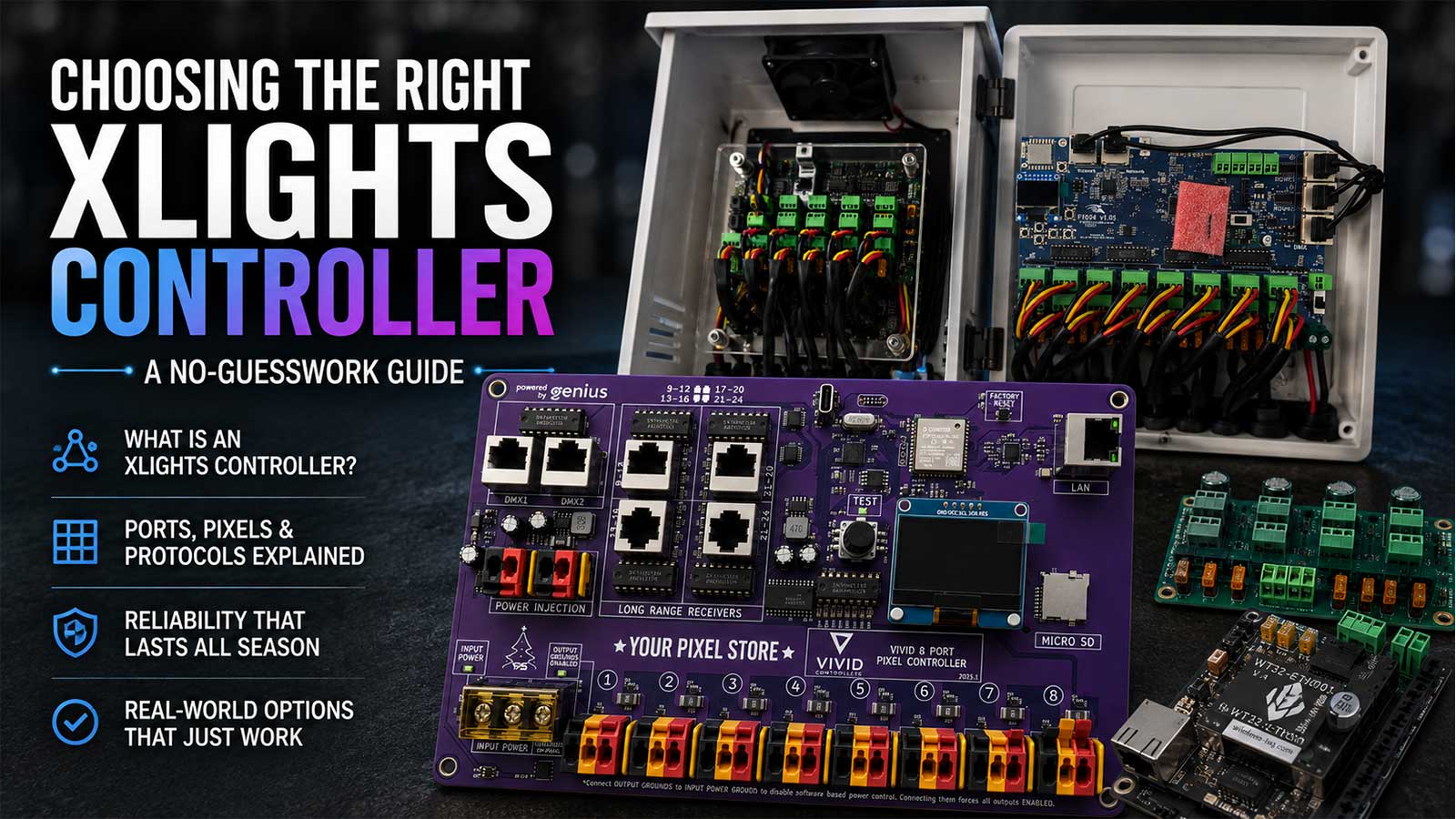
For your pixel lights to perform correctly, a reliable controller is essential. The YPS VIVID 8 is a top choice for managing outdoor displays, offering seamless integration with your setup. This controller handles the data and power distribution for your LED pixels, ensuring they respond accurately to the sequences created in xLights. With features supporting various pixel types, the YPS VIVID 8 can handle the demands of any holiday light show.
Check out our guide on how to make the best use of the YPS VIVID 8 controller for your displays.
Creating Stunning Holiday Light Shows
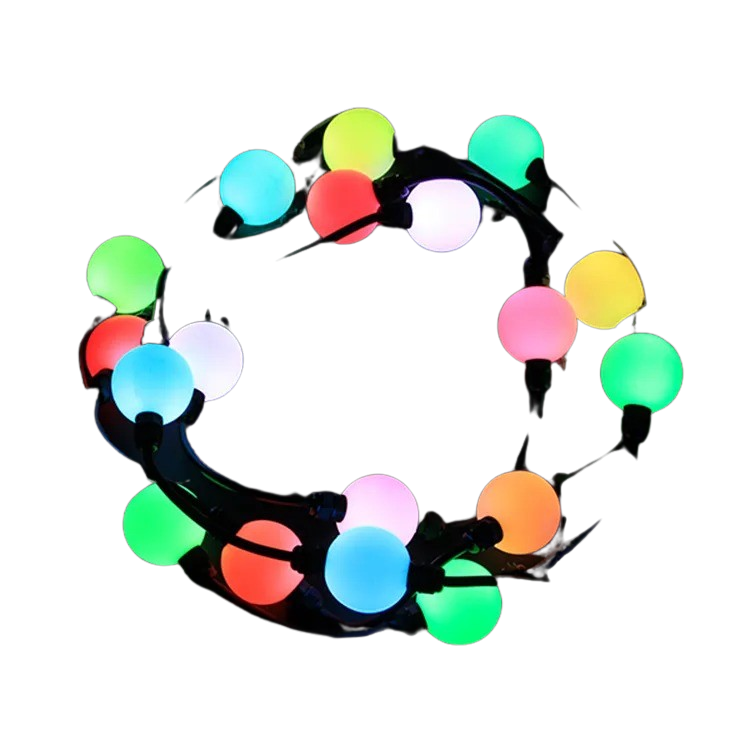
With the right tools, you can create impressive light shows that captivate anyone who sees them. Here’s how to make your holiday displays truly stand out.
Choosing the Right Pixels and Enclosures
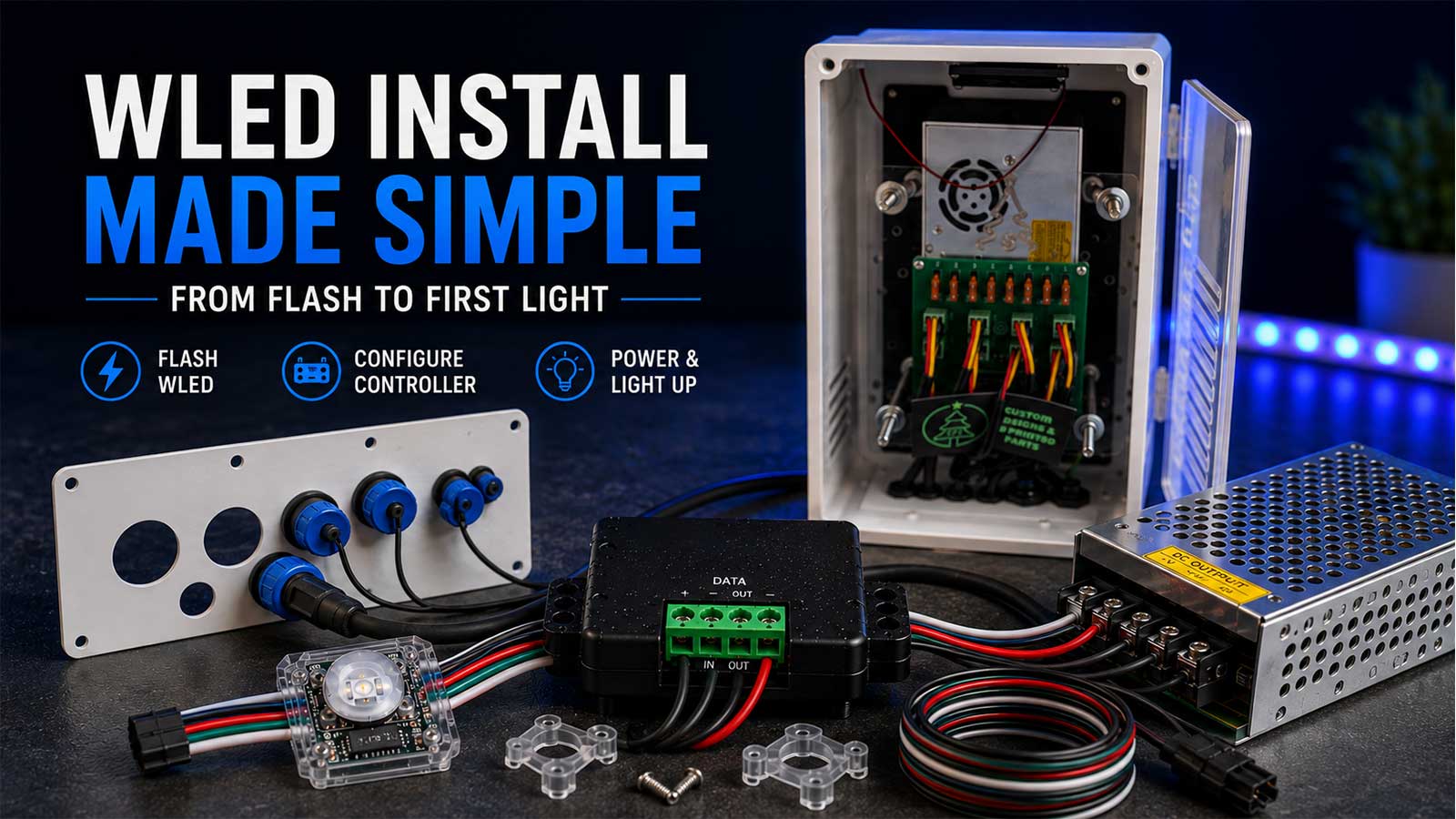
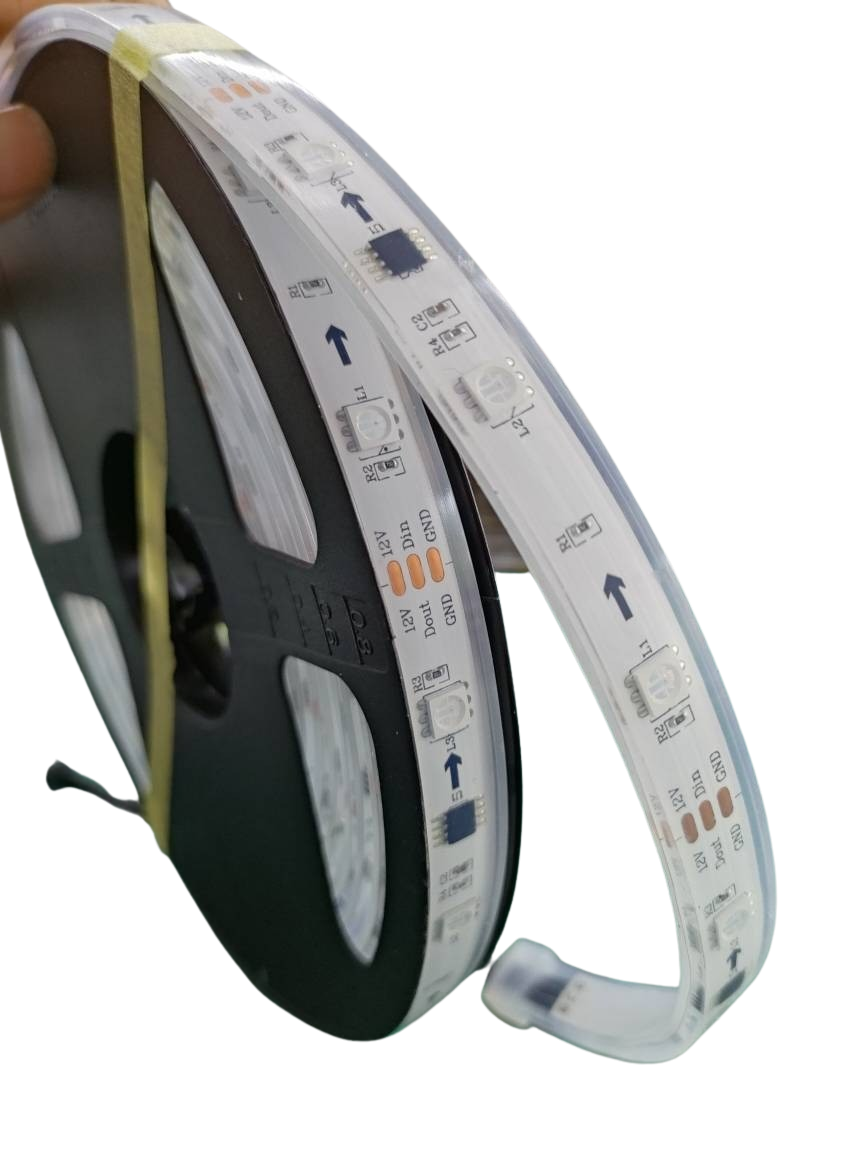
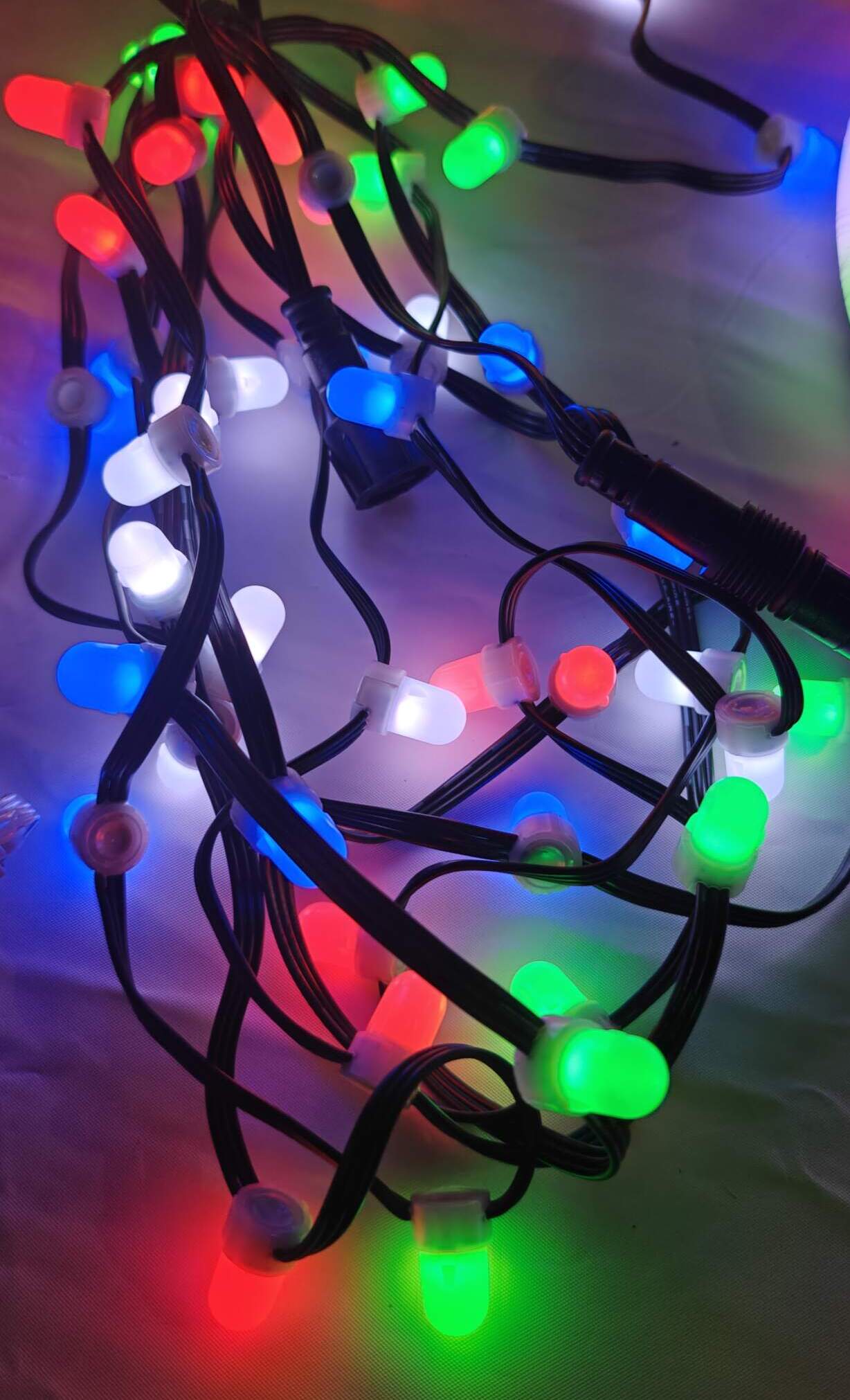
Selecting the right pixels is crucial for vibrant displays. Addressable LEDs, such as WS2811 pixels, offer flexibility and brightness, making them perfect for holiday setups. Pair these with durable enclosures to protect your lights from the elements. Proper enclosures ensure your pixels last through the season, whether you’re facing rain or snow.
Tips for Halloween and Christmas Displays
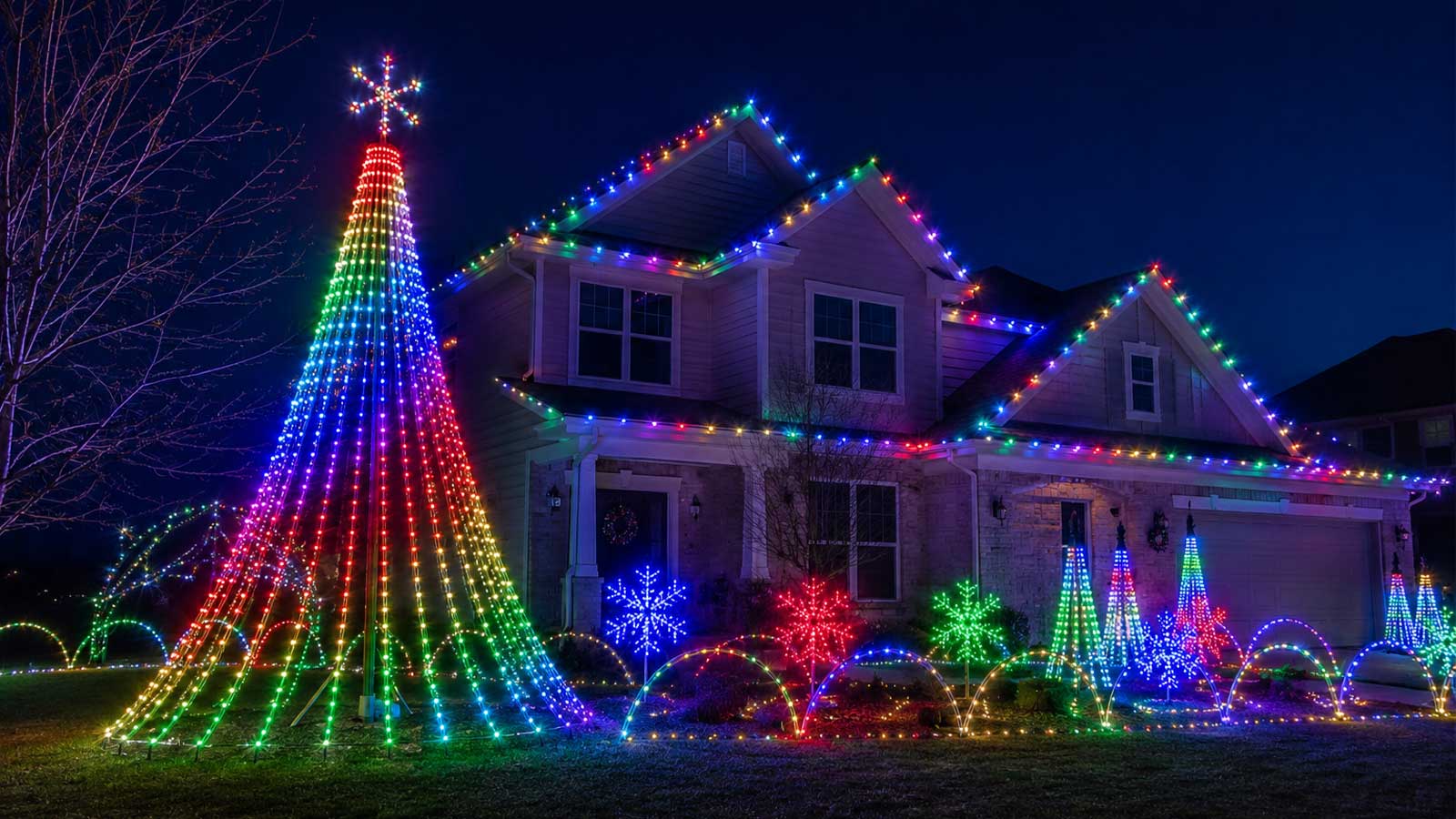
Holiday displays can be a fun way to express creativity. For Halloween, consider using spooky shapes and eerie lighting effects to enhance the ambiance. Christmas displays can benefit from traditional colors and patterns, creating a festive atmosphere. Timing is key; ensure your sequences run smoothly with minimal gaps. With a bit of planning and the right equipment, your light show can become a neighborhood favorite.
Frequently Asked Questions
How does SignalRGB enhance my PC setup?
SignalRGB provides synchronized lighting effects across your PC components, enhancing gaming and entertainment experiences with dynamic colors and patterns.
What is the role of xLights in holiday displays?
xLights allows you to design and sequence complex light shows for outdoor displays. It provides the tools needed to map and control your pixel lights effectively.
Why should I use YPS controllers for my light show?
YPS controllers, like the VIVID 8, manage data and power distribution for your pixels, ensuring smooth operation and accurate lighting effects in your displays.
Can I use SignalRGB for outdoor displays?
SignalRGB is primarily for indoor PC setups. To extend lighting effects outdoors, you need additional tools like xLights and YPS controllers.
What are addressable LEDs, and why are they recommended?
Addressable LEDs, such as WS2811 pixels, allow individual control of each light, offering more flexibility and creativity for your displays.