Blog
OpenRGB for Holiday & Event Light Shows: A Quick-Start with YPS Controllers


OpenRGB opens up new possibilities for syncing your holiday or event lighting with professional pixel controllers. If you’ve struggled to get addressable pixels working reliably outdoors, the right setup makes all the difference. This guide walks you through using YPS VIVID 8 controllers and compatible hardware to get your OpenRGB setup running smoothly—whether for Halloween, Christmas, or special events. Learn more about OpenRGB here.
Setting Up Your Pixel Show
Creating a stunning light show starts with the right equipment. Let’s break down the essentials to ensure your setup is a success.
Choosing Your Hardware
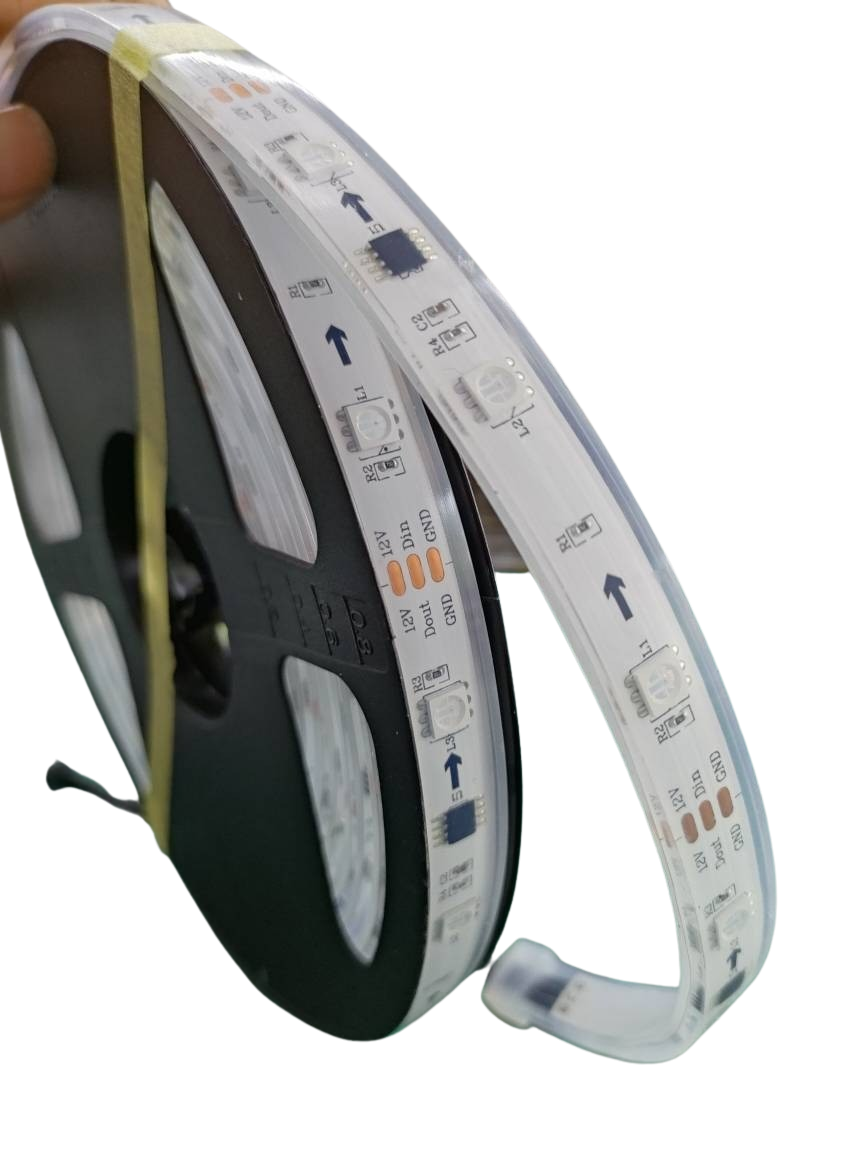
Selecting the right hardware is key to a seamless light show. First, decide on the type of LEDs you want to use. Addressable pixels are popular because they allow for intricate designs and animations. Remember, quality matters. Opt for durable LED strips or bulbs that withstand outdoor conditions, especially if you’re setting up for a holiday season. You’ll also need a reliable pixel controller, like the YPS VIVID 8, which is known for its compatibility and ease of use. Don’t forget to check the power supply requirements to ensure everything lights up beautifully.
Wiring for Success
Proper wiring is crucial for your light show. Start by planning your layout. Measure distances to avoid cable shortages. Use waterproof connectors and cables to protect your setup from the elements. Always test the connections before finalizing them. It’s wise to label your wires, so any troubleshooting later becomes easier. Secure cables neatly along pathways to prevent tripping hazards and ensure the installation looks tidy. With these steps, your wiring will be both efficient and reliable.
OpenRGB Setup Tips
Getting OpenRGB up and running can transform your light show. Begin by downloading the software here. Once installed, connect your pixel controller to your computer. OpenRGB allows you to customize colors, patterns, and timings. Use the software to sync your lights with music or events. Make sure to explore the community forums for creative ideas and troubleshooting advice. With a bit of experimentation, you’ll create a light show that leaves a lasting impression.
Integrating YPS Controllers
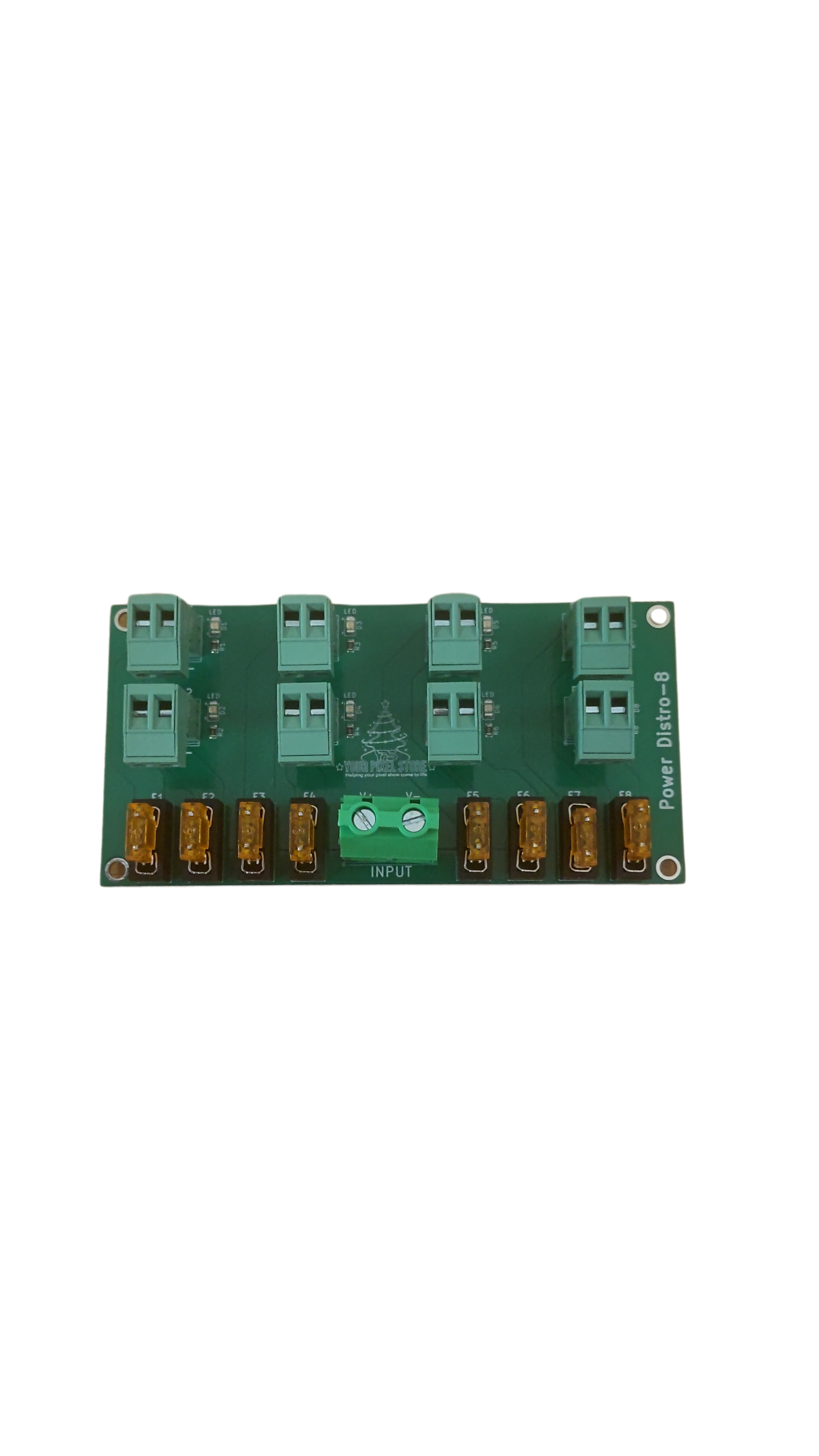
YPS Controllers are integral to professional-grade light shows. They offer the flexibility and control needed for both simple and complex setups.
Understanding YPS VIVID 8
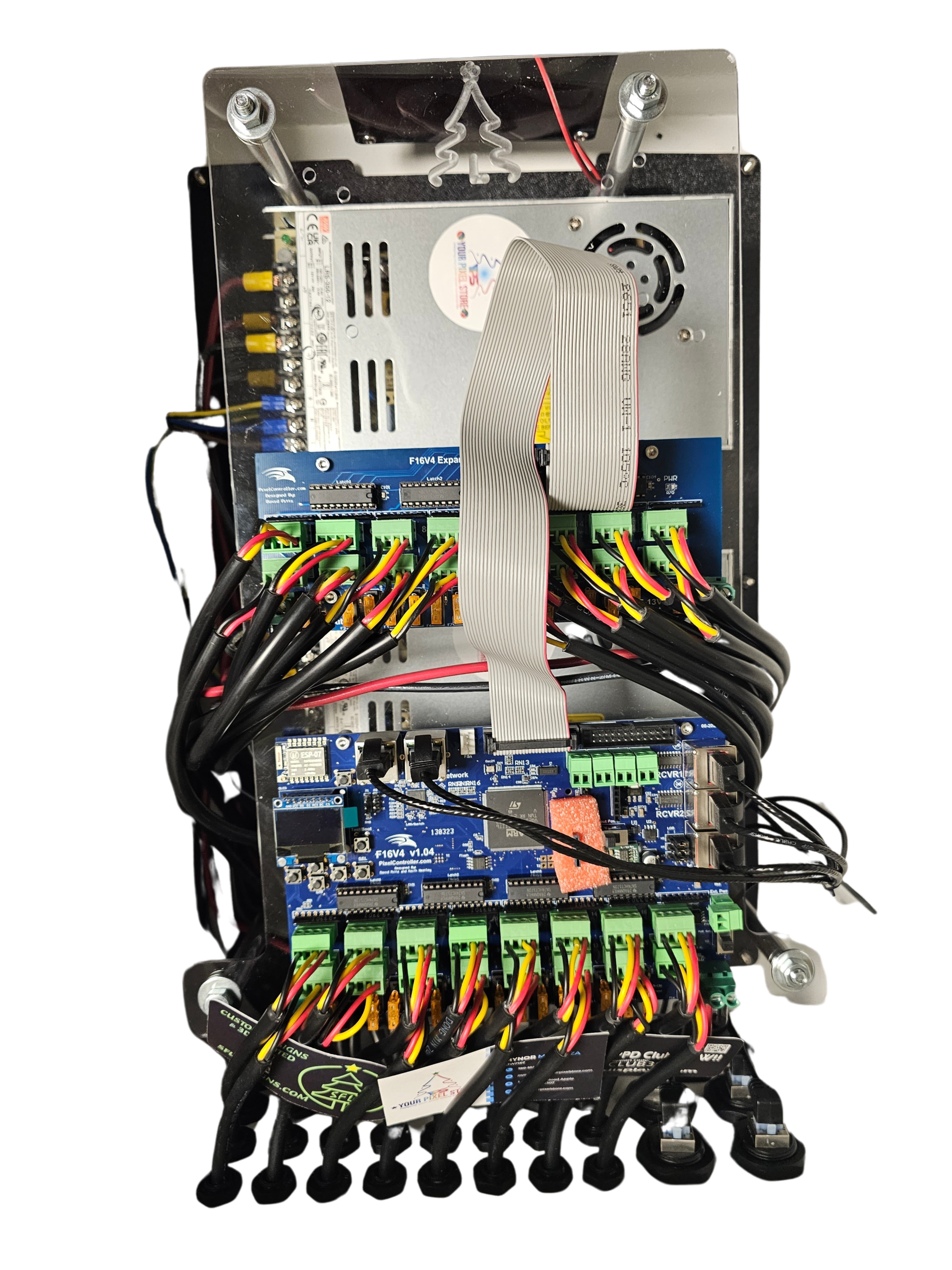
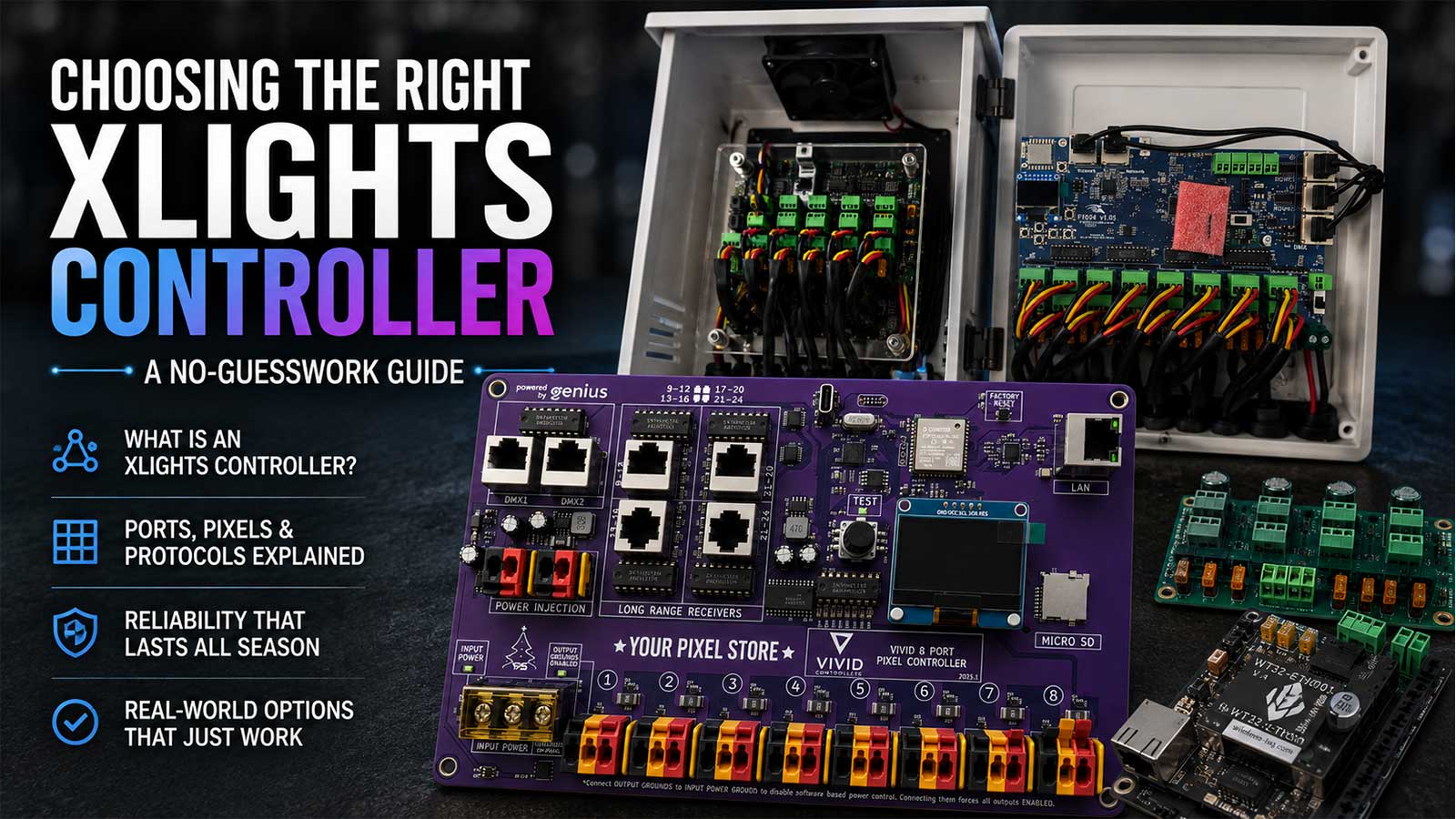
The YPS VIVID 8 controller is a powerful tool for managing your light show. It supports a variety of LED types and offers multiple output channels. With this controller, you can manage up to eight different sections of your display independently. It’s designed for compatibility with OpenRGB, making it easy to integrate into your existing setup. The controller’s intuitive interface simplifies the process of adjusting settings and programming your light display.
Connecting with xLights & WLED
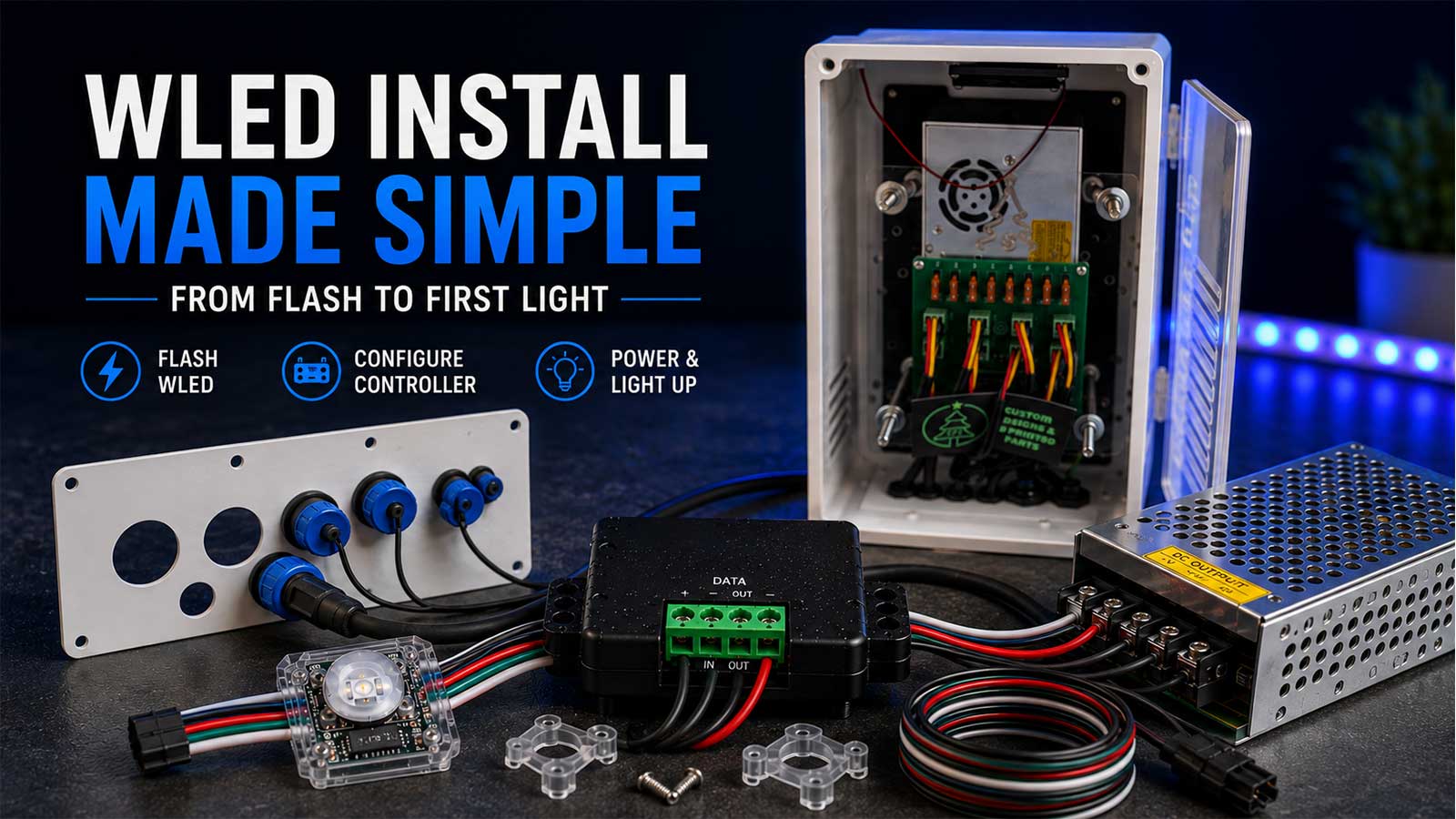
To enhance your light show, consider using xLights and WLED alongside your YPS controller. xLights is perfect for designing complex sequences and animations. It offers a user-friendly interface that helps in visualizing your display before going live. WLED, on the other hand, is great for real-time control and simple setups. It’s especially useful for creating dynamic effects and can be controlled via a smartphone app. Pair these tools with your YPS VIVID 8 for a seamless experience.
Reliable Power & Weatherproofing
Power and weatherproofing are critical for maintaining a reliable display. Ensure your power supply matches your setup’s total wattage requirements to prevent outages. Use power injectors for longer LED runs to maintain brightness. Weatherproof enclosures safeguard your controllers and connections from the elements. These precautions not only extend the life of your setup but also ensure safety during operation.
Creating Stunning Light Displays
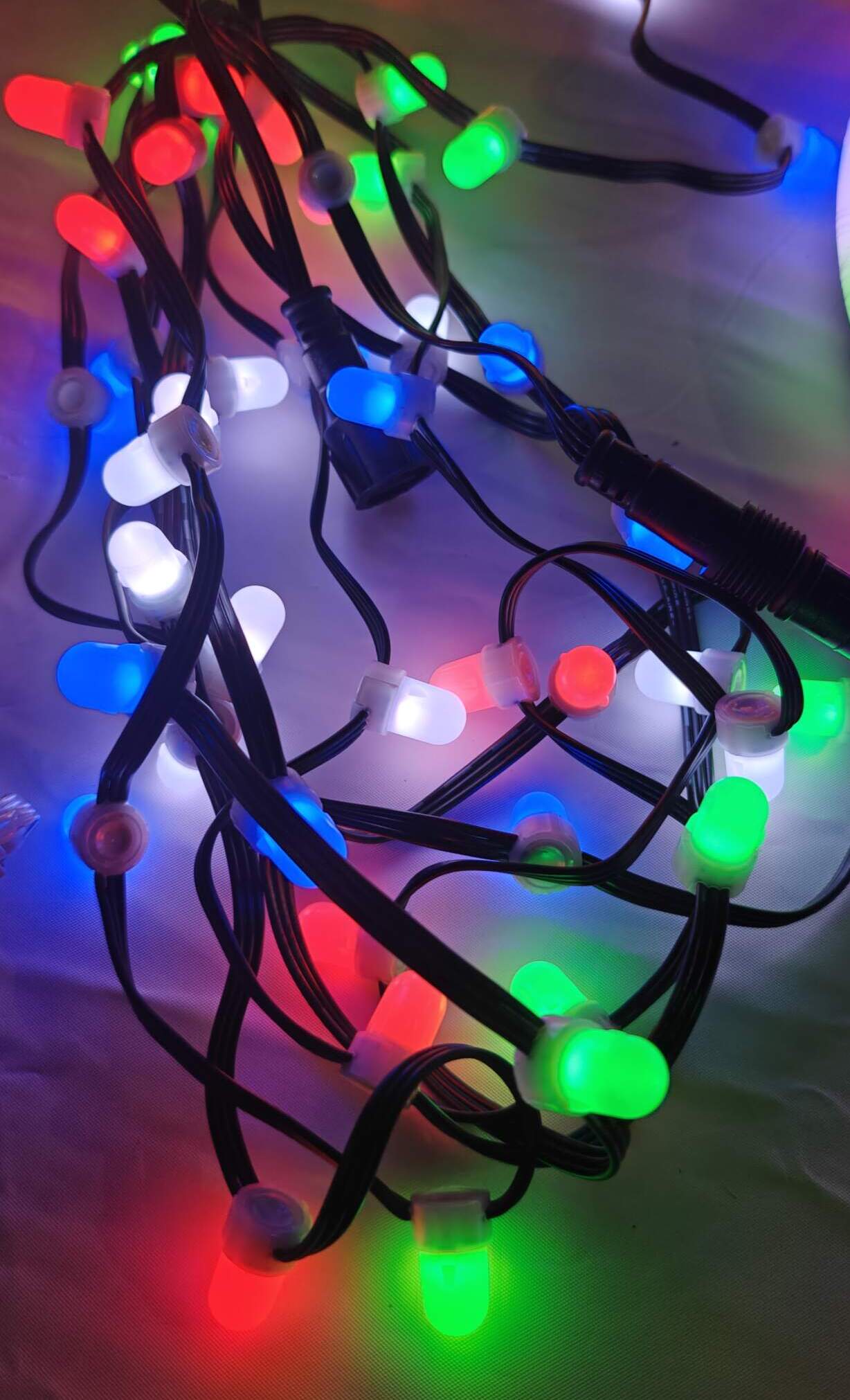
Once your hardware and software are set up, it’s time to design a light show that wows your audience.
Designing Holiday Light Shows
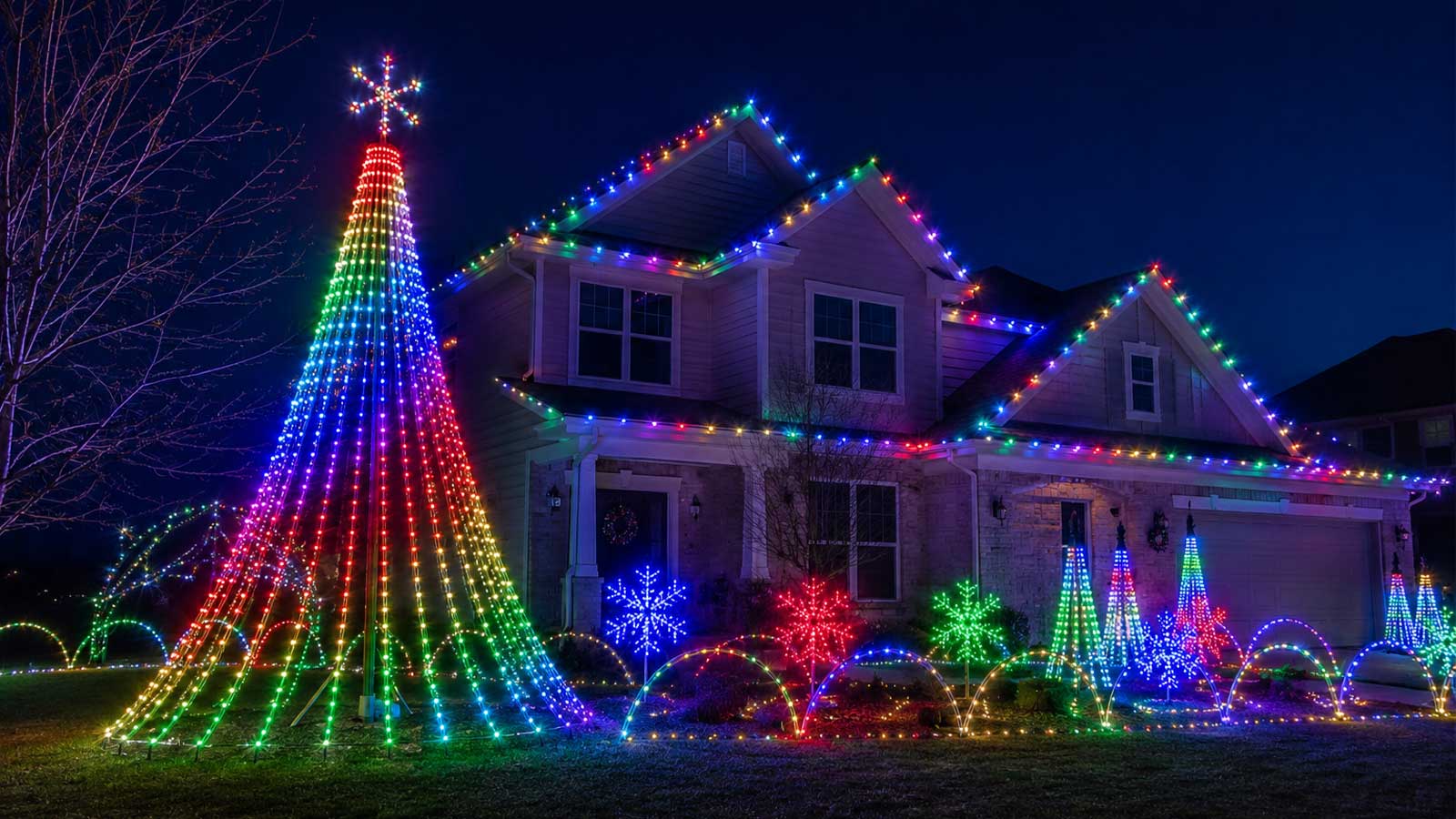
Designing a holiday light show is a fun and creative process. Start by choosing a theme that resonates with the season, whether it’s a spooky Halloween or a festive Christmas. Use color schemes and patterns that reflect the mood you want to create. Incorporate music for added impact; OpenRGB can help sync your lights to the beat. Experiment with different animations to find the perfect look. A well-crafted show will leave your audience in awe.
Syncing with Event Lighting
Syncing your lights with event lighting can enhance the overall experience. Start by coordinating your lights with the event schedule. Use OpenRGB to adjust the mood and atmosphere dynamically. Syncing with music or other multimedia elements can make the event more immersive. Ensure your setup is flexible enough to accommodate last-minute changes. This adaptability will make your light show a memorable part of any event.
Troubleshooting Common Issues
Even with the best preparation, issues can arise. Common problems include connectivity issues and power failures. Regularly check connections and cables for wear and tear. If a section of your display isn’t lighting up, test each component in the sequence to isolate the problem. Online forums and community support are valuable resources for troubleshooting. With a systematic approach, you can quickly resolve issues and keep your light show running smoothly.
Frequently Asked Questions
1. How do I choose the right pixel controller for my light show?
Choose a pixel controller based on your LED type and the complexity of your design. For most setups, the YPS VIVID 8 is a reliable choice due to its compatibility and ease of use.
2. What is the best way to power a large LED setup?
Use a power supply that matches the total wattage of your setup. For long runs, power injectors help maintain brightness and prevent voltage drop.
3. How can I weatherproof my outdoor light show?
Use waterproof connectors and enclosures to protect your electronics. Ensure all connections are sealed and cables are secured to prevent water ingress.
4. Can I sync my lights to music?
Yes, with OpenRGB and compatible software like xLights, you can sync your lights to music for a more dynamic display.
5. What should I do if part of my light show isn’t working?
Check all connections and cables for damage. Test each component individually to identify the issue. Online communities can offer further troubleshooting advice.