Blog
Signal RGB, Simplified: How to Get Accurate Color and Clean Data in Your Pixel Show


Signal RGB setups often confuse even experienced builders. Getting color order right and keeping pixel data clean can make or break your holiday light show. This guide breaks down the essentials—from WS2811 protocols to wiring tips—so your Halloween, Christmas, or event display shines with accurate colors and rock-solid reliability. For a quick start, check out this ultimate RGB setup guide.
Understanding Signal RGB
Getting a grasp on Signal RGB involves understanding both the color order and data protocols. Let’s dive into the basics to set a solid foundation for your display.
Demystifying Color Order
Color order might seem trivial, but it’s crucial for accurate displays. Most addressable LEDs use RGB or GRB color order. The order dictates how the controller interprets the color data, determining the precise colors that light up. Misalignment in the order can lead to unexpected color displays—imagine red lights turning green! Always check the specifications of your LEDs to ensure the correct color order is programmed into your controller.
Exploring Data Protocols
Data protocols are the backbone of any light show. WS2811 is a common protocol, praised for its reliability and simplicity in controlling 5V or 12V pixels. Protocols like sACN (E1.31) are also popular for more complex installations, allowing for the integration of multiple controllers over a network. Understanding these protocols is essential for a smooth operation, ensuring your pixels respond correctly to the data signals being sent.
Wiring and Controller Setup
Once you understand Signal RGB, the next step is setting up the wiring and controllers. This section will cover best practices to get your lights working flawlessly.
Best Practices for Wiring
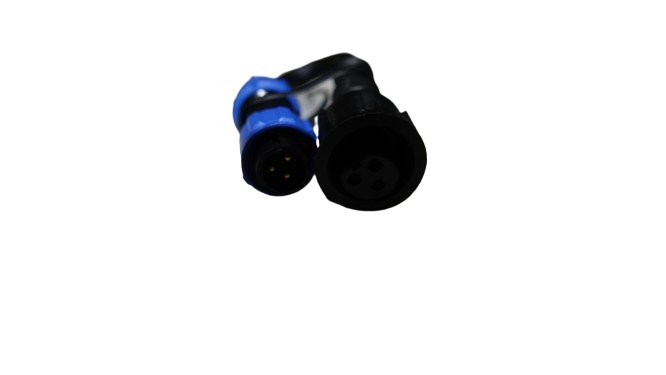
Proper wiring ensures your light show runs smoothly without glitches. Start by using quality cables that match your setup—whether CAT6 for data lines or robust power wires for voltage. Secure connections are vital; loose wires can cause flickering or even total failure. Consider using pigtails for easy connections and waterproofing components to protect against weather conditions.
Setting Up Your Pixel Controller
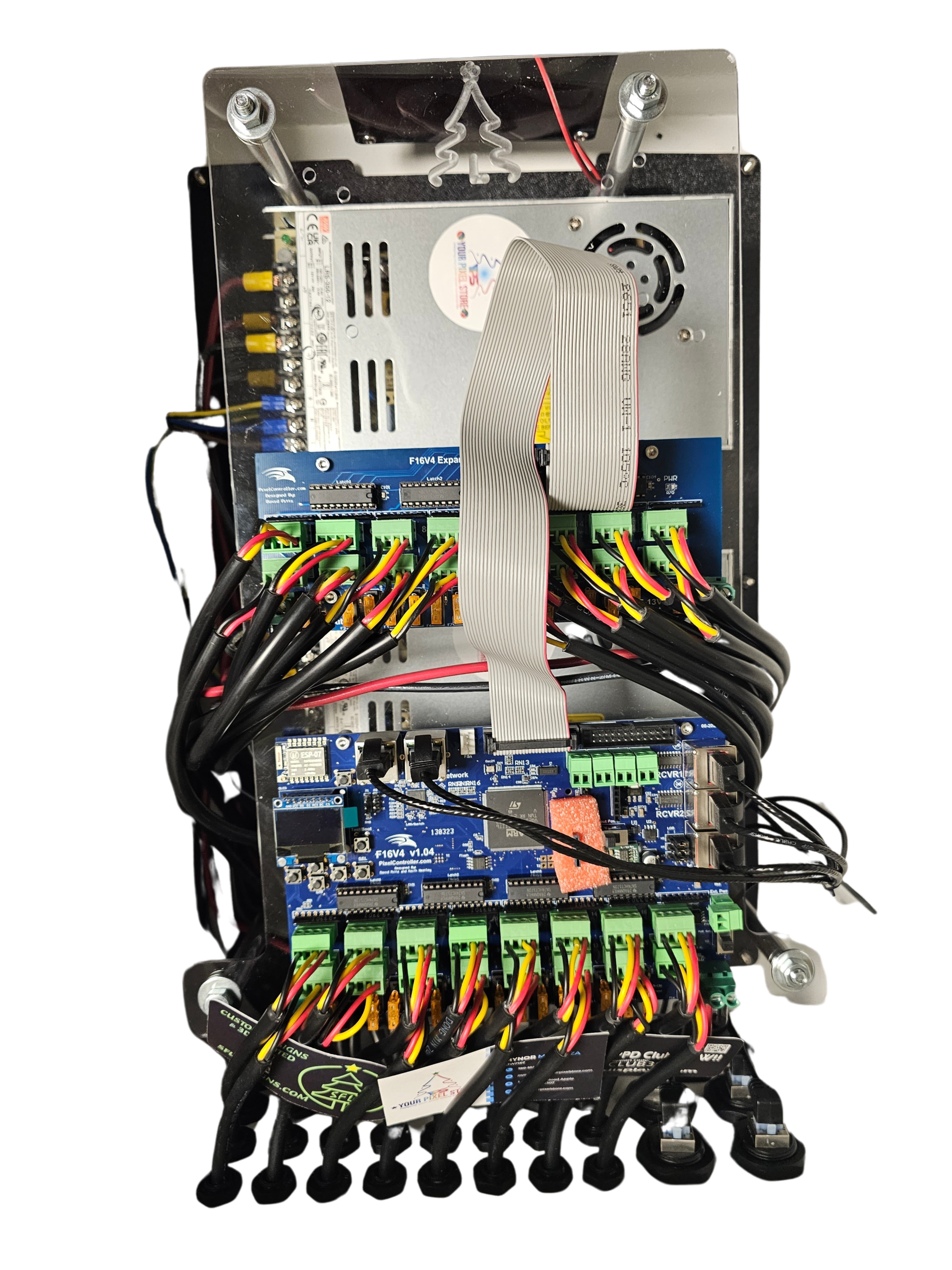
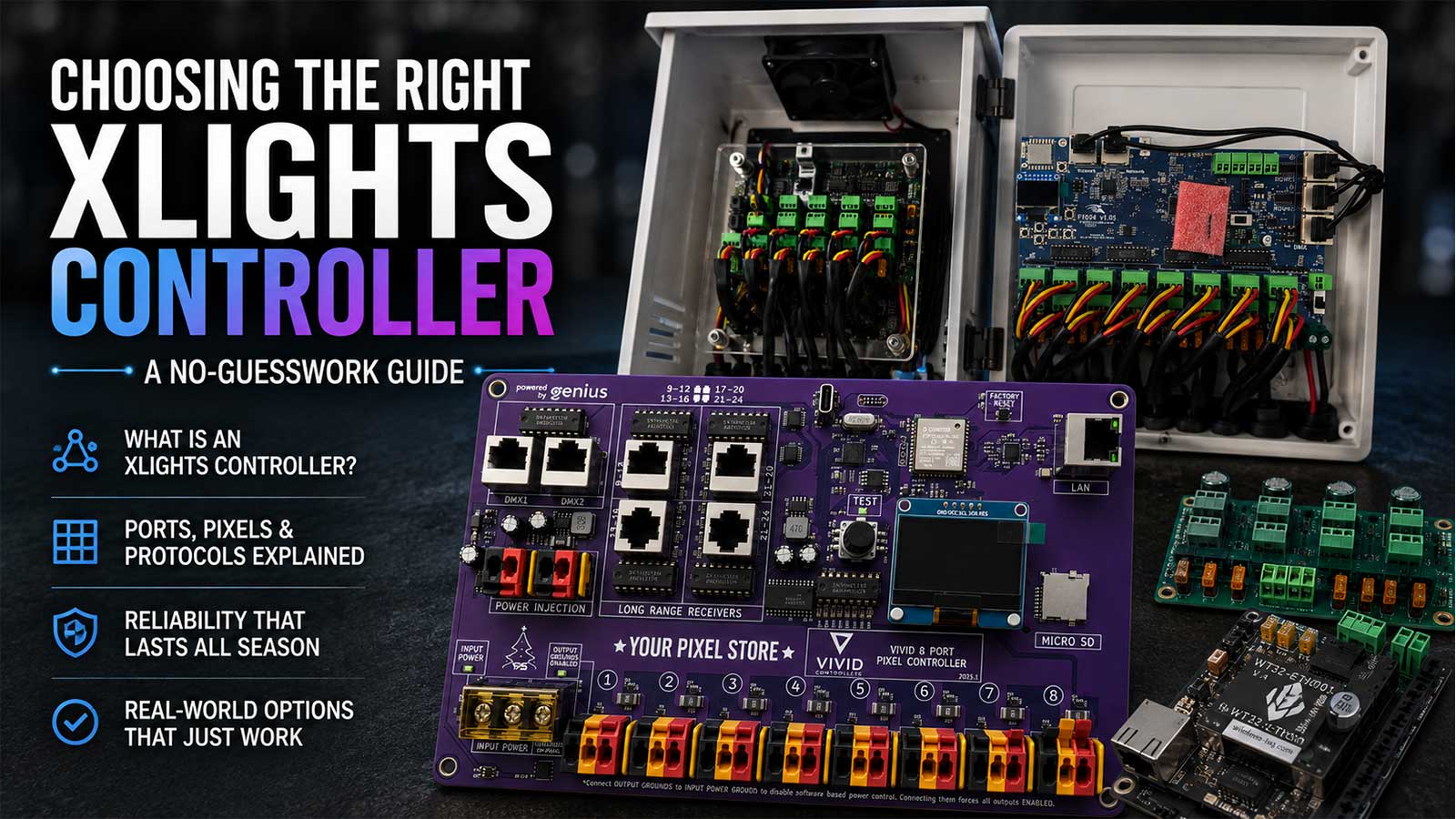
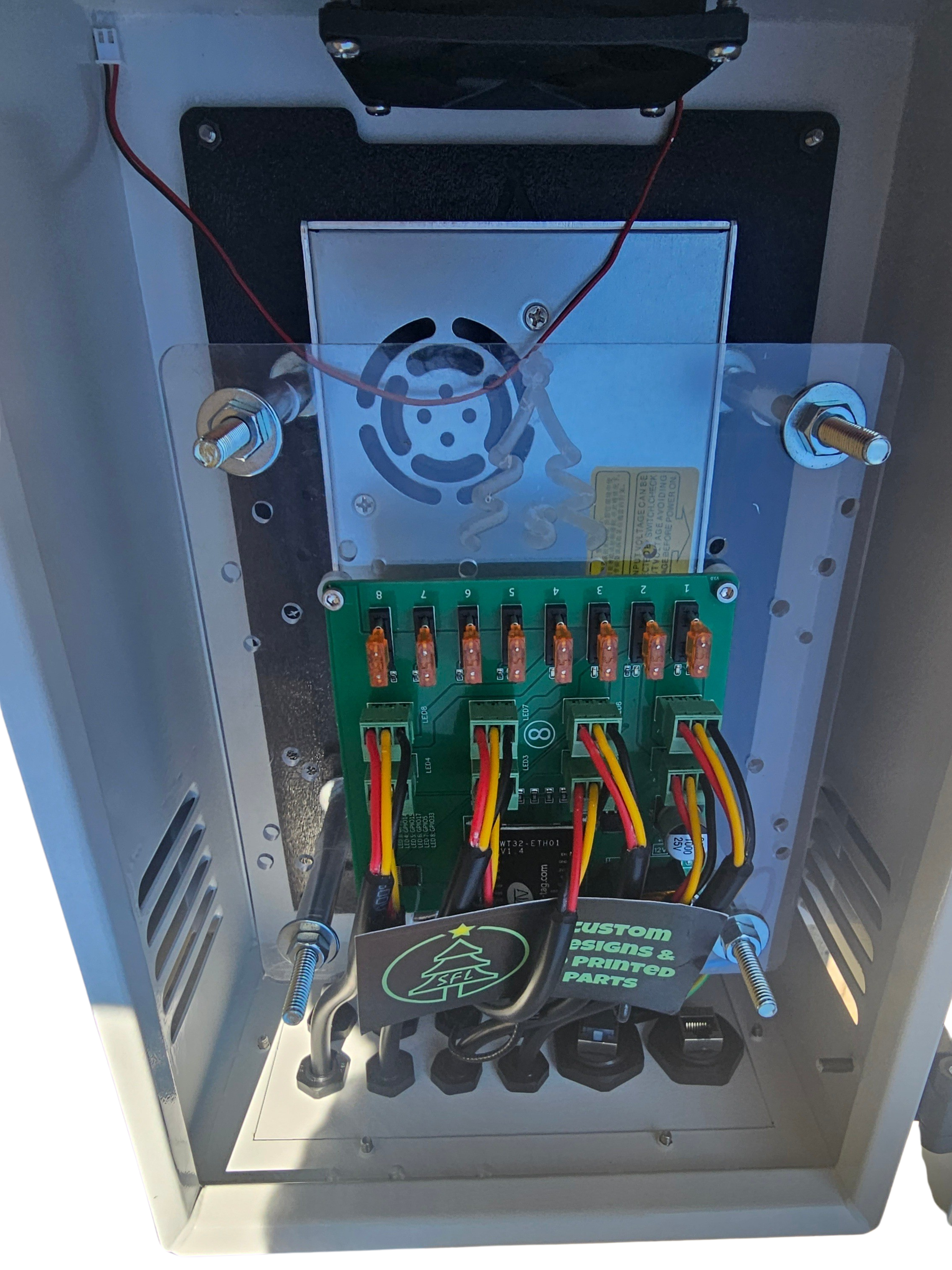
The pixel controller is the brain of your setup. Models like the YPS VIVID 8 are designed for ease of use, offering a straightforward interface to map out your color order and addressable LED sequences. Ensure your controller firmware is up to date to avoid compatibility issues. A wiring diagram can be a lifesaver, providing a visual guide to connect everything correctly.
Optimizing Your Light Show
With wiring and controllers set, focus on optimizing your light show for performance and reliability.
Ensuring Pixel Data Integrity
Maintaining pixel data integrity is key for a seamless display. Use differential receivers when working with long cable runs to prevent data loss. Proper grounding helps stabilize the data line, reducing electromagnetic interference (EMI). These precautions help maintain the integrity of your signal RGB for consistent performance.
Managing Voltage Drop and Power Injection
Voltage drop is a common issue in large displays, leading to dim or off-color pixels. Manage this by calculating the voltage needs of your setup and using power injection at regular intervals. This ensures the entire display receives adequate power without overload. Both 5V and 12V pixels have different requirements, so tailor your power setup accordingly.
Frequently Asked Questions
What is the best color order for LEDs?
LEDs typically use RGB or GRB color order. Check your LED specifications to match the controller settings correctly.
How do I prevent data loss in my light display?
Use differential receivers for long cable runs and ensure proper grounding to mitigate data loss and electromagnetic interference.
What causes voltage drop in my setup?
Voltage drop occurs when the distance from the power source is too great. Combat this by using thicker wires and implementing power injection.
Which pixel controller should I use?
The YPS VIVID 8 is highly recommended for its ease of use and reliability in holiday and event light shows.
How do I choose between 5V and 12V pixels?
5V pixels are suitable for short runs, while 12V pixels work better for longer distances without significant voltage drop. Consider your display size when choosing.