Blog
WLED Controllers Made Simple: Fast, Reliable Holiday Light Shows Without the Guesswork

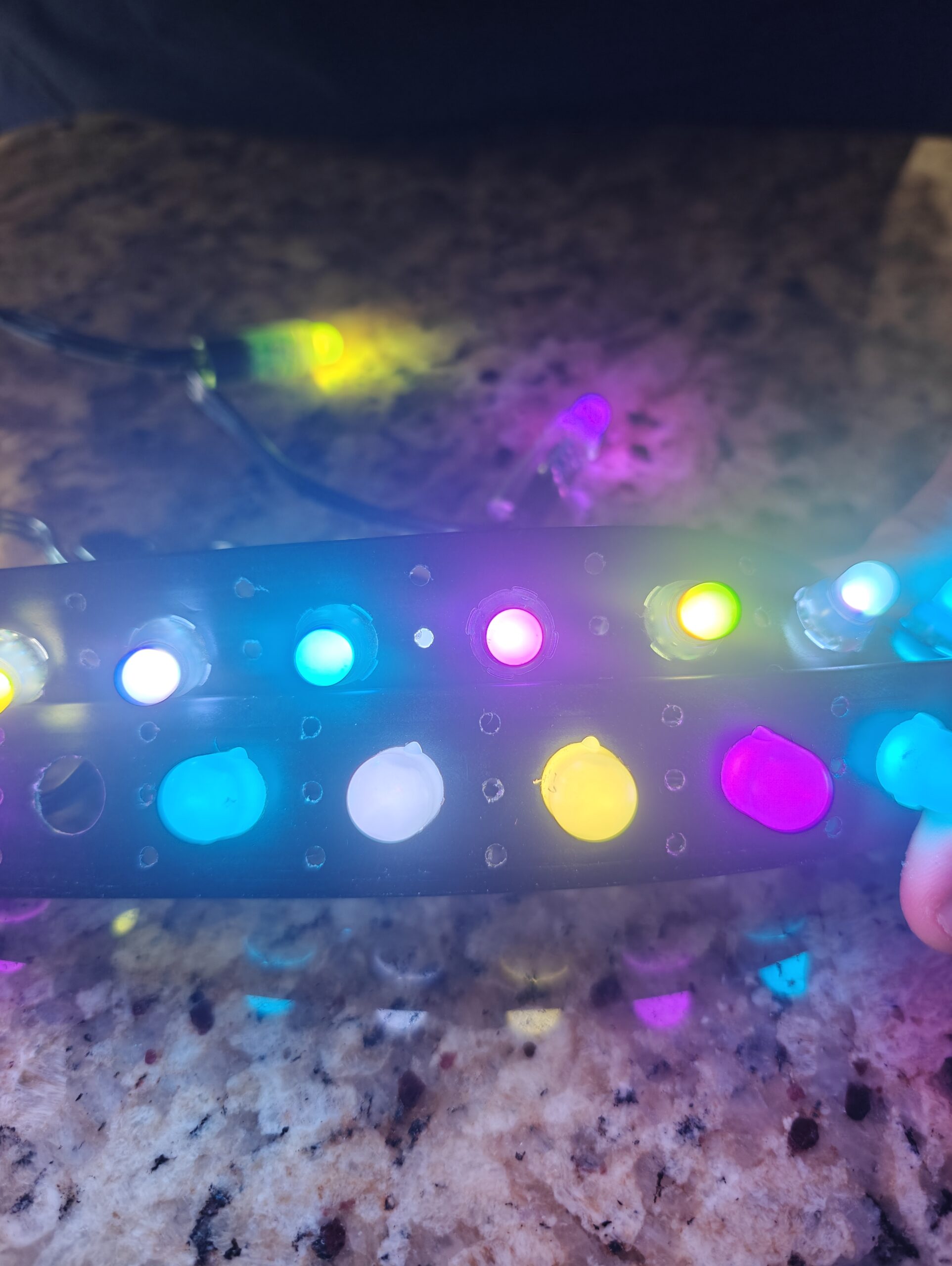
Forget struggling with complicated setups and endless guesswork. A WLED controller gives you a fast, reliable way to bring your holiday light show to life—whether it’s Halloween thrills or Christmas magic. You’ll learn when to choose a WLED controller over pro pixel options, how to pick the right power and enclosure, and which accessories keep your display running smooth. Ready to get started? Let’s break it down step by step. Check out this tutorial to get started.
Understanding WLED Controllers
WLED controllers are a game-changer for holiday light displays. They offer a simple, effective way to manage your light show without the hassle often associated with more complex systems.
What is a WLED Controller?
A WLED controller is a device that allows you to control LED light strips, like WS2811 and WS2812B, using software on your phone or computer. It’s perfect for transforming your home into a holiday wonderland. These controllers are flexible and easy to use, making them ideal for both beginners and experienced users. With a WLED controller, you can easily change colors, set patterns, and schedule your light show, giving you full creative freedom.
WLED vs. Pro Pixel Controllers
When deciding between a WLED controller and a pro pixel controller like the VIVID 8, consider your display’s complexity. WLED controllers are great for simpler setups and DIY projects. They are cost-effective and user-friendly. On the other hand, pro pixel controllers are designed for larger, more intricate displays. They offer advanced features and support for complex animations. If you’re planning a large commercial display, a pro pixel controller might be the better choice.
Choosing the Right Controller
Selecting the right controller depends on your specific needs. If you’re creating a small to medium-sized display, a WLED controller should suffice. These controllers are compact and affordable. For larger displays with more lights, consider a pro pixel controller. It offers more power and flexibility. Evaluate your project’s scope and choose a controller that matches your vision.
Essential Components for Your Light Show
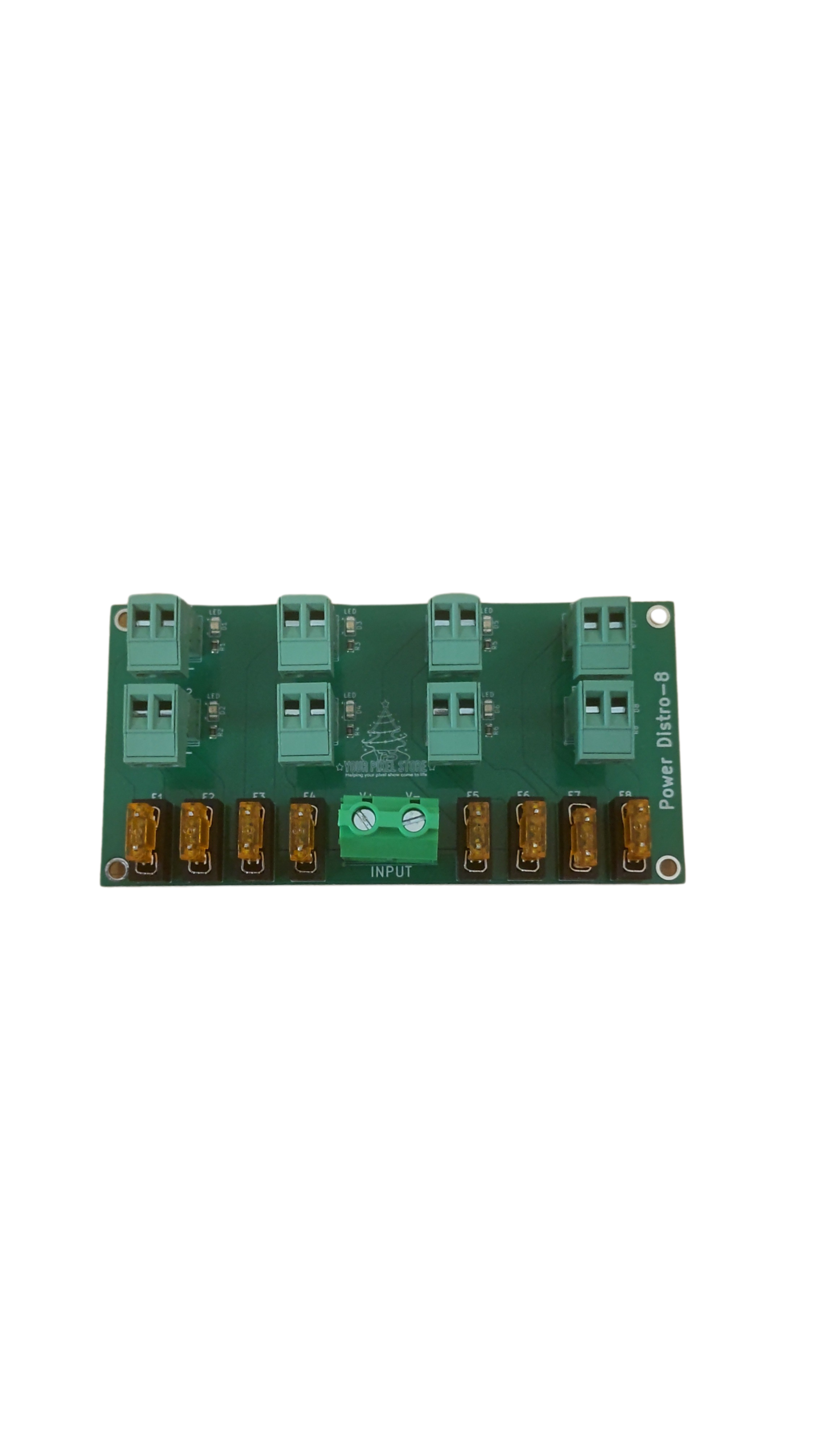
Understanding the components you’ll need is crucial for a successful light show. From power supplies to enclosures, each part plays a vital role.
Power Supplies: 5V vs. 12V Pixels
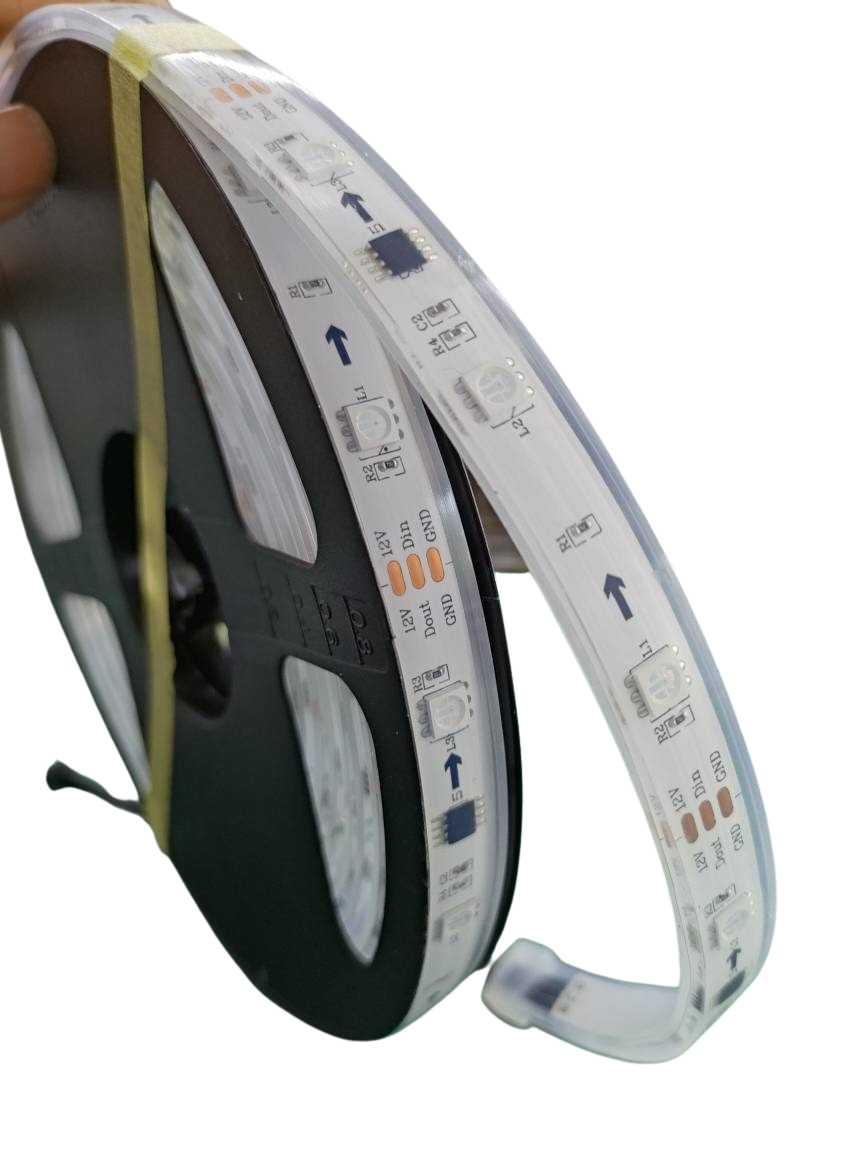
Choosing between 5V and 12V power supplies depends on your setup. 5V pixels are typically cheaper and easier to work with for small projects. However, they are less efficient for long runs. 12V pixels are better suited for larger displays, as they handle longer distances without voltage drop. Consider the size of your display and the distance between your power source and lights when choosing.
Selecting the Perfect Pixel Enclosure
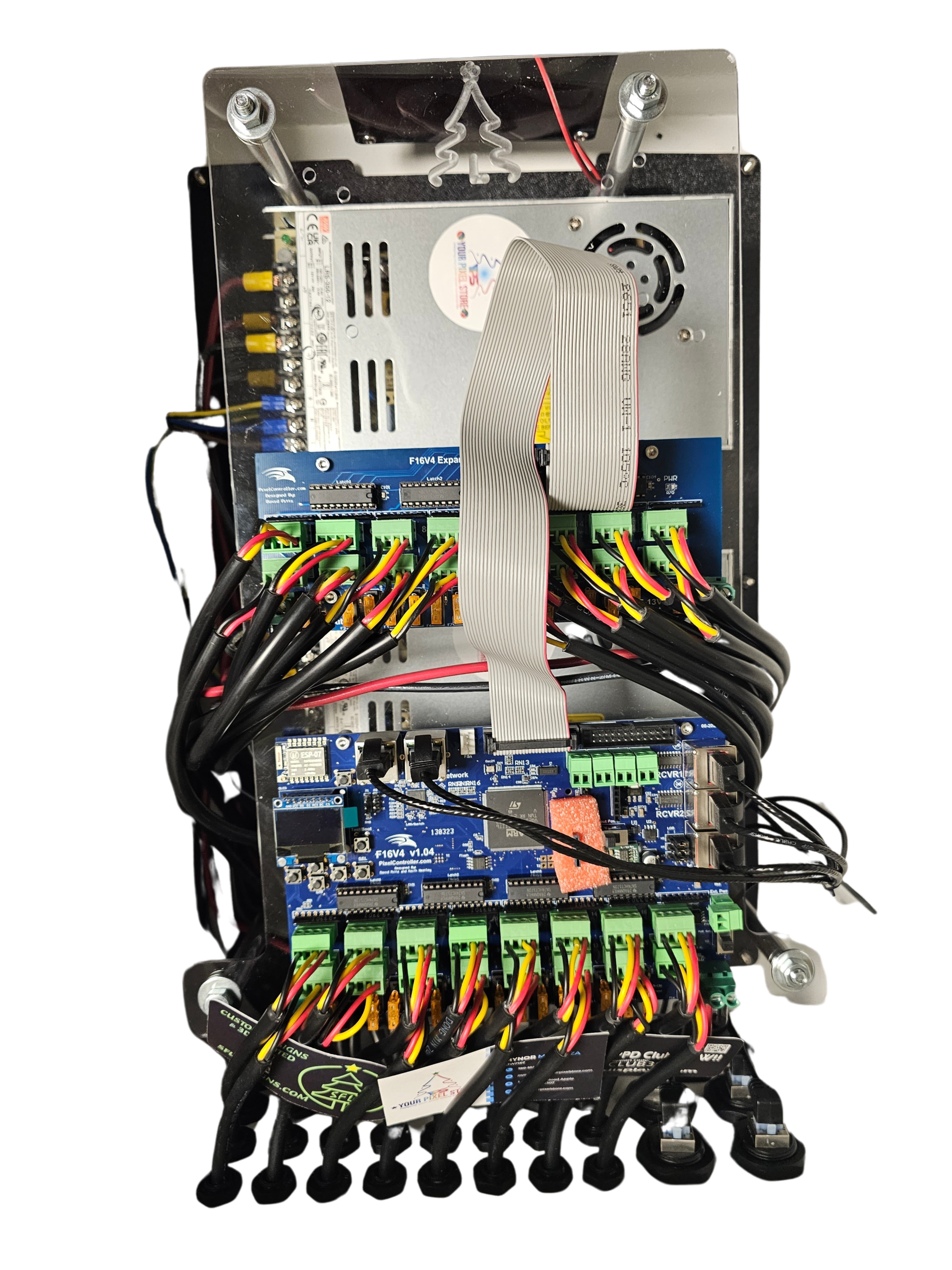
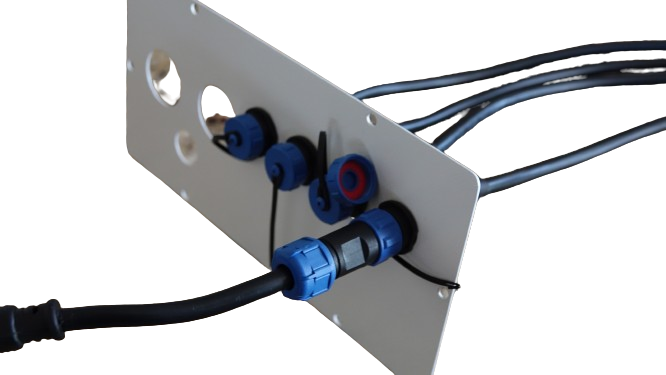
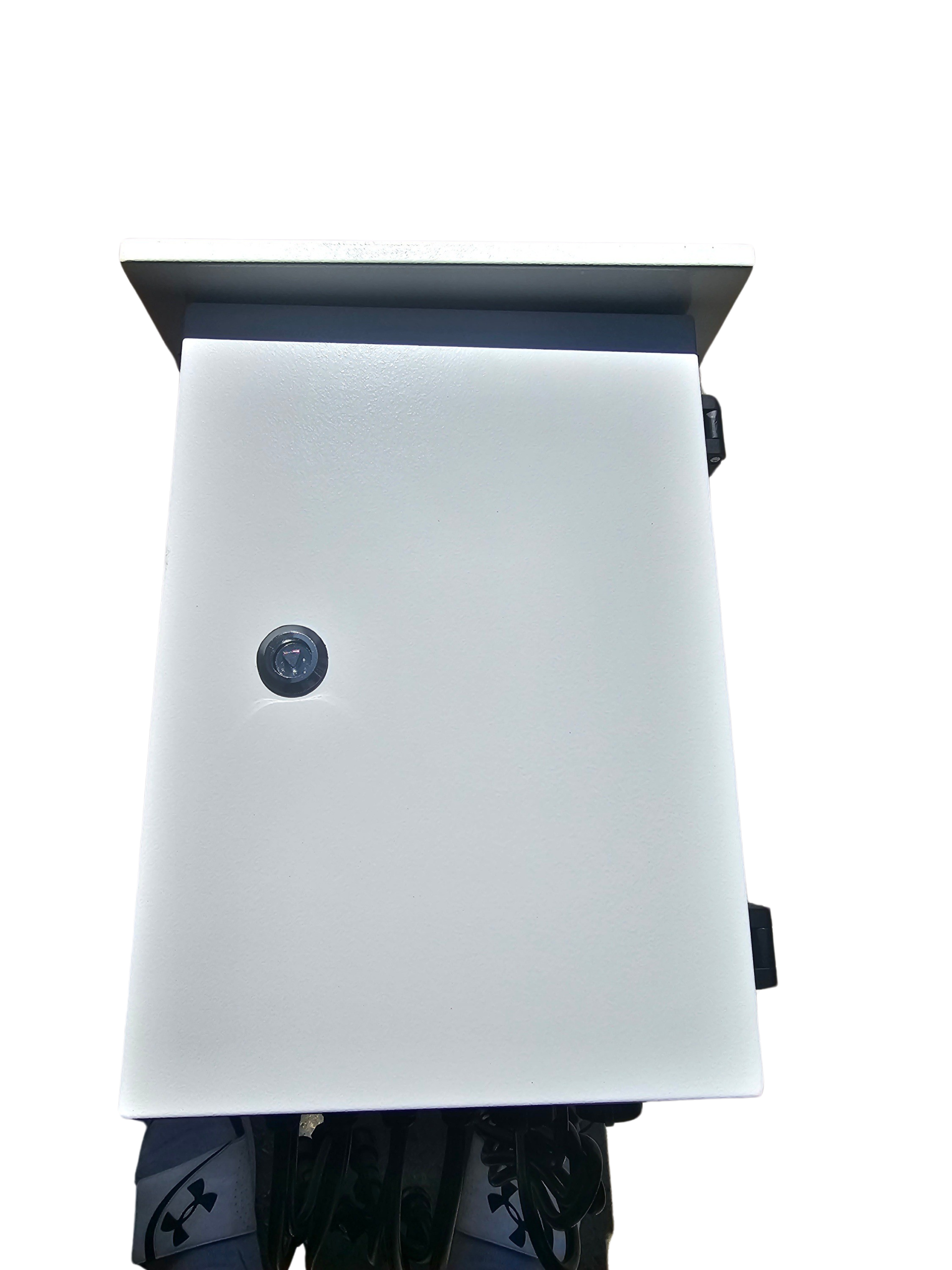
A good pixel enclosure protects your lights from the elements. For outdoor displays, weather-resistant enclosures are a must. They keep your electronics safe from rain or snow. Make sure the enclosure you choose fits your pixel controllers and power supplies. Proper enclosures increase the lifespan of your components and keep your display looking neat.
Must-Have Accessories for Installation
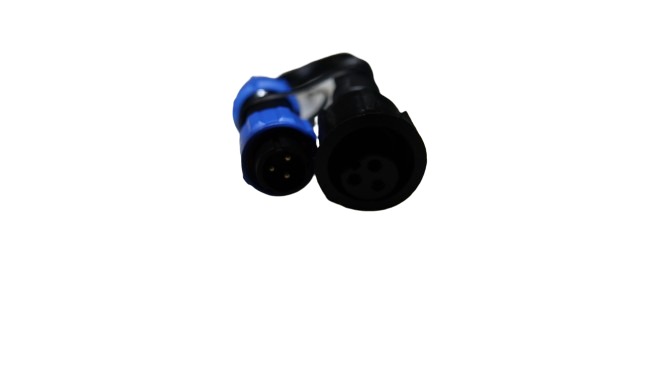
Accessories simplify the installation process. Items like mounting clips, zip ties, and adhesive backing are essential for securing your lights. Connectors and extension cables ensure your setup is clean and organized. Investing in quality accessories reduces installation time and improves the overall look of your display.
Building Your Holiday Light Display
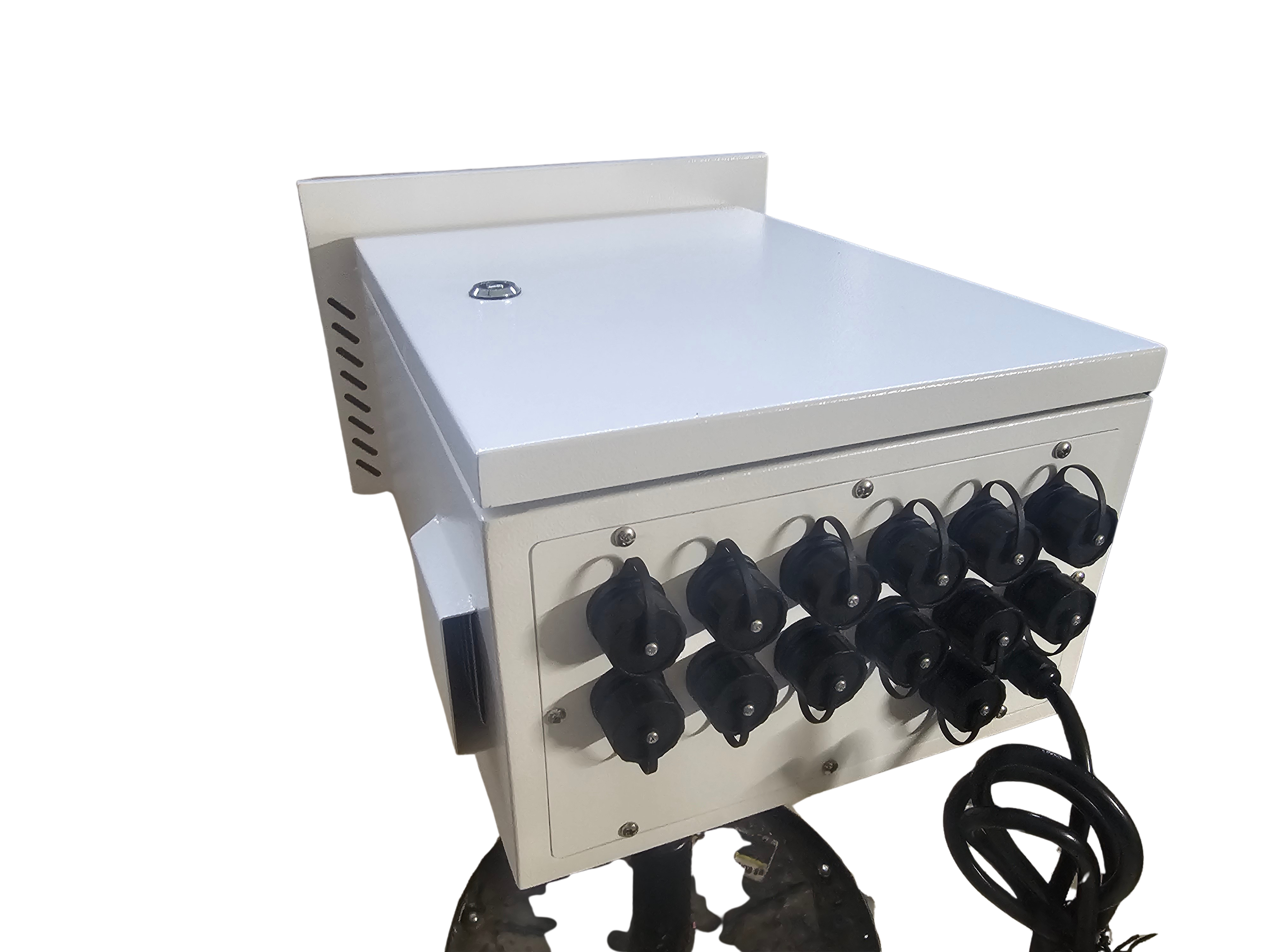
Now that you have your components, it’s time to assemble your light show. Here are some tips to ensure a smooth setup.
Smart Pixel Controller Setup Tips
Setting up your smart pixel controller doesn’t have to be daunting. Begin by connecting your controller to your lights and power supply. Use the WLED app to configure your settings and choose your effects. Make sure your connections are secure and test your setup before finalizing the installation.
Ensuring Reliable Power Injection
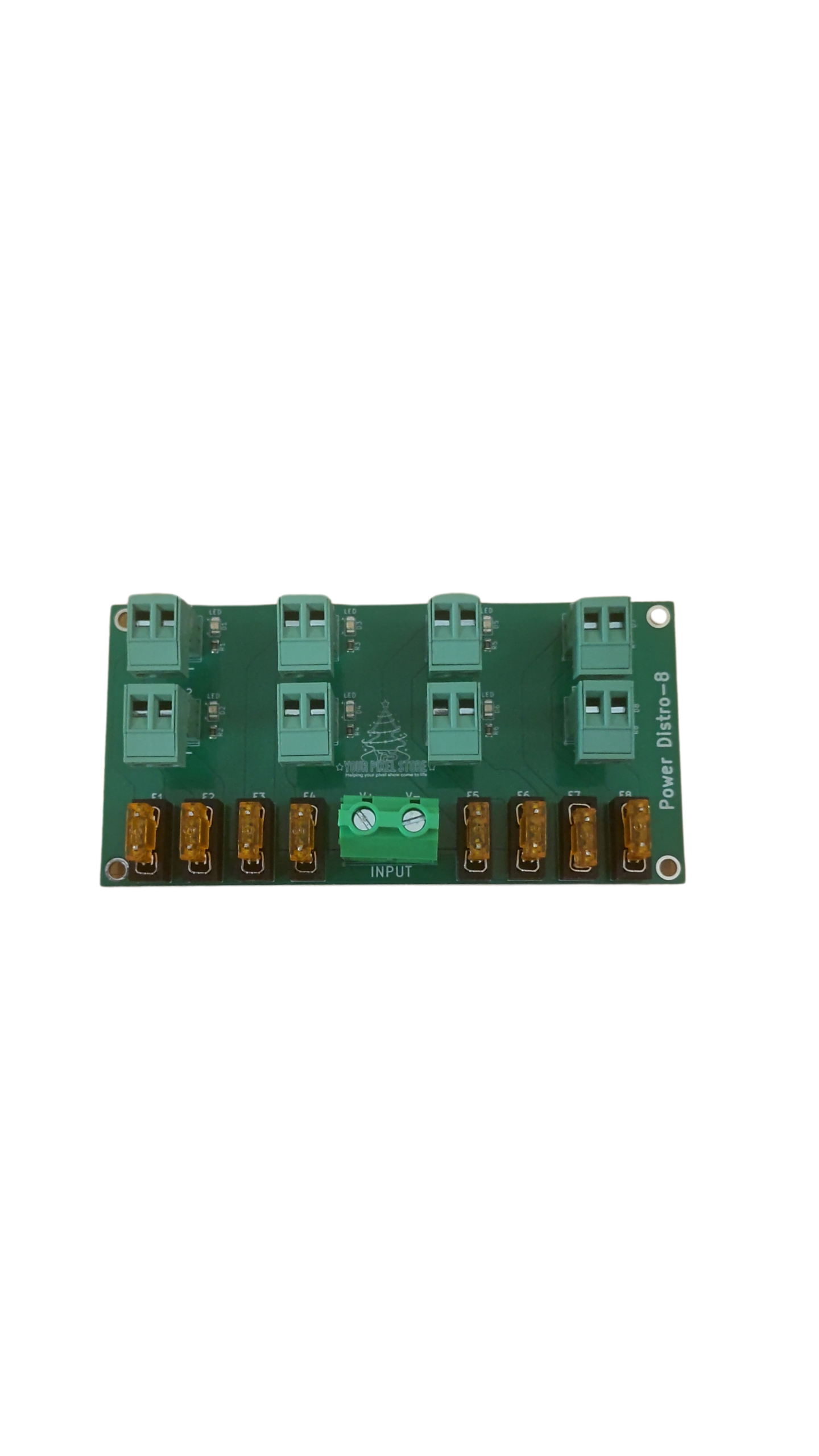
Power injection is key for large displays with long runs. It ensures your lights receive consistent power, preventing dimming or flickering. Use power injection cables at regular intervals to maintain voltage. This small step makes a big difference in your display’s performance.
Shopping for Ready-to-Run Controllers
For those who want a hassle-free setup, ready-to-run controllers are the way to go. These come pre-configured and are easy to install. They save you time and ensure your display is up and running quickly. Look for reliable brands that offer support and warranty for peace of mind.
Frequently Asked Questions
What is the difference between a WLED controller and a regular LED controller?
A WLED controller specifically works with addressable LEDs, providing more control over colors and patterns compared to regular LED controllers that often only allow basic on/off and dimming functions.
How do I know if I need a 5V or 12V power supply?
Choose a 5V power supply for smaller, less complex displays. Opt for a 12V power supply if you plan to run longer strips of lights or have a larger setup, as it reduces voltage drop over distance.
Can I use a WLED controller for both indoor and outdoor displays?
Yes, WLED controllers can be used for both. However, ensure your setup is weatherproof with appropriate enclosures if you plan to use them outdoors.
Do ready-to-run controllers require technical knowledge to install?
Ready-to-run controllers are designed to be user-friendly and typically do not require extensive technical knowledge. They come pre-configured, making installation straightforward.
What are the benefits of using power injection in my light display?
Power injection helps maintain consistent brightness and prevents flickering by ensuring all parts of your light strip receive adequate power, especially in longer runs.