Blog
Falcon Pixel Controllers: A Practical Guide for Holiday and Event Light Shows

Falcon pixel controllers are the backbone of standout holiday and event light shows. Picking the right model and wiring it correctly can make or break your display’s reliability. This guide breaks down how to size controllers like the Falcon F16v4 or F48, plan power injection, and set up networks with xLights and sACN. Plus, we’ll show how Your Pixel Store helps you plan, configure, and get your gear fast—so your lights shine bright every season. For an in-depth discussion, check out this Falcon Christmas forum topic.
Understanding Falcon Pixel Controllers
Falcon pixel controllers are essential for creating vibrant holiday light shows. They’re responsible for managing and synchronizing the lights in your display. In this section, we’ll explore what Falcon controllers do, how to pick the right model, and how to design a reliable setup.
What Falcon Controllers Do
Falcon controllers serve as the brain of your light show. They translate digital commands into visible light patterns across your display. With these controllers, you can make your Christmas or Halloween lights dance to music, change colors, or flash in sync. Reliable controllers ensure your show operates smoothly, reducing the risk of malfunction during critical showtimes.
Choosing the Right Model
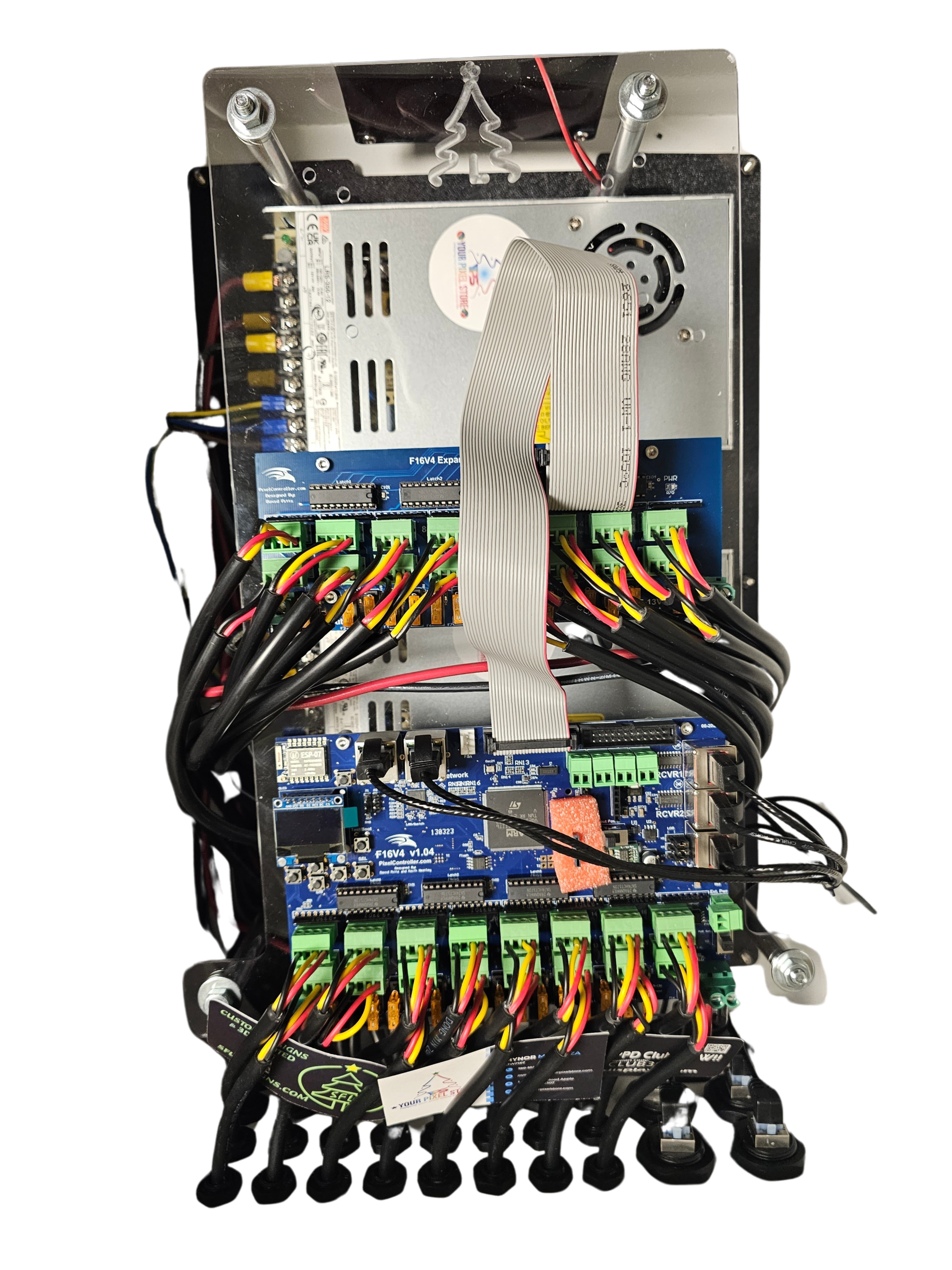
Selecting the right Falcon model depends on your display size and complexity. For smaller setups, the Falcon F16v4 might suffice. It supports up to 16 strings of lights, offering flexibility for various designs. Larger displays often require the Falcon F48, which manages more lights across different areas. Evaluate your design needs carefully to prevent overloading a controller or missing out on features necessary for your display.
Building a Reliable Layout
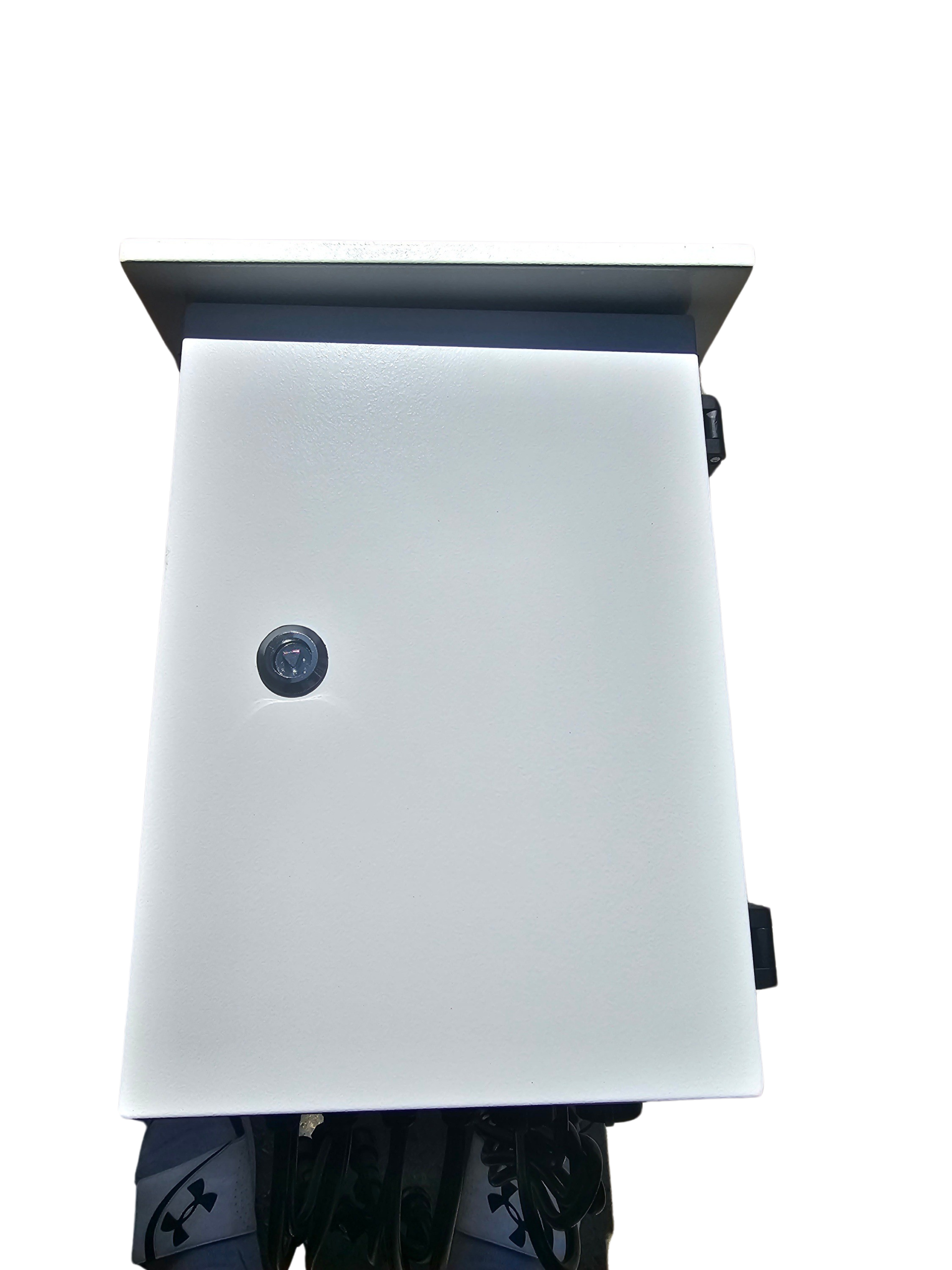
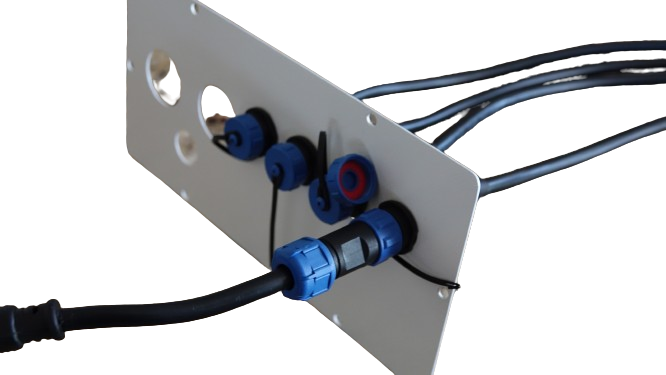
A well-planned layout is crucial for reliable performance. Start by sketching your setup, noting where each controller will be placed. Ensure power sources and data lines are efficiently routed to minimize cable length and potential signal loss. This planning phase is also the best time to consider enclosures to protect your equipment from weather elements, which is vital for outdoor displays.
Popular Falcon Models Explored
Falcon offers several models, each with unique features. Understanding these can help you make informed decisions when selecting controllers for your light show. We’ll discuss the differences between local-port and differential styles, explore smart receiver chain basics, and dive into power budgeting and enclosure options.
Local-Port vs Differential Styles
Local-port controllers, like the Falcon F16v4, are ideal for compact installations where all lights connect directly to the controller. This style simplifies wiring but can limit distance. In contrast, differential receivers expand possibilities by allowing light strings to be placed further from the main controller. This setup is perfect for larger areas or intricate displays. Always consider the scale and layout of your project when choosing between local-port and differential styles.
Smart Receiver Chain Basics
Smart receivers extend the capabilities of your Falcon controller, allowing for even more complex displays. They enable multiple light strings to be controlled from a single data line, reducing the need for extensive wiring. Understanding how to chain these receivers can significantly enhance your show’s flexibility and reduce setup time. Proper configuration is key to maximizing their effectiveness.
Power Budgeting and Enclosures
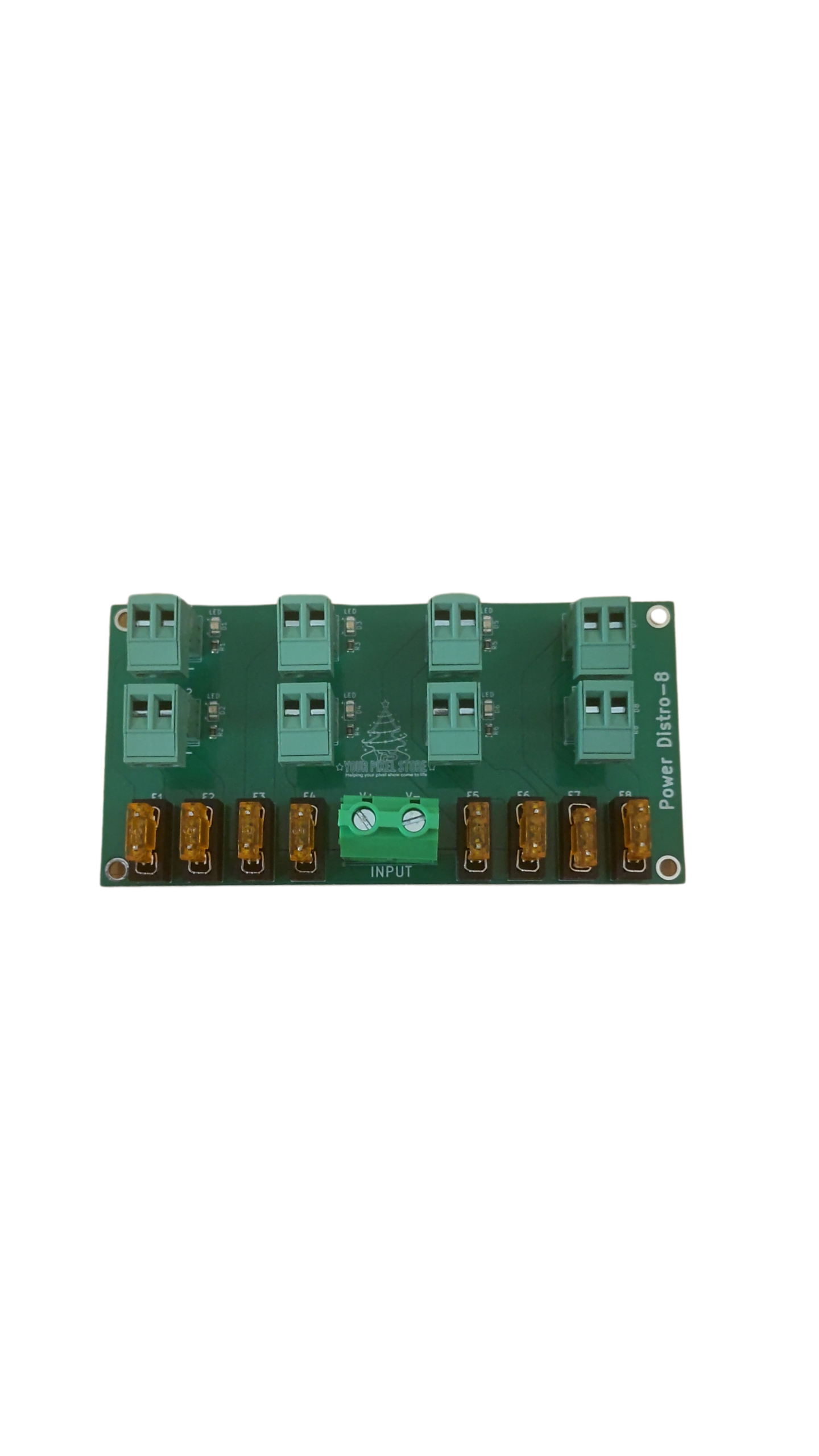
Planning your power needs is essential to avoid overloading circuits and ensure consistent performance. Calculate the total power draw of your lights and compare it to your power supply’s capacity. This step helps prevent unexpected shutdowns during your light show. Additionally, using enclosures not only protects your equipment but also helps organize cables and power supplies, making maintenance easier.
Perfecting Your Light Show Setup
Once your controllers and layout are decided, it’s time to focus on the software and network setup. This section will guide you through xLights controller mapping, sACN E1.31 and Art-Net lighting protocols, and how to avoid common pitfalls.
xLights Controller Mapping
xLights is a popular software for mapping your controllers and programming light sequences. It simplifies the process, allowing you to create visually stunning shows without complex coding. Start by importing your layout into xLights, then assign each light string to its corresponding controller output. This ensures that your sequences run smoothly, with each light responding as programmed.
For more detailed guidance, refer to our xLights Tutorial.
sACN E1.31 and Art-Net Lighting
sACN E1.31 and Art-Net are protocols used to transmit lighting data over networks. They allow for precise control of large numbers of lights, making them ideal for complex displays. Choose the protocol that best fits your network setup and ensure your controllers are compatible. Proper configuration ensures seamless data transmission and prevents lag or miscommunication between your software and lights.
Avoiding Common Pitfalls
Even with the best equipment, common pitfalls can derail your light show. Ensure all connections are secure, and test your setup before the big night. Frequent testing allows you to identify and fix issues early. Moreover, keep spare parts and tools handy for quick repairs. Remember, preparation is key to a successful show, so take the time to double-check each component.
By understanding your Falcon pixel controllers and meticulously planning your setup, you can create a dazzling light show that captivates your audience. Remember, Your Pixel Store is here to support you every step of the way with more resources and guidance.