
Blog
QuinLED Compatibility Guide: Build a Pro Halloween or Christmas Light Show with YPS

QuinLED has become a favorite for DIY pixel controllers, but pairing it with the right pixels, power, and enclosures can feel tricky. Whether you’re building a Halloween light show, a Christmas display, or a commercial setup, choosing the right parts matters. This guide breaks down how QuinLED fits with Your Pixel Store gear and when a ready-to-run option like YPS VIVID 8 makes sense—so you can build your show with confidence and fewer headaches. Learn more about QuinLED controllers here.
Introduction to QuinLED
When it comes to creating impressive light displays, QuinLED offers flexible solutions for enthusiasts and professionals alike. Let’s explore how QuinLED and WLED can enhance your light shows.
Understanding QuinLED and WLED
QuinLED is a DIY pixel controller that works seamlessly with WLED, a popular open-source software. It allows you to create dynamic light shows for any occasion. By using QuinLED, you can control your light display with precision and creativity. This combination lets you craft stunning visuals, perfect for everything from a Halloween light show to a Christmas display. Explore QuinLED options.
Benefits of DIY Pixel Controllers
DIY pixel controllers like QuinLED offer flexibility and customization. You can design your setup to meet specific needs, whether it’s a small home project or a large commercial installation. Using a DIY approach, you have control over every element: pixels, power supply, and more. This hands-on method often leads to a deeper understanding of your setup and more satisfaction with the end product.
Compatible LEDs and Components
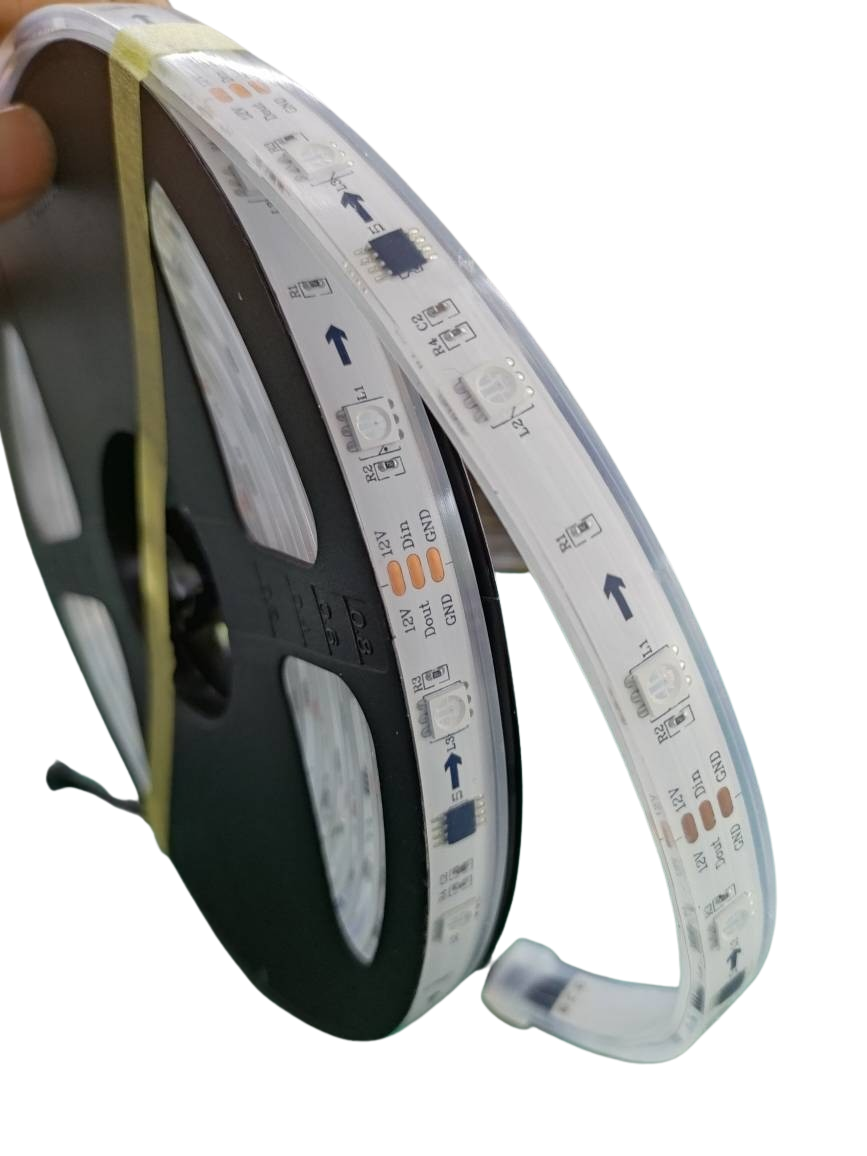
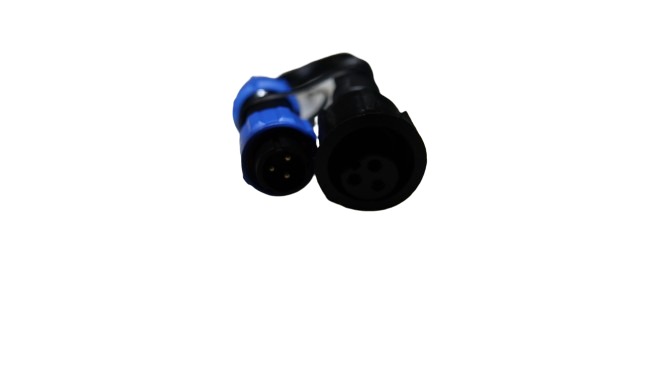
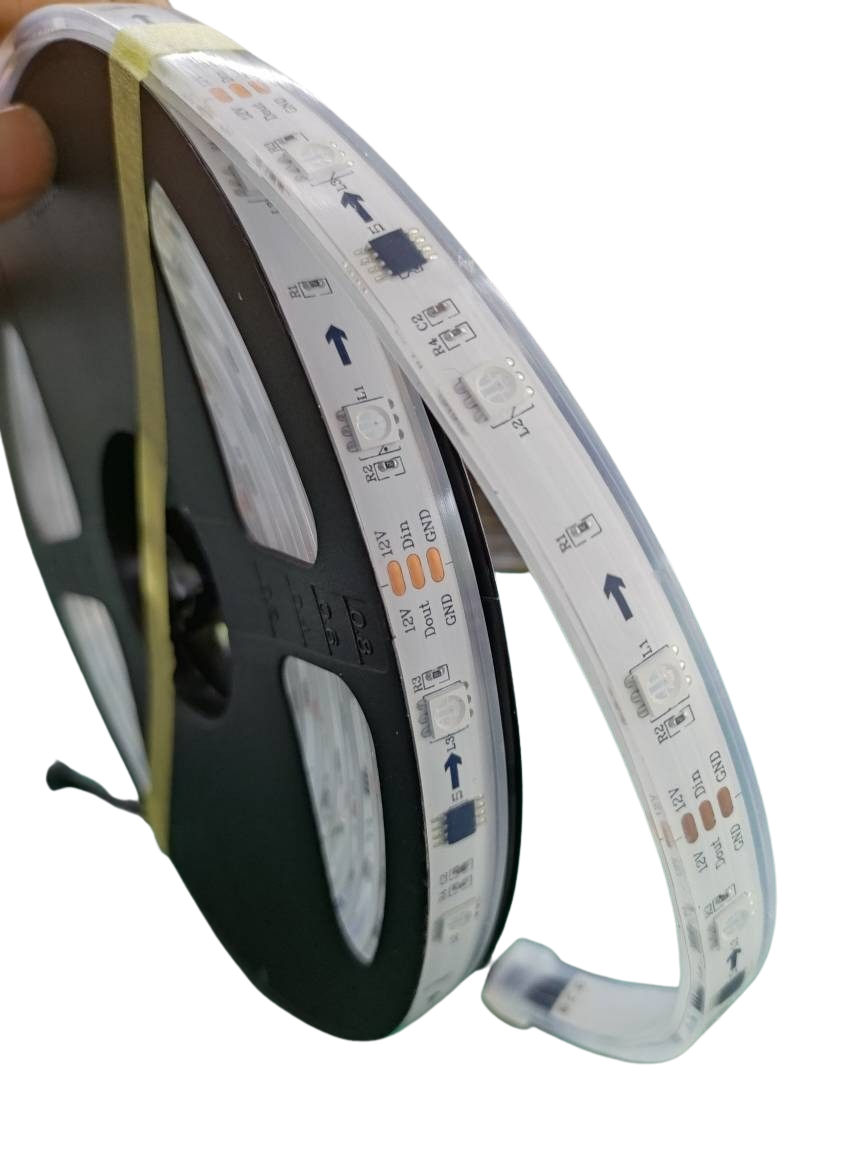
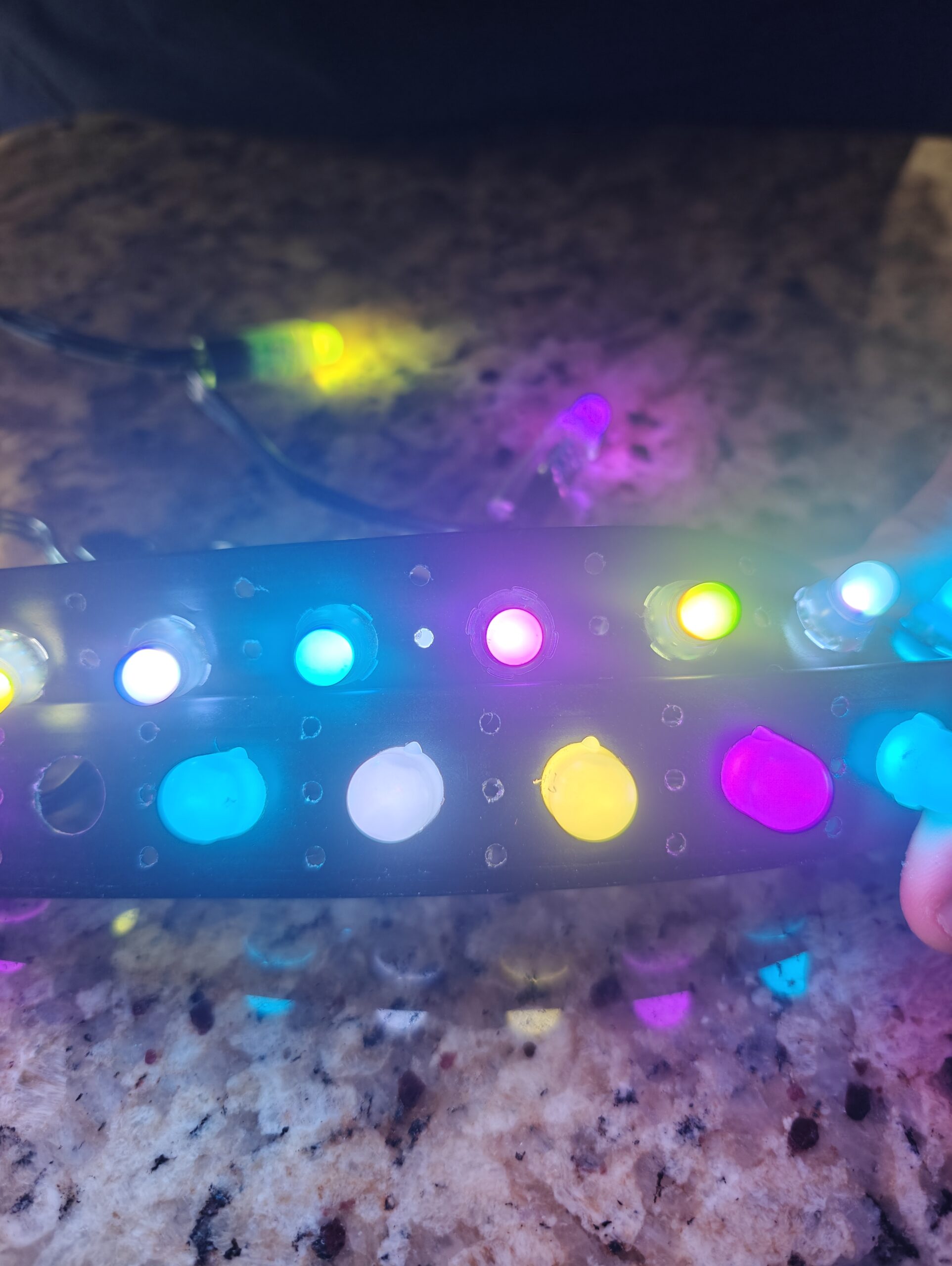
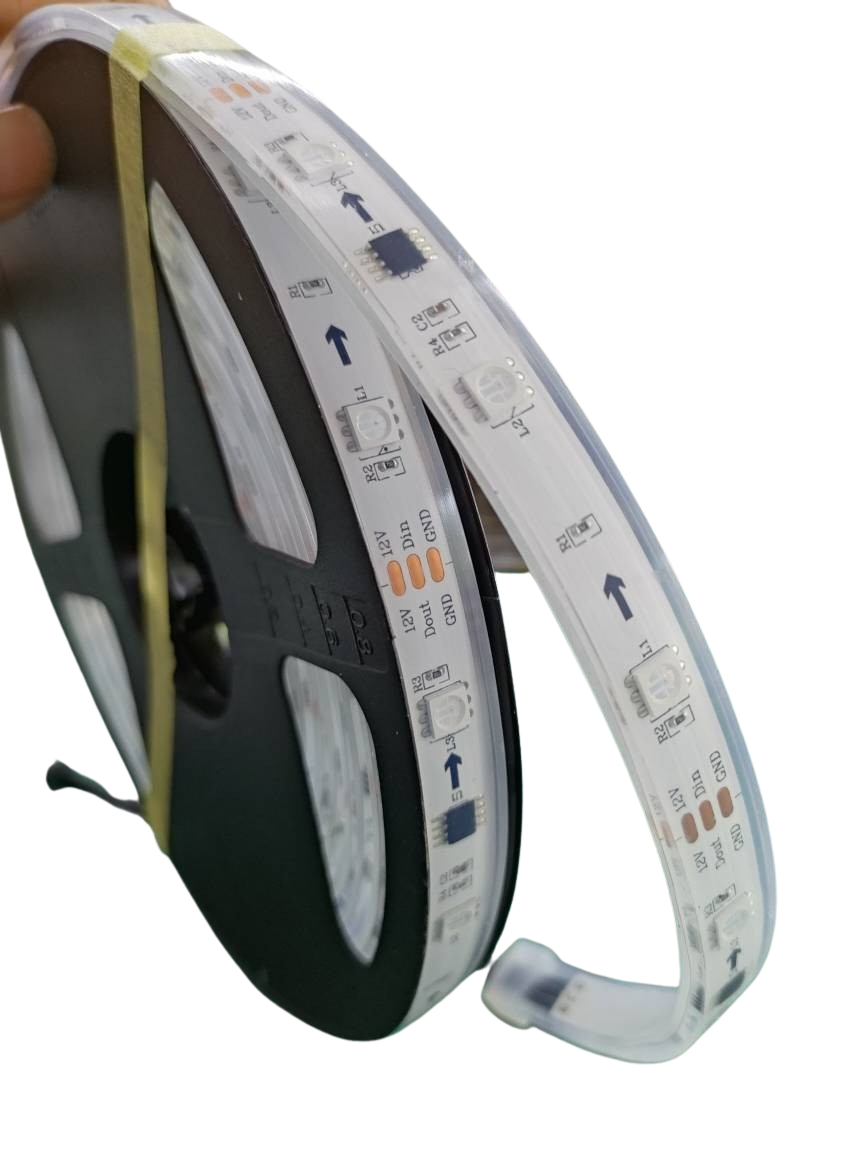
Choosing the right LEDs and components is crucial for a successful setup. QuinLED is compatible with popular LEDs like WS2811, WS2812B, WS2815, and SK6812 RGBW. These addressable LEDs give you full control over each pixel, offering vibrant and customizable effects. Pairing them with the right enclosures and connectors ensures your display is both durable and visually appealing. Discover more about compatible QuinLED components.
Building with QuinLED
Crafting your light show with QuinLED involves several important decisions. Let’s look at how to power and protect your setup for optimal performance.
Voltage Choices and Power Injection
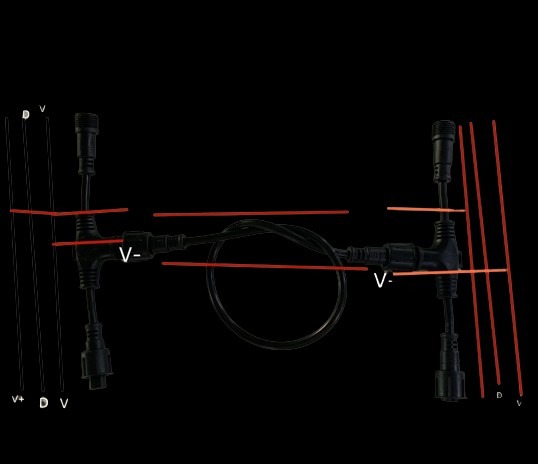
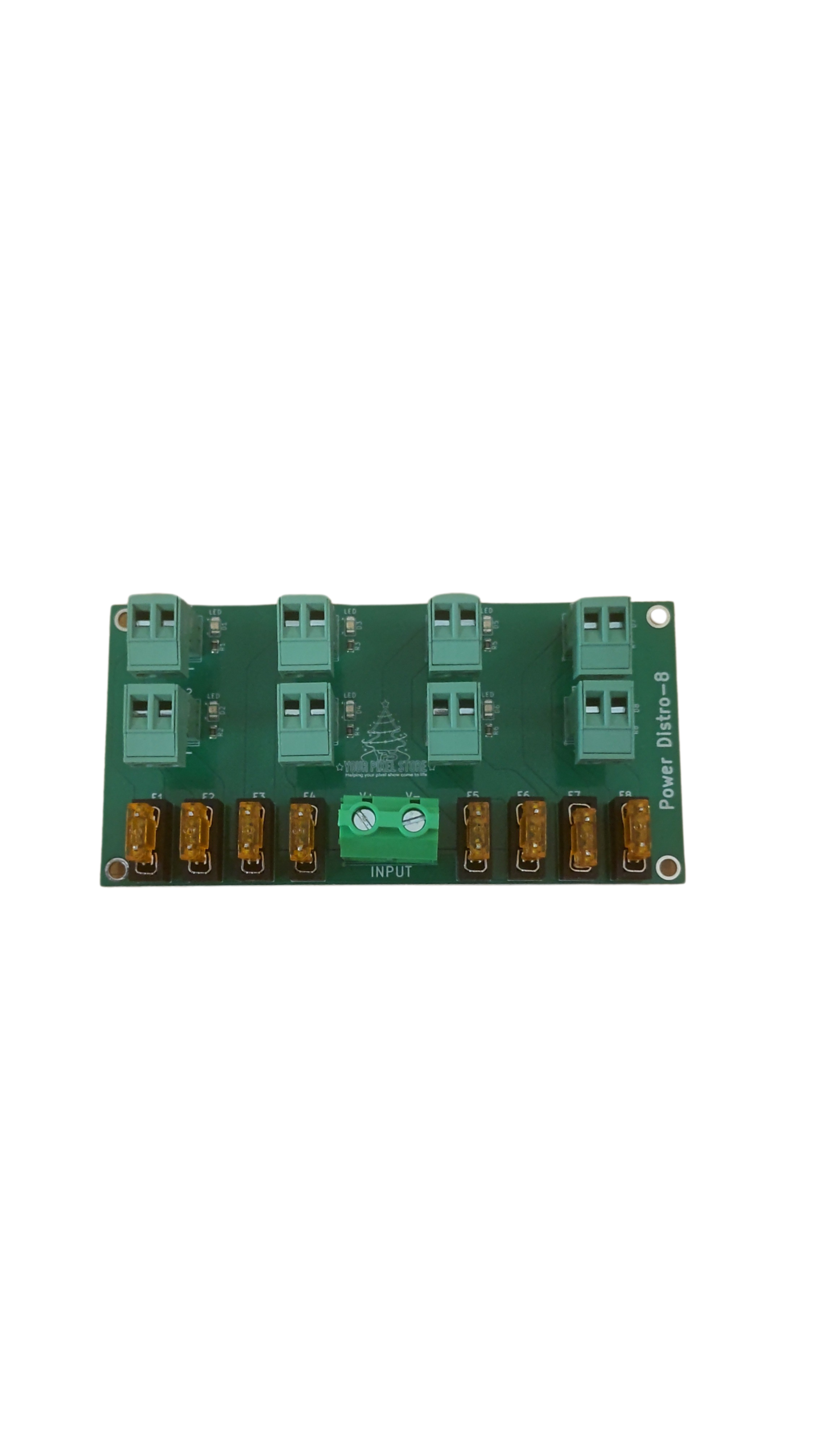
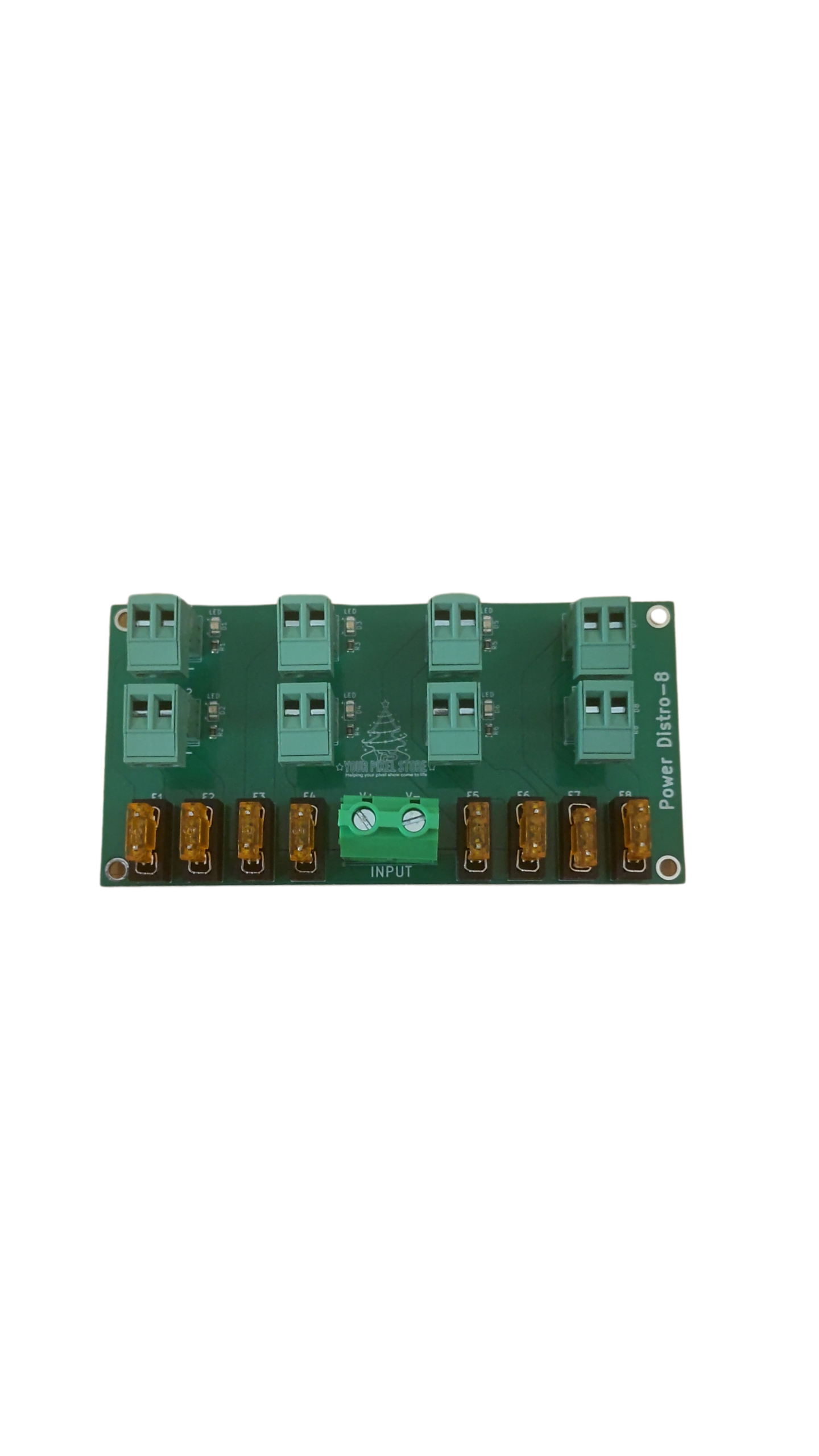
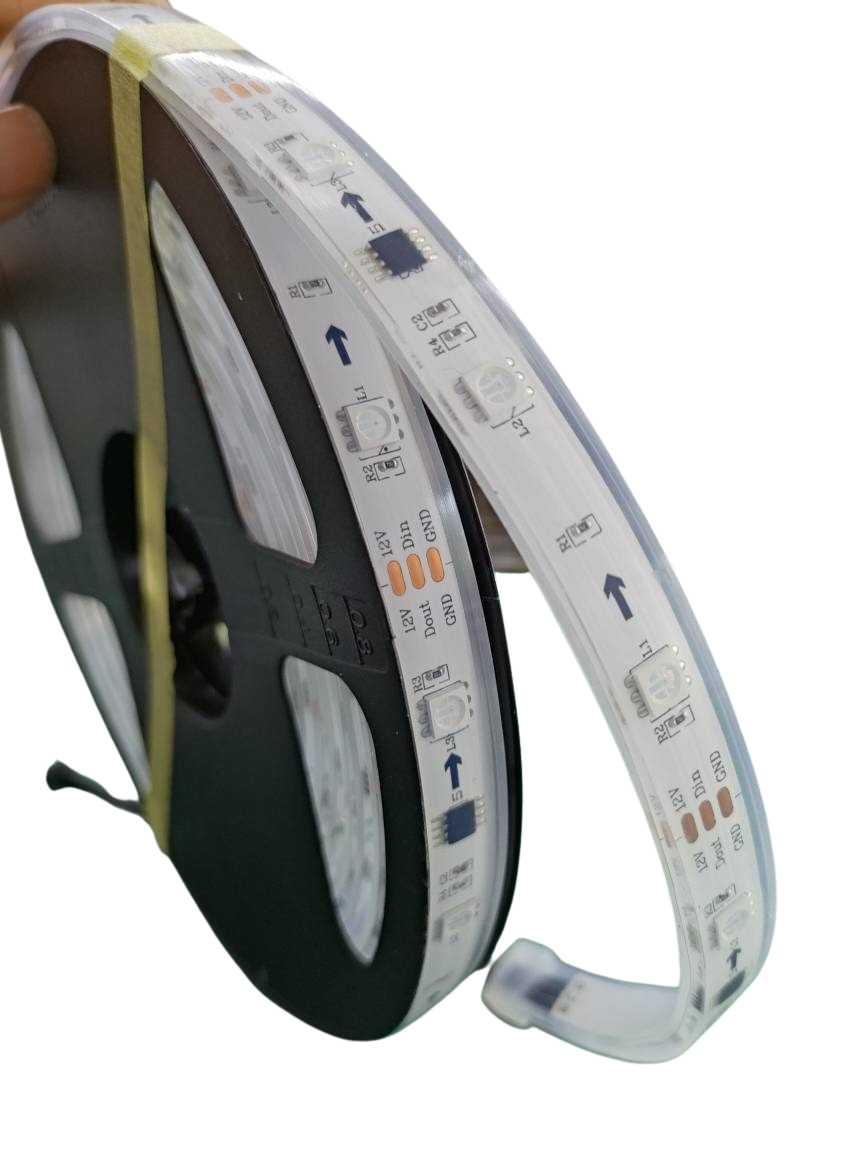
Selecting the correct voltage for your LED setup is vital. QuinLED supports both 5V and 12V pixels, each with its advantages. While 5V offers more brightness, 12V reduces the need for power injection over longer distances. Power injection is essential to maintain consistent brightness throughout your display. By strategically placing power sources, you minimize voltage drop and maximize performance.
Planning Cable Length and Enclosures
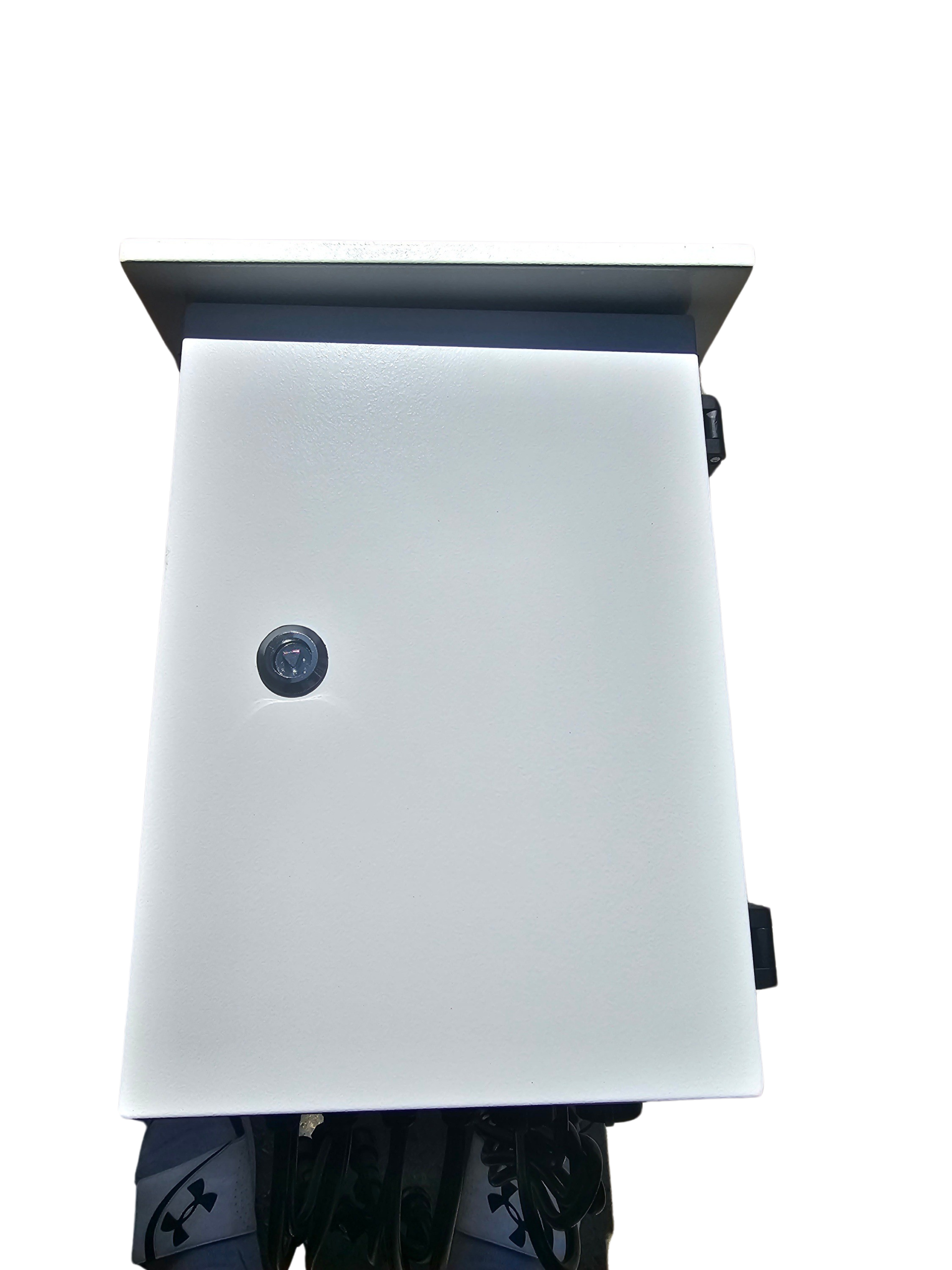
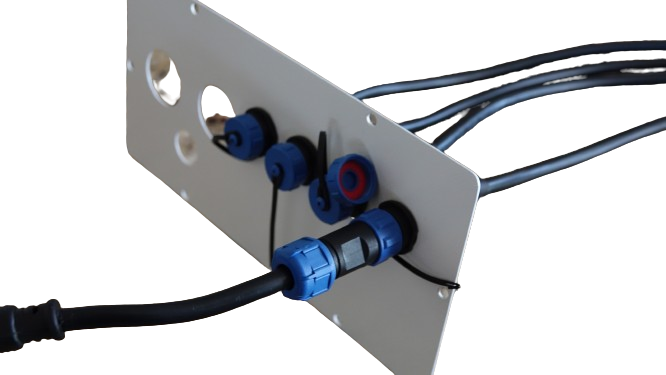
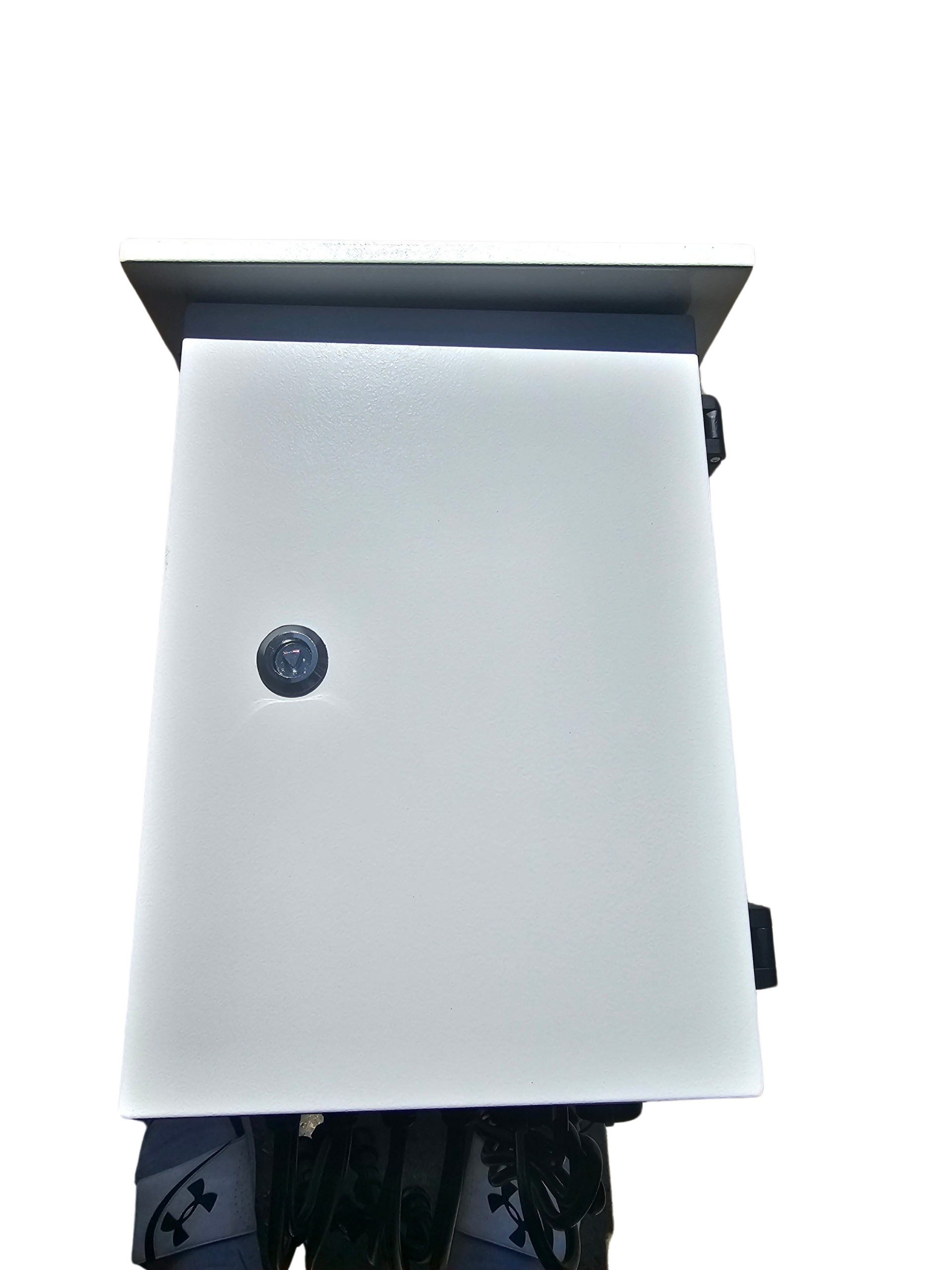
Cable length affects both signal quality and power efficiency. Planning your setup with shorter cables can reduce signal degradation and improve performance. Enclosures protect your components from weather and damage. Choose waterproof enclosures for outdoor displays to ensure longevity and reliability. Proper planning and protective measures guarantee a robust and efficient setup.
xLights Mapping and Data Direction
Using software like xLights simplifies the mapping of your light show. It allows precise control over data direction and effect timing. By visualizing your show in xLights, you can plan your layout and troubleshoot potential issues before they arise. This proactive approach saves time and enhances the quality of your display. Learn more about accurate color and clean data in your pixel show.
Choosing YPS VIVID 8
While QuinLED offers flexibility, the YPS VIVID 8 provides a ready-to-run option that simplifies the setup process. Let’s explore its features and benefits.
Features of Ready-to-Run Controllers
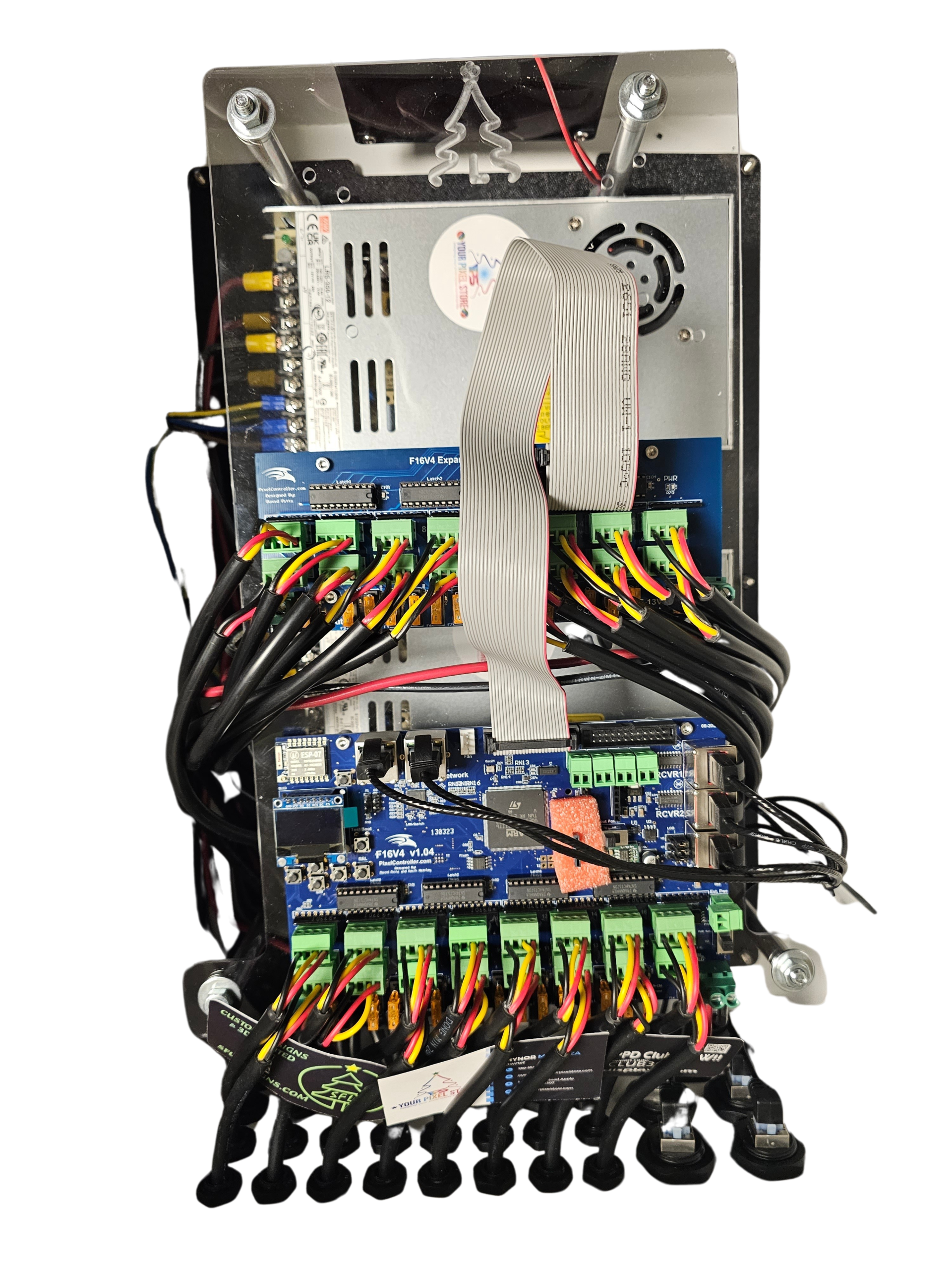
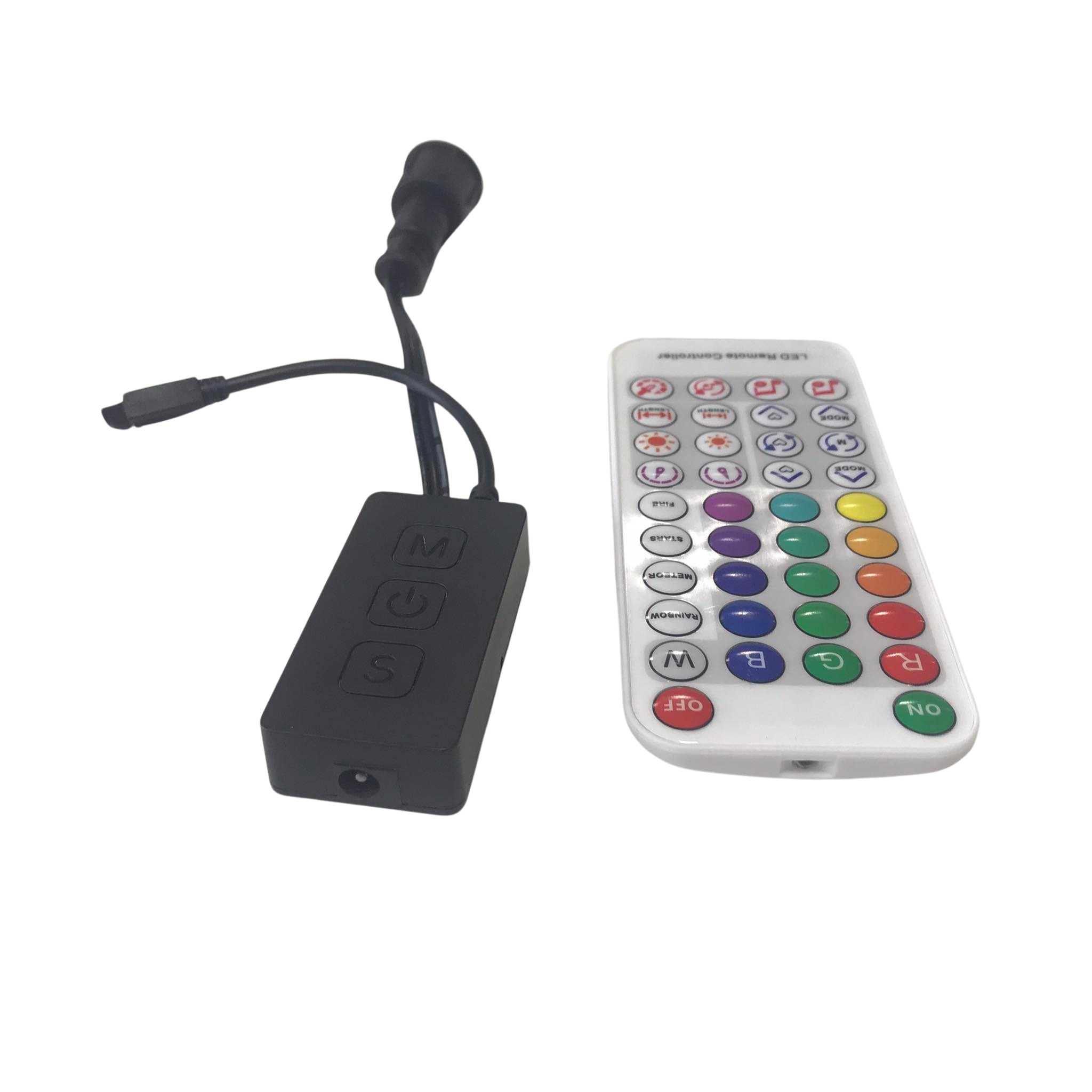
The YPS VIVID 8 is a professional pixel controller that simplifies the setup of LED displays. It offers plug-and-play convenience, reducing the complexity of manual setups. This controller is perfect for those who want reliable performance without extensive tinkering. Its user-friendly design allows you to focus on creativity rather than technical details. Discover the best LED controller for light shows.
Setup and Expansion Options
Setting up the YPS VIVID 8 is straightforward, making it ideal for beginners and professionals. It supports easy expansion, so you can start small and grow your display over time. The controller’s modular design ensures compatibility with various LED types and configurations. This flexibility allows you to adapt your setup to changing needs and project scales.
Comparing QuinLED and VIVID 8 Paths
Choosing between QuinLED and YPS VIVID 8 depends on your project goals. QuinLED offers customization and learning opportunities, while YPS VIVID 8 provides ease of use and reliability. If you enjoy building and customizing, QuinLED is a great choice. For those who prefer a ready-to-go solution, VIVID 8 is the way to go. Both options enable stunning light shows, letting you pick the best path for your needs. Explore quick-start tips with YPS controllers.
Frequently Asked Questions
What is QuinLED used for?
QuinLED is a DIY pixel controller used for creating dynamic LED light displays. It works with WLED software to control lights for events, holidays, and commercial displays.
How do I choose between 5V and 12V pixels?
5V pixels offer greater brightness but require more power injection over long distances. 12V pixels are better for longer cable runs with less voltage drop.
Can I expand my light show with YPS VIVID 8?
Yes, the YPS VIVID 8 supports easy expansion, allowing you to add more lights and components over time. Its modular design accommodates various project sizes.
What LEDs are compatible with QuinLED?
QuinLED is compatible with WS2811, WS2812B, WS2815, and SK6812 RGBW LEDs. These addressable LEDs offer customizable lighting effects for any display.
Is xLights necessary for my setup?
xLights is helpful for mapping and planning your light show, ensuring precise control over data direction and effect timing. It enhances the overall quality of your display.