Blog
Choosing the Right xLights Controller: A No‑Guesswork Guide

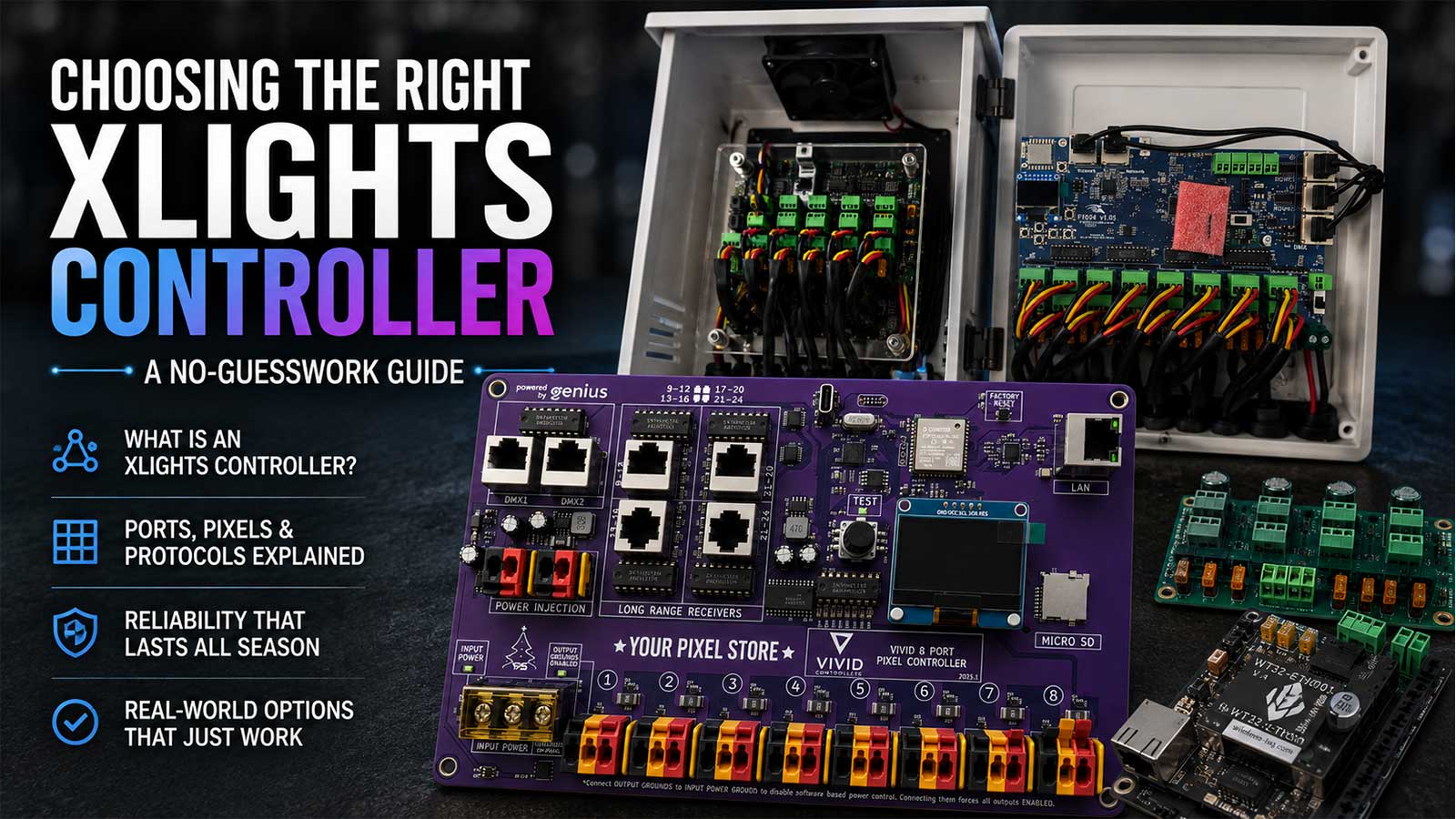
Picking an xLights controller comes down to one thing most guides skip: xLights doesn’t make controllers. It’s sequencing software. It sends your show data over a network protocol to a separate box, and that box drives the pixels. Any controller that speaks one of those protocols works with xLights.
So the real question isn’t which brand says “xLights compatible” on the label. It’s how many ports your display needs, how many pixels you’re hanging off each one, and what survives a season in your yard. We build these boxes here at Your Pixel Store and wire them for customers every week, so this guide walks the decision the way we walk it on the phone.
What is an “xLights controller”? There isn’t one, and here’s what you actually need
xLights is sequencing software. It doesn’t make controllers. It sends pixel data over E1.31 (sACN), ArtNet, DDP, or DMX through a USB adapter to separate hardware that drives your pixels. Any controller that accepts one of those protocols works with xLights, including Falcon, Kulp, Genius, WLED boards, and the VIVID 8.
That’s the whole answer, and it clears up most of the confusion around this search.
“Compatible with xLights” isn’t a certification. Nobody tests and stamps boards. It means one of two different things, and it’s worth knowing which one you’re being sold:
It accepts the protocol. The controller listens for E1.31, ArtNet, or DDP on your network and lights pixels when the data arrives. This covers almost every pixel controller made in the last decade. You type the controller’s IP address into xLights yourself and set the universes by hand.
It’s in the xLights vendor list. Some boards also show up in the Vendor, Controller, and Variant dropdowns inside xLights, which turns on the Upload Output button. xLights then writes the port and universe config straight to the board so you don’t hand-enter it. The manual lists Falcon, Pixlite/Pixcon, SanDevices, J1SYS, AlphaPix, HinksPix, ESPixelStick, and most FPP caps and capes.
Both are fine. The second one saves you twenty minutes of typing. Neither one makes the lights brighter.
xLights controller comparison at a glance
Real xLights controller options a US show builder can buy today, on equal footing. Pixels per port is the number the maker publishes, and you’ll see below why it moves.
| Controller | Ports | Pixels per port | Protocols | Long-range / expansion | Power and voltage | Upload Output in xLights | Price | Best fit |
|---|---|---|---|---|---|---|---|---|
| YPS VIVID 8 | 8 | No per-port bank limit. 10,000 pixels total on E1.31/ArtNet, 20,000 on DDP | E1.31, ArtNet, DDP | 4 RJ45 long-range receiver ports, 2 RJ45 DMX out | 5V to 24V, reverse polarity protection, 8 auto-reset fuses, per-port current monitoring | No, set universes by hand | $169.99 board, $350 Ready-to-Run | 500 to 8,000 pixels, most home displays |
| YPS Advanced 8-Port (ESP32/WLED) | 8 | 500 at 40fps, 800 at 20fps | E1.31, DDP via WLED | None | 12V, onboard power distribution | No | $55 | First controller, small props, learning the chain |
| Falcon F16V5 | 16 | 1,024 in 16 or 32 string mode, 704 in 48-port mode | E1.31, ArtNet, DDP, ZCPP | Expansion board to 48 strings, differential smart receivers | Two independent power sides, 16 fused outputs, 192 universes | Yes | Board price varies by supplier, $735 Ready-to-Run at Your Pixel Store | 5,000+ pixels, spread-out yards |
| Kulp K16A-B | 16 | 800 at 40fps, 1,500 at 20fps | E1.31, ArtNet, DDP, plus 2 RS485 for DMX/Renard/LOR | 4 RJ45 differential ports, expansion header for 16 more | Fused outputs, onboard FPP, real-time clock, sound out | Yes, FPP cape | $705 Ready-to-Run | Standalone shows, no always-on computer |
| Genius 16-output | 16 | ~10,000 total on E1.31/ArtNet, ~20,000 on DDP, no banks | E1.31, ArtNet, DDP | 2 RJ45 long-range, 2 RJ45 DMX out | 16 auto-reset fuses, per-port current monitoring and pixel counting | No | $204.99 | Port count on a budget |
| Generic WLED ESP32 board | 1 to 4 | About 510 for smooth 40fps, ~1,500 per device ceiling | E1.31, DDP | None | Varies by board | No | $20 to $60 | Single props, indoor builds, testing |
The VIVID 8 isn’t the answer to every line in that table. If your yard has a prop 80 feet from the enclosure, a Falcon or Kulp with differential receivers beats an 8-port board and a long pixel run. If you want the show to run without a computer awake in the house, the Kulp has FPP onboard and the VIVID 8 doesn’t. Say what you need out loud and the table usually picks itself.
What the controller does, and what xLights and FPP do
Three separate things, and mixing them up is where most first builds stall.
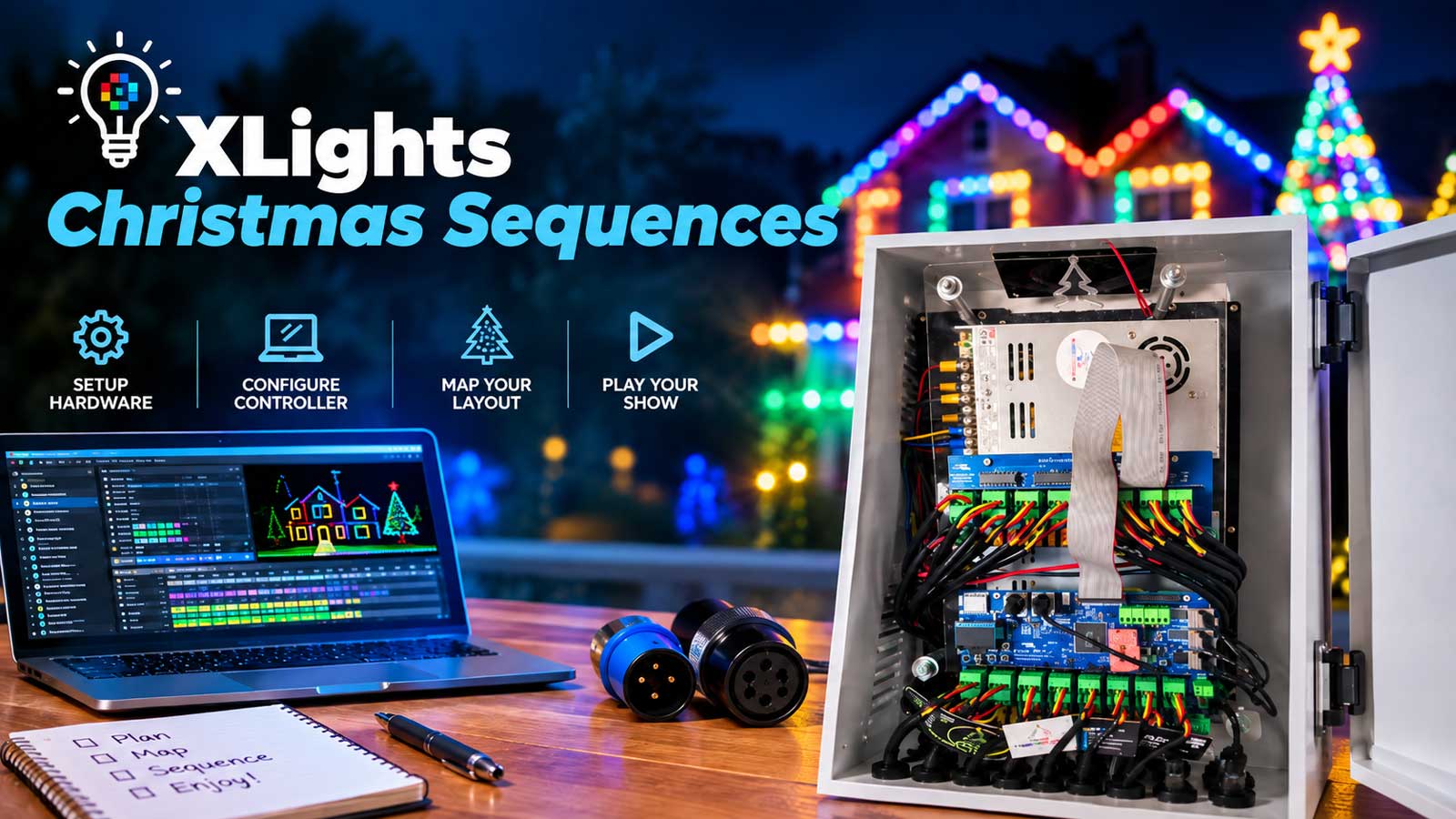
xLights is where you design. You build your layout, map props to controller outputs, and sequence effects to music. It runs on your Windows, Mac, or Linux computer.
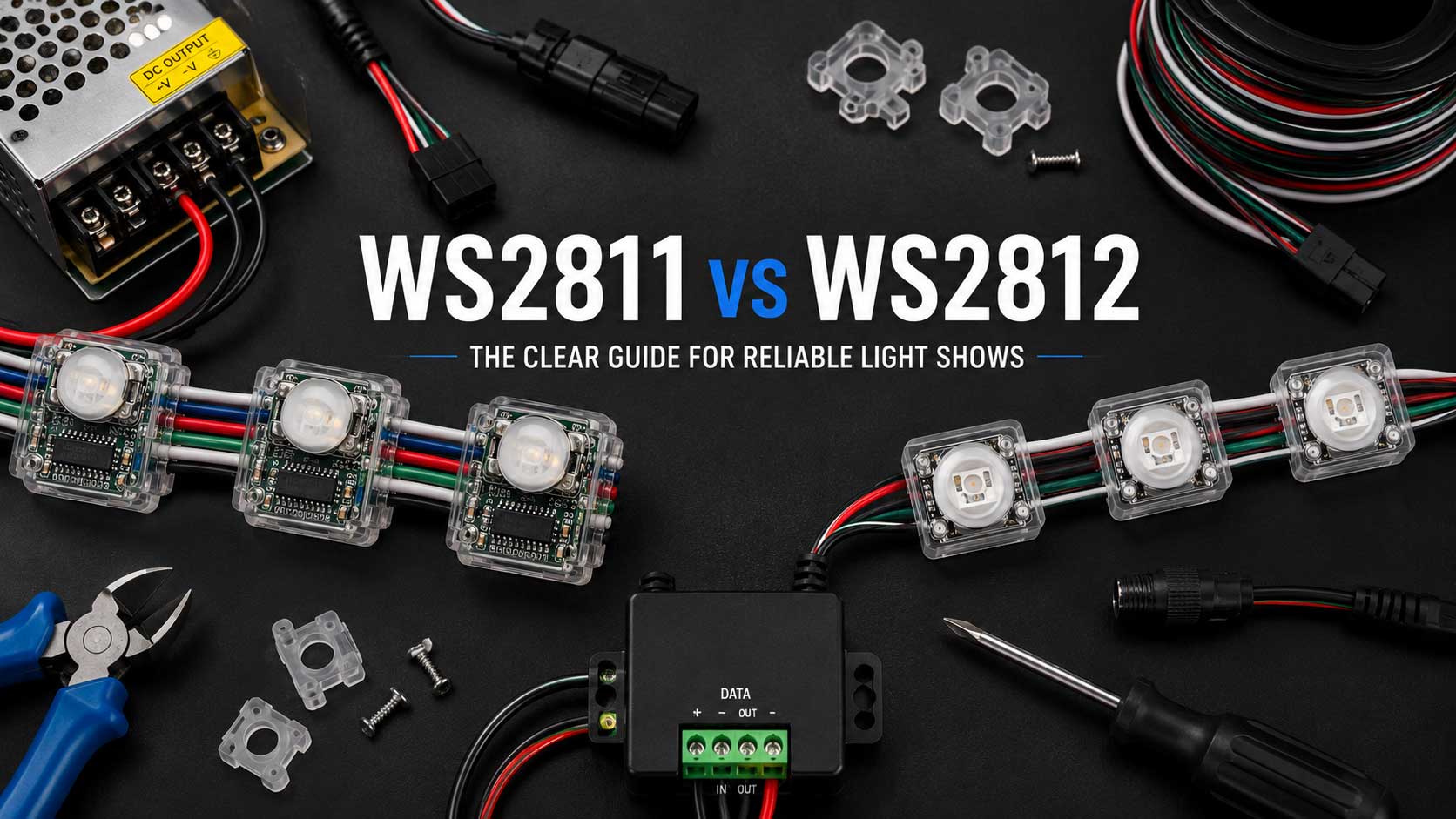
The controller is the hardware in the enclosure outside. It receives data over Ethernet or Wi-Fi and converts it into the timed signal WS2811 and WS2812B pixels understand. It’s the only piece with wires going out to your lights.
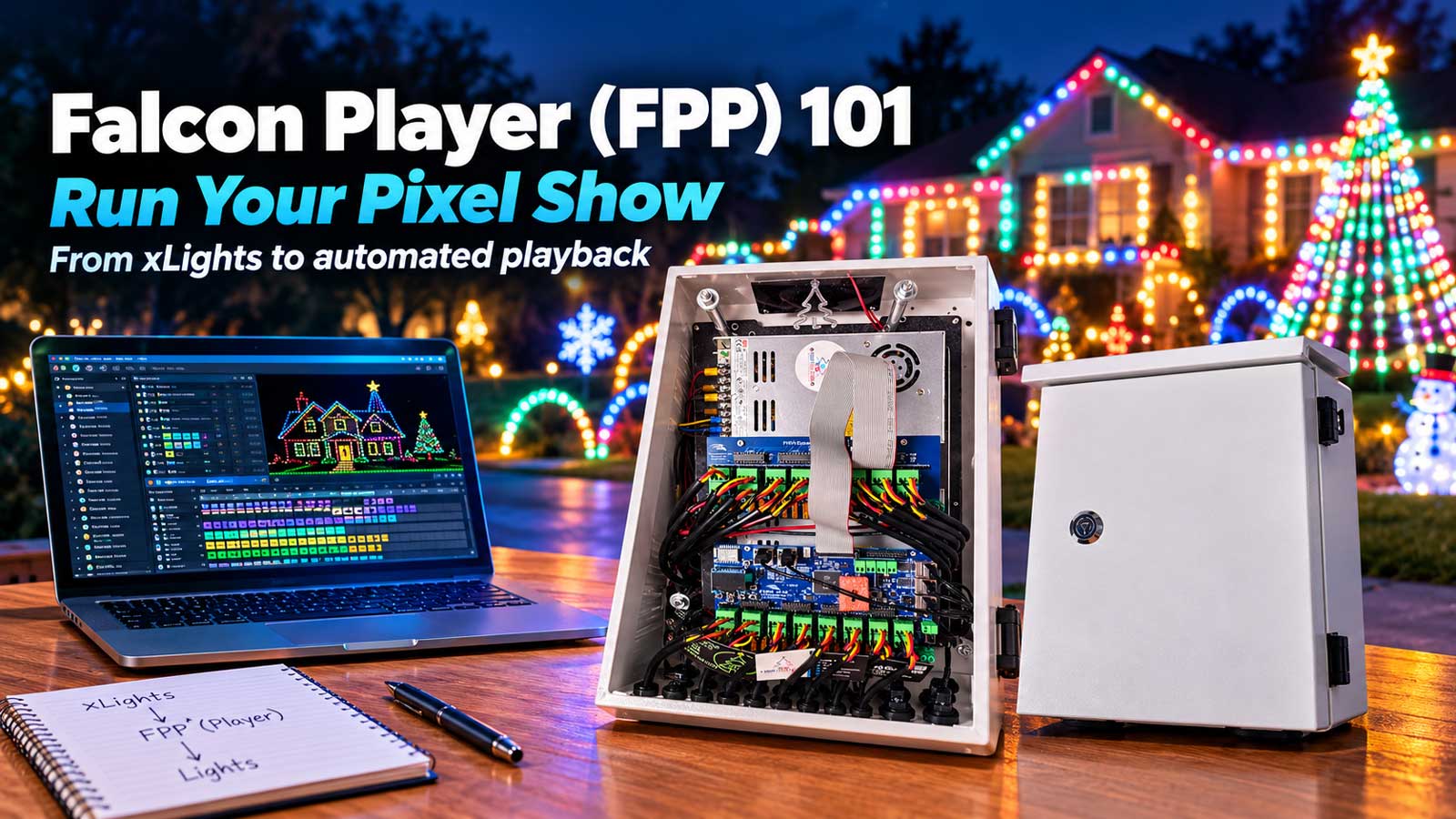
FPP (Falcon Player) is a show player. It runs on a Raspberry Pi, a BeagleBone, or built into a controller like the Kulp cape. It stores your finished sequences and plays them on schedule so your computer doesn’t have to sit outside running all night.
You need xLights and a controller. FPP is optional until it isn’t, and we’ll come back to that.
Ports, pixels per port, and the limit that actually bites
Here’s the part the spec sheets bury. Pixels per port isn’t one number. It moves with the frame rate you run.
Our own $55 Advanced 8-Port board is the cleanest example. It handles 500 pixels per pin at 40 frames per second, and 800 pixels per pin at 20 frames per second. Same board, same wire, same pixels. The only thing that changed is how many times per second the controller has to push a fresh frame down the line.
The pattern repeats across brands. The Kulp K16A-B does 800 pixels per port at 40fps and 1,500 at 20fps. The Falcon F16V5 does 1,024 pixels per output in 16 or 32 string mode, and 704 per string once you switch it to 48-port mode. Advatek publishes 1,020 RGB pixels per output on the PixLite line.
So when a listing says “1,024 pixels per port,” read it as “1,024 under one specific setup.” Ask at what frame rate, and in which mode.
Most shows look good at 20 to 25fps. Fast strobe and chase effects want 40. If you’re sequencing hard-edged effects, plan your port loading against the 40fps number and you won’t get surprised on opening night.
Universes and channels, in plain terms
Universes sound scary and they aren’t. One universe carries up to 512 channels. Every RGB pixel uses 3 channels, one each for red, green, and blue. Divide 512 by 3 and you get 170 whole pixels, with 2 channels left over. That’s why almost everyone sets universe size to 510 and calls it a day.
So: 170 pixels per universe. A 3,000-pixel display needs about 18 universes. Set them once in the Controllers tab and xLights handles the rest for the life of the show.
RGBW pixels use 4 channels each, which drops you to 127 pixels per universe. Worth knowing if you’re running WS2814.
How many xLights controllers does your display need?
This is the math nobody on the first page of Google does for you, so let’s do it with a real yard.
Say you’re running:
- Roofline and windows, 150 feet at 6-inch spacing: 300 pixels
- A 12-foot mega tree, 16 strands of 100: 1,600 pixels
- A pixel matrix, 20 by 20 on mesh: 400 pixels
- Six props (arches, candy canes, a wreath) at 100 each: 600 pixels
That’s 2,900 pixels, or about 18 universes.
Now the part that catches people. Run those 2,900 pixels against a VIVID 8’s ceiling of 10,000 on E1.31 and it looks like you’re using less than a third of the board. You’re not. Count ports instead:
- Roofline split into 2 runs: 2 ports
- Mega tree, 1,600 pixels split 4 ways at 400 each: 4 ports
- Matrix: 1 port
- Six props chained onto 3 runs: 3 ports
Ten ports. You ran out of ports at 2,900 pixels on a board rated for 10,000.
That’s the single most useful thing in this guide. Port count runs out long before pixel count does. Sizing a first controller by total pixels is one of the most common ways to come up short in November.
Three ways out, and they’re not equal:
- Chain more props per port. Cheapest fix. Works when the props sit near each other and the combined run stays under your per-port limit at your frame rate.
- Add long-range receivers. The VIVID 8 has 4 RJ45 ports for them, the Genius has 2, Falcon and Kulp have 4. One Cat6 cable out to a far corner, then local ports at the far end. This is the right answer for a prop across the driveway.
- Add a second controller. More ports, and a second place to put a power supply, which matters more than people expect.
For this 2,900-pixel yard, we’d put a VIVID 8 in the main enclosure and run one long-range receiver out to the mega tree. If the tree were 100 feet from the house instead of 30, we’d point you at a 16-port Falcon or Kulp build instead and skip the receiver.
What an xLights controller powers, and what it doesn’t
Your xLights controller doesn’t make power. It passes it through.
Your pixels get their voltage from a separate power supply, usually a Meanwell 350W or 600W 12V unit sitting in the same enclosure. The controller takes that DC in, distributes it to the output ports, and adds the data signal on top. That’s it.
Size the supply from real draw. A 12V WS2811 pixel pulls about 0.0555A at full white, roughly 0.666 watts each. For the 2,900-pixel yard above, all-white at once would be about 1,930 watts. Nobody sequences all-white at 100% across a whole display, so most builders size to 50 or 60 percent of theoretical draw and stay honest about it. Two 350W supplies is a common starting point for a display that size, and it’s what ships in our Ready-to-Run builds.
Then there’s power injection. On 12V, standard practice is feeding fresh power in about every 120 pixels, and you’ll generally get 50 feet of cable before voltage drop starts showing up as dim or color-shifted pixels at the far end. These are working numbers, not guarantees. Your wire gauge and your run length move them.
If voltage is still an open question for your build, our guide on 5V vs 12V vs 24V pixels covers that decision on its own. It’s a separate call from the controller, and it should stay separate.
What actually kills an xLights controller outdoors
Not rain. Condensation.
A sealed enclosure heats up in afternoon sun, cools fast after dark, and the moist air inside turns to water on the coldest surface in the box. That’s usually the board. Rust across a fuse block with a clean, dry door gasket is a common way for a controller to die over winter.
What helps: a drip loop on every cable entering the box, glands sized to the actual cable diameter instead of the biggest one in the bag, and the enclosure mounted so the openings face down. Leave a little airflow rather than sealing it airtight.
The second killer is a port shorted by a pinched pigtail during the fall install that nobody notices until the fuse blows. Boards with auto-reset fuses (the VIVID 8 and the Genius both have them, 8 and 16 respectively) save you a trip up the ladder with a multimeter. Boards with per-port current monitoring tell you which port did it.
Can xLights run DMX fixtures and moving heads?
Yes, but it needs a DMX path out.
xLights outputs DMX over USB through an RS485 adapter, or through a controller with an RS485 or DMX output on it. The VIVID 8 and the Genius each carry 2 RJ45 DMX output jacks. The Kulp cape exposes 2 RS485 outputs that drive DMX, PixelNet, Renard, or LOR.
So if you’re adding a moving head or a wash light to a pixel show, you don’t need a second system. You need one of the DMX outputs you probably already have, and an RJ45-to-XLR adapter to get from the jack to the fixture.
Addressing and fixture profiles are their own topic. Get the path right first.
Will a WLED board work with xLights?
It will, over E1.31 or DDP. The ceiling is lower than people expect.
WLED supports 170 LEDs per universe and up to 9 adjacent universes, and a single device tops out around 1,500 LEDs. For smooth playback the project recommends no more than 3 universes, about 510 LEDs, per device at 40fps, and notes that 2,000 LEDs over Wi-Fi won’t perform well without an Ethernet-capable board.
That’s a real controller for a prop, a window, or a strip run. It’s not a 16-port board with a different logo. If you’re running a mega tree and a roofline off one ESP32, you’ll see it stutter.
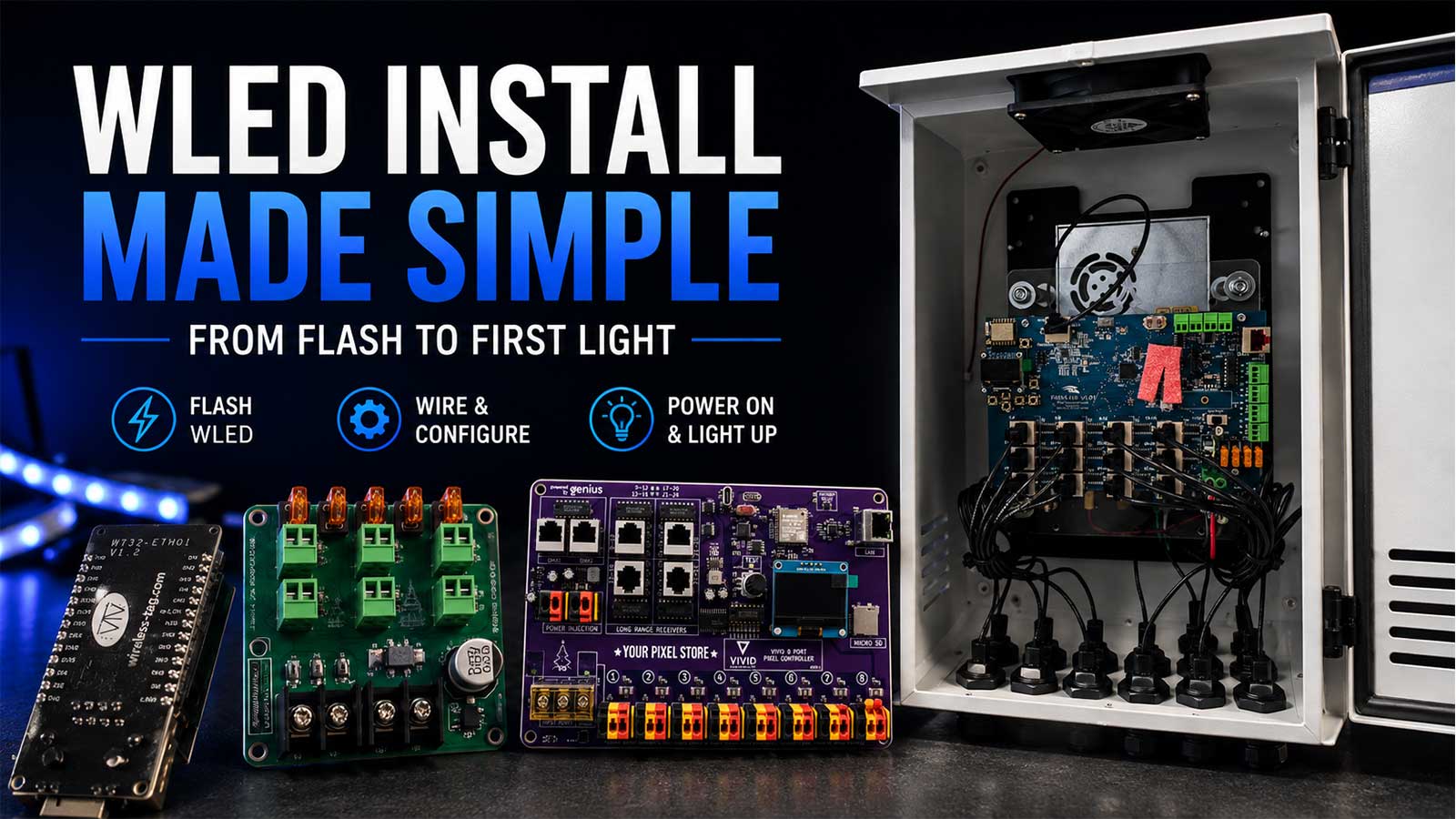
Our WLED controllers guide goes deeper on picking a board, and how to install WLED covers flashing one from scratch.
Do you also need FPP?
Only if you don’t want a computer running the show live.
A controller plus xLights on your laptop is a complete, working show. You hit play, the laptop streams data out, the lights run. Plenty of first seasons go exactly like that.
FPP replaces the laptop. It sits on a Raspberry Pi or a BeagleBone, holds the sequence files, and plays them on a schedule whether anyone’s home or not. It also keeps multiple controllers in sync, which starts to matter around the point you add your second box.
Buy the xLights controller first. Add FPP when leaving a laptop outside for six weeks stops sounding reasonable.
Ready-to-Run or build it yourself, and what size to buy
A bare board is cheaper. A Ready-to-Run build is a board, power supplies, and an enclosure, wired and tested before it ships. The VIVID 8 is $169.99 as a board and $350 Ready-to-Run, and that gap is roughly what the supplies and enclosure cost you separately, minus the wiring afternoon.
Buy the board if you’ve built an enclosure before and you have a soldering iron and opinions about wire gauge. Buy Ready-to-Run if this is your first controller or your first season with a deadline.
On size, our honest rule after a lot of these conversations:
Under 1,000 pixels, few props: an 8-port xLights controller is plenty. The Advanced 8-Port at $55 gets you running and teaches you the whole chain.
1,000 to 5,000 pixels, props in one general area: a VIVID 8 covers it, with long-range receivers for anything past the driveway.
5,000+ pixels, or props spread across the yard: go 16 ports. The Falcon 16-output Ready 2 Run and the Kulp 16-output Ready 2 Run both do it. Pick Kulp if you want FPP onboard.
Don’t buy the biggest board you can afford. A 48-output differential xLights controller is the wrong first purchase for a 2,000-pixel yard. You’ll pay for 40 ports you can’t reach and still need a power supply. Size to the display you’re building this year, plus one prop.
Once the box is picked and wired, the next step is adding it in xLights: Add Ethernet, set the vendor and model, enter the IP, and upload. Our xLights 101 guide walks that setup, and if you’d rather have it done with you on a call, controller setup and configuration is a service we run.
Frequently asked questions
What controllers can work with xLights?
Any controller that accepts E1.31 (sACN), ArtNet, DDP, or DMX over a USB adapter works with xLights. That covers Falcon, Kulp, Genius, HinksPix, Advatek, SanDevices, ESPixelStick, WLED boards, and the YPS VIVID 8. Vendors listed in the xLights dropdown also support one-click config upload.
How many pixels can one port run?
It depends on the controller and your frame rate. Kulp’s K16A-B runs 800 pixels per port at 40fps and 1,500 at 20fps. Falcon’s F16V5 does 1,024 per output in 32-string mode and 704 in 48-port mode. Plan against the 40fps number if you sequence fast effects.
Will a WLED controller work with xLights?
Yes, over E1.31 or DDP. Keep it to about 510 LEDs per device for smooth 40fps playback, and use an Ethernet-capable board past a few hundred pixels. A single WLED device tops out near 1,500 LEDs, so it suits props and strip runs rather than a whole display.
Do I need FPP as well as a controller?
No. A controller plus xLights running on your computer is a complete show. FPP matters when you want the show to run on a schedule without a computer awake, or when you add a second controller and need them in sync.
How much does an xLights controller cost?
Boards start around $55 for an 8-port ESP32 board. The VIVID 8 is $169.99. Ready-to-Run builds with power supplies and an enclosure run $350 to $735 depending on port count.
If you know your pixel count but not your port count, send us the layout. We’ll tell you which box fits before you buy one.