Blog
RGB Fusion: Build Cohesive Halloween, Christmas, and Event Light Shows with Confidence


Most light shows start with scattered colors that never quite sync up. You’ve got Halloween lights, Christmas displays, and event setups, but they don’t feel like one smooth show. RGB fusion brings your LED pixels, pixel mapping, and controllers into harmony, so every color and effect works together perfectly. Let’s walk through clear steps and show you how to plan with confidence using Your Pixel Store’s trusted products. If you’re intrigued by the potential of RGB fusion, you might find this Reddit discussion helpful.
RGB Color Mixing Basics
Let’s start with the magic behind every dazzling light show: RGB color mixing. It’s the foundation that makes your displays vibrant and cohesive.
Understanding Additive Color
Additive color mixing is key to creating dynamic light shows. By combining red, green, and blue light, you can produce a spectrum of colors. This process controls how light sources blend to create varied hues. For example, when you mix red and green, you get yellow light. This principle is at the heart of your light display.
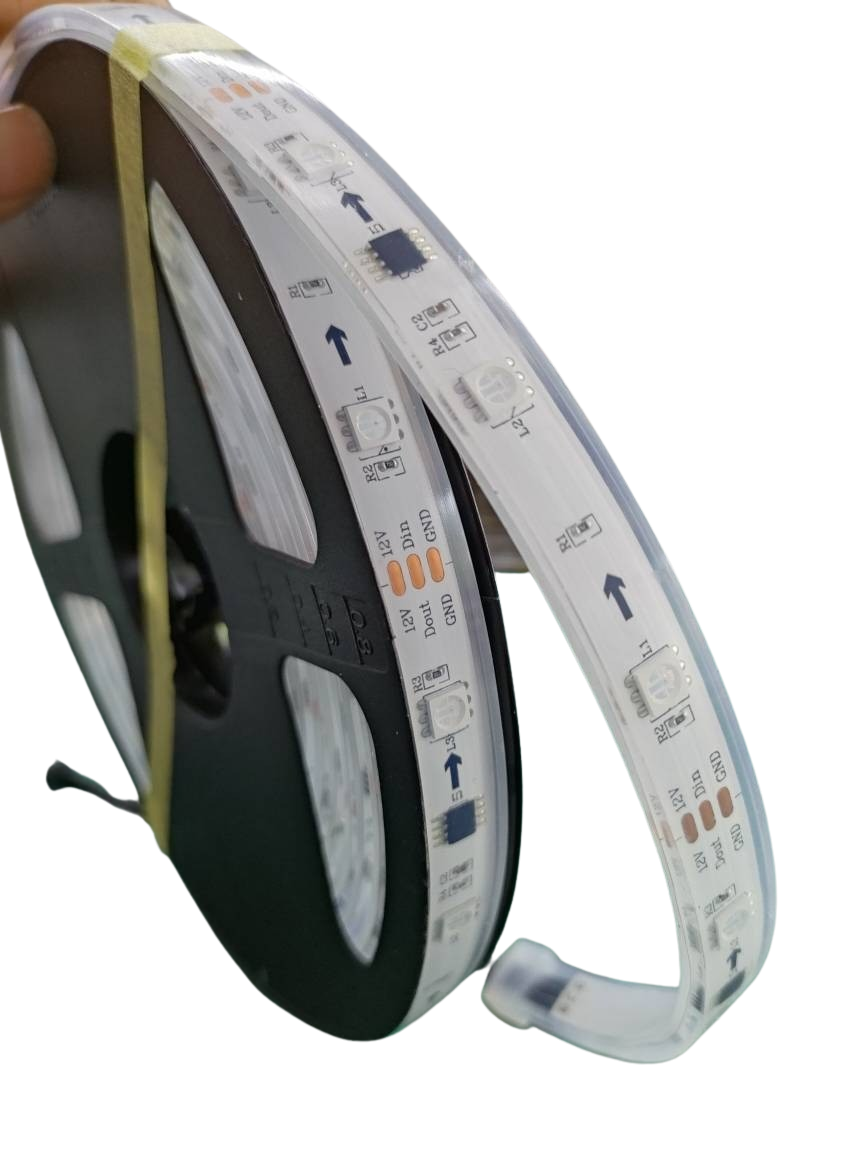
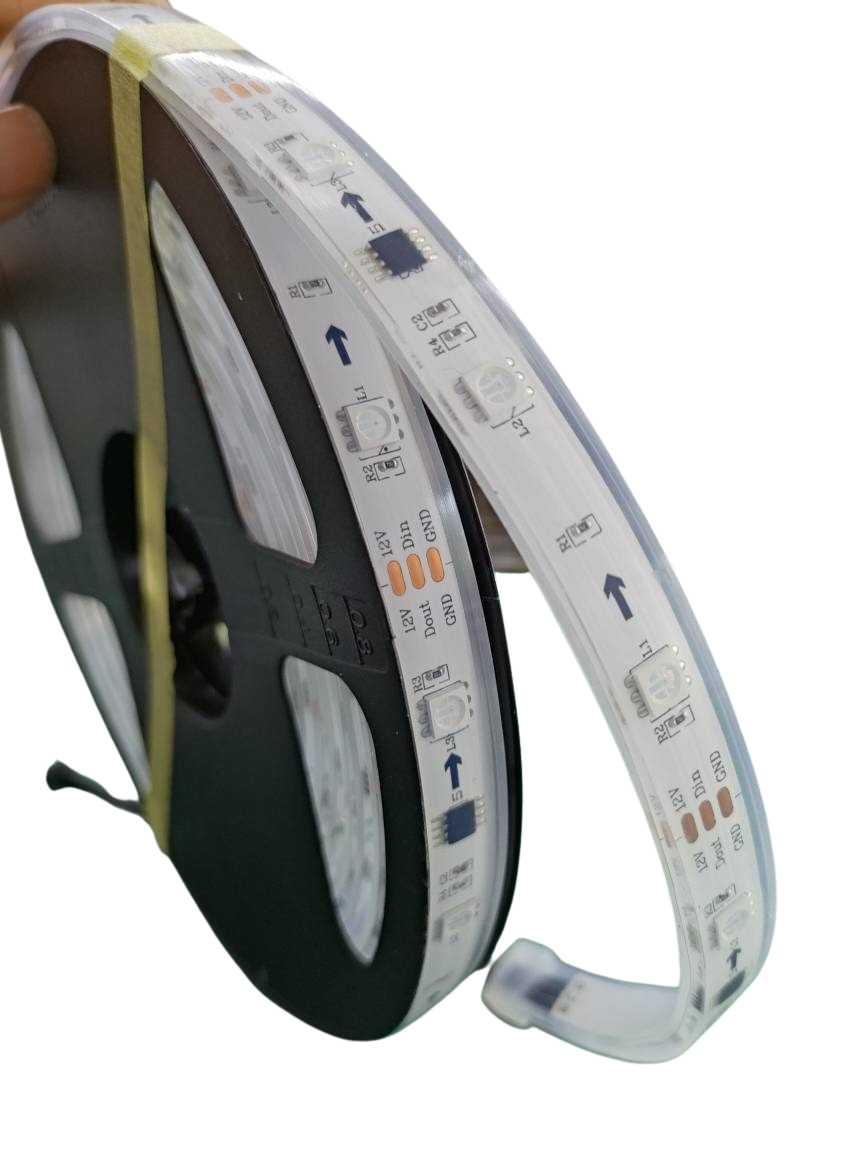
Using addressable LEDs, each pixel can emit varying intensities of RGB colors, allowing for precise control of color and brightness. This level of control is what transforms a simple setup into a breathtaking display.
Mastering RGB Fusion Techniques
To master RGB fusion, it’s essential to understand how to synchronize your lights. It’s not just about colors; it’s about timing and effects. With pixel mapping, you can program patterns and animations that move across your display seamlessly. This technique turns static lights into a flowing spectacle.
By using tools like xLights, you can design intricate shows that captivate your audience. Remember, the secret to a successful light show lies in the details — ensuring every pixel is in sync and every color transition is smooth.
Setting Up Your Pixel Controller
With the basics of RGB color mixing under your belt, it’s time to move on to setting up your pixel controller. The right controller is crucial for executing your light show vision.
Introducing the YPS VIVID 8
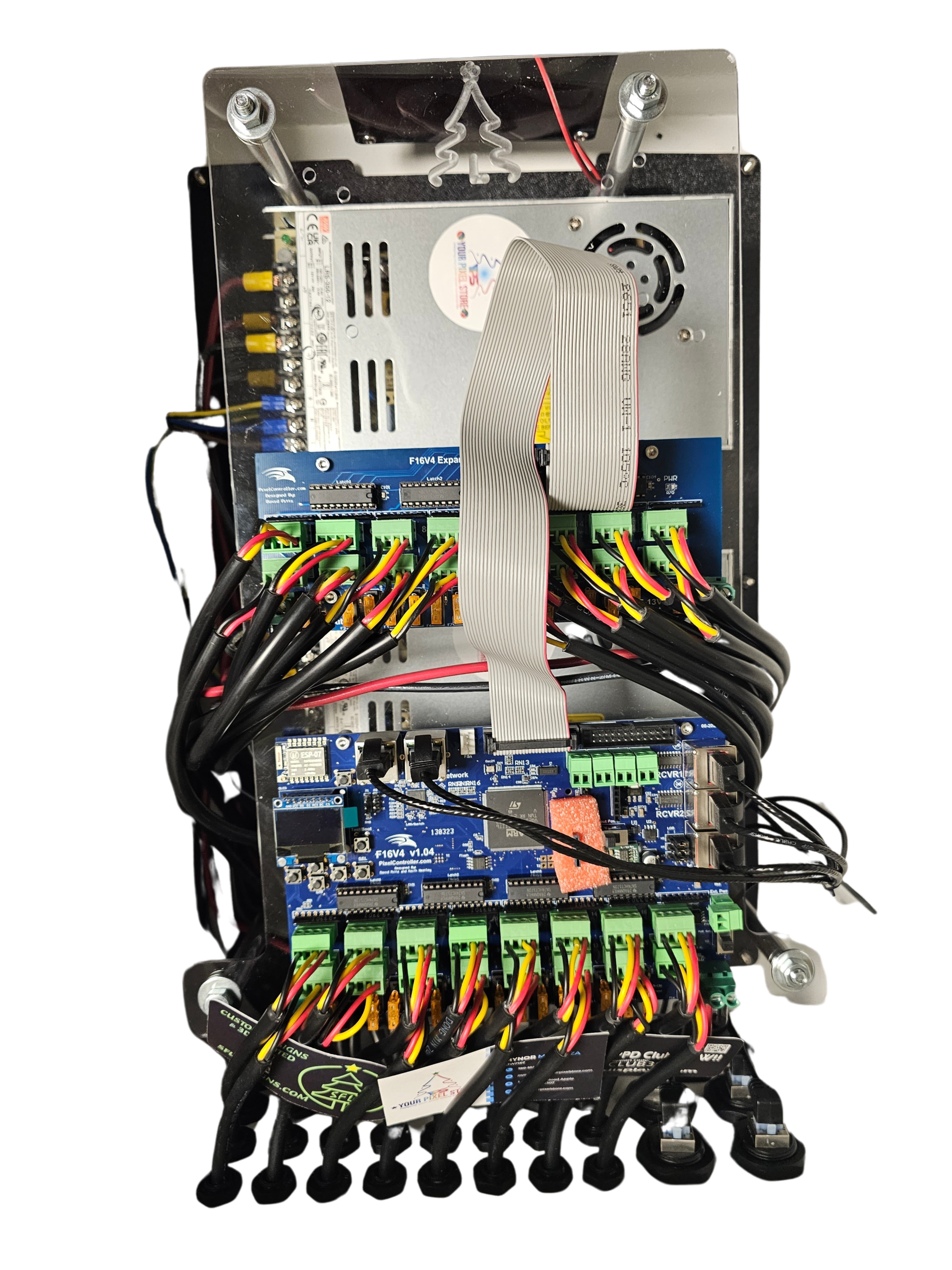
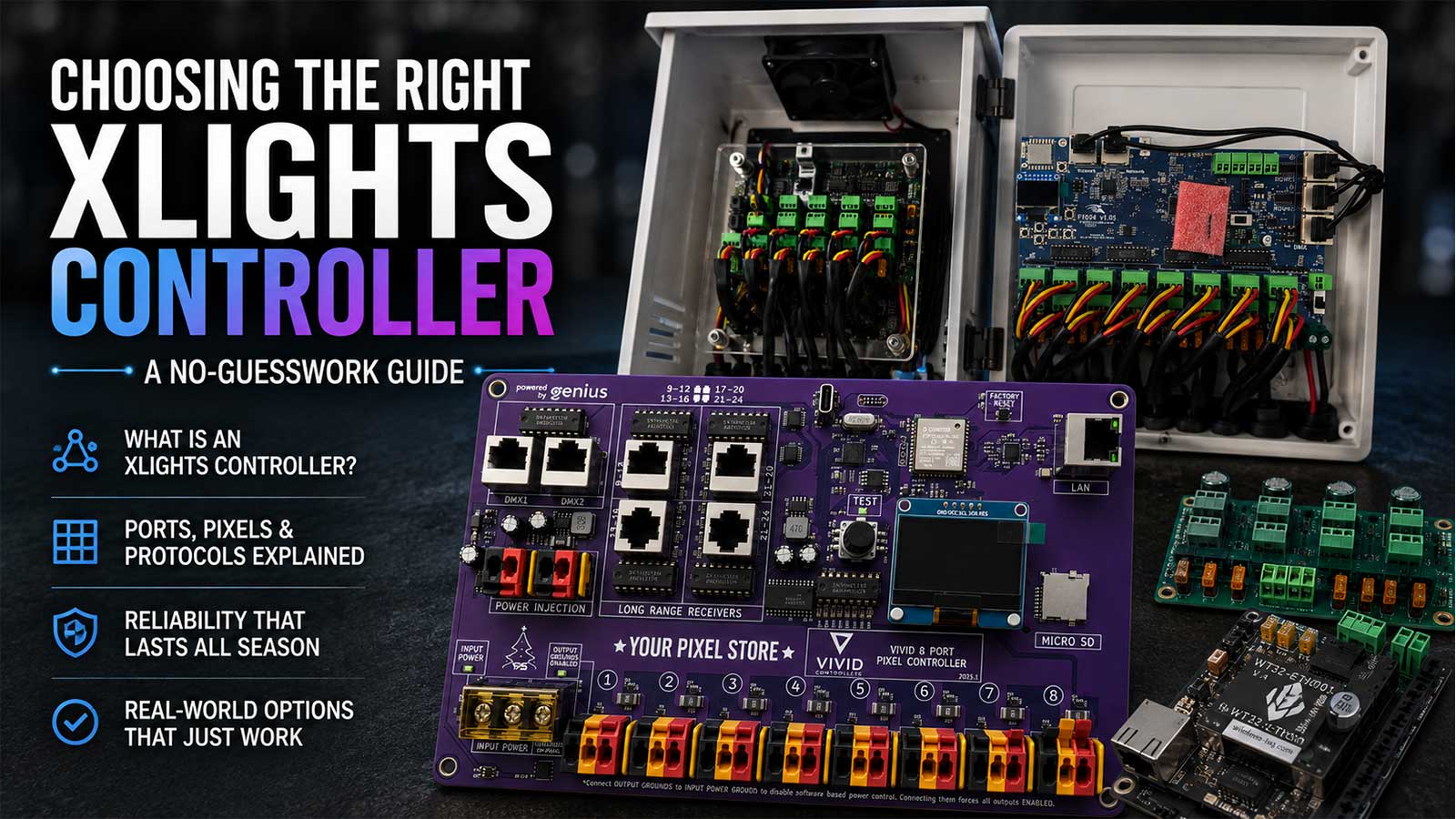
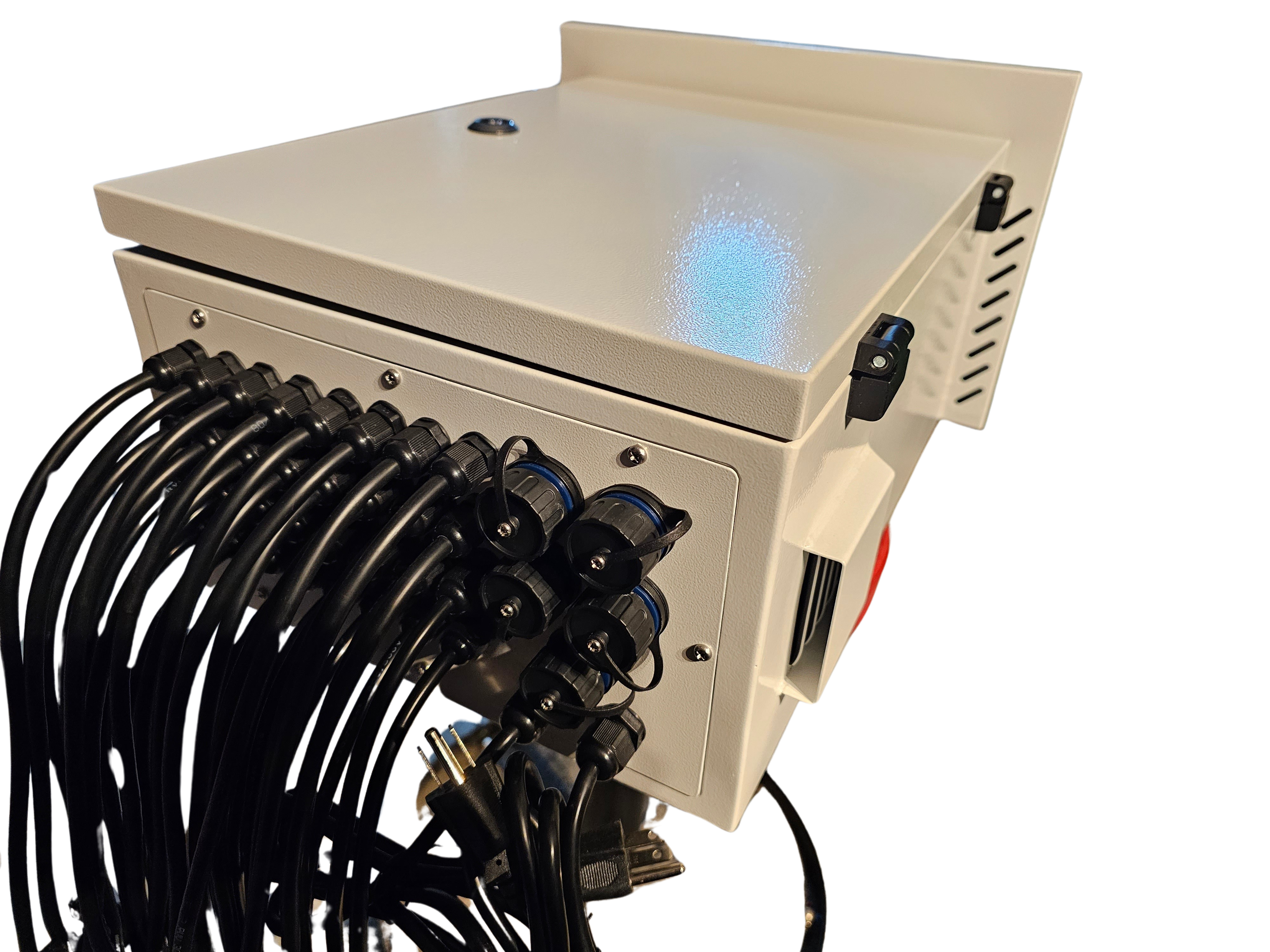
The YPS VIVID 8 is a powerhouse for controlling LED setups. Designed for both beginners and pros, this controller offers flexibility and ease of use. With its user-friendly interface, you can manage multiple outputs and create complex displays.
This controller supports popular protocols like E1.31, making it compatible with a wide range of lighting setups. Whether you’re running a small home display or a large commercial show, the YPS VIVID 8 handles it all with precision.
For more insights into the capabilities of this controller, check out this detailed guide.
Navigating xLights and DMX
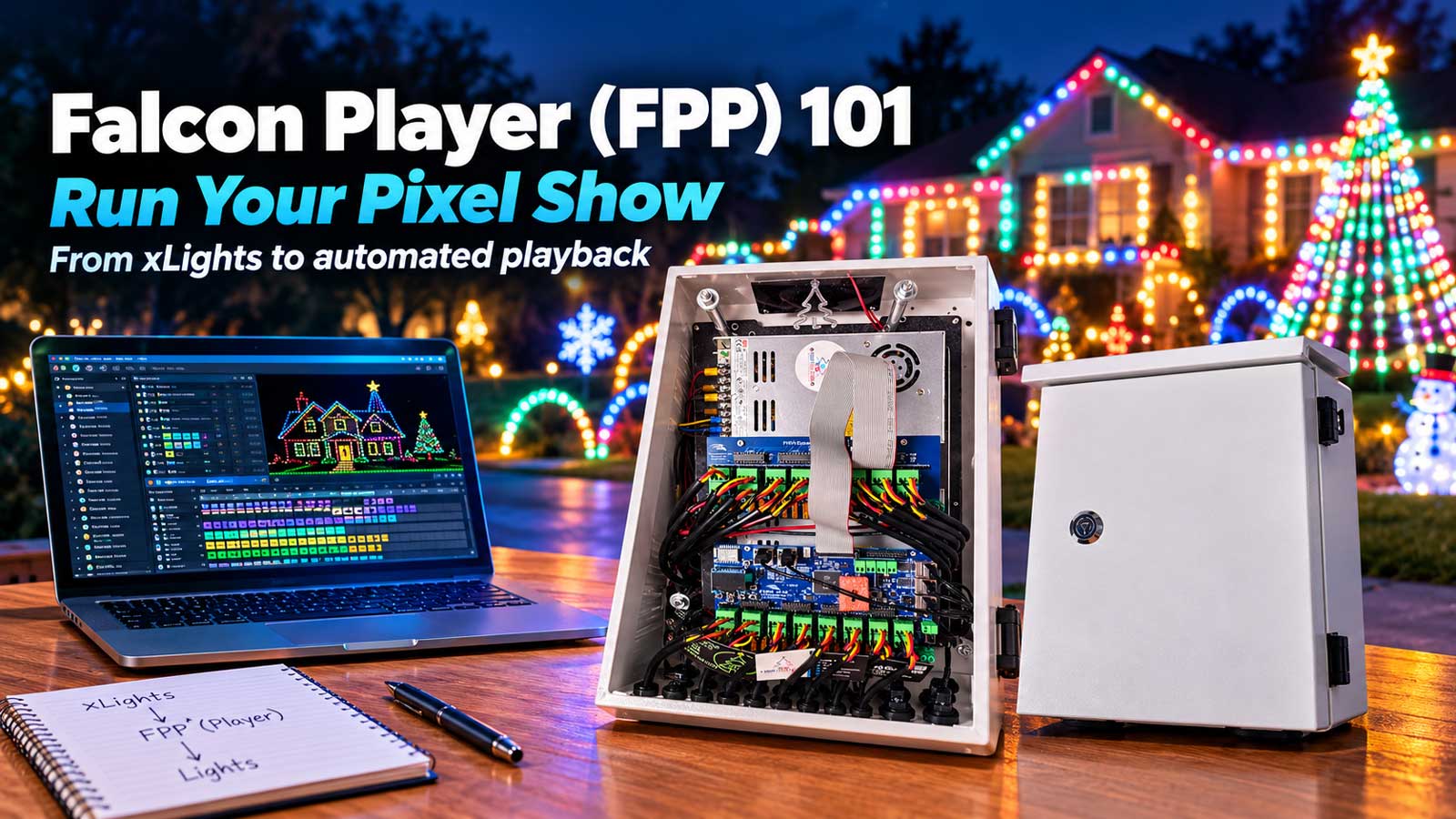
Navigating software and protocols like xLights and DMX can seem daunting, but they’re essential for custom light shows. xLights allows you to sequence your lights, creating stunning visuals that dance to music. It simplifies the process, letting you focus on creativity rather than technicalities.
DMX, on the other hand, is a protocol that ensures reliable communication between your controller and lights. It’s widely used in professional settings, offering robust control over your entire setup. By mastering these tools, you gain the ability to craft shows that are not only precise but also mesmerizing.
Planning Your Holiday Light Show
With your controller setup, it’s time to plan your holiday light show. Whether it’s Halloween or Christmas, having a plan in place makes the process smoother and more enjoyable.
Creating Halloween and Christmas Displays
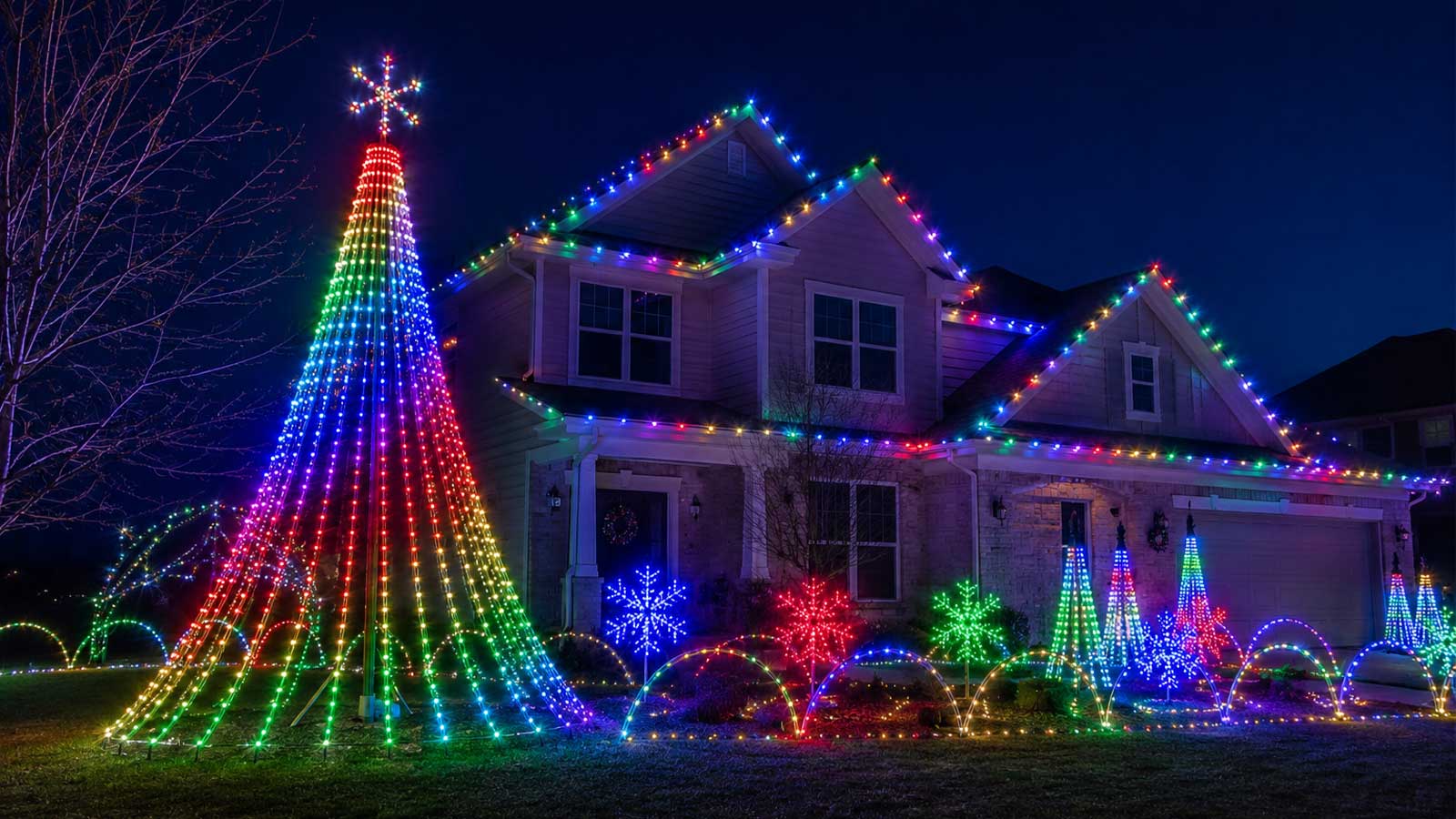
When planning your holiday displays, consider the themes and moods you want to convey. Halloween lights can be eerie and atmospheric, using dim colors and flickering effects to create suspense. For Christmas, think of warm, inviting colors and steady, gentle transitions.
Design your layout around focal points like props or structures. Use different types of pixels, such as Bullet and Gumdrop, to add variety and depth. Planning the layout ensures that your display is not only visually appealing but also easy to manage.
Incorporating Bullet and Gumdrop Pixels
Bullet and Gumdrop pixels are versatile choices for any light show. Bullet Pixels offer a classic look, perfect for outlining structures or creating linear effects. They’re easy to install and provide bright, consistent light.
Gumdrop Pixels, with their rounded shape, offer a diffused glow that works well for filling larger areas or creating soft transitions. They’re ideal for adding a touch of whimsy to your display. By combining these pixel types, you can achieve a balance of sharp detail and broad illumination.
Frequently Asked Questions
What is RGB color mixing?
RGB color mixing involves using red, green, and blue light to create a wide range of colors. By adjusting the intensity of each color, you can produce different hues and effects, which is essential for dynamic light shows.
How does the YPS VIVID 8 controller work?
The YPS VIVID 8 manages multiple LED outputs, allowing for intricate light displays. It supports protocols like E1.31, making it versatile for various setups, from small home displays to large commercial projects.
What’s the difference between Bullet and Gumdrop Pixels?
Bullet Pixels are classic and ideal for outlining structures, providing bright, consistent light. Gumdrop Pixels offer a diffused glow, suitable for broader illumination and softer transitions, perfect for creating whimsical effects in your display.
How can I synchronize my lights with music?
Using software like xLights, you can sequence your lights to match music. This involves timing your light patterns and effects to the rhythm and beat of the music, creating a cohesive and engaging experience.
Why is xLights important for light shows?
xLights simplifies the process of designing and sequencing light shows. It allows you to create complex patterns and animations, ensuring that your display is not only visually appealing but also synchronized and professional.