Blog
WLED Controllers Made Simple: Fast, Fun, and Ready for Your Next Show

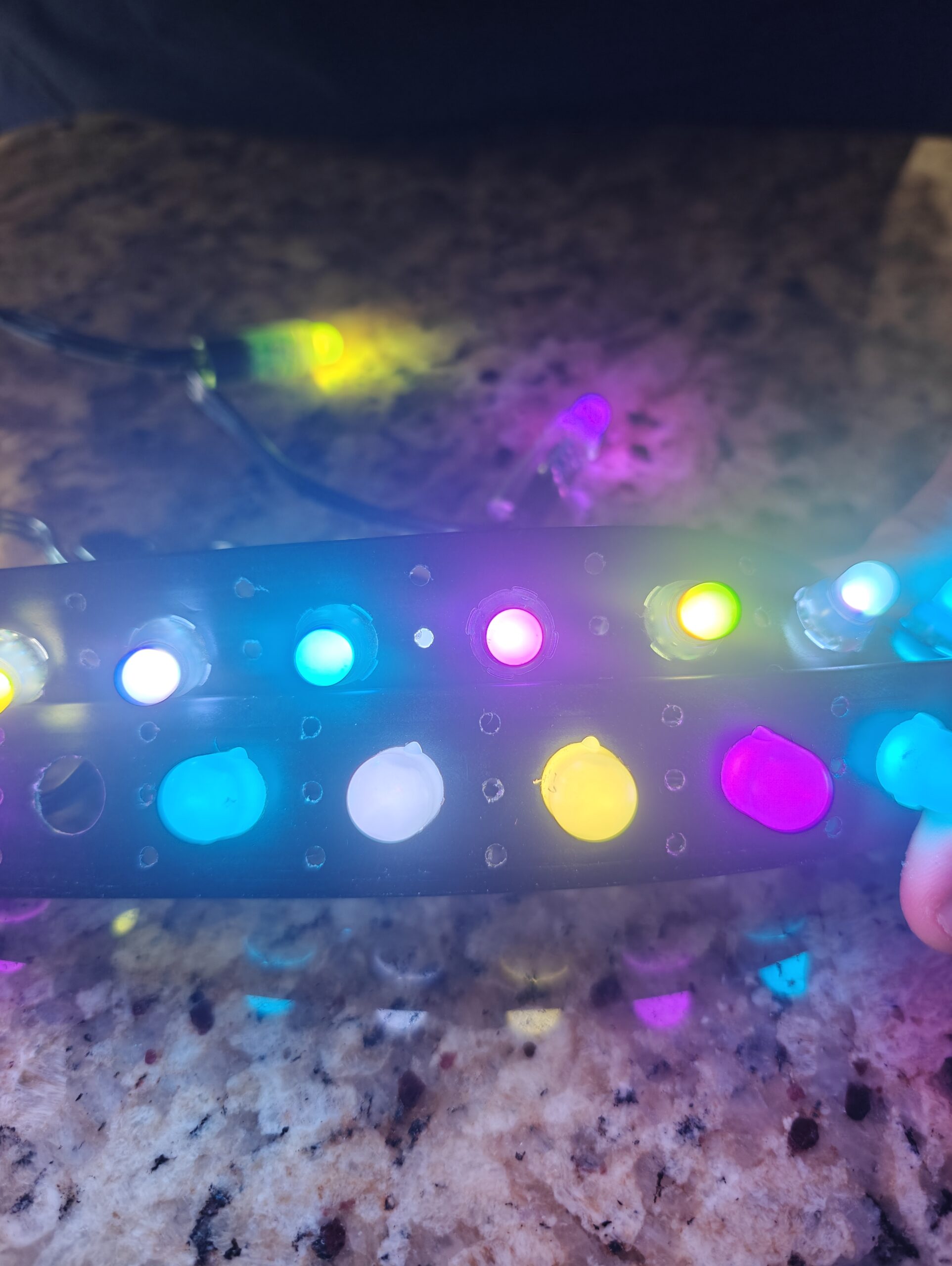
Most LED controllers promise easy control but fall short when you want quick Wi-Fi setup and smooth pixel effects. A WLED controller changes that for small to medium displays using WS2811, WS2812B, or SK6812 pixels. We’ll walk you through when to pick one, how to set it up, and how it stacks up against pro controllers—so you can get your Halloween, Christmas, or custom show running without headaches. Get started here.
Understanding WLED Controllers
A WLED controller offers a straightforward solution for managing your LED lights. Let’s explore what makes it special and why it might be perfect for your next project.
What is a WLED Controller?
At its core, a WLED controller is a user-friendly device that lets you control LED pixels over Wi-Fi. It’s mainly used with WS2811, WS2812B, and SK6812 LED strips or strings. The controller runs on devices like the ESP32, which connects to your home network. You can then manage your light displays through an app on your phone or any web browser. Sounds easy, right? That’s because it is! This simplicity makes it ideal for both beginners and DIY enthusiasts.
Key Features and Benefits
WLED controllers come loaded with features designed to make your lighting projects shine. First, you enjoy Wi-Fi connectivity, so you can control your lights from anywhere in your home. There’s also a vast array of built-in light effects, making it a breeze to create dazzling shows without any programming. Additionally, these controllers are compatible with popular software like xLights and E1.31, allowing you to sync your lights to music or other visual effects. Most people think you need complicated setups for this, but with WLED, it’s all plug-and-play.
Perfect Uses for WLED
WLED controllers shine in various settings. They’re perfect for holiday decorations, such as Halloween or Christmas light shows. Planning a custom event? These controllers can handle that too. Whether it’s a small backyard party or a more elaborate display, WLED makes it easy to create an immersive lighting experience. Plus, with new effects added regularly by the community, you’ll always find fresh ways to use your lights.
Setting Up Your WLED Pixel Controller
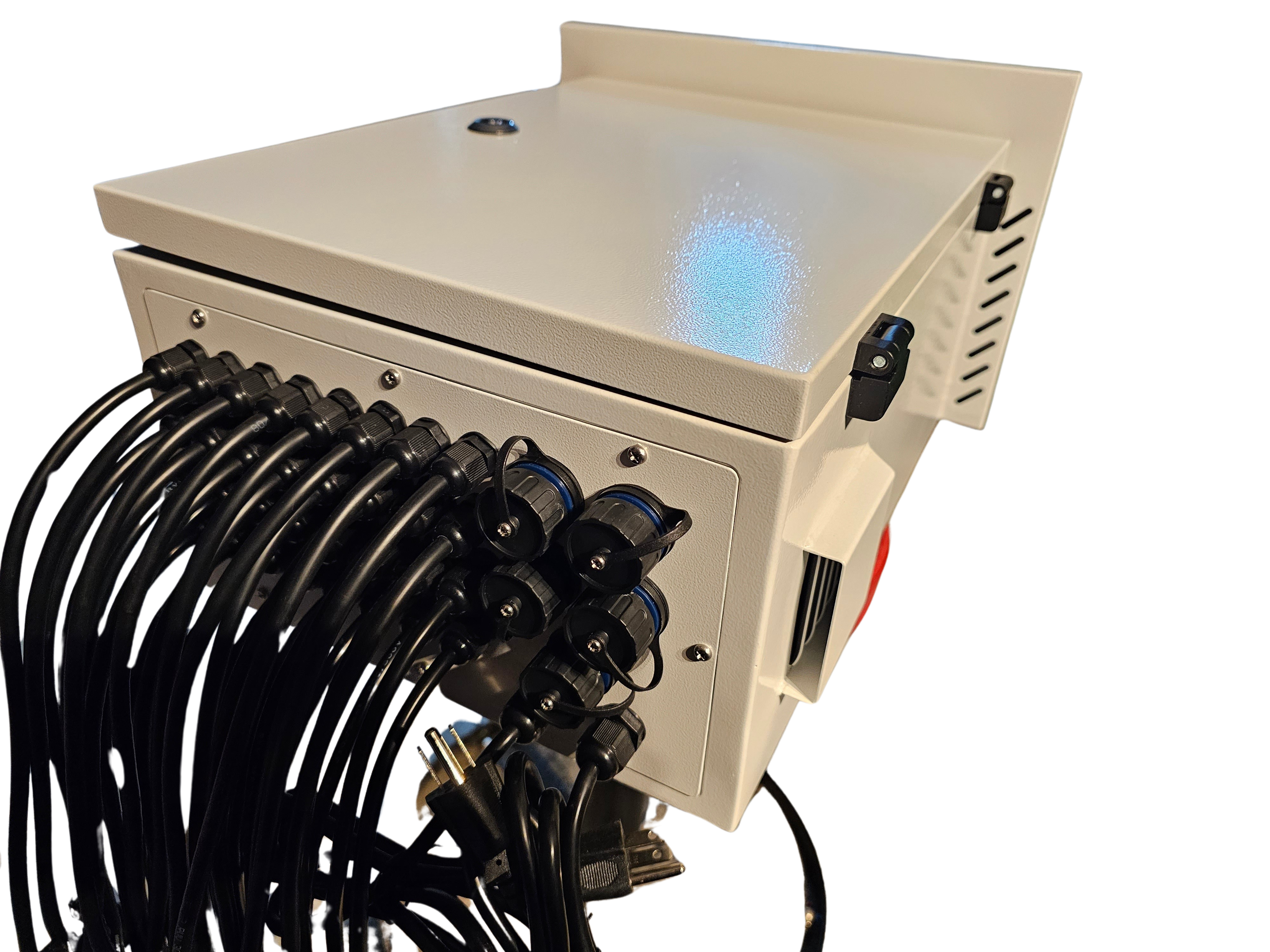
Ready to dive into the setup process? Setting up your WLED controller is a simple task that anyone can handle. Here’s how to get started.
Step-by-Step Setup Guide
Choose Your Hardware: Begin by selecting an ESP32-based device, which is widely available online and in electronics stores.
Install WLED Software: Download the WLED software to your device using a USB cable and a computer. Detailed instructions can be found on the WLED GitHub page.
Connect to Wi-Fi: Once the software is installed, connect your device to your home Wi-Fi network. This is done through a straightforward web interface.
Configure Your Lights: Open the WLED app or web interface to start configuring your light strips. Set colors, patterns, and brightness to suit your needs.
Tips for Smooth Operation
A few simple tips can make operating your WLED controller even smoother. Ensure your Wi-Fi signal is strong and stable where your display is set up. This will help maintain a seamless connection. Also, keep your software updated, as new features and improvements are regularly released. Lastly, engage with the online community for support and inspiration. There are countless forums and resources available, like this Reddit community, where you can find tips and share experiences.
Comparing WLED to Pro Pixel Controllers
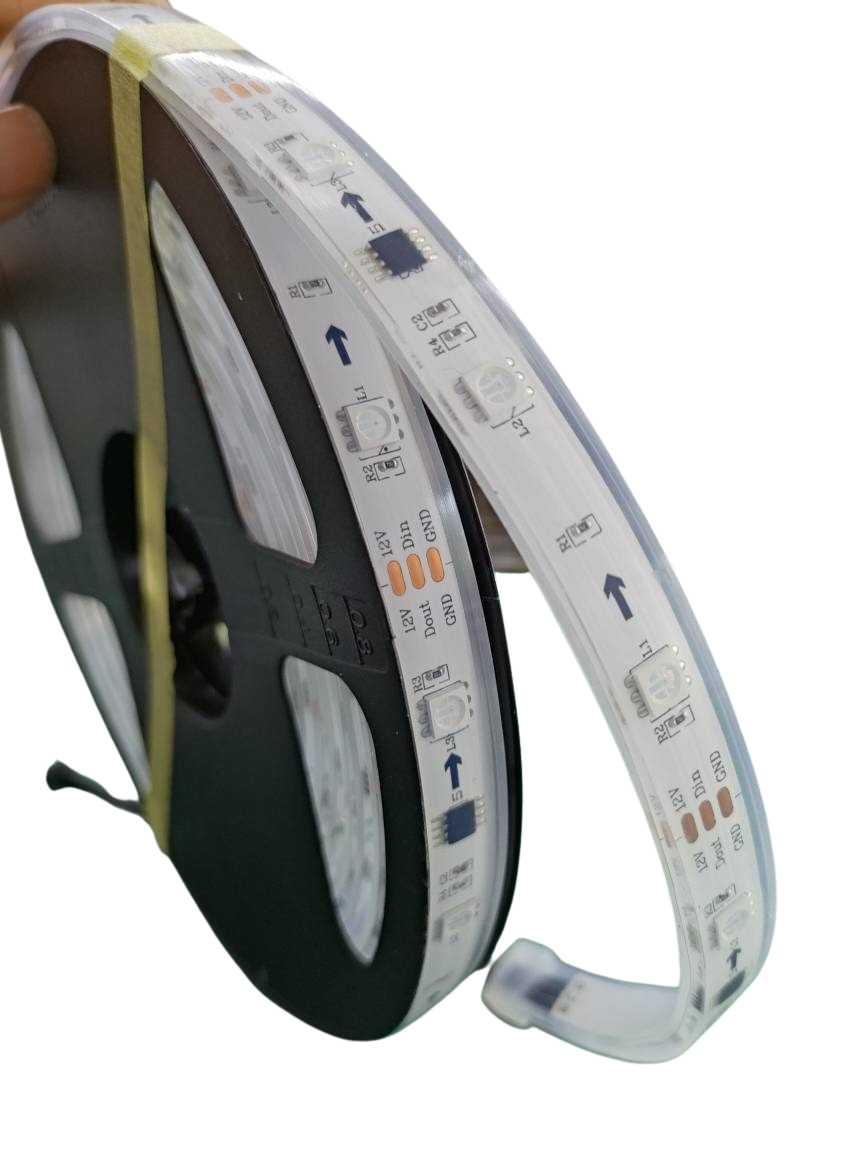
Now that you know what a WLED controller can do, let’s compare it to professional options like the VIVID 8.
WLED vs. VIVID 8
Feature | WLED Controller | VIVID 8 |
|---|---|---|
Ease of Use | Very simple | More complex |
Cost | Affordable | Higher investment |
Features | Plenty of effects | Advanced capabilities |
Setup Time | Quick | Longer process |
WLED controllers are great for DIY projects and small displays due to their simplicity and cost-effectiveness. The VIVID 8, however, caters to larger, more complex installations. It offers advanced features but requires more setup effort.
Choosing the Right Option for You 😊
Deciding between WLED and pro controllers like the VIVID 8 depends on your needs. If you’re aiming for a quick, budget-friendly setup for a holiday display or small event, WLED is a fantastic choice. But, if your project demands higher capabilities and you’re ready to invest time and resources, the VIVID 8 offers professional-grade results. The longer you wait to choose, the longer you’ll miss out on having an incredible light show ready to go.
Whether you’re a beginner looking to light up your home or an experienced installer planning a large-scale event, understanding your options will guide you toward the best choice. With WLED, you have a reliable partner in creating stunning displays, all while keeping things simple and fun.