Blog
WLED Controllers: Simple, Powerful Control for Halloween, Christmas, and Event Light Shows

Forget juggling complicated setups just to get your lights to behave. A WLED controller puts you in charge with fast, reliable pixel control that’s perfect for Halloween haunts, Christmas displays, and event lighting. We’ll show you how to use these ESP32 LED controllers with Your Pixel Store gear to get your show glowing smoothly—ready to run in minutes, with support when you need it. For a detailed guide on getting started, check out this resource.
Understanding WLED Controllers
Getting the right controller is key to a smooth light show. Let’s dive into the basics of WLED controllers and why they’re favored.
What is a WLED Controller?
A WLED controller is a small device that manages your LED pixels. It connects to your lights and allows you to control them wirelessly. With this handy tool, you can change colors, patterns, and brightness in just a few taps on your phone. This means you have the power to create stunning displays without complicated setups or expensive equipment. Want to understand more about starting with WLED? Check out this helpful guide.
Why Use a Pixel Controller?
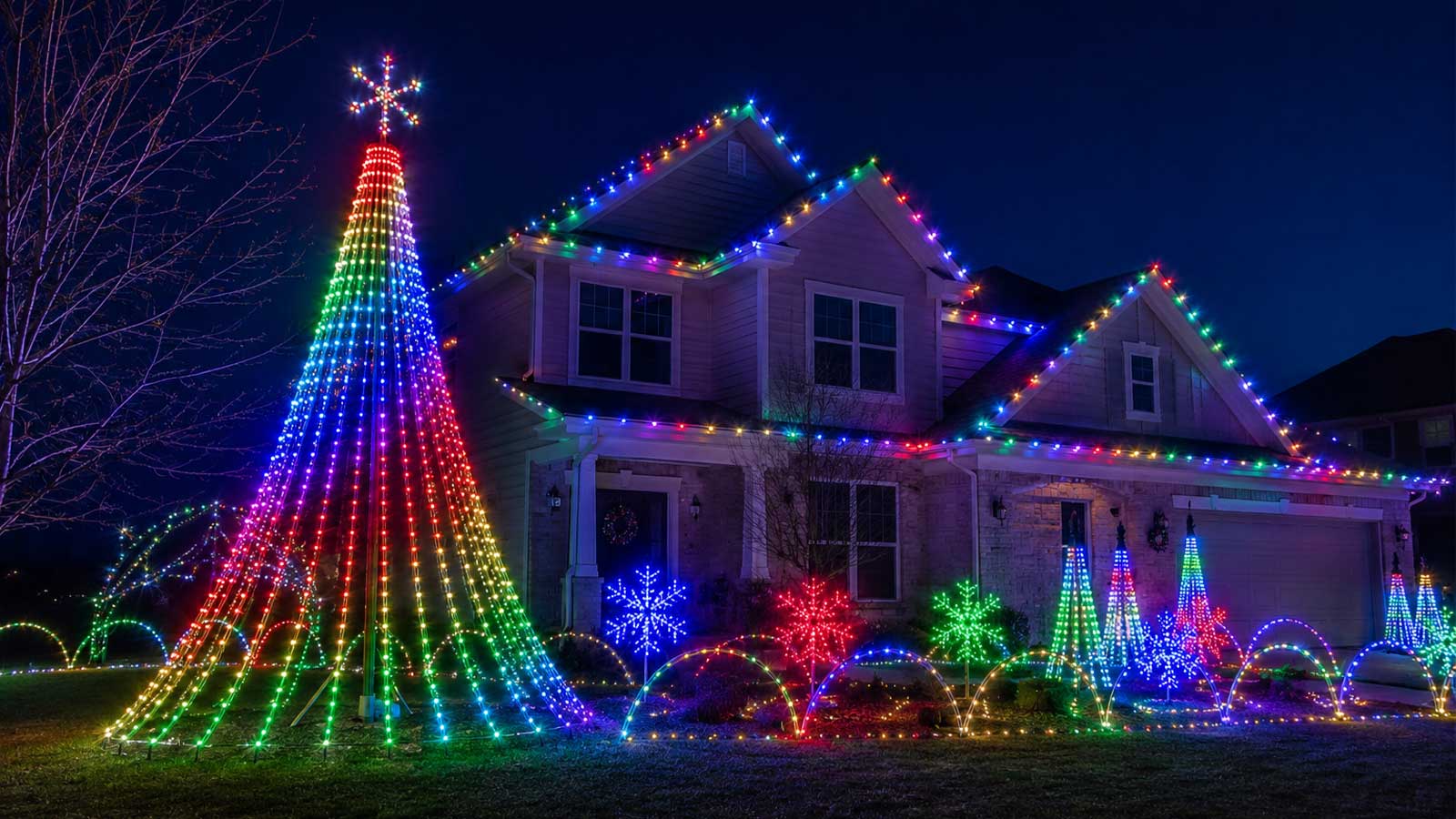
Pixel controllers give you creative control over each LED. With a WLED controller, you can create dazzling effects for holidays or events. Imagine your house lit up with custom patterns for Christmas or Halloween. You can also sync your lights to music, making your display interactive and fun. Most people assume it’s complicated, but with a pixel controller, it’s straightforward and fun. Plus, using a controller can save you time, allowing for quick adjustments.
Features of ESP32 LED Controller
ESP32 LED controllers are popular for their robust features. First, they support Wi-Fi connectivity, so you can control your lights from anywhere within range. Second, they handle up to 1000 LEDs, providing flexibility in designing your display. These controllers are compact, making them easy to incorporate into any setup. Additionally, they work seamlessly with apps, giving you endless customization options. Whether you’re a beginner or a pro, ESP32 makes controlling your lights a breeze. For those interested in learning more about these controllers, this manual provides a comprehensive overview.
Deploying WLED with YPS Gear
Once you’ve got your controller, the next step is to deploy it with Your Pixel Store (YPS) gear. Here’s how to get started.
Quick Setup and Wiring
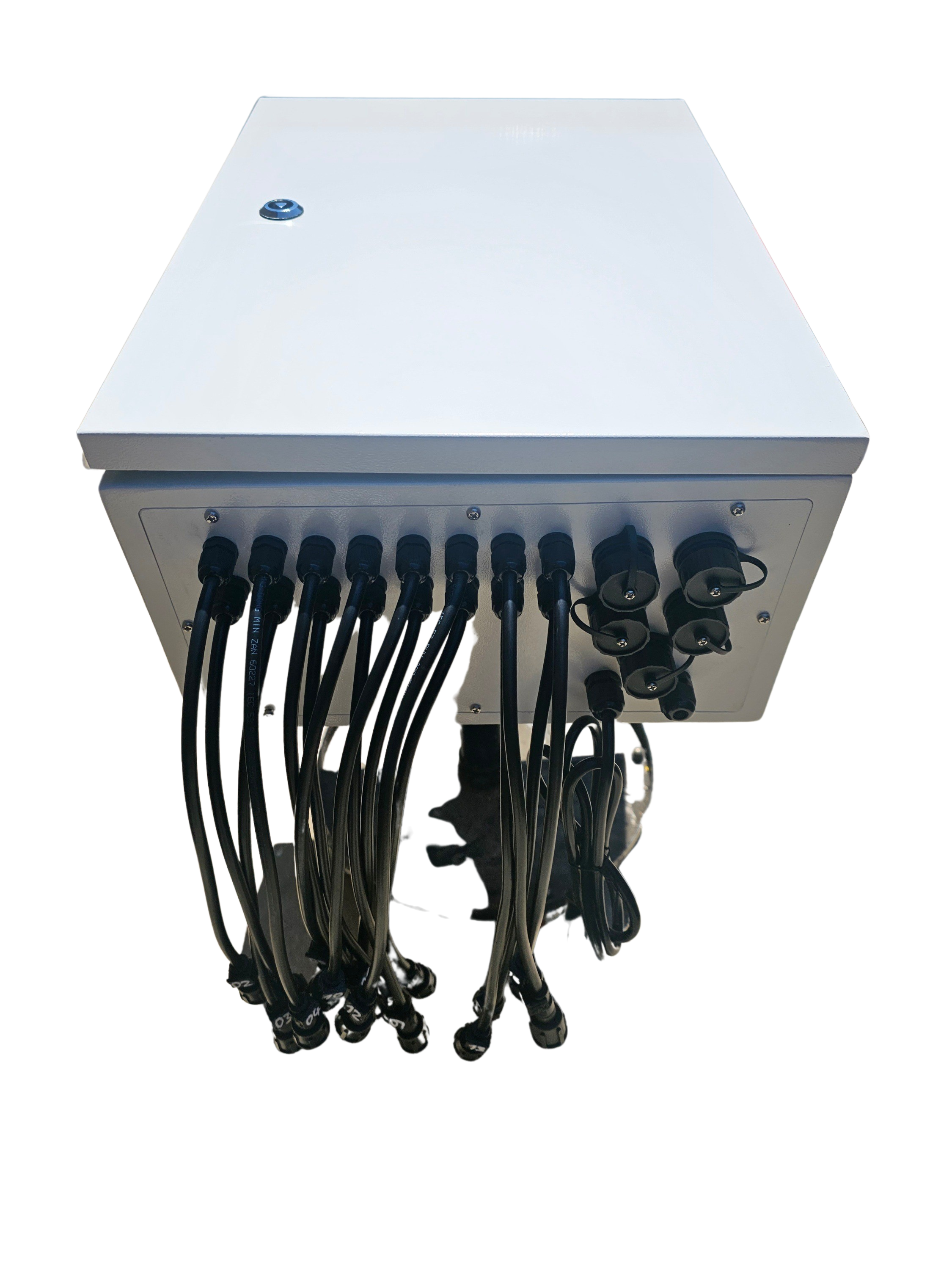
Setting up your WLED controller with YPS gear is straightforward. First, connect the controller to your light strings. Ensure all connections are secure to avoid any glitches. Then, download the WLED app on your smartphone. This app will guide you through the final setup steps, allowing you to choose colors and patterns. With just a few clicks, your lights will be ready to dazzle. If you feel stuck, there’s plenty of support available online.
Outdoor Use and Protection
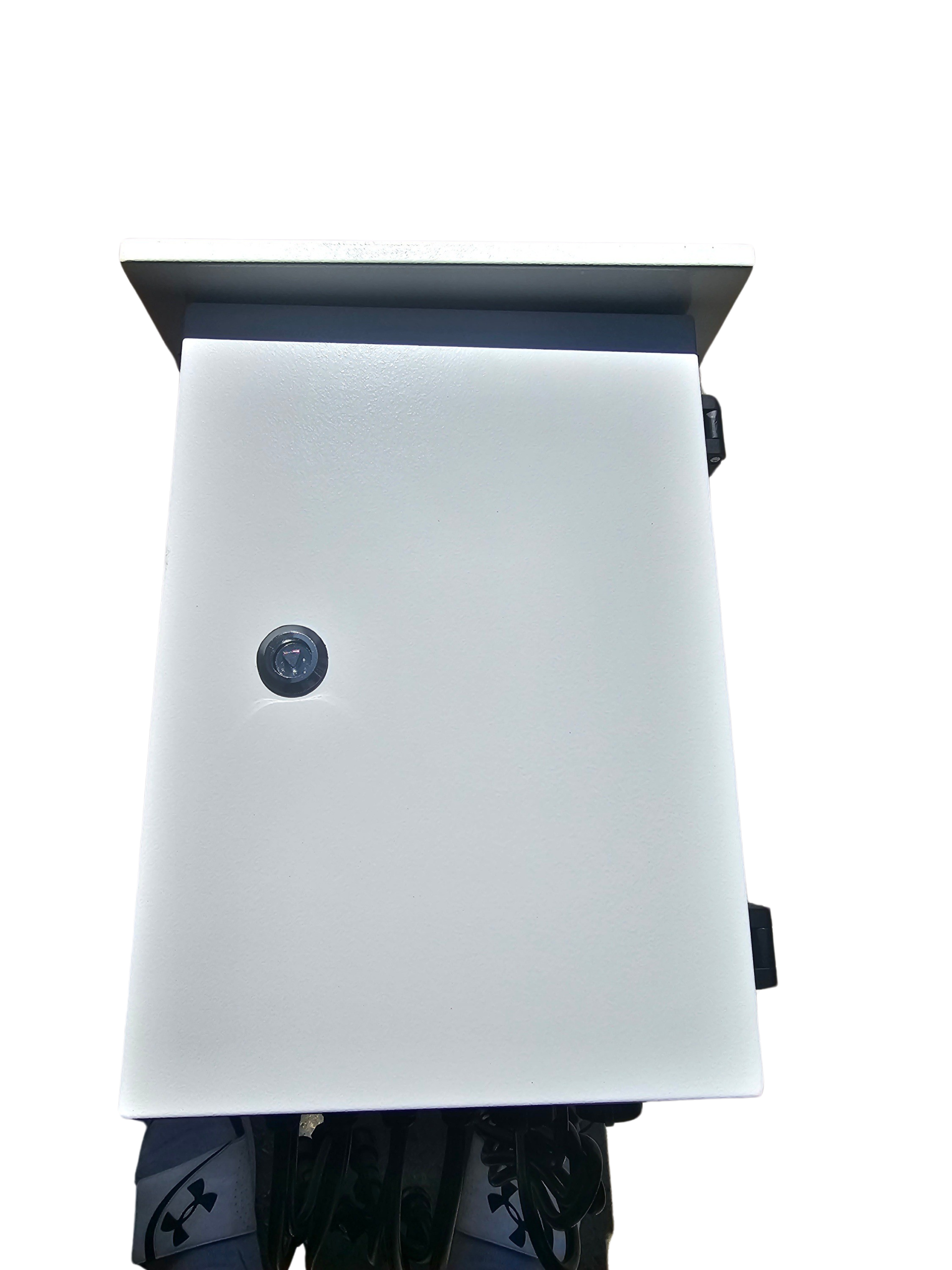
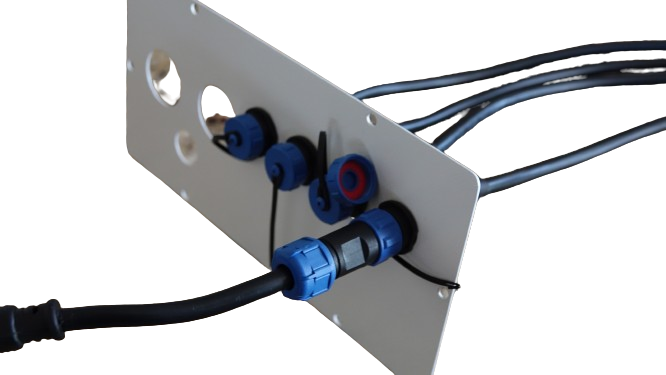
Want your lights outside? No problem. When using your WLED controller outdoors, ensure it’s housed in a weatherproof enclosure. This will protect it from rain and dust, making sure your display runs smoothly through any season. A good enclosure will also prevent any electrical issues that can arise from moisture. YPS offers options specifically designed for this purpose. Remember, a little protection goes a long way in keeping your lights shining brightly year-round.
Choosing Between 5V and 12V Pixels
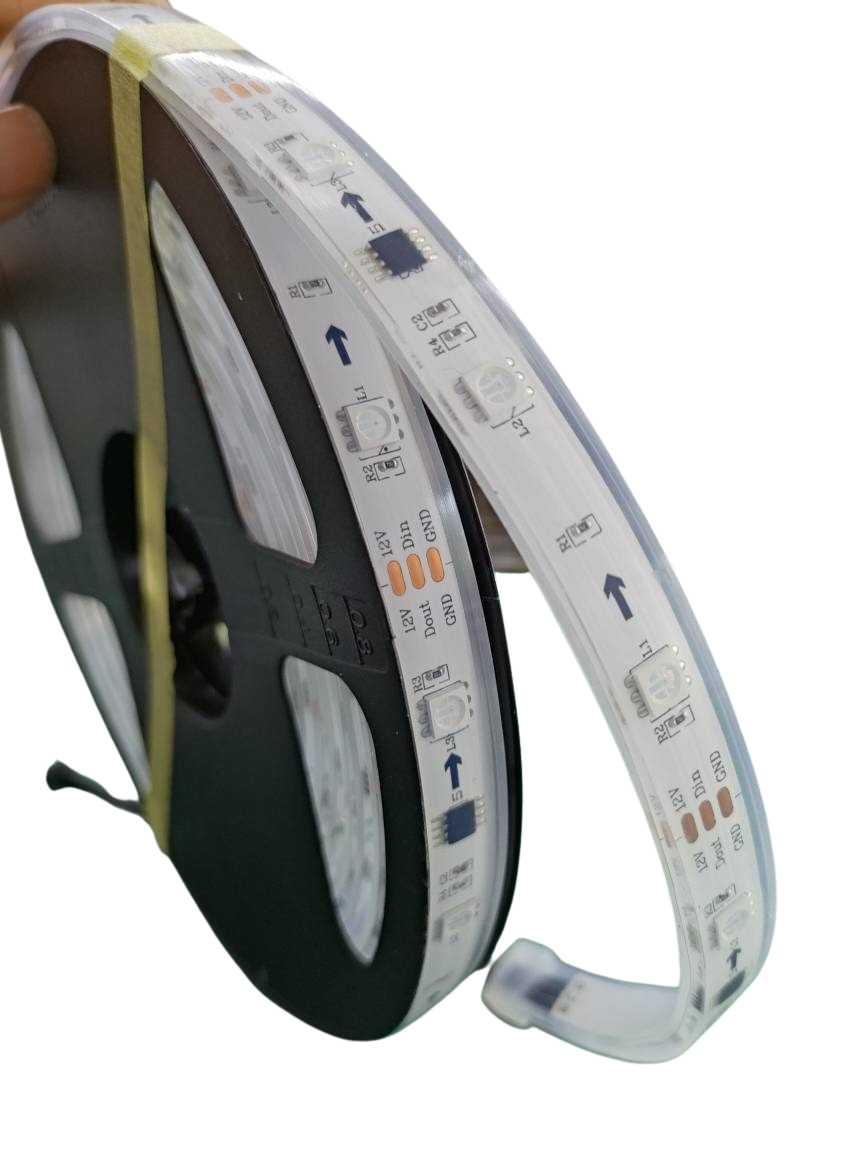
Choosing the right voltage for your pixels is crucial. The main difference is that 5V pixels are ideal for shorter runs, while 12V pixels work better for longer distances. If you’re covering a large area, like a house roof, 12V is the way to go. For smaller setups, like window frames, 5V will suffice. Understanding these differences ensures your lights are bright and consistent. For more on voltage, check out our xLights Tutorial.
Getting Started with WLED Controllers
Now that your setup is complete, let’s explore the customization options and support available.
Ready-to-Run Options
Your Pixel Store offers ready-to-run controllers, which simplify the process. These kits come pre-configured, so you can start your light show immediately. They include everything you need, from the controller to the power supply. This option is perfect for those who want a plug-and-play experience without the hassle of manual setup. Ready-to-run systems mean more time enjoying your display and less time troubleshooting.
Setting Up LED Presets and Playlists
With your WLED controller, you can create LED presets and playlists, adding a dynamic flair to your display. Presets let you save favorite color combinations, while playlists allow for timed sequences. With these features, your light show can have different themes throughout the evening. It adds variety and keeps things exciting for viewers. The WLED app makes it easy to switch between presets, ensuring your display is always fresh.
Support and Resources from Your Pixel Store
If you ever run into issues, Your Pixel Store is here to help. We offer comprehensive support, from setup guidance to troubleshooting. Our team is available to answer questions and provide solutions. Plus, our website has a wealth of resources, including FAQs and tutorials, to assist you. The longer you wait to seek help, the longer your lights stay dim. Reach out anytime to make sure your display shines brightly. And don’t forget to explore the YouTube playlist for visual guides and inspiration.
WLED controllers, paired with YPS gear, offer a flexible, reliable solution for any light show. Whether it’s Halloween, Christmas, or a special event, you’re equipped to create something truly magical.