Blog
WS2812B LEDs Explained: Power, Control, and Pro Tips for Holiday Light Shows

WS2812B LEDs are the go-to choice for anyone serious about creating eye-catching holiday light shows. If you’ve wrestled with flickering, voltage drop, or tangled wiring, you’re not alone—and fixing those issues starts here. This guide breaks down how these 5V pixel LEDs work, how to power and control them without headaches, and tips that help your Halloween or Christmas display shine reliably year after year. Ready to get your lights running right? Let’s get into the details. Learn more about WS2812B LEDs here.
Understanding WS2812B LEDs
Grasping how WS2812B LEDs operate is crucial to crafting a stunning light show. These LEDs offer individual control of each light, creating captivating displays.
How WS2812B LEDs Work
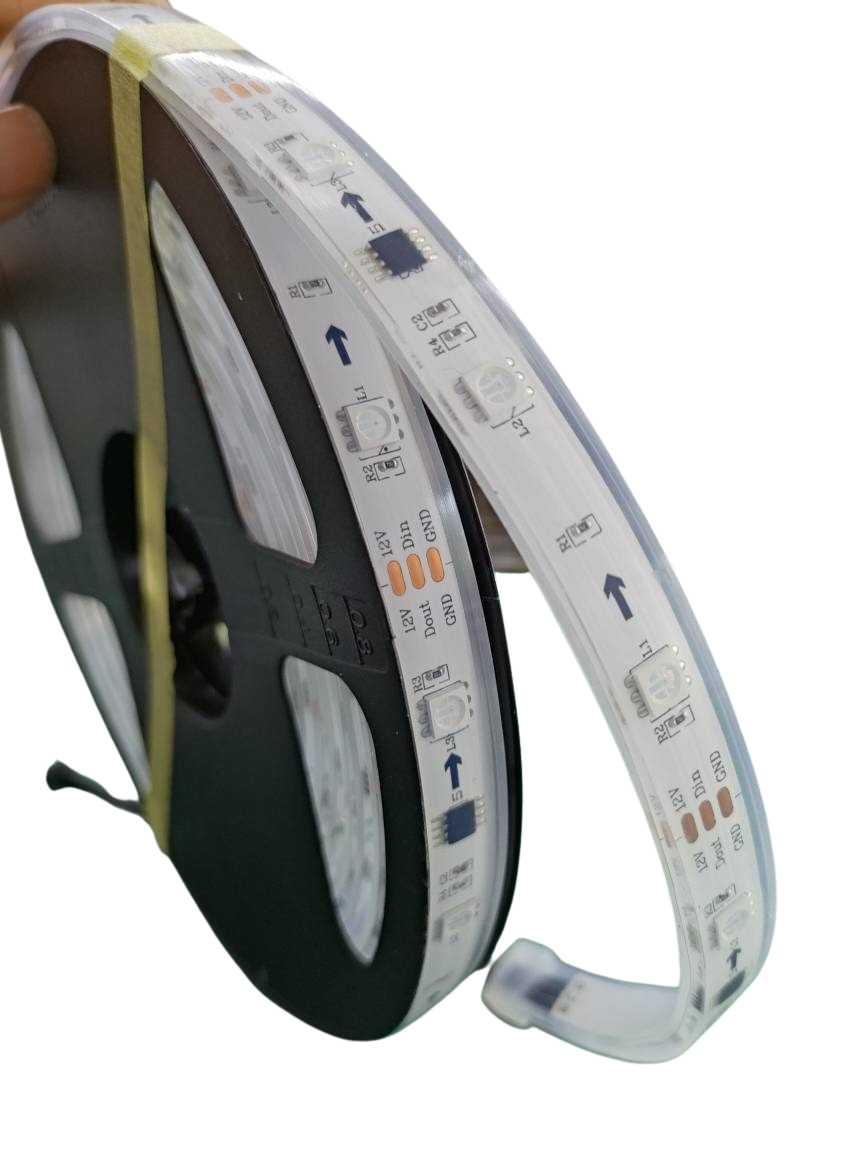
WS2812B LEDs are popular for their addressable RGB technology. Each LED can be controlled individually, letting you customize colors and patterns. The magic lies in the built-in controller chip within each LED. This chip allows data to pass through the strip, lighting each LED in sequence. Imagine a row of dominos, where each one lights up in turn. That’s how these LEDs create seamless effects.
To get technical, these LEDs communicate through a single-wire protocol. This means you only need one wire to transmit data to the LEDs. It’s a tidy solution that reduces wiring complexity. If you want to dive deeper into the technicalities, check out this detailed guide.
Powering Your 5V Pixel LEDs
Powering WS2812Bs correctly is key to avoiding headaches. The 5V power requirement is standard, but knowing how to distribute it efficiently is crucial. Start by calculating the total amperage needed. Each LED typically draws about 60 milliamps at full brightness. Multiply this by the number of LEDs to find your total power requirement.
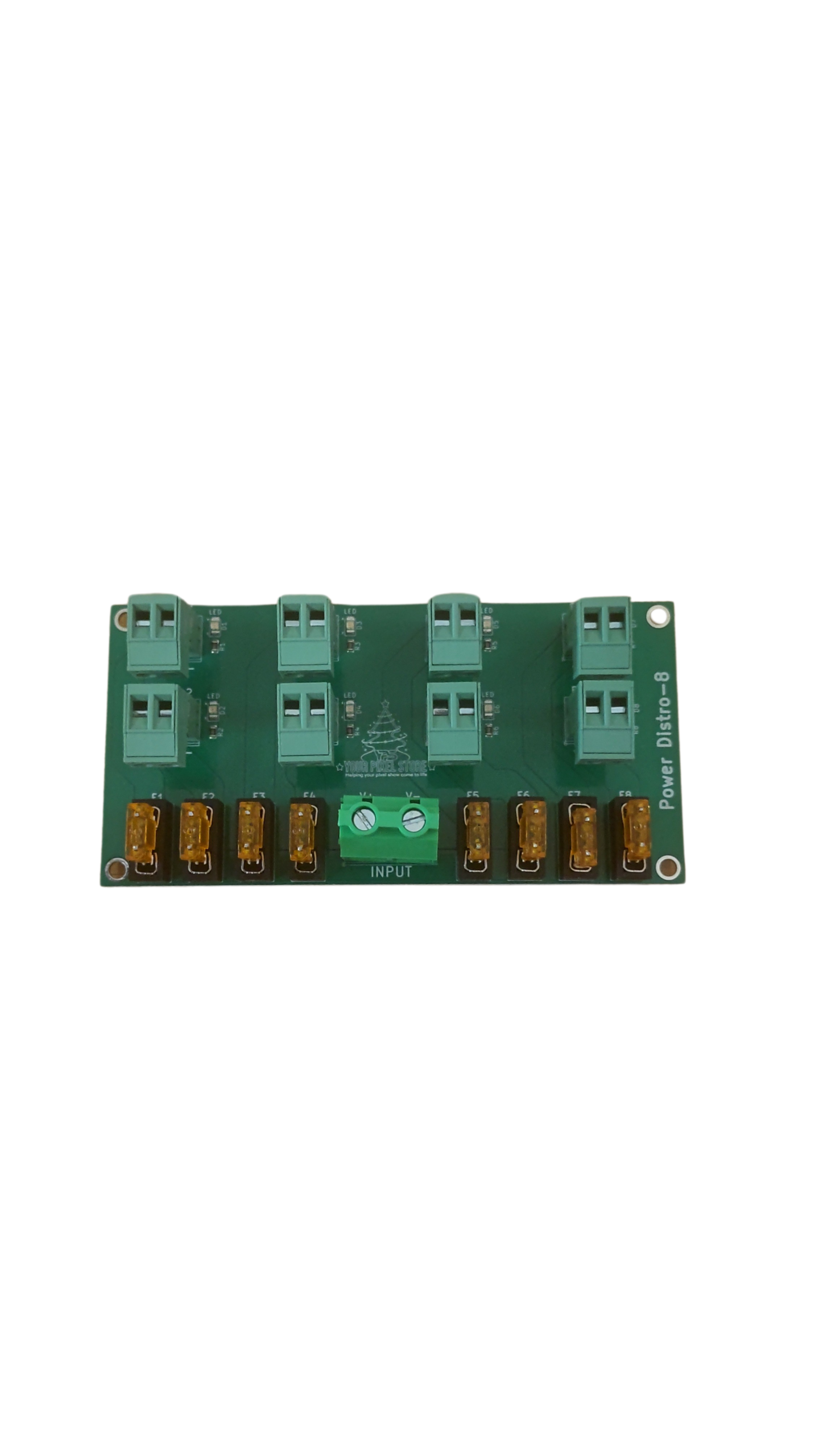
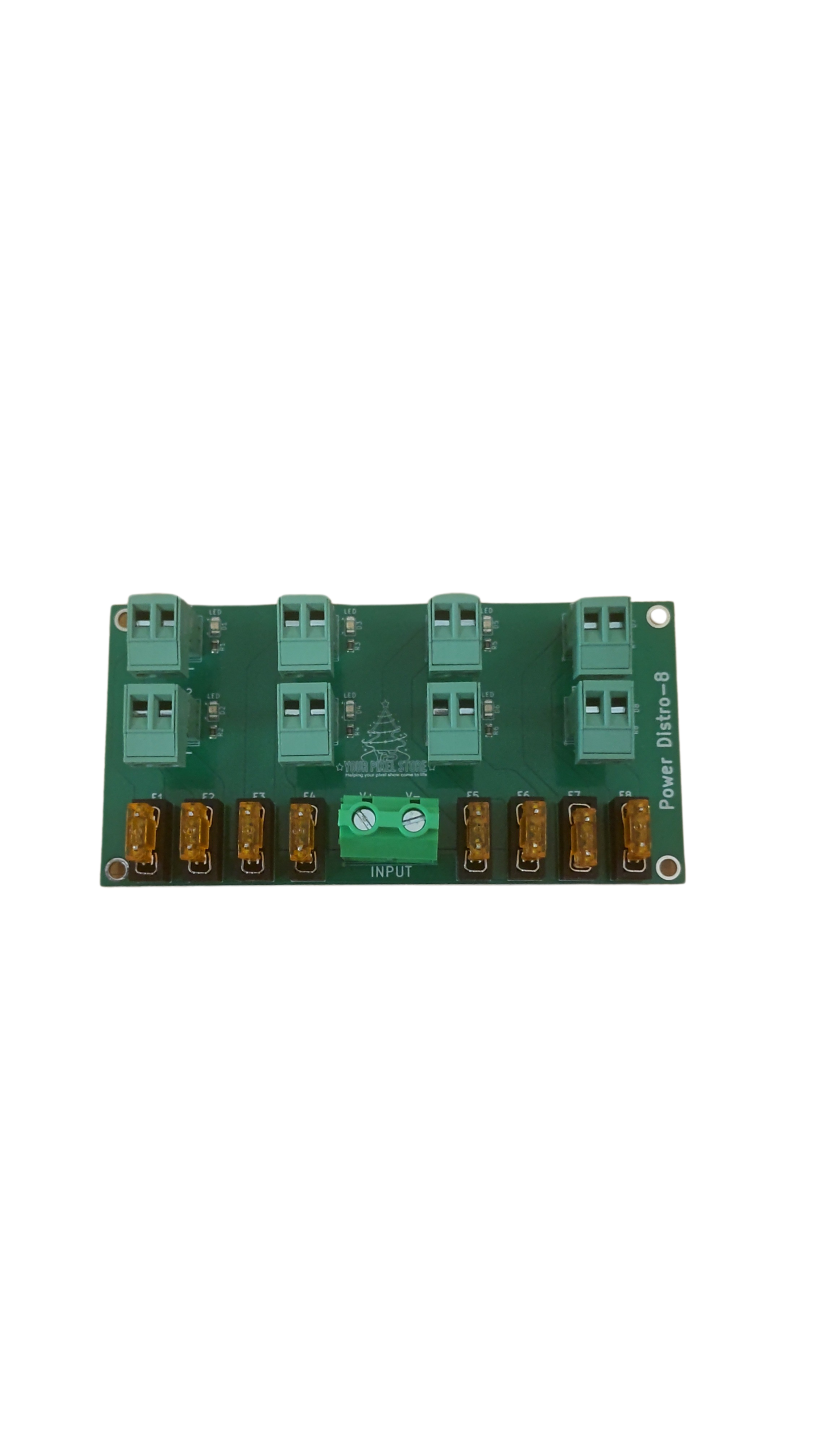
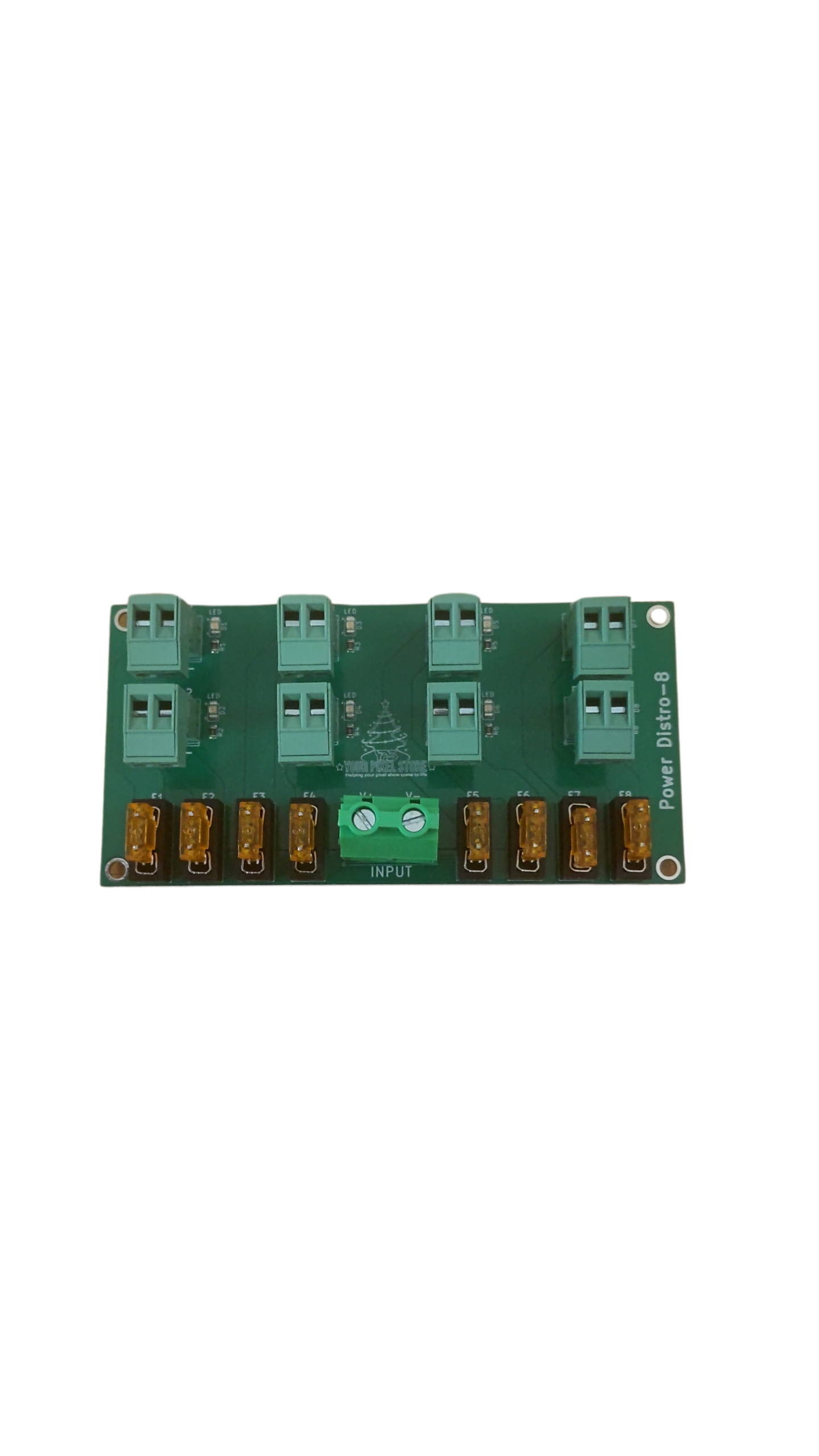
Using a power supply that matches your needs is essential. Too little power, and you’ll face dimming or flickering. Distribute power evenly along the strip to maintain brightness consistency. Consider using power injection at intervals to combat voltage drop. For more insights, take a look at this user guide.
Comparing WS2812B vs WS2811
Choosing between WS2812B and WS2811 can be confusing, but it’s all about your needs. WS2812B LEDs have integrated controller chips, simplifying wiring. On the other hand, WS2811s require external controllers, making them better suited for larger installations.
Here’s a quick comparison:
Feature | WS2812B | WS2811 |
|---|---|---|
Controller Location | Built-in | External |
Voltage | 5V | 12V |
Wiring | Simplified | Requires more wiring |
For detailed guidance on choosing the right LED, check this comprehensive datasheet.
Designing Light Shows with WS2812B
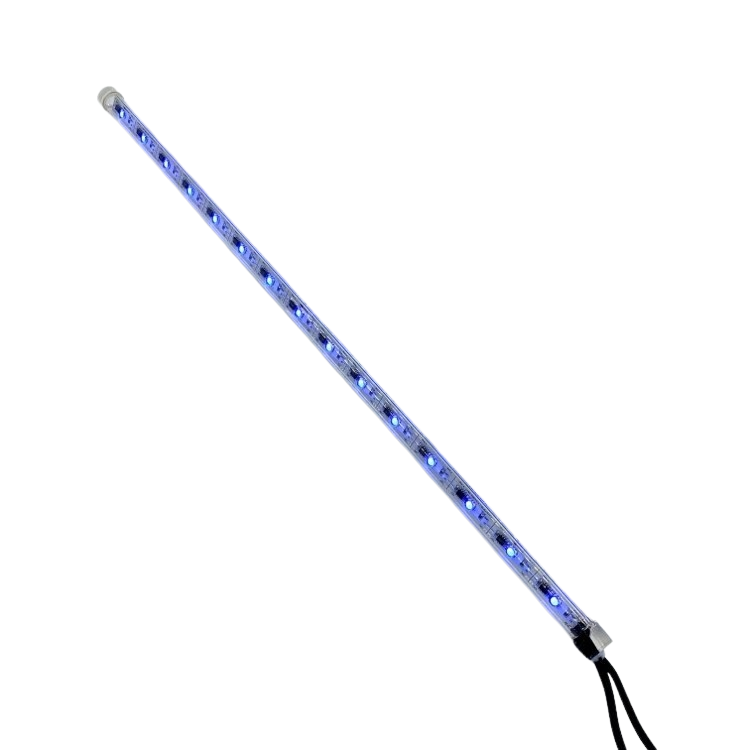
Once you understand WS2812B LEDs, it’s time to design your light show. This section covers controllers and software, helping you achieve incredible displays.
Control with Pixel Controllers
Pixel controllers are the brains behind your light show. They interpret your design choices and send commands to each LED. Using a dedicated pixel controller ensures smooth operation. Consider a model like the YPS VIVID 8, which is built for reliability and scalability. You can learn more about this controller by visiting WS2812 Controllers Made Simple.
Sequencing Tips with xLights
Mastering sequencing with xLights can elevate your show. This software lets you design intricate patterns and synchronize them with music. Start by mapping out your display in the software to visualize your layout. Next, use the built-in tools to create sequences that bring your vision to life.
Experiment with different transitions and effects to keep your audience engaged. Most people think complex shows need a pro, but with xLights, anyone can achieve professional results. Discover how easy it is to get started with xLights by checking out WLED Made Simple.
Managing Voltage Drop and Power Injection
Voltage drop can dim LEDs towards the end of your strip. To prevent this, use power injection. This involves adding power sources at intervals along the strip. Here’s how:
Identify points of voltage drop: Check for dimming or color shifts.
Add power injection: Use extra power supplies to boost voltage.
Test and adjust: Ensure consistent brightness throughout.
By managing voltage drop, you ensure your lights remain vibrant. Explore more about power and voltage management in our article on OpenRGB for Holiday and Event Shows.
Practical Tips for Holiday Displays
Now that your lights are set up, it’s time to refine your display. These practical tips help you create stunning holiday shows.
Choosing Strips vs Nodes
Selecting between strips and nodes depends on your project’s needs. LED strips are flexible and ideal for linear designs. Nodes, however, offer more versatility for intricate patterns. Each choice offers distinct benefits and can suit different display styles.
Consider the layout and design of your space. Strips work well on flat surfaces, while nodes shine in 3D arrangements. Think about your vision and choose what’s best for your setup.
Ensuring IP67 Waterproof LED Use
For outdoor displays, using IP67 waterproof LEDs is crucial. These LEDs withstand rain and moisture, ensuring your show runs smoothly in any weather. Look for products with a sealed casing to protect against the elements.
Installing waterproof LEDs is simple: ensure all connections are secure and covered. This small step makes a big difference in durability and performance.
Streamlining Setup with Ready-to-Run Kits
Simplify your setup with ready-to-run kits. These kits include everything you need to get started, from LEDs to controllers. They’re perfect for beginners and those looking to save time.
A kit removes guesswork, letting you focus on creativity. You can easily expand your display with additional components, scaling up as needed. Check out the options available at Your Pixel Store to find the perfect kit for your needs.
🎄💡🎃
Each of these sections offers a unique insight to enhance your light shows. Whether you’re a newbie or a seasoned pro, these tips and tricks are your ticket to creating displays that dazzle. Enjoy the process, and happy lighting!