Blog
Falcon Controller 101: Setup, Compatibility, and Smart Alternatives from Your Pixel Store

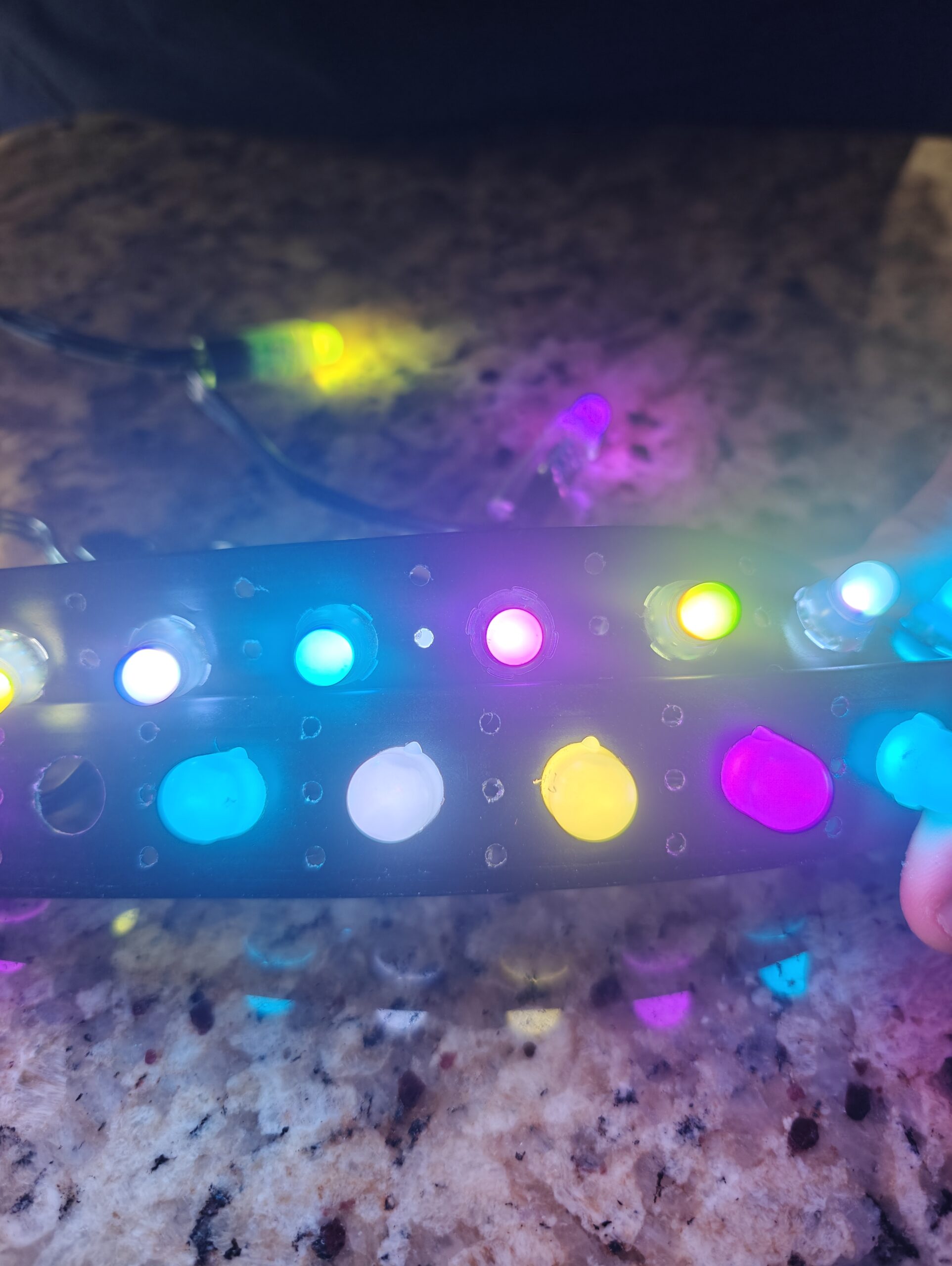
Most lighting controllers promise reliability but fall short when your show demands more. The Falcon controller stands out by handling complex pixel setups with precision, making it a top pick for Halloween and Christmas displays. In this post, you’ll get a clear pixel controller guide covering setup, power, networking, and when to pick Falcon over the YPS VIVID 8—so your next show runs smoothly without surprises. Learn more about this exciting technology in this video.
Understanding Falcon Controllers
Let’s dive into the world of Falcon controllers and see what makes them special for your light displays. They’re designed to handle intricate pixel setups with ease.
What is a Falcon Controller?
The Falcon controller is a device that manages your light show. It directs how each pixel in your display behaves, ensuring everything dances to the same tune. With Falcon, you can control thousands of pixels, making your Halloween or Christmas display truly stand out. These controllers are a favorite among DIY enthusiasts and professionals alike due to their reliability and performance. The Falcon F16, for example, is popular for its capacity and versatility, allowing you to create complex shows without a hitch.
Features of Falcon Pixel Controllers
Falcon pixel controllers come packed with features that cater to both small and large displays. One standout feature is the support for a high number of pixels per output, which means you can create expansive displays with fewer controllers. They also offer the flexibility to work with different pixel types like LED pixels WS2811, allowing you to customize your show to your liking. The controllers are user-friendly with intuitive interfaces, making setup straightforward even for beginners. For those looking into modular builds, Falcon shines with its differential receiver capability, extending the reach of your display without compromising on performance.
E1.31 sACN and Art-Net Lighting Control
Falcon controllers harness the power of E1.31 sACN and Art-Net protocols. These are essential for syncing large light shows over a network, offering precision control. With these protocols, you can manage vast numbers of lights with minimal lag, ensuring your display is perfectly in sync. Many users find this feature beneficial when coordinating complex light patterns and sequences. Whether you’re using the Falcon F16 or another model, these protocols are supported to deliver seamless control across your entire setup.
Setting Up Your Falcon Controller
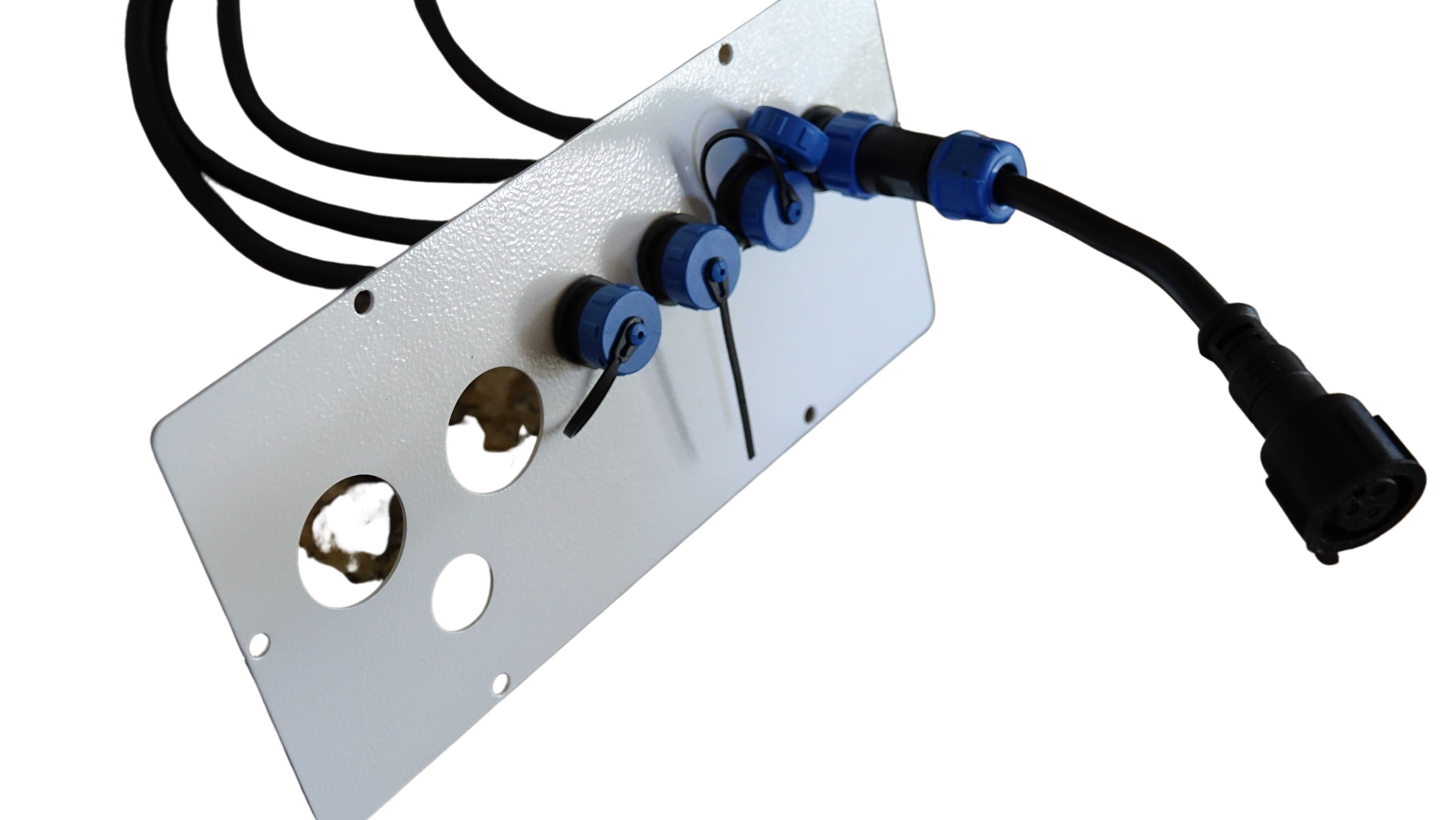
Now that you understand the basics, let’s explore how to set up your Falcon controller for maximum impact. This involves a few key steps to ensure everything runs smoothly.
Power and Voltage Matching
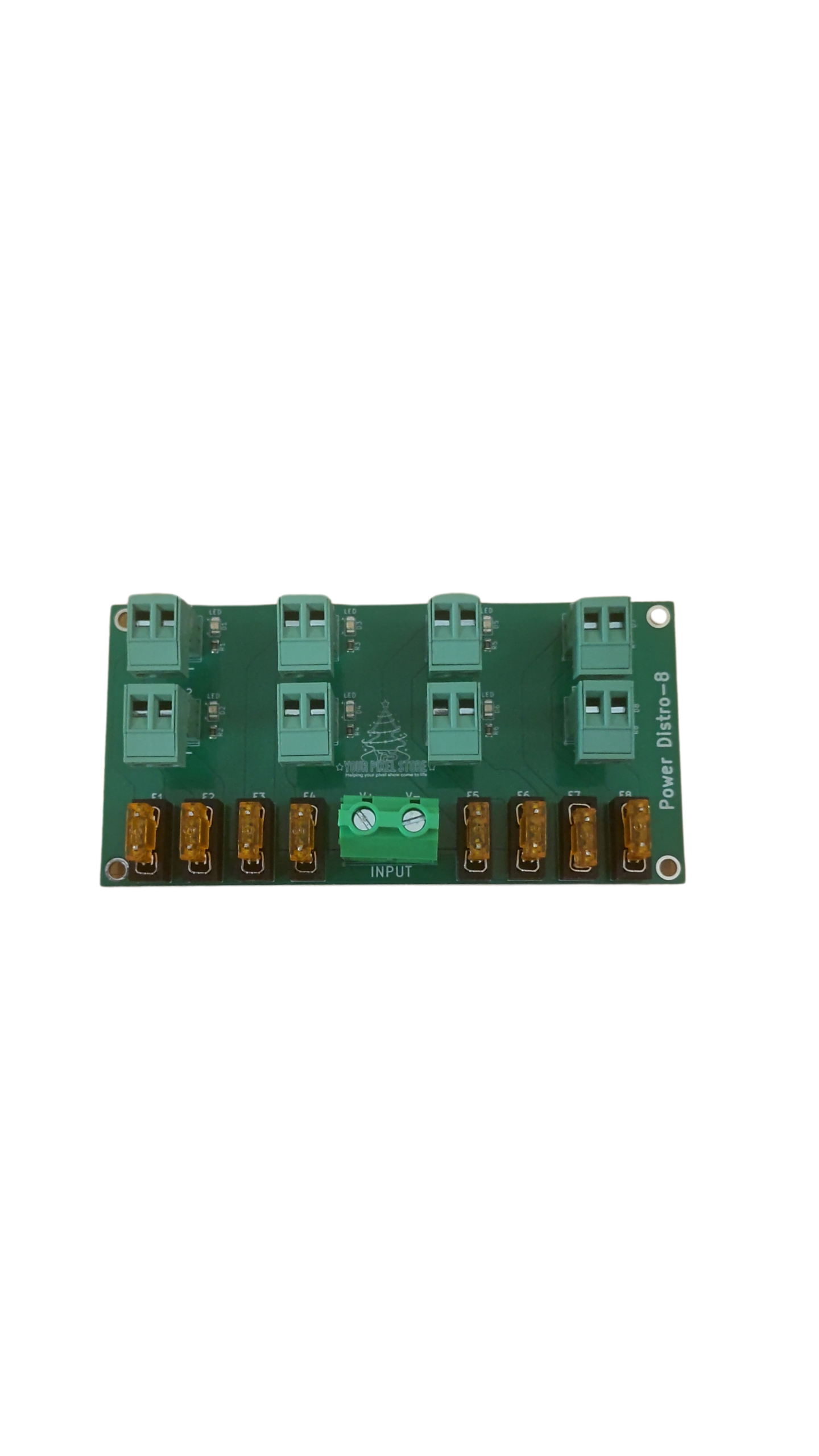
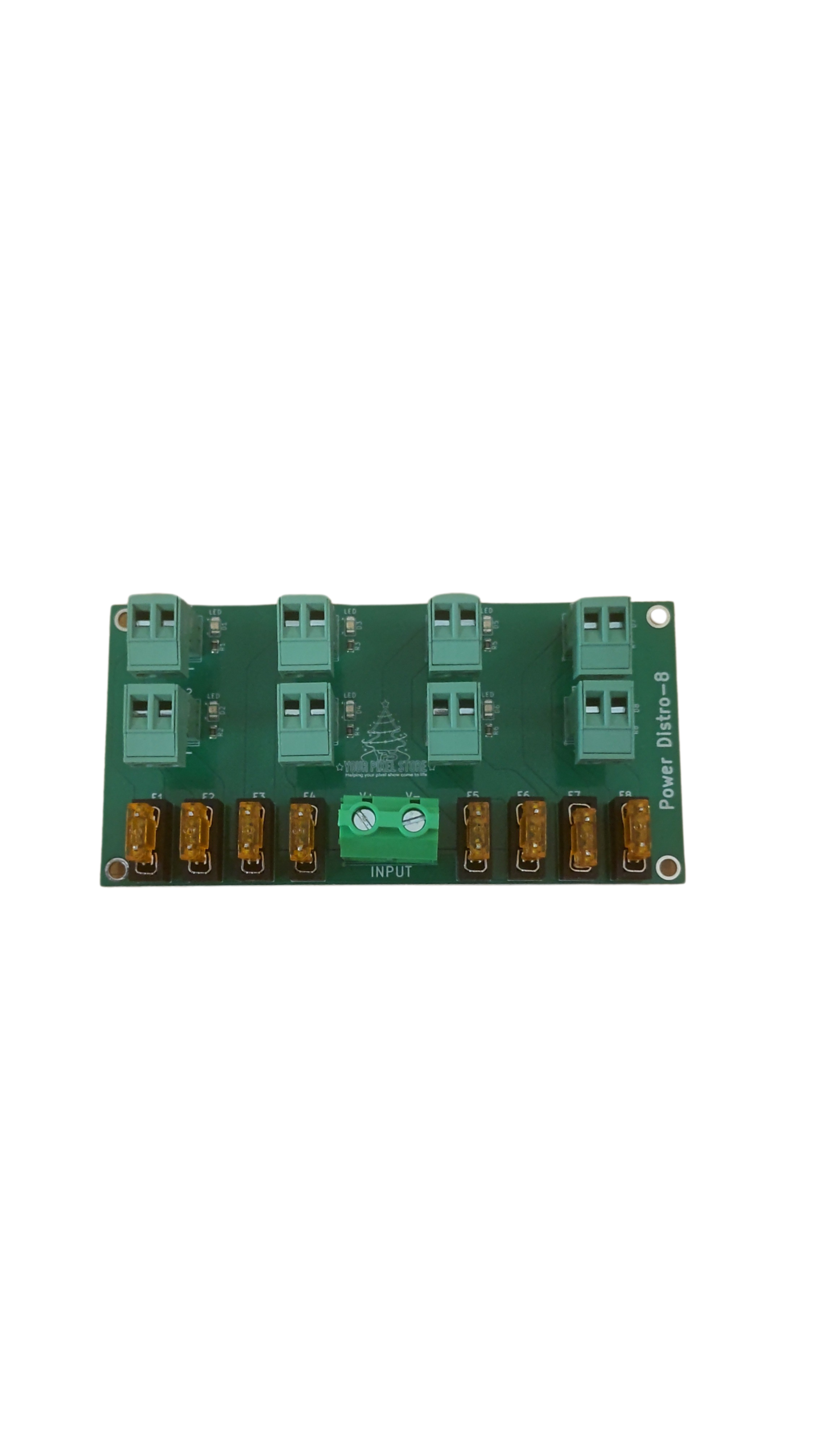
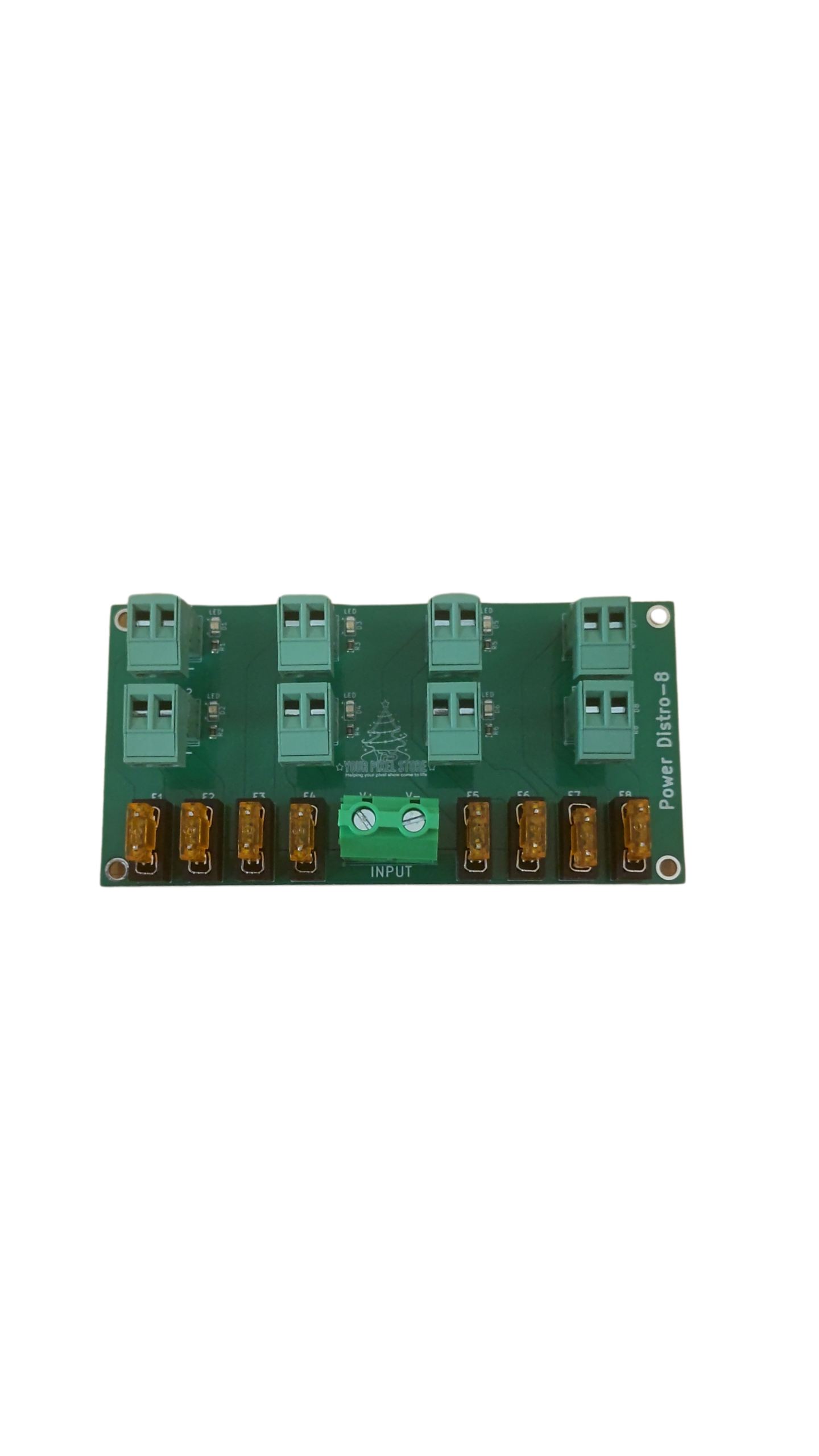
Powering your Falcon pixel controller correctly is crucial. You’ll need to match the voltage of your power supply to the pixels you’re using. Most LED pixels require either 5V or 12V, so ensure your power supply aligns with this requirement to avoid damage. Power injection might be necessary for larger setups to maintain consistent brightness and performance. This involves adding power at multiple points along your pixel strings, preventing voltage drop and ensuring each pixel shines bright.
Networking and Data Management
Networking is where your Falcon controller truly shines. It allows you to control your entire display from a single point. Connect your controller to your home network or a dedicated show network to manage your lights effortlessly. Utilize software like xLights for programming your sequences. For a detailed guide on how to get started, check out our article on xLights Setup Made Simple: From First Layout To First Show.
Waterproof Enclosure and Testing
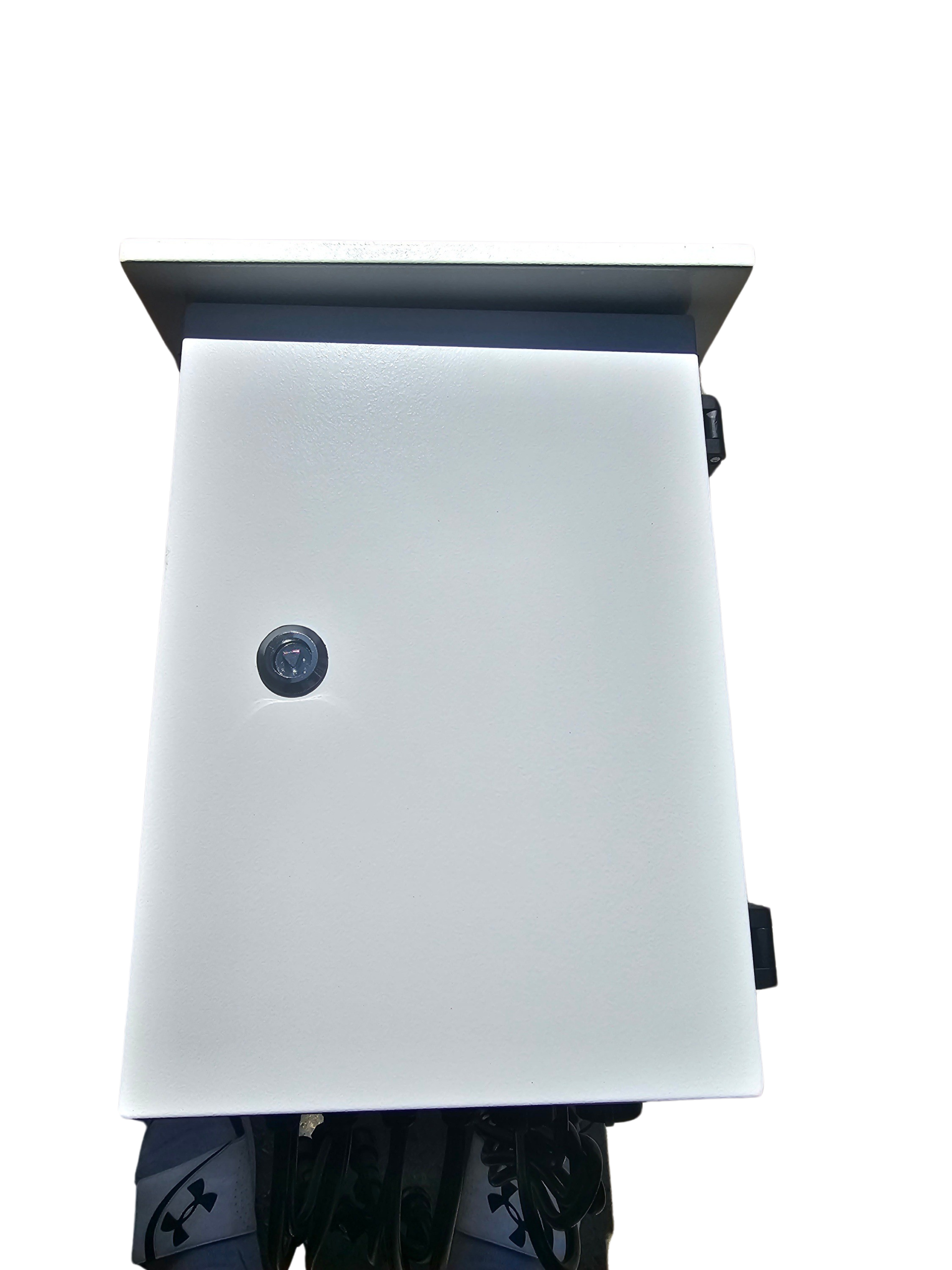
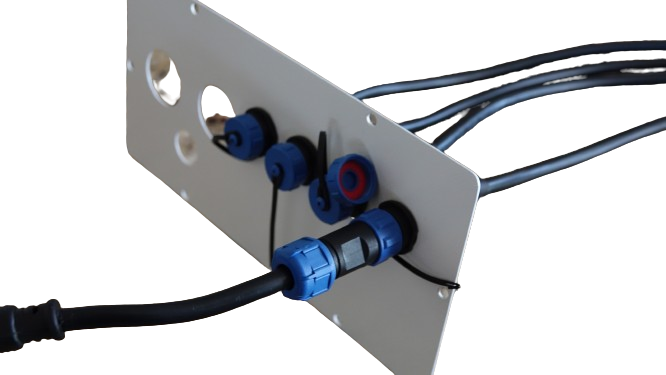
Protecting your controller and connections is vital, especially for outdoor shows. A waterproof enclosure will shield your equipment from the elements. Before going live, test your setup thoroughly. This involves running through your programmed sequences to spot any issues. Testing ensures that your show will run smoothly when it matters most, sparing you from surprises during your big event.
Falcon vs. YPS VIVID 8
Both the Falcon and the YPS VIVID 8 have their strengths. Let’s compare to see which best fits your needs.
Choosing Falcon for Modular Builds
The Falcon is ideal for those planning modular builds. Its ability to handle numerous pixels per output and compatibility with differential receivers makes it a flexible choice for expanding setups. This allows you to start with a basic configuration and gradually scale up as needed, without replacing your entire system. The modular nature of Falcon controllers supports creativity and experimentation, making them a favorite for evolving displays.
When to Opt for YPS VIVID 8
If you’re looking for a simpler setup, the Your Pixel Store VIVID 8 might be the way to go. It’s easier for those new to pixel displays, offering straightforward features that cover basic to intermediate needs. While it may not handle as many pixels as the Falcon, it’s a reliable option for smaller projects or for those who don’t require extensive customization. The VIVID 8 is perfect for getting started or for displays that don’t demand complex configurations.
Support and Scaling Options
Both controllers come with options to scale and grow your display. Falcon offers extensive support for large setups and complex sequences. The VIVID 8 provides a solid foundation with room for future expansion. When deciding, consider your project’s scope and your comfort with technology. Whichever you choose, both options provide a pathway to building stunning light shows that will captivate any audience.
In conclusion, whether you choose Falcon or YPS VIVID 8, you’re on your way to creating an unforgettable light display. With the right setup, your show will shine brightly, delighting all who see it.