
Blog
OpenRGB for Holiday and Event Shows: How to Sync PC RGB with Pro Pixel Controllers from Your Pixel Store

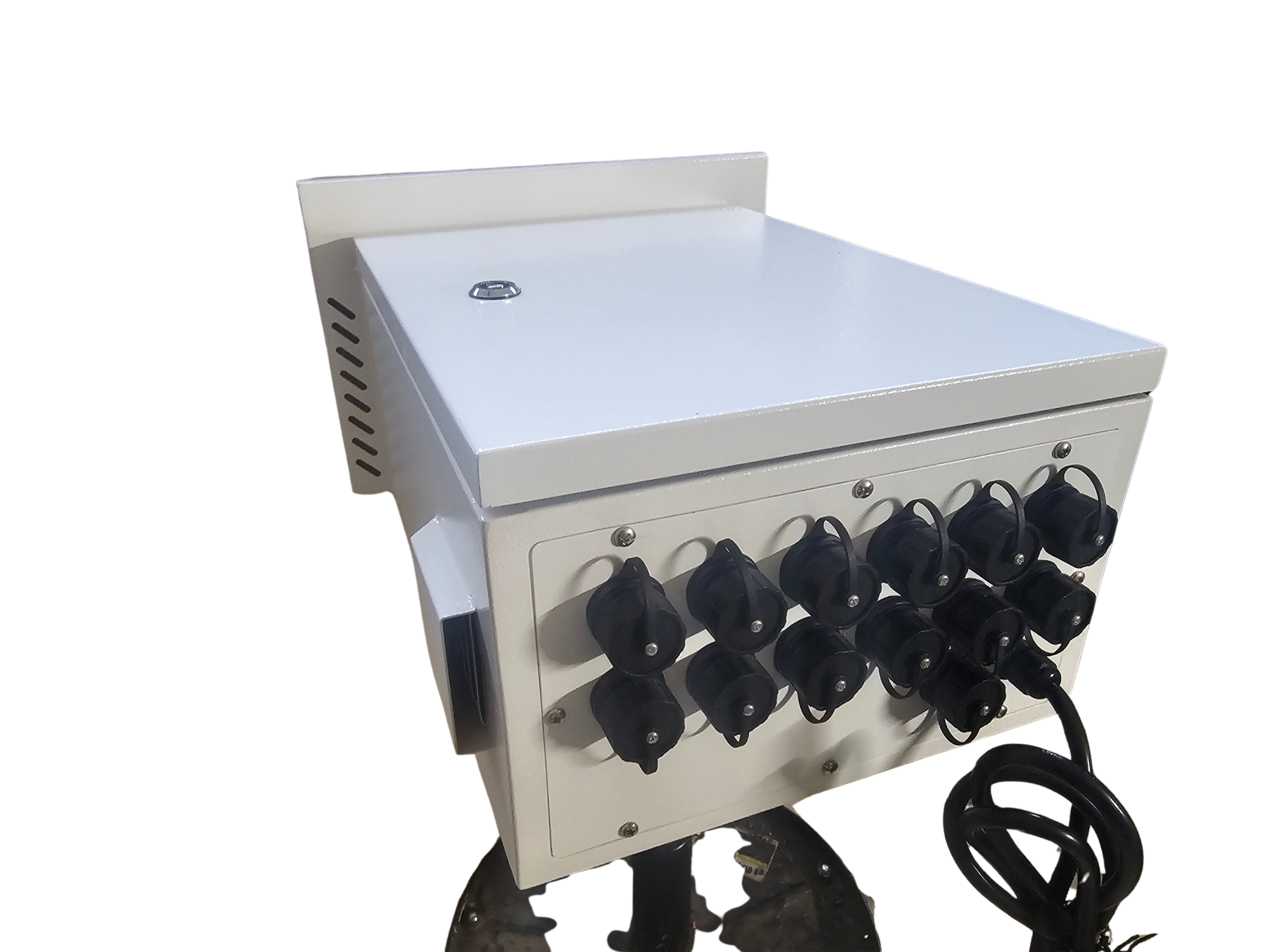
OpenRGB can be the missing link between your PC and professional LED pixels for stunning holiday and event shows. If you’re juggling software and hardware, syncing your RGB lighting control doesn’t have to be guesswork. We’ll show you how to fit OpenRGB into your light show stack, using Your Pixel Store’s proven pixel controllers like the YPS VIVID 8 to keep your Halloween, Christmas, or live event displays running smooth and bright. Ready to sync it all up? Check out OpenRGB to get started!
Introduction to OpenRGB
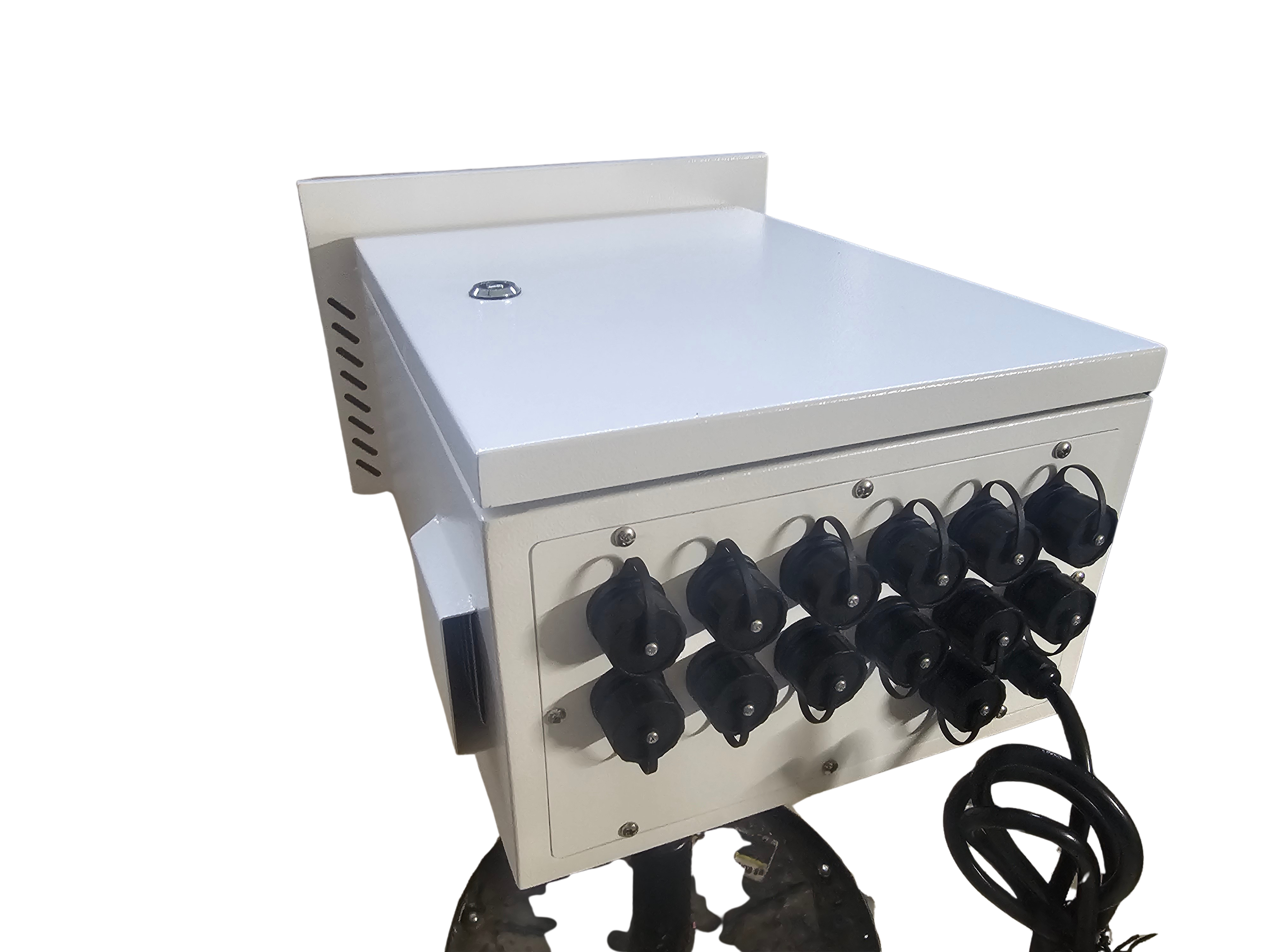
Creating a stunning light show starts with understanding the tools at your disposal. OpenRGB is one such tool that can transform your PC into a powerful hub for controlling impressive displays.
What is OpenRGB?
OpenRGB is an open-source software that allows you to control RGB lighting on a variety of devices from your PC. It’s compatible with many brands, making it a flexible option. The beauty of OpenRGB lies in its simplicity and broad compatibility. You can easily manage various lighting devices in one place without needing multiple proprietary software programs. For the latest version of OpenRGB, visit TechSpot.
Benefits for Light Shows
Using OpenRGB for your light shows offers you centralized control, which means less hassle and more time to get creative. Imagine seamlessly syncing all your lights from one interface. Whether you’re setting up for a Halloween haunt or a magical Christmas scene, OpenRGB makes your display shine. It supports multiple protocols like sACN, E1.31, and Art-Net, providing the flexibility you need for diverse setups. With OpenRGB, you can ensure your show runs as smoothly as planned.
Compatibility with Pixel Controllers
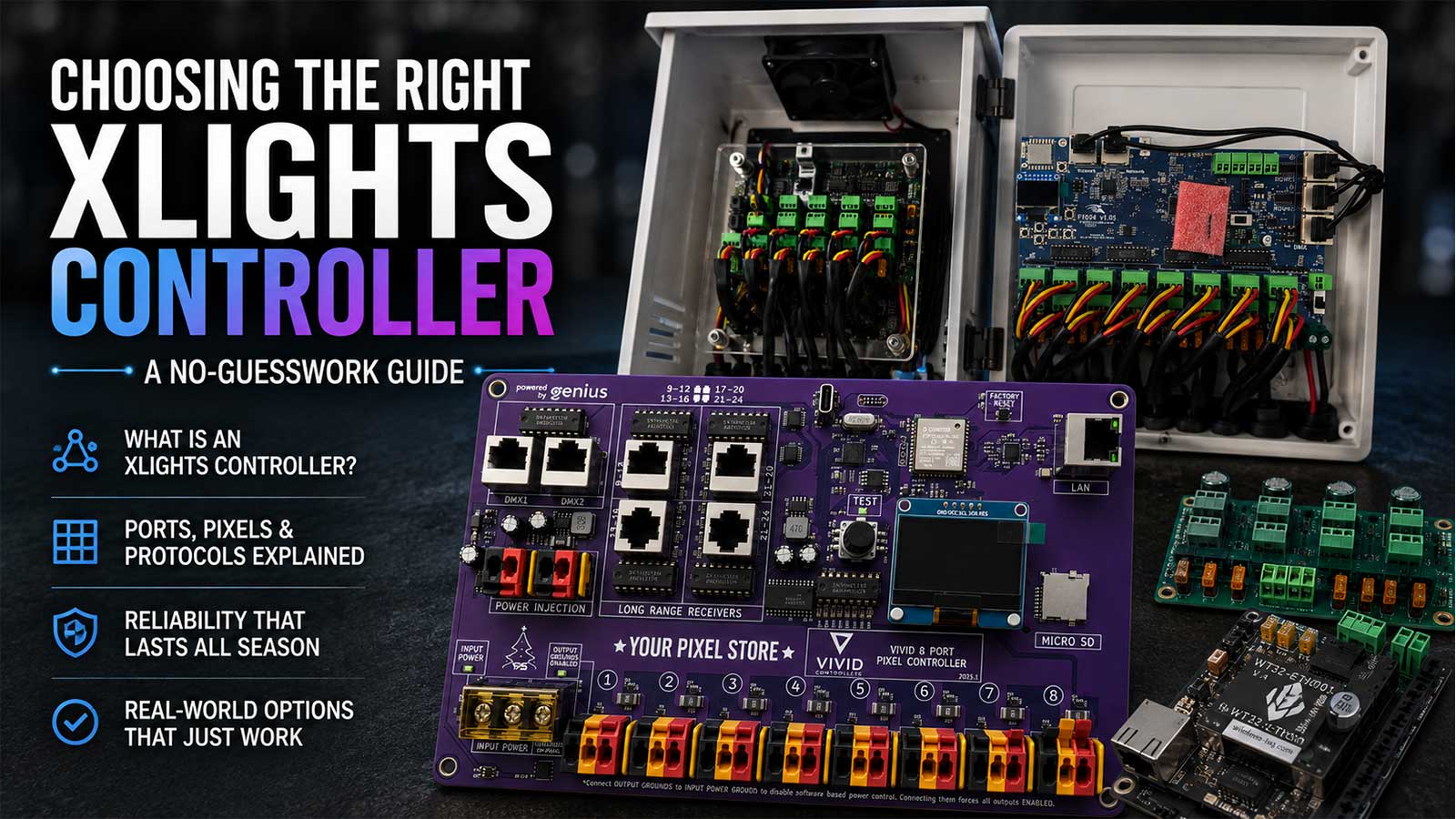
OpenRGB isn’t just for PC enthusiasts; it’s also perfect for professional setups with pixel controllers. It integrates well with controllers like the YPS VIVID 8, allowing you to manage complex displays effortlessly. This compatibility ensures that whether you’re working with WS2811 or other LED pixels, your configurations are always in sync. Explore more about WS2812 Controllers to power up your show with YPS VIVID 8.
Integrating OpenRGB with Controllers
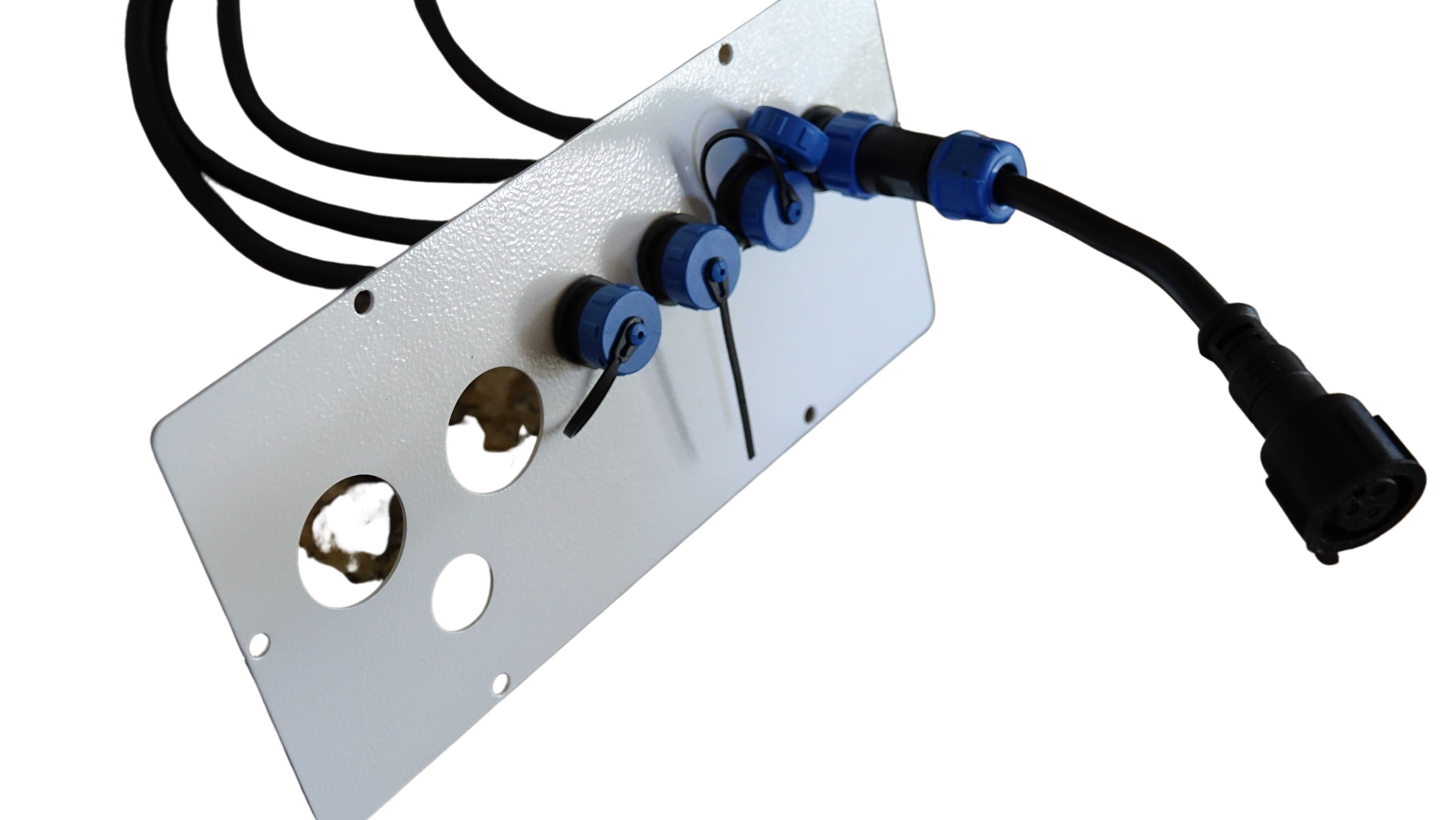
Transitioning from planning to execution, you need to ensure that your hardware setup aligns perfectly with OpenRGB’s capabilities. This integration is crucial for a flawless display.
Setting Up Your Pixel Store Hardware
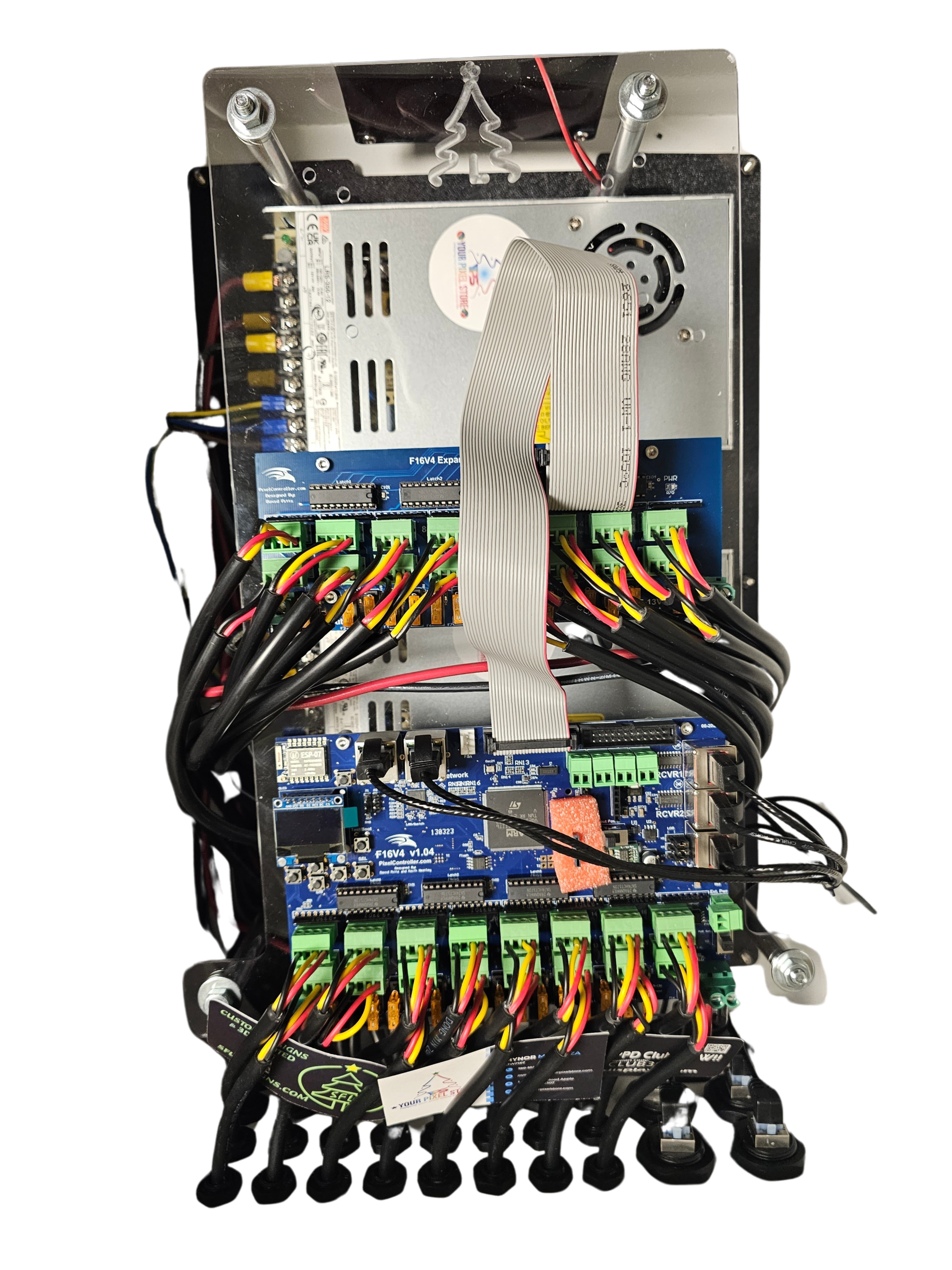
Getting your hardware ready is the first step to success. Begin by unboxing your pixel controllers and ensuring all components are present. Connect your controllers following the instructions provided by Your Pixel Store. Pay attention to power requirements to avoid any mishaps later. Proper setup ensures your system runs without interruptions during your show. Remember, the right start sets the tone for everything that follows.
Syncing with YPS VIVID 8
Connecting OpenRGB with the YPS VIVID 8 is straightforward. Install the software, and use a network cable to link your PC to the controller. OpenRGB will detect your setup and allow you to control each light zone with precision. This connection is vital for achieving the dynamic effects that make audiences go “wow.” By syncing with the YPS VIVID 8, you ensure that your lights follow your command, creating a cohesive and stunning display.
Using Ready‑to‑Run Controllers
If you’re looking for convenience, ready-to-run controllers are your best option. These come pre-configured, saving you time and effort. Simply plug them into your setup, and they’re good to go. Ready-to-run options are perfect if you’re new to lighting or need a fast setup. They integrate seamlessly with OpenRGB, making them a smart choice for both beginners and seasoned pros. You’ll appreciate the ease of use and reliability they offer.
Creating Holiday and Event Displays
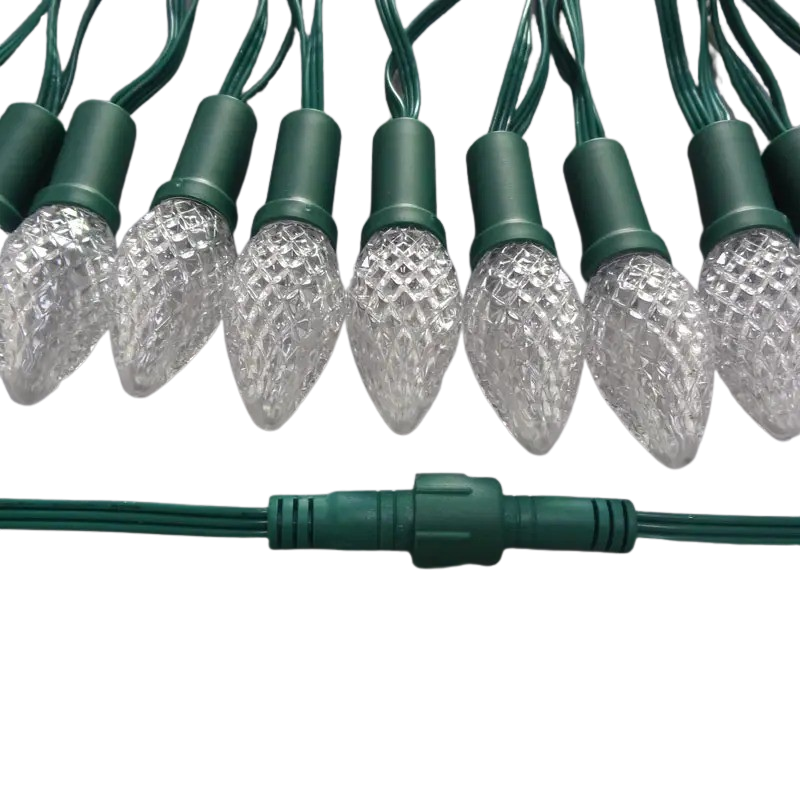
Now that your setup is in place, it’s time to get creative. Designing captivating displays involves more than just lights; it’s about creating a memorable experience.
Design Ideas for Christmas & Halloween
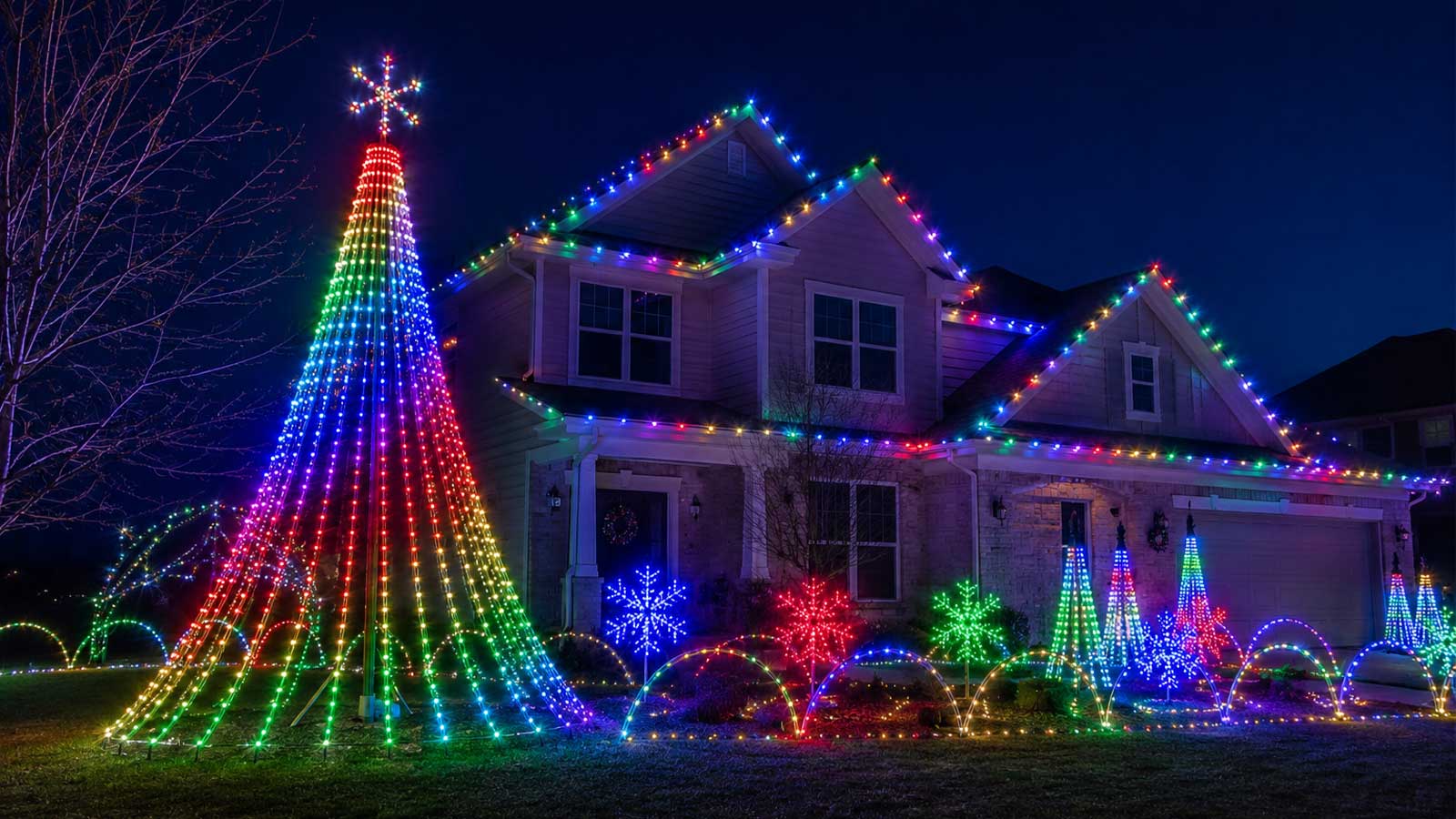
Crafting the perfect holiday display is all about imagination. For Christmas, consider cascading lights on trees or synchronized roof displays. Halloween offers a chance to get spooky with flickering effects and eerie colors. Use OpenRGB to experiment with different patterns, intensities, and timings. Aim to create a scene that captivates and delights. Remember, your display is a canvas, and you’re the artist.
Tips for Outdoor Enclosures and Power
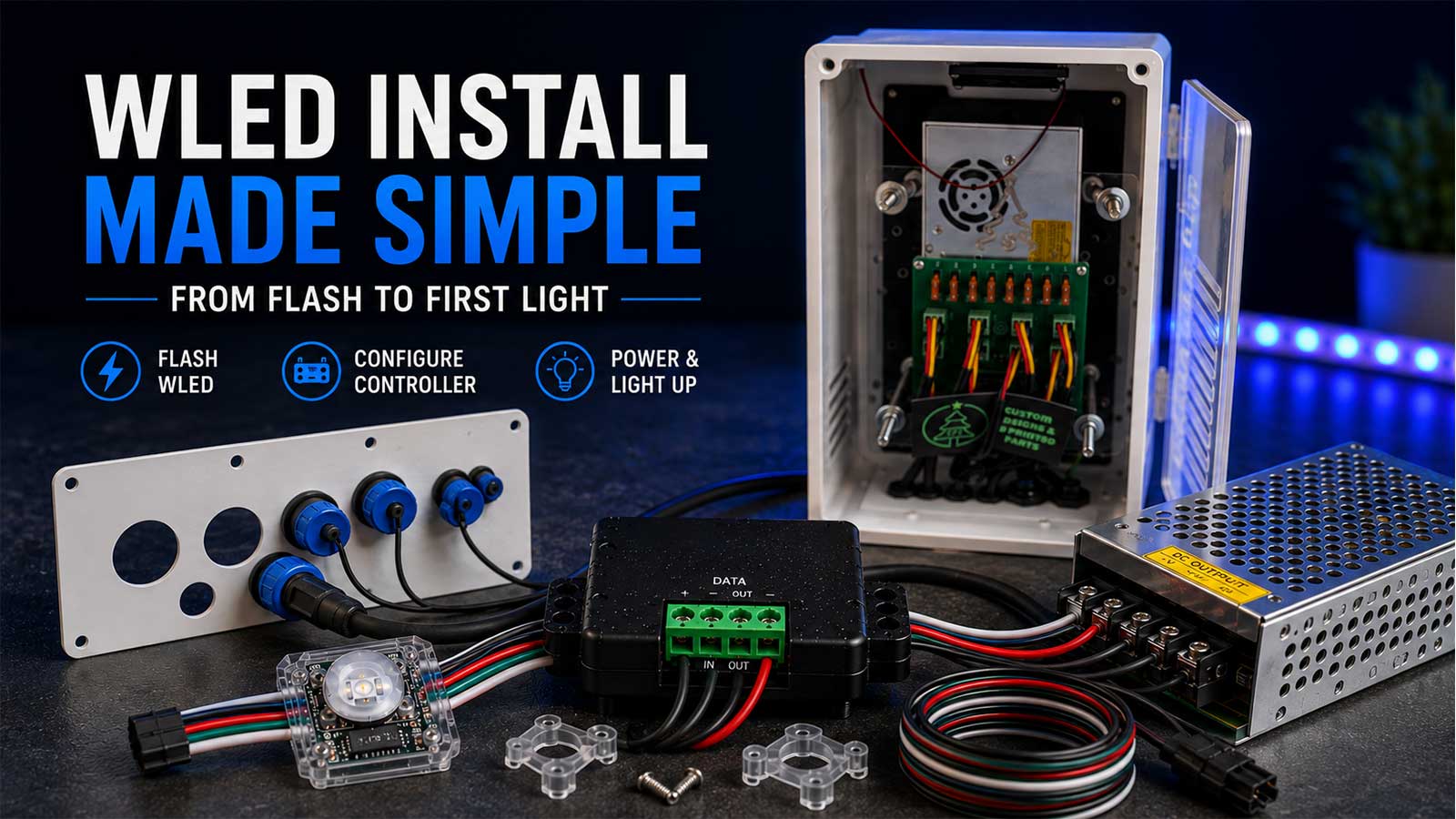
Outdoor displays require careful planning to protect your setup from the elements. Use weatherproof enclosures to shield your controllers and connections. Ensure your power supplies are adequate for the load, and consider power injection for long runs. Proper planning ensures that your display remains vibrant throughout the season, regardless of weather conditions. Safety first, but creativity is a close second.
Consulting and Support from Your Pixel Store 🎉
Achieving a spectacular display can be challenging, but you don’t have to do it alone. Your Pixel Store offers consulting and support to guide you every step of the way. Whether you need help with product selection or technical advice, their team is ready to assist. Rely on their expertise to bring your vision to life. When your display dazzles the crowd, you’ll know the effort was worth it.
By understanding OpenRGB and its integration with pixel controllers, you can elevate your holiday and event lighting displays. Embrace the possibilities and let your creativity shine, knowing that with the right tools and support, your light shows will captivate every audience.








One thought on “OpenRGB for Holiday and Event Shows: How to Sync PC RGB with Pro Pixel Controllers from Your Pixel Store”