Blog
Falcon Pixel Controllers Explained: Compatibility, Setup Tips, and Smart YPS Alternatives

Falcon pixel controllers have earned a solid reputation for handling complex LED setups, but setting them up right can still trip up even experienced builders. Power, ports, and network planning all need careful attention to avoid glitches in your holiday or event show. This guide breaks down how Falcon controllers work and when switching to a YPS VIVID 8 ready-to-run pixel controller can save you time and hassle without sacrificing control. Learn more about falcons here.
Understanding Falcon Pixel Controllers
Navigating Falcon pixel controllers can initially feel daunting, but they offer tremendous control over complex displays once understood. Let’s dive into what makes these controllers indispensable for serious light show enthusiasts.
Key Features of Falcon F16v3
The Falcon F16v3 is a workhorse for LED displays. It allows control over 16 string ports, which can manage thousands of pixels. This means you can create intricate designs with ease. The F16v3 also supports E1.31 (sACN) and DMX protocols, ensuring compatibility with your favorite sequencing software like xLights.
16 string ports: Each port can handle up to 680 pixels.
Protocol support: Use with E1.31 (sACN) and DMX.
Expandable: Add differential receivers to extend your setup.
These features make the F16v3 a reliable choice for those looking to expand their displays without limits. For more on falcon capabilities, see here.
Exploring the Falcon F48 Differential
For even larger displays, the Falcon F48 Differential Controller steps in. This controller uses differential receivers to spread the load, allowing for greater distances between the controller and your display elements. It’s ideal for spreading out across a large yard or venue.
Scalable: Connect up to 12 differential receivers.
Range: Place pixels up to 300 feet away from the controller.
Powerful: Control thousands of pixels with minimal latency.
Using the F48, you can maintain pixel precision across vast areas. This makes it particularly useful for commercial projects or expansive home displays.
Planning Your Pixel Controller Setup
Before you start, planning your setup is crucial. Consider where your controller will be and how it will connect to power and network. This step can prevent common pitfalls like power loss or network lag.
Controller location: Keep it central to your display.
Power strategy: Plan for power injection to maintain brightness.
Network layout: Ensure a strong and stable connection.
With these considerations, your Falcon setup will perform optimally, allowing for dazzling displays without unexpected glitches.
Planning Your Holiday Light Show
Transforming your space with a holiday light show takes more than just plugging in some lights. Let’s explore how to manage ports, power, and networking effectively.
Port and Power Management Tips
Managing ports and power is the backbone of any pixel display. To avoid dim lights or flickers, it’s essential to manage power effectively.
Port management: Assign pixels evenly to avoid overloading.
Power balancing: Use power injection to keep lights bright.
Cable selection: Opt for quality cables to reduce voltage drop.
By planning your power and port usage carefully, you’ll ensure a bright and reliable display every time.
Networking Considerations for Controllers
Networking can be a headache without the right setup. Ensuring your controllers communicate effectively over your network is key.
Stable connection: Use wired connections to avoid lag.
Router settings: Prioritize traffic for smoother operation.
IP management: Assign static IPs to prevent conflicts.
A strong network setup supports your controllers, ensuring your show runs without a hitch.
Power Injection with WS2811/WS2812B Pixels
Power injection is vital when working with WS2811 and WS2812B pixels. These pixels need consistent power to shine brightly across long runs.
Inject at intervals: Every 50-100 pixels is a good rule of thumb.
Use T-cables: Simplify power distribution with T-cables.
Monitor voltage: Keep voltage steady to avoid color shifts.
With proper power injection, your pixels will maintain consistent brightness and color, creating a stunning visual effect.
Exploring YPS VIVID 8 Alternatives
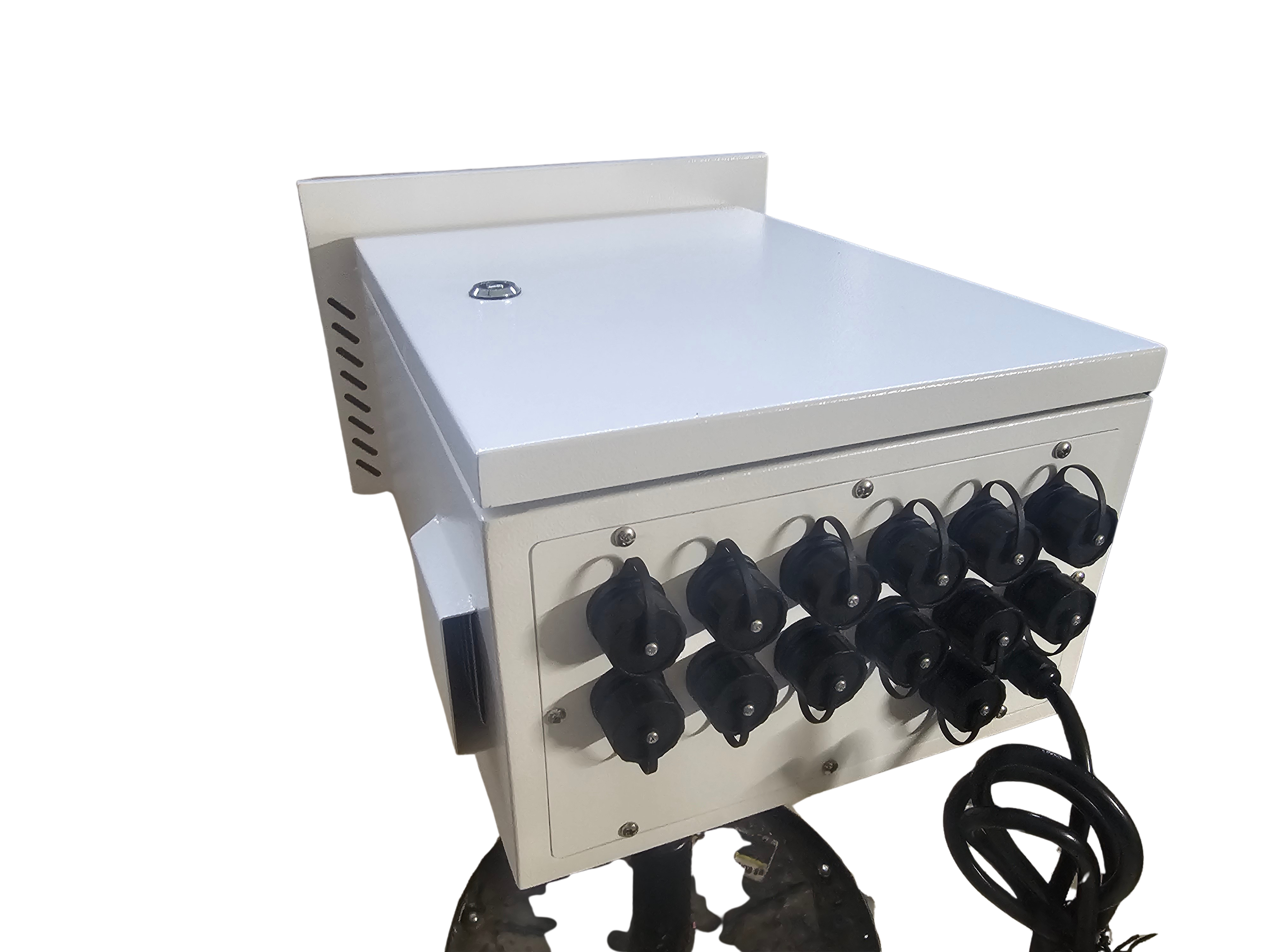
If you’re looking for a simpler solution, the YPS VIVID 8 may be what you need. This ready-to-run controller offers ease without compromising control.
Benefits of the Ready-to-Run Controller
The YPS VIVID 8 is designed for those who want to get started quickly. It removes much of the setup complexity found in traditional systems.
Ease of use: Pre-configured, minimizing setup time.
Full control: Despite simplicity, offers full pixel management.
Scalability: Expandable for larger projects.
This system is perfect for those new to pixel displays or those who want to simplify their setup process.
Comparing Smart Enclosures and Power Solutions
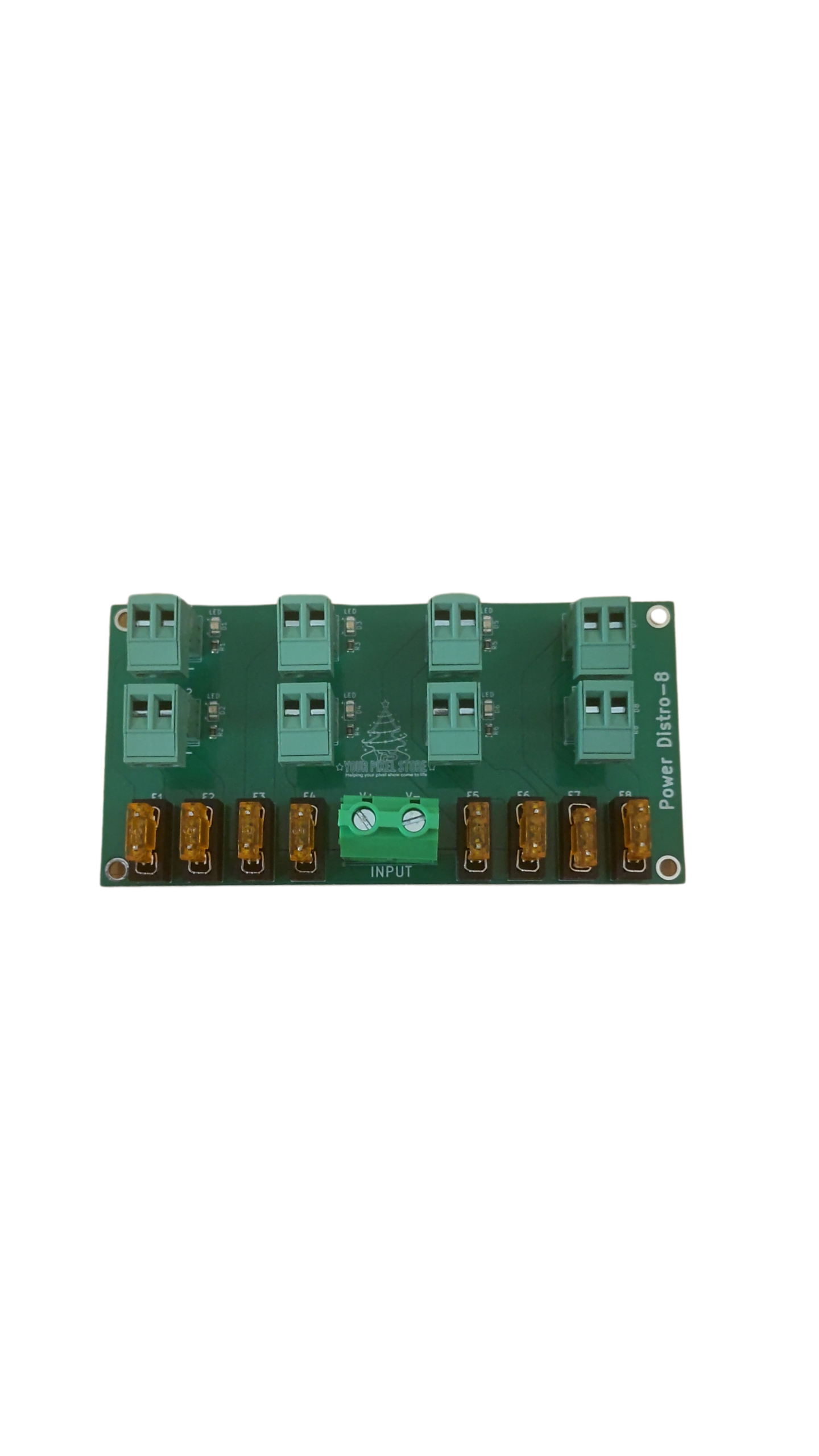
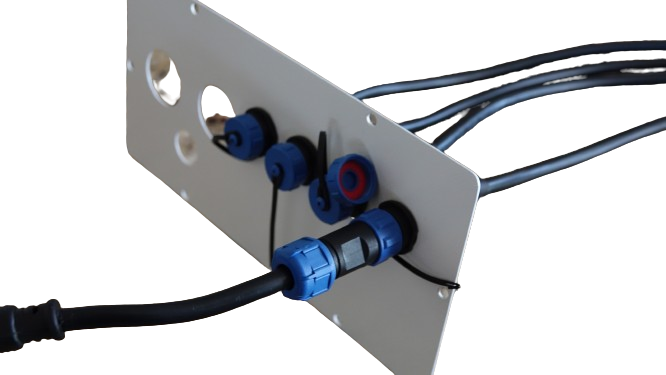
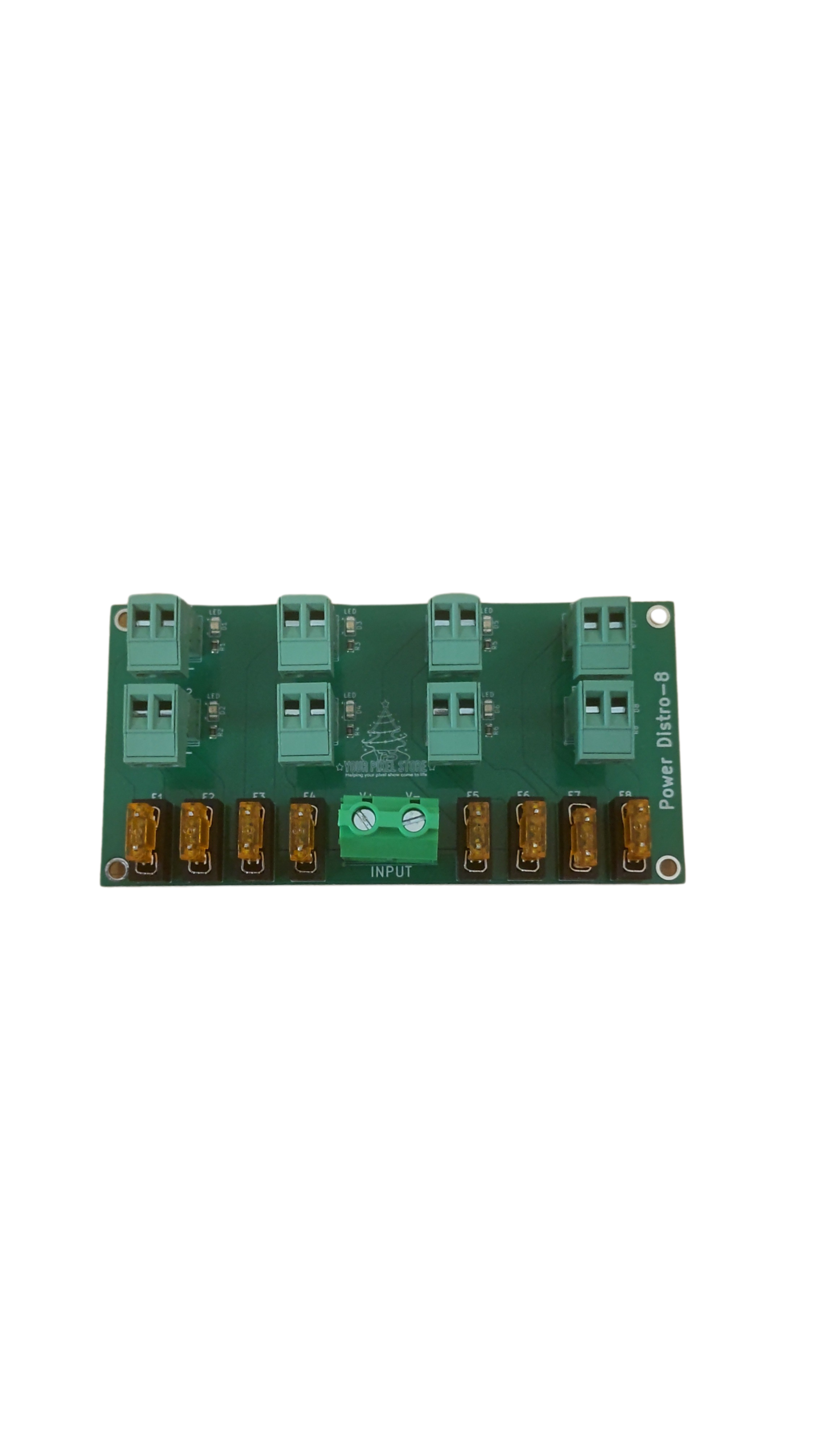
Smart enclosures and power solutions can further simplify your setup with the YPS VIVID 8. These components protect and power your system efficiently.
Feature | Smart Enclosures | Power Solutions |
|---|---|---|
Protection | Shields from weather and debris | Consistent power delivery |
Installation | Easy to mount and manage | Simple power connections |
Compatibility | Works with various controllers | Supports different power needs |
These solutions make maintaining your display easier, freeing you to focus on creativity.
Choosing a Christmas or Halloween Light Controller
Whether you’re planning a Christmas wonderland or a spooky Halloween display, choosing the right controller is key.
Consider size: Larger displays may need more complex controllers like the Falcon F16v3 or F48.
Ease of use: For simpler setups, the YPS VIVID 8 offers simplicity and power.
Budget: Balance your needs with available funds, considering both initial and long-term costs.
Remember, the right controller can make all the difference in how your display comes together.
By understanding these controllers and planning effectively, you can create stunning displays that captivate audiences and spread holiday cheer. Whether you choose the flexibility of Falcon or the simplicity of YPS VIVID 8, you’re equipped to bring your vision to life.