Blog
Falcon Controller Guide: Setup, Compatibility, and Smart Alternatives for Reliable Light Shows

Falcon controllers are a favorite for both pro and DIY light shows, but setting them up can feel tricky if you’re not sure where to start. Getting your Falcon F16v4 or F48 running smoothly means nailing the right network settings, power distribution, and pixel mapping. This guide walks you through proven setup tips, compatible gear from Your Pixel Store, and a clear comparison with the YPS VIVID 8 so you can plan your next show with confidence. Learn more about the species that inspired these controllers here.
Falcon Controller Basics
Falcon controllers are central to creating impressive light shows. Let’s explore how these devices fit into your project plans.
Understanding Falcon Pixel Controllers
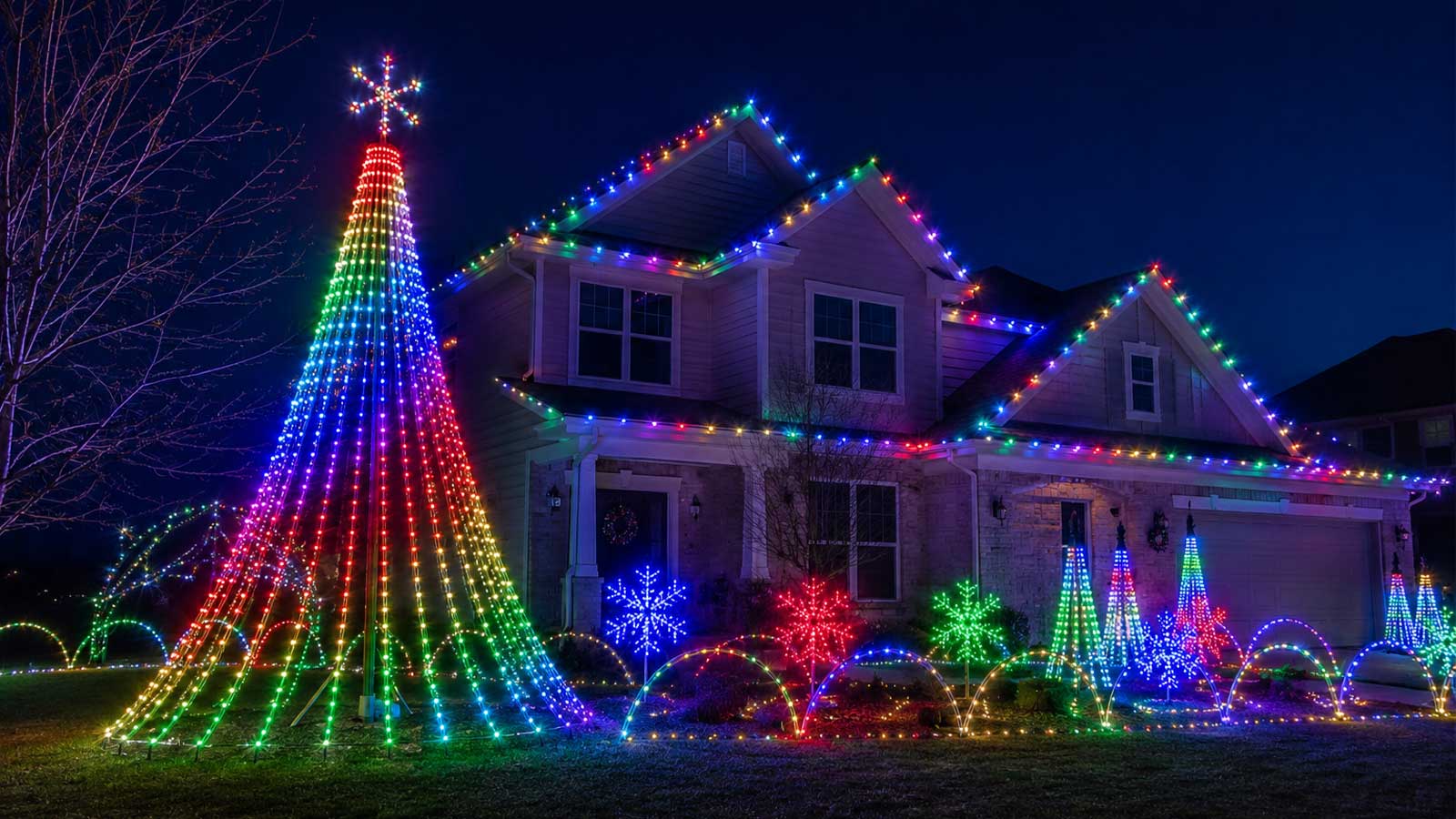
Falcon pixel controllers are known for their reliability and versatility. They allow you to control thousands of LED pixels, making intricate light displays possible. Whether you’re building a show for Christmas or Halloween, these controllers handle complex animations and effects with ease. Their user-friendly interface ensures even beginners can set them up without hassle.
These controllers are popular in the DIY community, thanks to their flexibility and supportive user networks. When paired with software like xLights, they offer endless creative possibilities. For those new to pixel lighting, Falcon controllers serve as a robust foundation, offering plenty of room for growth as your projects become more ambitious.
Setting Up Your Falcon F16v4 and F48
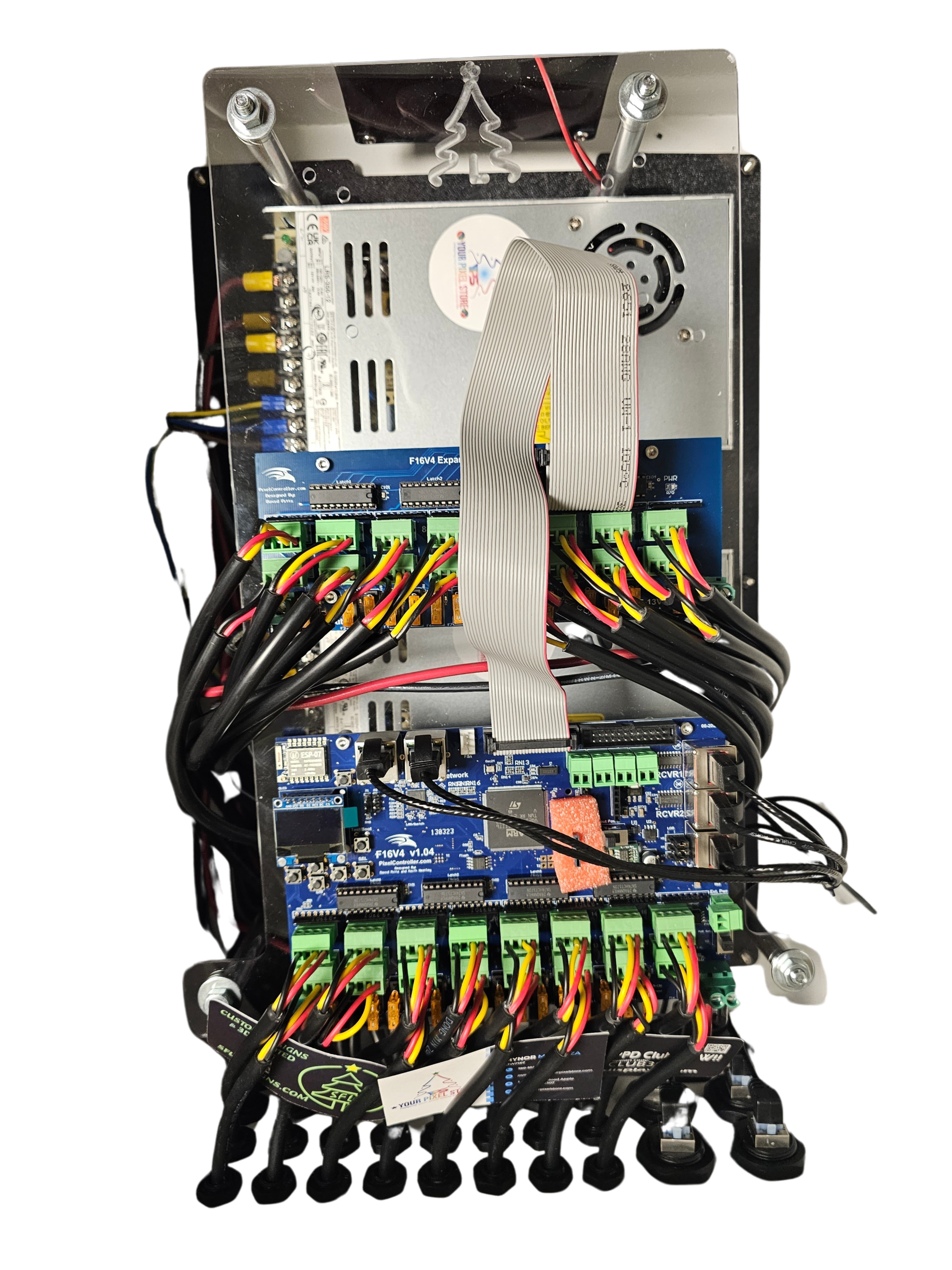
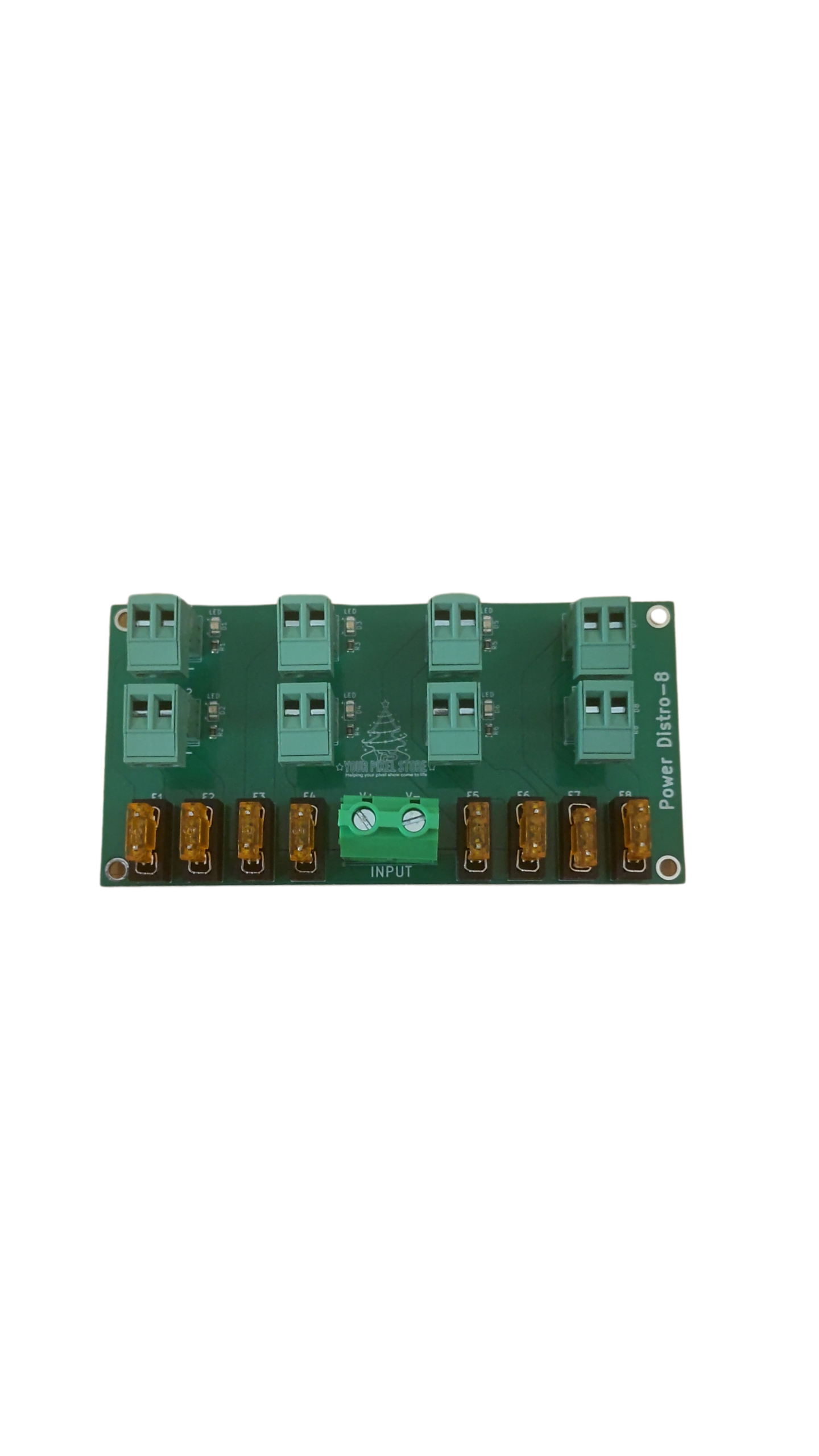
Getting your Falcon F16v4 or F48 up and running involves a few key steps. First, ensure you have the right power distribution setup. Each controller requires a stable power source to function optimally. It’s also important to configure your network settings accurately. Both models support E1.31 and DDP protocols, which are essential for syncing your light show with music or other effects.
Once the basic setup is complete, focus on pixel mapping. This step involves assigning specific functions to each LED pixel in your display. With the Falcon controllers, you can manage up to 16,384 pixels, allowing for highly detailed and dynamic shows. Remember, a well-planned layout can enhance the visual impact of your display significantly.
Networking: E1.31 sACN and DDP Protocol
Networking is a crucial element in any light show setup. Falcon controllers use protocols like E1.31 sACN and DDP to communicate with lighting software. These protocols ensure commands are sent efficiently and accurately, preventing glitches or delays during your show. E1.31 is often used for larger displays, while DDP excels in scenarios requiring rapid data transfer.
Understanding these protocols helps optimize your system’s performance. Proper configuration minimizes latency and enhances synchronization with audio tracks. As you expand your setup, consider how these protocols can be leveraged to maintain a smooth, professional-grade show.
Compatible Gear from Your Pixel Store
Pairing your Falcon controller with the right gear is essential for a successful display. Let’s look at some key accessories from Your Pixel Store.
Essential Accessories for Your Setup
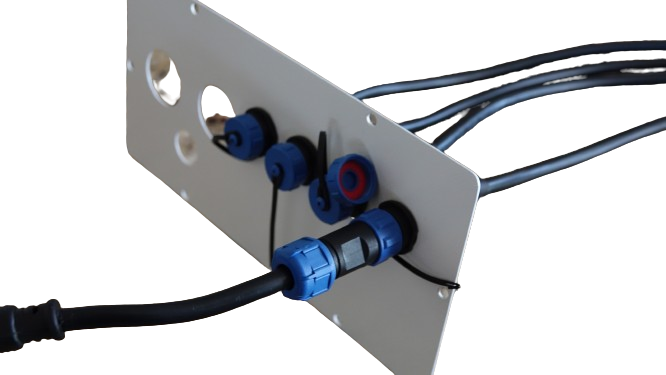
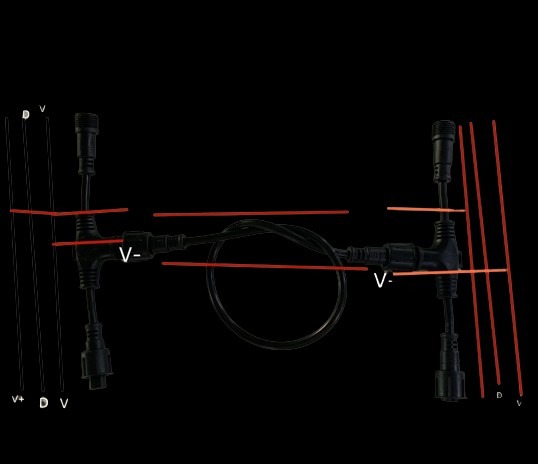
The right accessories can streamline the setup process and improve performance. Start with power supplies that match your controller’s requirements. A reliable power source ensures your pixels shine brightly throughout the show. Don’t forget about cables and connectors—having the right lengths and types is crucial for seamless operation.
Mounting hardware is another consideration. Securely mounting your controllers protects them and maintains a tidy setup. Accessories like these not only simplify installation but also contribute to a more polished final product.
Choosing the Right Pixels and Power Supplies
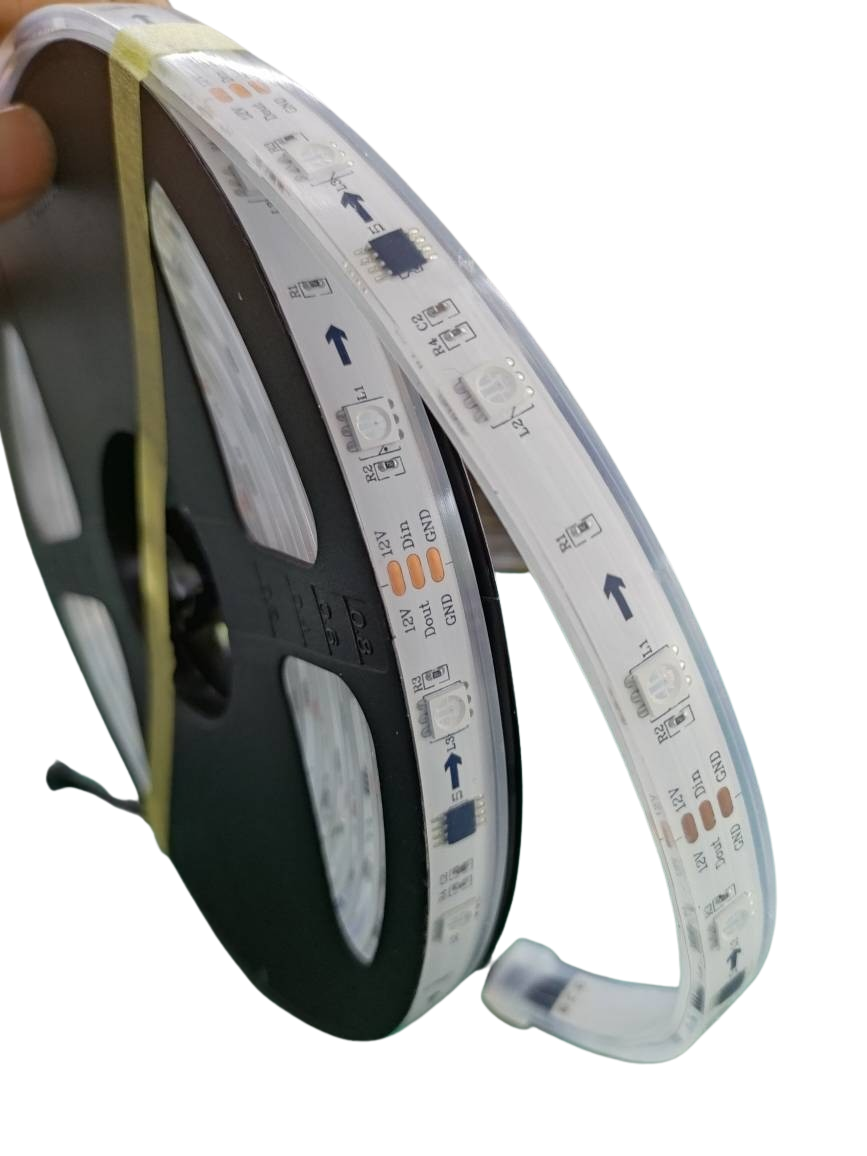
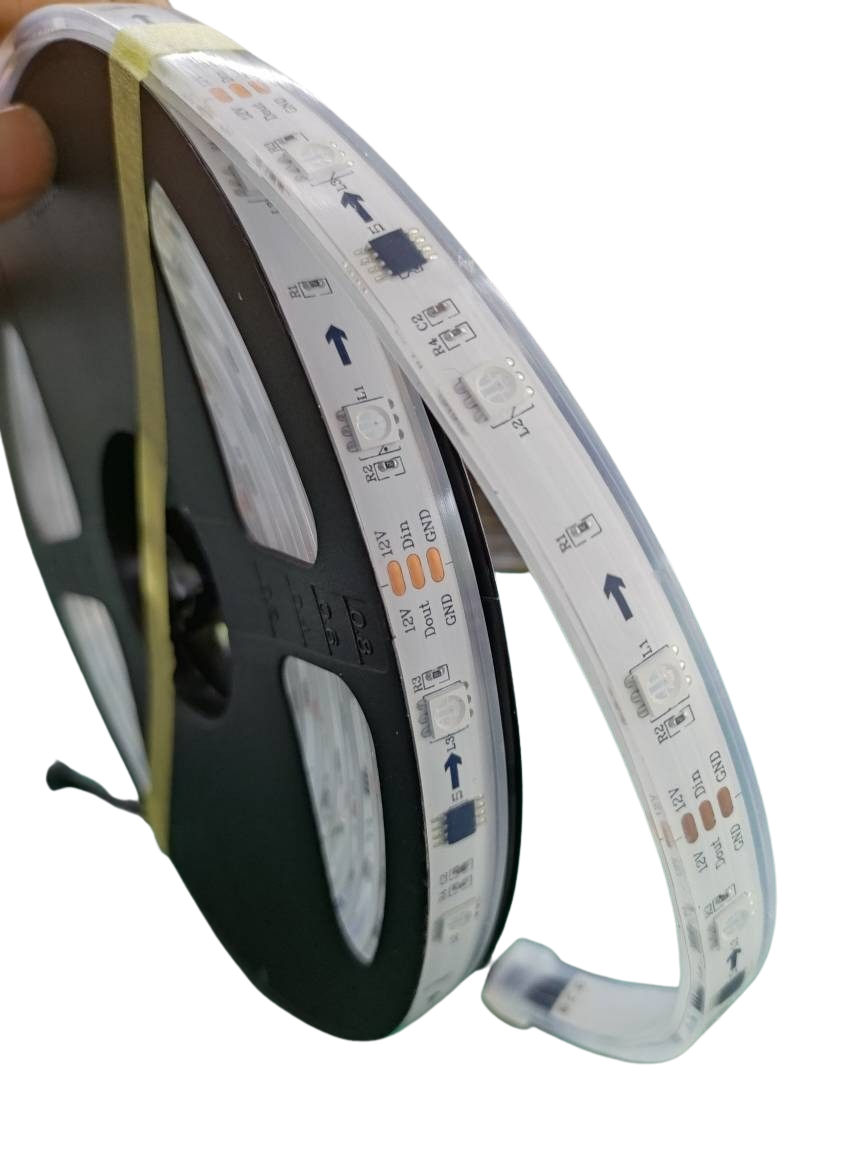
Selecting the appropriate pixels and power supplies is a critical step. Your Pixel Store offers a range of options suitable for different needs. Consider factors like brightness, color quality, and durability when choosing pixels. LED pixels with high IP ratings are ideal for outdoor displays, ensuring they withstand weather conditions.
Matching power supplies to your pixel setup is equally important. Calculate the total power consumption and choose supplies that provide ample power without overloading. Properly powered pixels perform better and last longer, enhancing the overall success of your show.
Outdoor Controller Enclosures and Protection
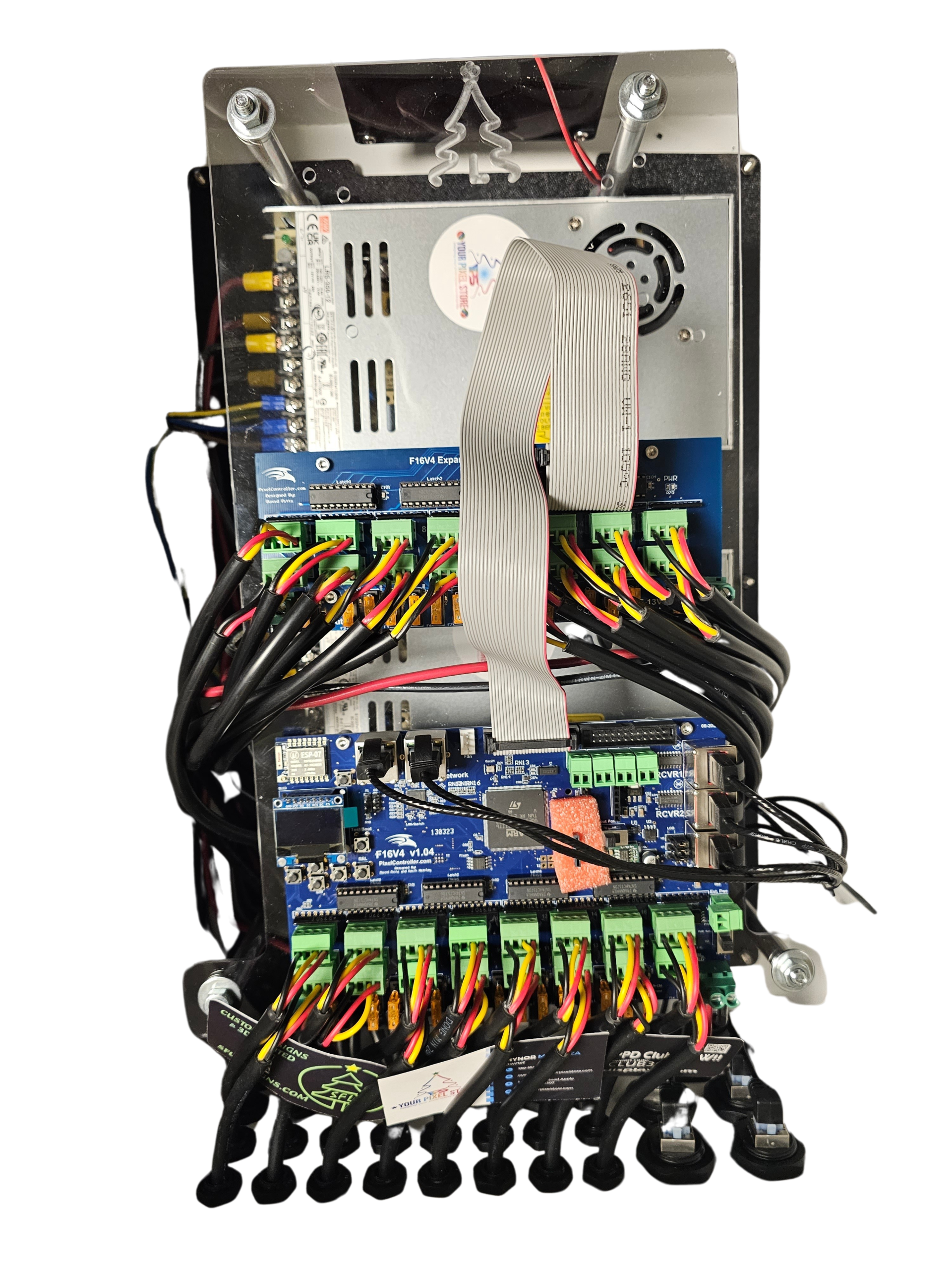
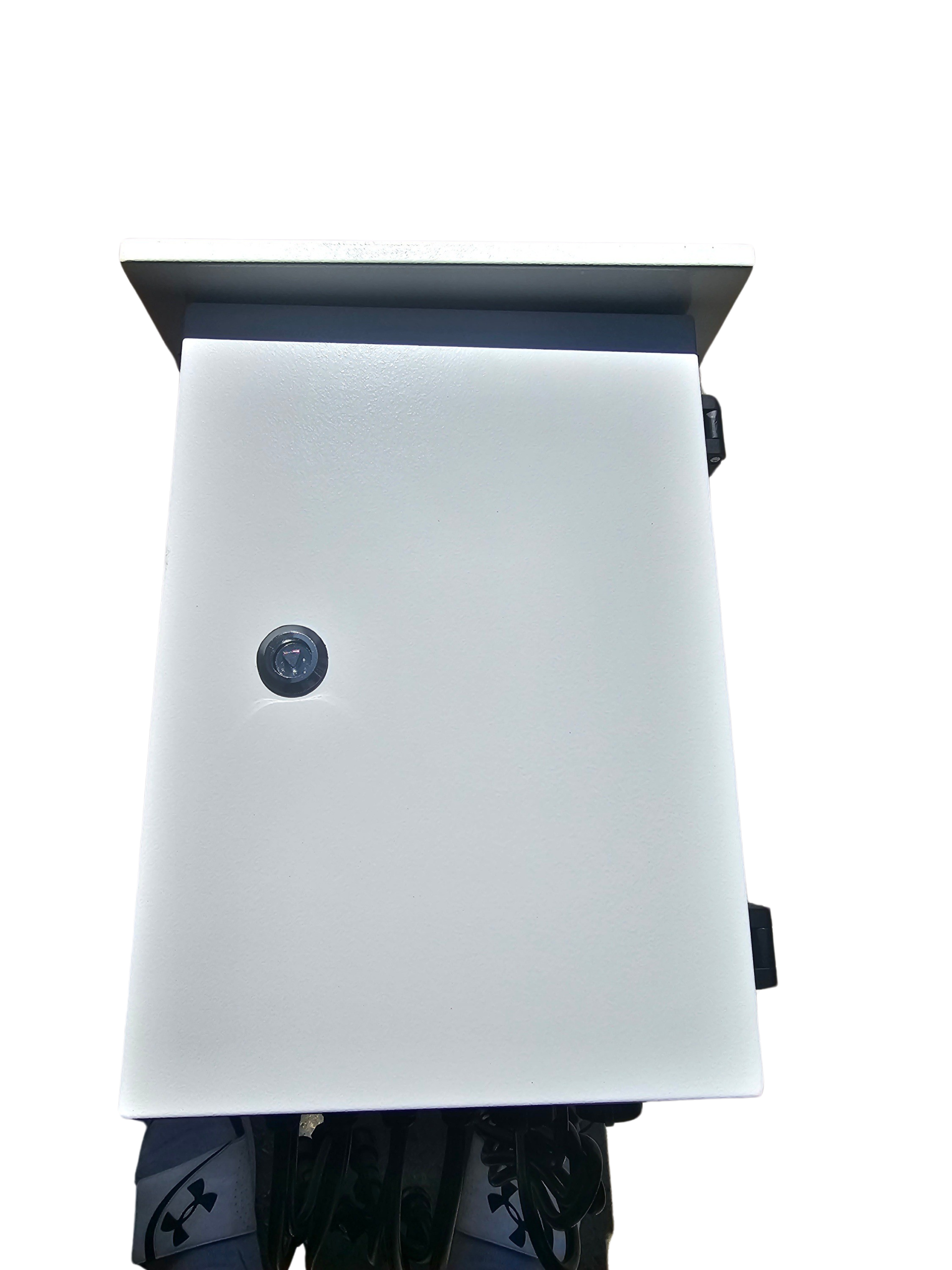
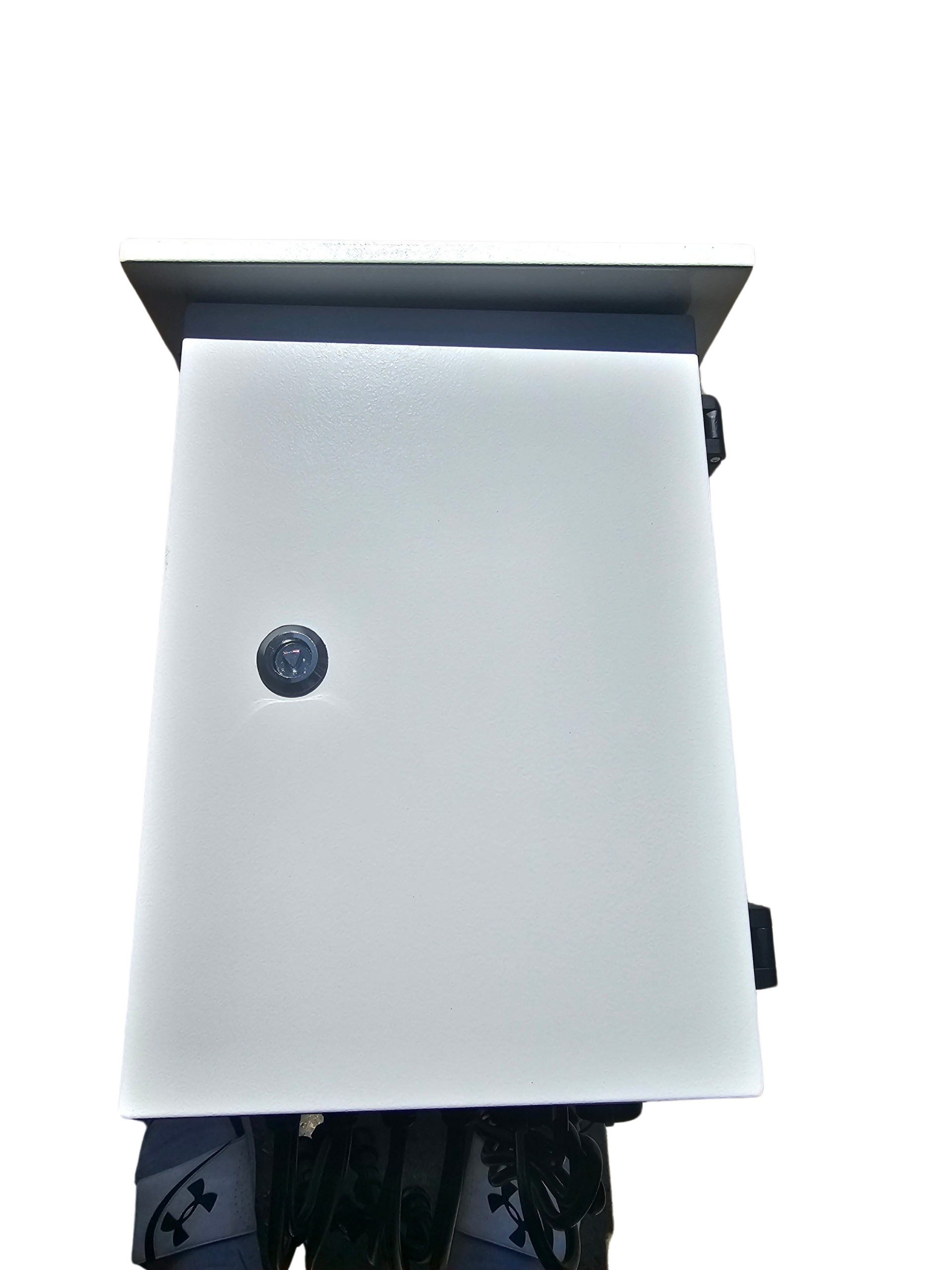
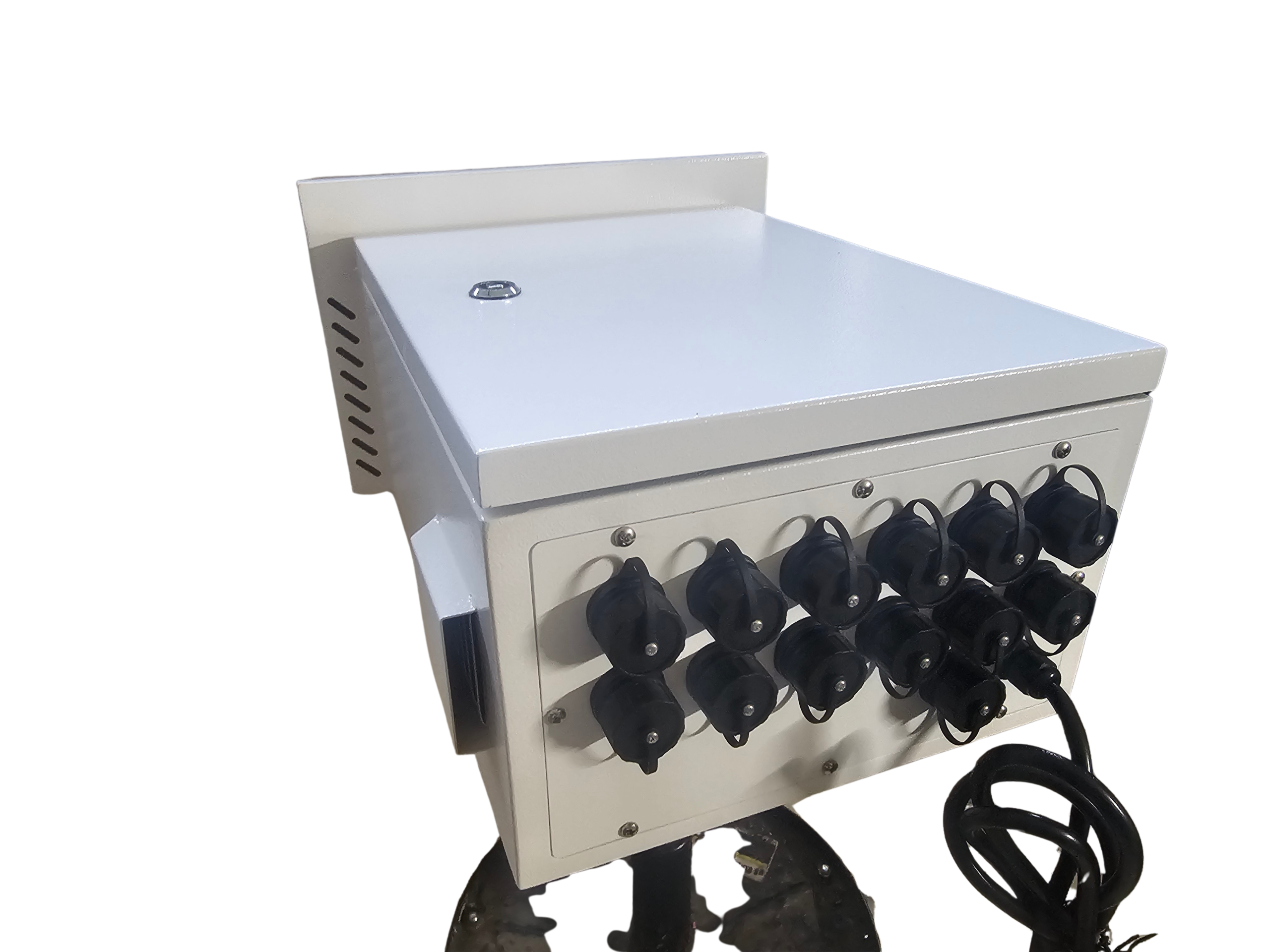
Protecting your equipment is essential, especially for outdoor installations. Enclosures designed specifically for outdoor use shield your controllers from weather elements. These protective cases extend the lifespan of your gear and maintain performance in various conditions.
Consider factors like ventilation and accessibility when selecting enclosures. Proper airflow prevents overheating, while easy access allows for maintenance without hassle. Investing in quality enclosures ensures your setup remains reliable, regardless of environmental challenges.
Comparing Falcon and YPS VIVID 8
Choosing between Falcon controllers and the YPS VIVID 8 involves weighing several factors. Let’s break down the differences and benefits.
Key Differences in Controller Features
Falcon controllers and the YPS VIVID 8 each have unique features. Falcon models are celebrated for their extensive pixel capacity and compatibility with various protocols. They offer flexibility for both small and large displays.
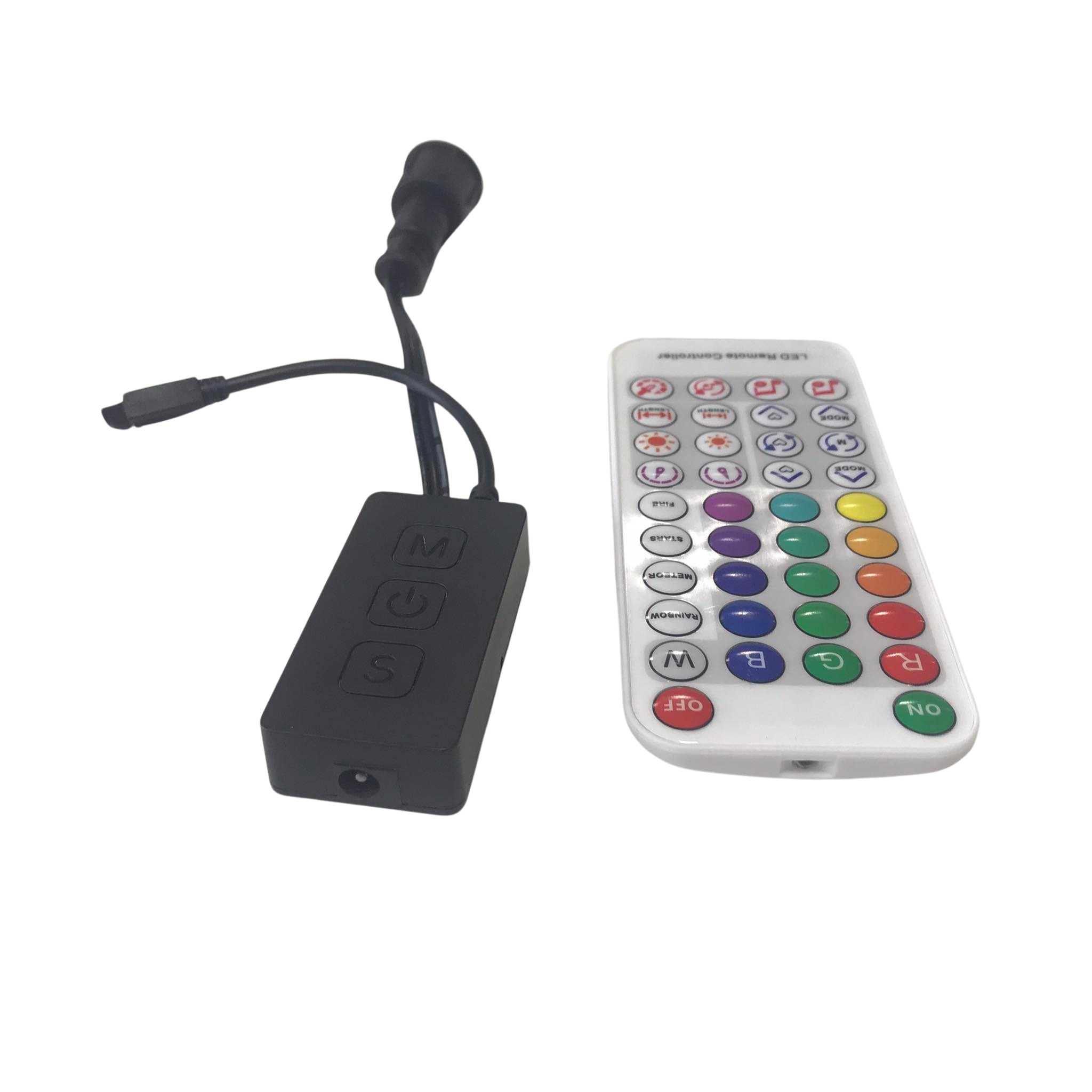
In contrast, the YPS VIVID 8 stands out with a ready-to-run design. It’s perfect for those seeking a plug-and-play solution. While it may support fewer pixels compared to Falcon models, its simplicity and ease of use appeal to many DIY enthusiasts.
Benefits of the Ready-to-Run VIVID 8
The YPS VIVID 8 is designed for convenience. Its ready-to-run nature means less time spent on setup and more on creative planning. This controller is ideal for quick installations or those with limited technical experience.
Despite its straightforward setup, the VIVID 8 doesn’t compromise on performance. It delivers vibrant displays with minimal effort, making it a favorite among users who value simplicity without sacrificing quality.
Making the Right Choice for Your Light Show
Deciding between Falcon controllers and the YPS VIVID 8 depends on your specific needs. For larger, more complex shows, Falcon’s flexibility and capacity are unmatched. However, if ease of use and quick deployment are your priorities, the VIVID 8 is a strong contender.
Consider your project goals, technical skills, and time constraints when making your choice. Both options offer reliable performance, ensuring your light show dazzles audiences regardless of the path you choose.
By understanding these elements and making informed choices, you’ll set the stage for a stunning, memorable light show.