Blog
Tesla Light Show Downloads: Find, Load, and Sync Your Shows Fast

Most Tesla owners want to add fresh light shows without fuss or delays. But finding safe Tesla light show downloads and loading them correctly can feel tricky. We’ll show you exactly where to get free Tesla light show sequences, how to install them via USB quickly, and how Your Pixel Store gear helps turn those sequences into stunning home or event displays. Check out this site for a collection of light show sequences you can download.
Safe Tesla Light Show Downloads
Navigating the world of Tesla light show downloads can be overwhelming. However, knowing where to find trusted sources and understanding the common pitfalls can make the experience smoother.
Trusted Sources for Sequences
Finding reliable sources for Tesla light show sequences is crucial. You want sequences that are safe and work perfectly. A great place to start is Reddit’s Tesla Lounge. Here, users share their experiences and recommendations, helping you discover tried-and-tested sequences. Another excellent resource is Tesla’s official GitHub, where you can find original sequences provided by Tesla itself.
Avoiding Common Download Pitfalls
While downloading, avoid sites that are not well-known or recommended by the community. These could host sequences that might not work or even harm your system. Stick to trusted platforms to ensure your downloads are safe and effective.
Finding Free Tesla Light Show Sequences
For those looking for free options, xLightShows offers a variety of sequences at no cost. This platform is community-driven, meaning you get access to a wide range of sequences created and shared by Tesla enthusiasts. Always check the reviews and ratings of the sequences to ensure quality.
Quick Tesla Light Show Install
Once you’ve gathered your sequences, installing them quickly and correctly is the next step. This section provides a step-by-step guide to make the process seamless.
How to Install Tesla Light Show
Installing a Tesla light show is simpler than it may seem. First, download your chosen sequence and save it onto your computer. Connect a USB drive to your computer and ensure it’s formatted to exFAT. Drag and drop the sequence files onto the drive. Finally, plug the USB into your Tesla and select the light show mode to start the magic.
USB exFAT Tesla Setup Guide
Formatting your USB to exFAT is essential. Here’s how you do it:
Insert the USB drive into your computer.
Right-click on the drive icon and select ‘Format.’
Choose exFAT from the dropdown menu.
Click ‘Start’ to format the drive.
This setup ensures your Tesla reads the files correctly.
Troubleshooting Common Installation Issues
If you encounter issues during installation, ensure your USB is properly formatted and the files are correctly placed in the root directory. Double-check the file types; they should be in .fseq format for optimal performance. If problems persist, consider reaching out to Your Pixel Store’s support for expert guidance.
Enhancing Your Light Show Experience
With your Tesla light show installed, it’s time to enhance your display for maximum impact. This section will guide you through boosting your light show experience.
Boost with VIVID 8 Controller
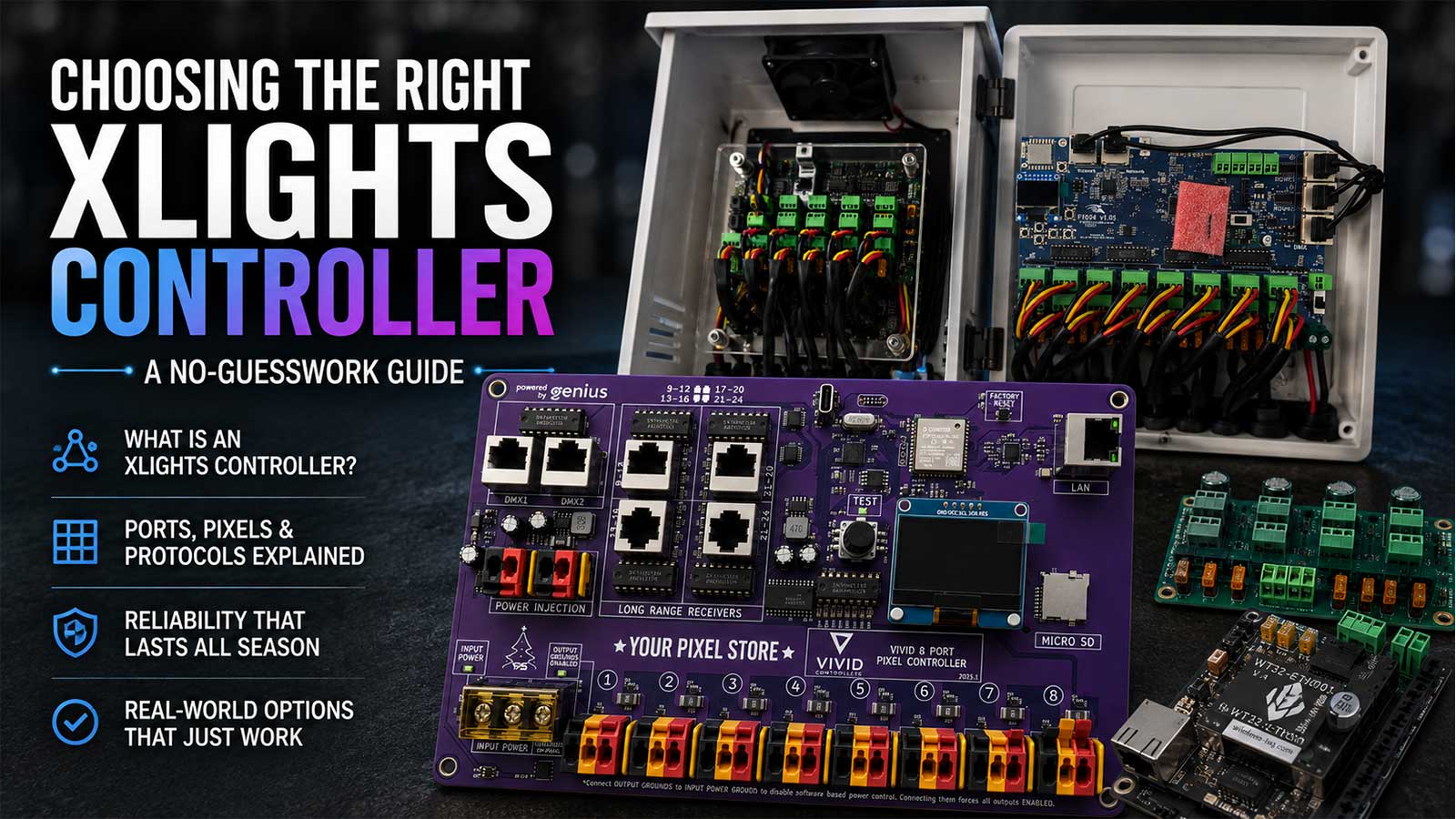
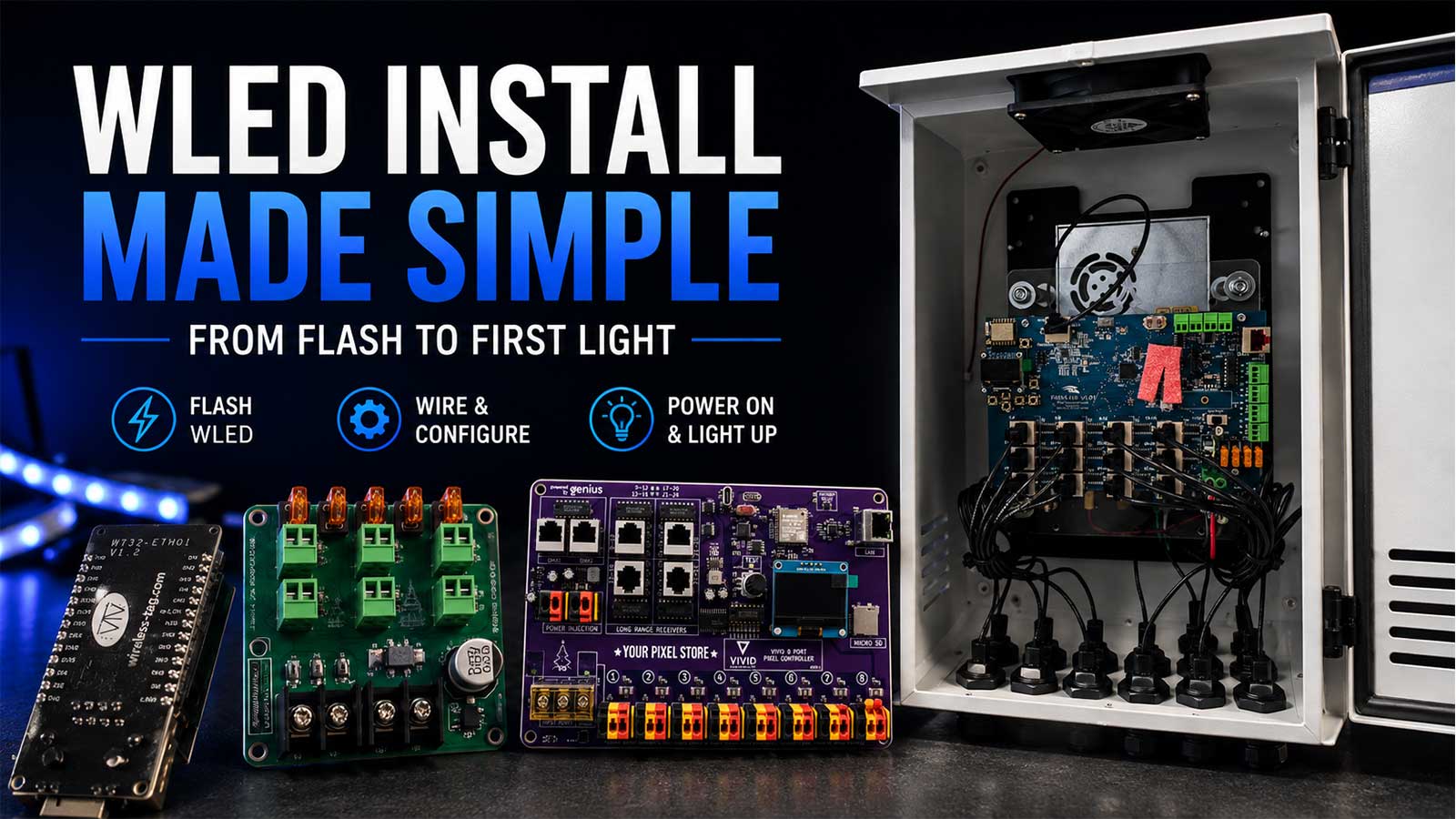
The VIVID 8 Controller is a game-changer for any light show enthusiast. It allows you to control multiple lighting elements with precision. This controller is perfect for those who want to take their Tesla light show to the next level, offering seamless integration with your existing setup.
Integrating xLights Tesla Export
For the tech-savvy, integrating xLights with your Tesla setup opens up a world of possibilities. Create custom shows and export them directly to your vehicle. Check out our detailed xLights tutorial to get started on building your personalized light sequences with confidence.
Your Pixel Store Gear for Events 🎉
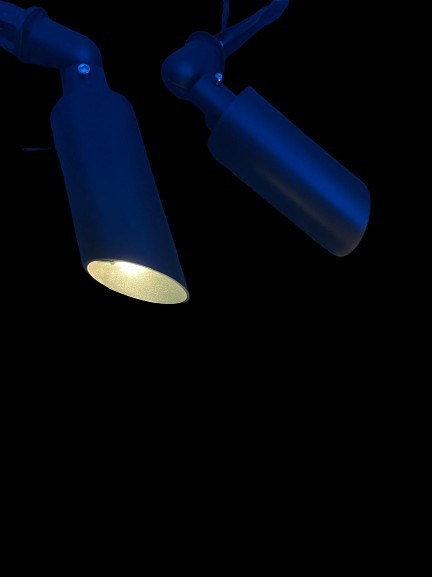
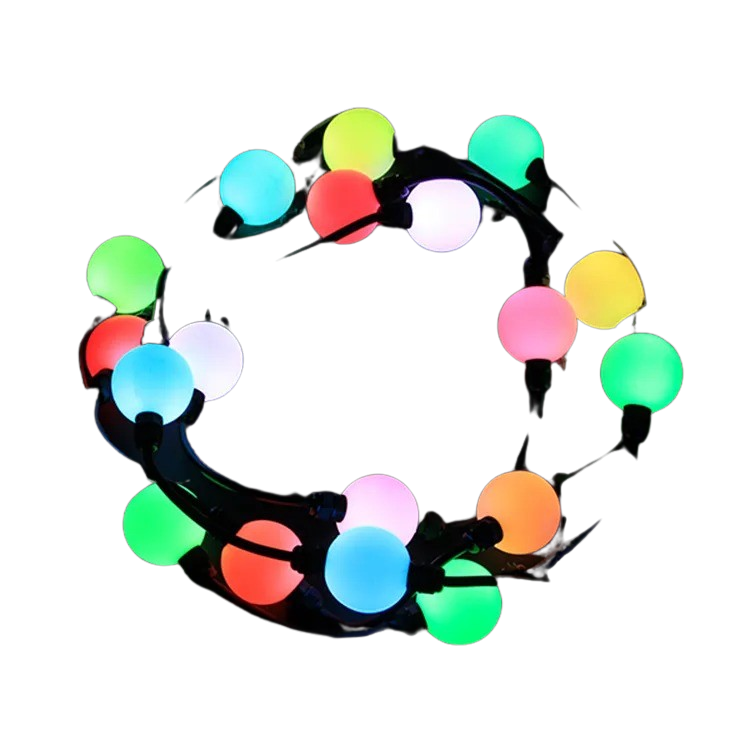
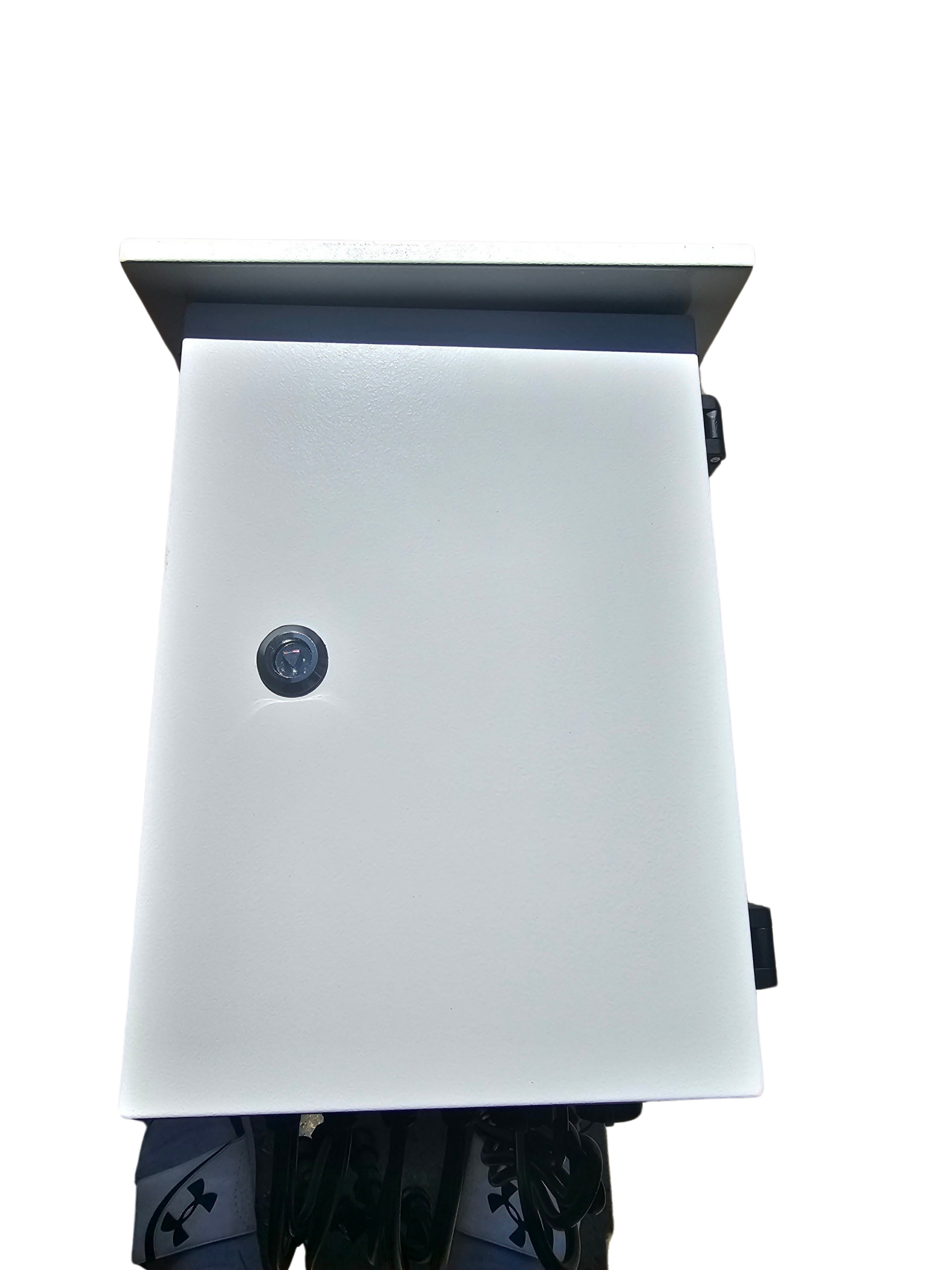
Your Pixel Store offers gear that scales your Tesla light show from a personal setup to an event centerpiece. Whether you’re planning a holiday extravaganza or a special celebration, our equipment ensures your displays are professional-grade and captivating. Explore our range of products to find what fits your needs best.
By following these steps and tips, you’ll be well on your way to creating stunning and memorable Tesla light shows. Enjoy the process and watch your creativity light up the night!