Blog
Pixel Controllers Made Simple: Choose, Wire, and Scale with Confidence

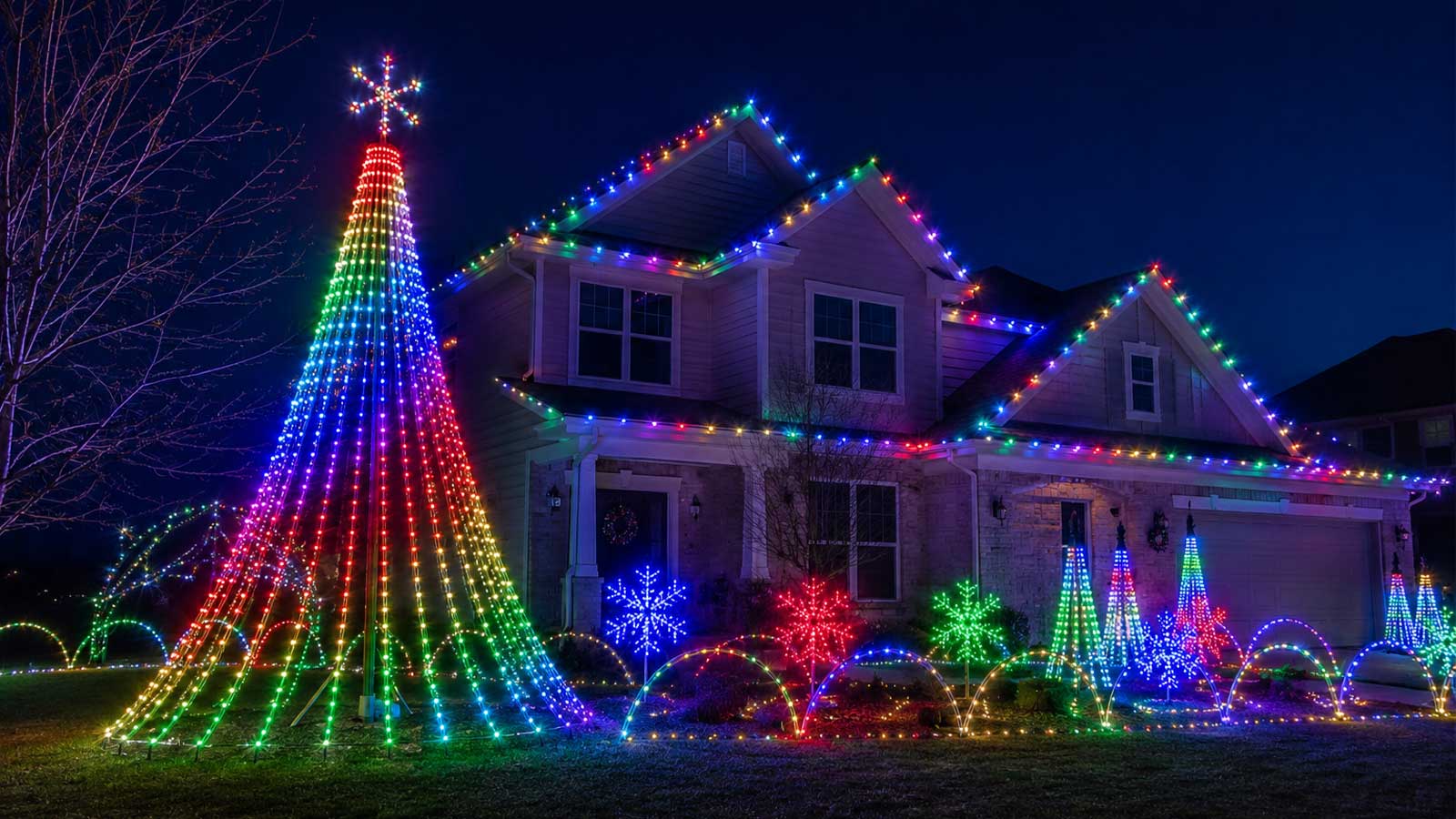
Pixel controllers can make or break your holiday light show. Without the right one, you risk flickering LEDs, confusing wiring, and a display that just doesn’t pop. This guide breaks down how to pick the perfect LED pixel controller, wire it without headaches, and scale your setup smoothly—featuring the reliable YPS VIVID 8 and ready-to-run options designed for fast installs and long-term success. Stick with us, and you’ll build a show that wows every time. For an example of impressive pixel displays, you can check out this pixel treeline project.
Understanding Pixel Controllers
If you’re planning a light show, the role of pixel controllers is crucial. They act as the brain of your LED setup, ensuring everything runs smoothly.
What a Pixel Controller Does
Pixel controllers are like traffic managers for your lights. They take commands from your computer or light show software and translate them into signals your LEDs can understand. This means you can control colors, patterns, and timing with precision. Without a controller, your light show would lack coordination and flair.
Imagine setting up a Christmas light show without a controller, and everything running randomly. A pixel controller prevents this chaos by ensuring each light knows exactly what to do. This means your display will be both organized and impressive.
Key Features of LED Pixel Controllers
When choosing a pixel controller, there are some key features to consider. Look for multiple output options to accommodate various displays. Controllers with high capacity can handle more pixels, giving you room to expand. Also, ensure the controller supports the specific LED types you’re using.
Many controllers, like the YPS VIVID 8, offer multiple outputs. This allows you to connect several strings of lights, making it easier to create complex displays. The capacity to manage thousands of pixels is also important, as your display grows, you’ll need a controller that keeps up.
Managing RGB Pixels and Addressable LEDs
RGB pixels and addressable LEDs allow for more intricate designs. RGB pixels enable you to mix colors, creating stunning effects. Addressable LEDs give you control over individual lights, letting you create detailed patterns and animations.
For example, if you want a wave of color to ripple through your display, addressable LEDs make it possible. By assigning each LED its own address, your controller can send specific signals to each light. This level of control is essential for dynamic and engaging displays.
Choosing the Right Controller
Selecting the right controller is pivotal for a successful setup. Let’s explore some factors to consider when making your choice.
Outputs, Capacity, and Expandability
Start by assessing how many outputs you need. More outputs mean more options for connecting lights. Consider your display’s size: larger displays require controllers with higher capacity. Ensure room for expansion, so your setup can grow without needing a complete overhaul.
Imagine starting with a small holiday display and later expanding it into a full-scale show. Choosing a controller with ample capacity and outputs means you won’t need to replace it entirely when you add more lights.
Voltage, Network Protocols, and Distance
Next, consider voltage requirements. Most pixel controllers support either 5V pixels or 12V pixels. Ensure your controller matches your lights’ voltage. Network protocols, like sACN or Art-Net, determine how your controller communicates with your computer. Choose a protocol compatible with your setup.
Distance is another factor. Controllers often have limits on how far they can drive signals. Plan your setup to keep distances within these limits, or use repeaters to extend reach.
Weather Protection and Power Injection
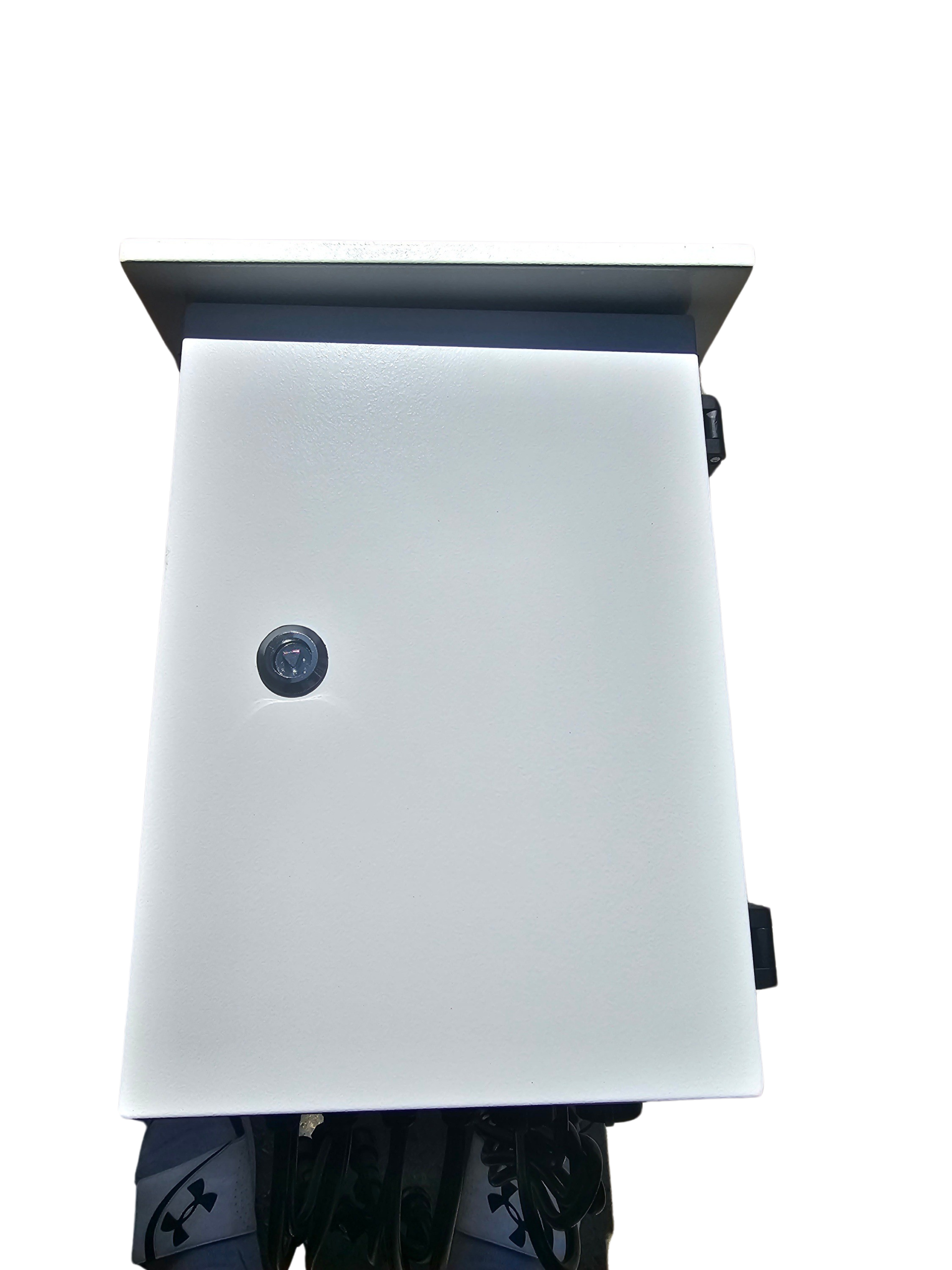
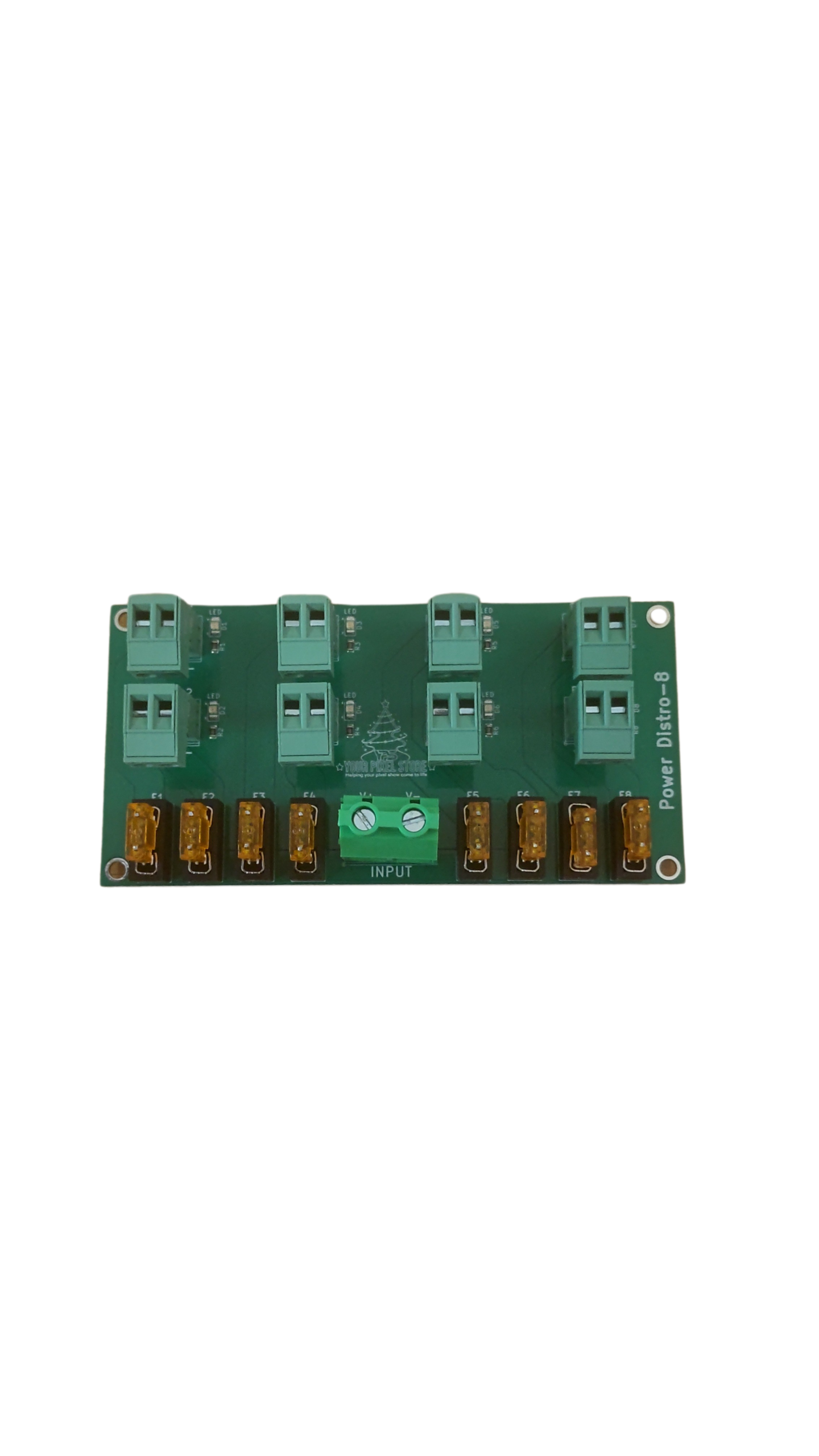
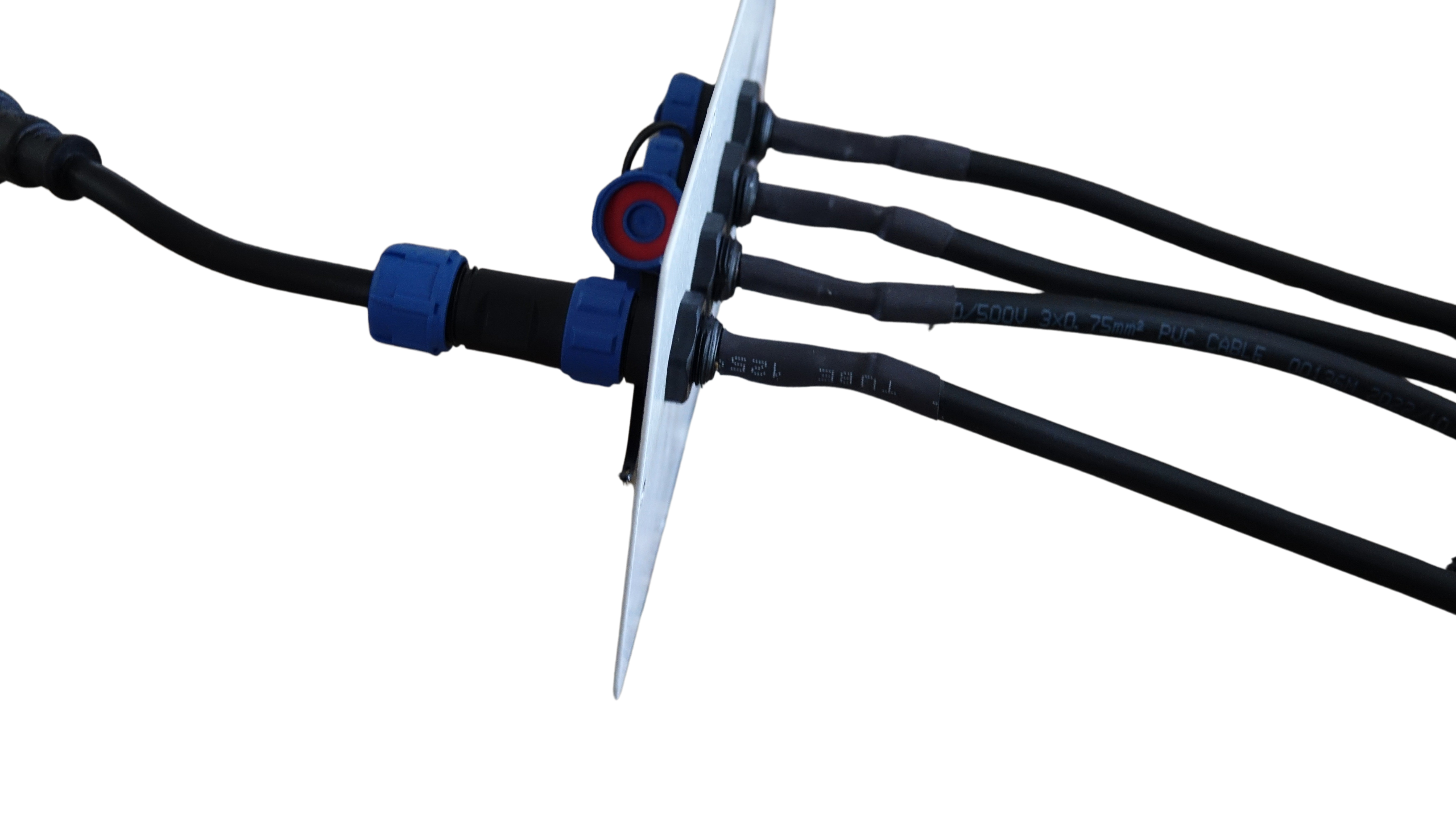
Weatherproofing is vital for outdoor displays. Choose a controller with a weatherproof enclosure to protect it from the elements. Additionally, power injection helps maintain consistent brightness across long strings of lights. Ensure your controller supports this feature to avoid dim spots.
For instance, if you’re setting up a Christmas light show in a snowy area, a weatherproof enclosure ensures your controller stays safe. Power injection prevents lights from fading as they stretch further from the controller, maintaining a bright and uniform display.
Scaling Your Light Display
As you expand your light show, scaling becomes key. Let’s dive into some strategies for building a larger, more impressive display.
Long-Run Pixel Wiring and Differential Receivers
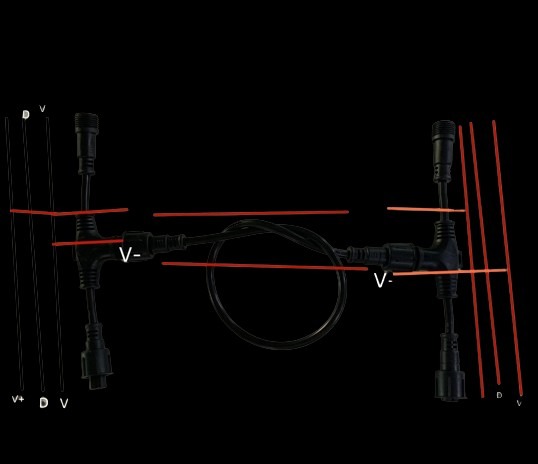
Long runs of pixel wiring can be tricky. Voltage drop and signal degradation are common issues. Differential receivers help overcome these by boosting signals over long distances. They ensure your lights function smoothly, no matter how far they are from the controller.
Consider a scenario where you’re extending your light show across a large property. Differential receivers keep signals strong over these distances, ensuring every pixel performs perfectly.
Software Workflow and xLights Setup
Software plays a huge role in your show. Programs like xLights offer powerful tools for designing and controlling your display. Setting up xLights involves organizing your lights into groups and mapping them to your controller. This setup streamlines programming and ensures everything syncs perfectly.
For beginners, xLights might seem daunting. Start small, mapping a few lights at a time. As you grow more comfortable, expand your setup bit by bit, gradually building a complex and beautiful display.
Ready-to-Run Controllers and YPS VIVID 8
Ready-to-run controllers like the YPS VIVID 8 simplify setup. They come pre-configured, saving you time and hassle. These controllers are designed for quick installation, making them ideal for both beginners and pros.
Imagine saving hours of setup time by using a ready-to-run controller. With the YPS VIVID 8, you’ll have a reliable system right out of the box, allowing you to focus on creating amazing light shows.
In conclusion, understanding and choosing the right pixel controller is crucial for building a stunning light display. As you scale your setup, keep in mind the importance of outputs, voltage, and weather protection. Use software like xLights to streamline your workflow, and consider ready-to-run options for a hassle-free experience. By following these guidelines, you’ll create a light show that dazzles every viewer, every time.