Blog
Falcon Pixel Controllers Explained: Compatibility, Setup Tips, and Smart YPS Alternatives

Falcon pixel controllers are a popular choice for lighting pros and DIY builders, but setting them up right can be tricky. You want clear guidance on compatibility, wiring, and network setup that actually works for your Halloween, Christmas, or event show. This Falcon controller guide breaks down what you need to know, plus smart YPS alternatives like the VIVID 8 and ready-to-run kits that simplify your build and keep your display running smoothly. Check out this Falcon Controller Setup Guide for more insights.
Understanding Falcon Pixel Controllers
Falcon pixel controllers are the backbone of many dazzling light shows. They bring your lighting visions to life with precision. Let’s dive into what makes these controllers a favorite among enthusiasts.
Key Features and Models
Falcon pixel controllers are known for their reliability and flexibility. They support a wide range of pixel types, making them versatile. Popular models like the F16V4 and F48 offer high pixel counts and multiple outputs. These controllers ensure your lights sync perfectly with your music or effects. Their user-friendly interfaces make setup a breeze, even for beginners. With expandable ports, you can scale your displays as your creativity grows. For those looking to simplify even further, ready-to-run options are available, eliminating much of the guesswork.
Compatibility with Pixel Types
Not all pixels are the same, and compatibility is key. Falcon controllers work with popular pixel types like WS2811, WS2812B, and SK6812. These pixels are the building blocks of your light shows, offering vibrant colors and smooth transitions. Ensuring you have the right controller for your specific pixel type is crucial. Misalignment can lead to display issues. If you’re unsure, consult resources or communities like AusChristmasLighting for guidance.
Networking and Protocols
Connectivity is where Falcon controllers truly shine. They support advanced networking protocols like sACN E1.31 and Art-Net, which are industry standards for lighting control. These protocols enable seamless communication between your controller and software, ensuring your lights perform flawlessly. Networking can be complex, but once set up correctly, it provides a robust framework for your displays. For those looking to delve deeper, the Falcon Christmas community is a valuable resource.
Setup and Configuration Tips
Proper setup ensures your Falcon pixel controller performs at its best. Let’s explore essential tips to optimize your configuration.
Power Distribution Essentials
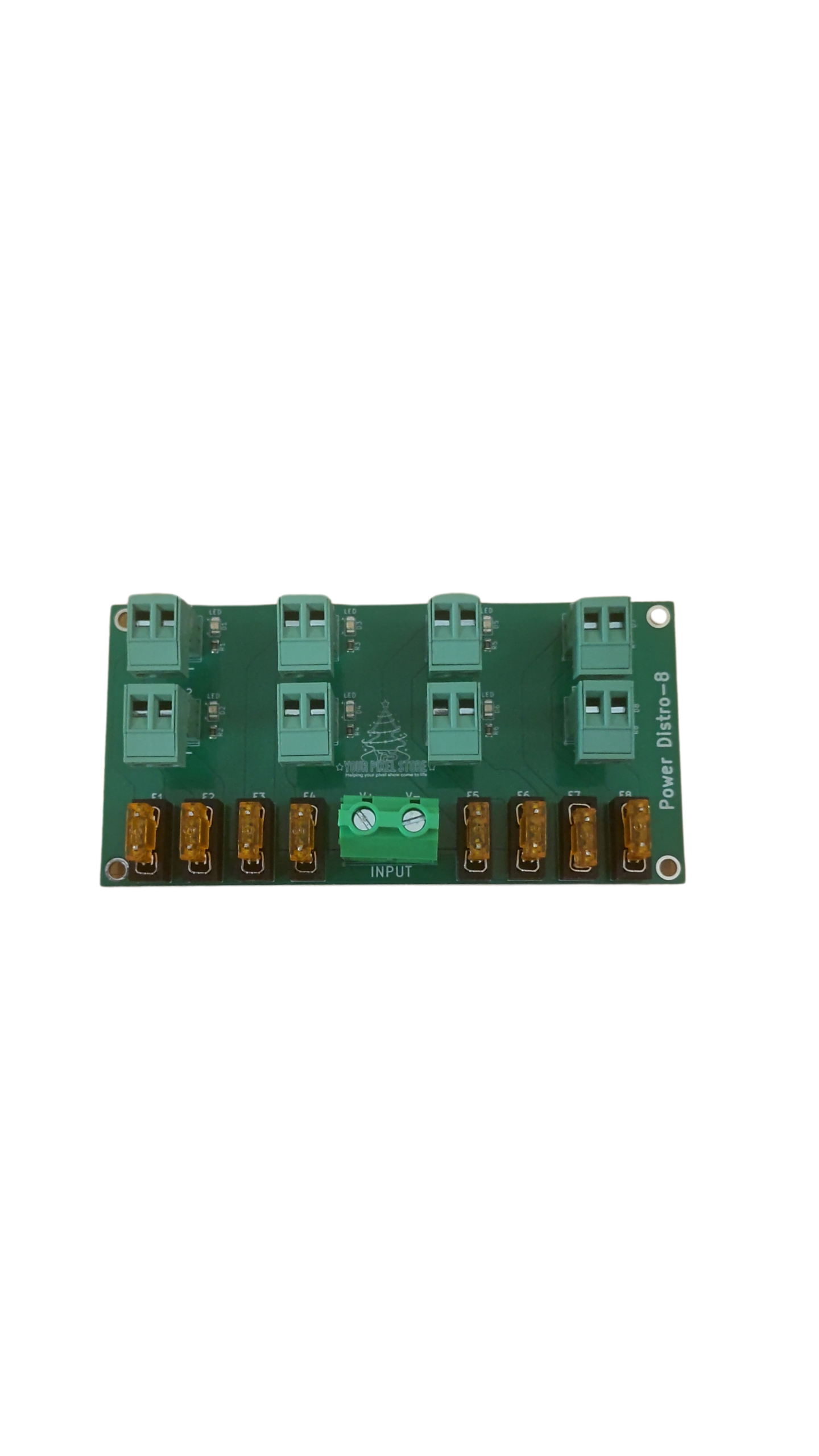
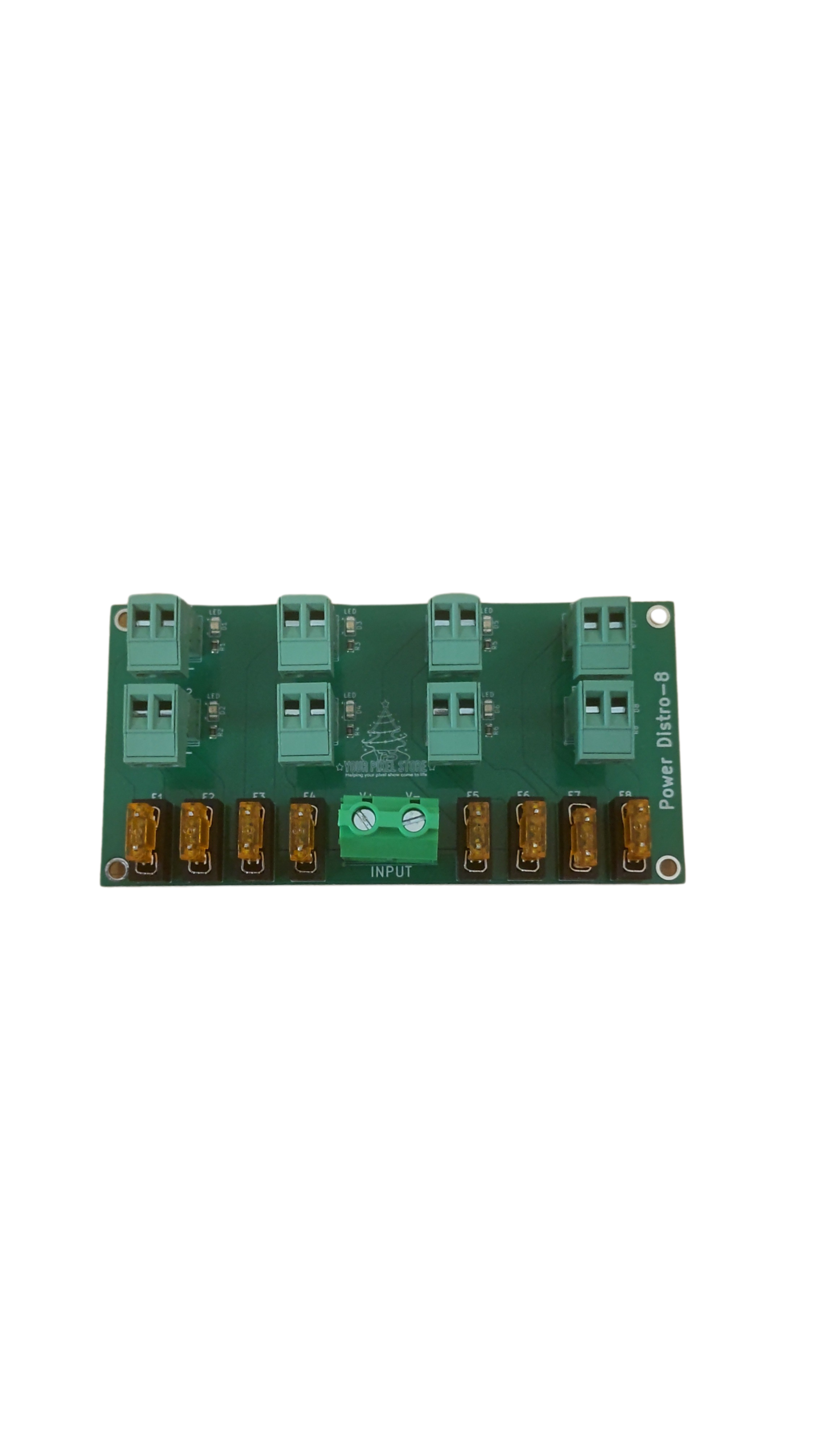
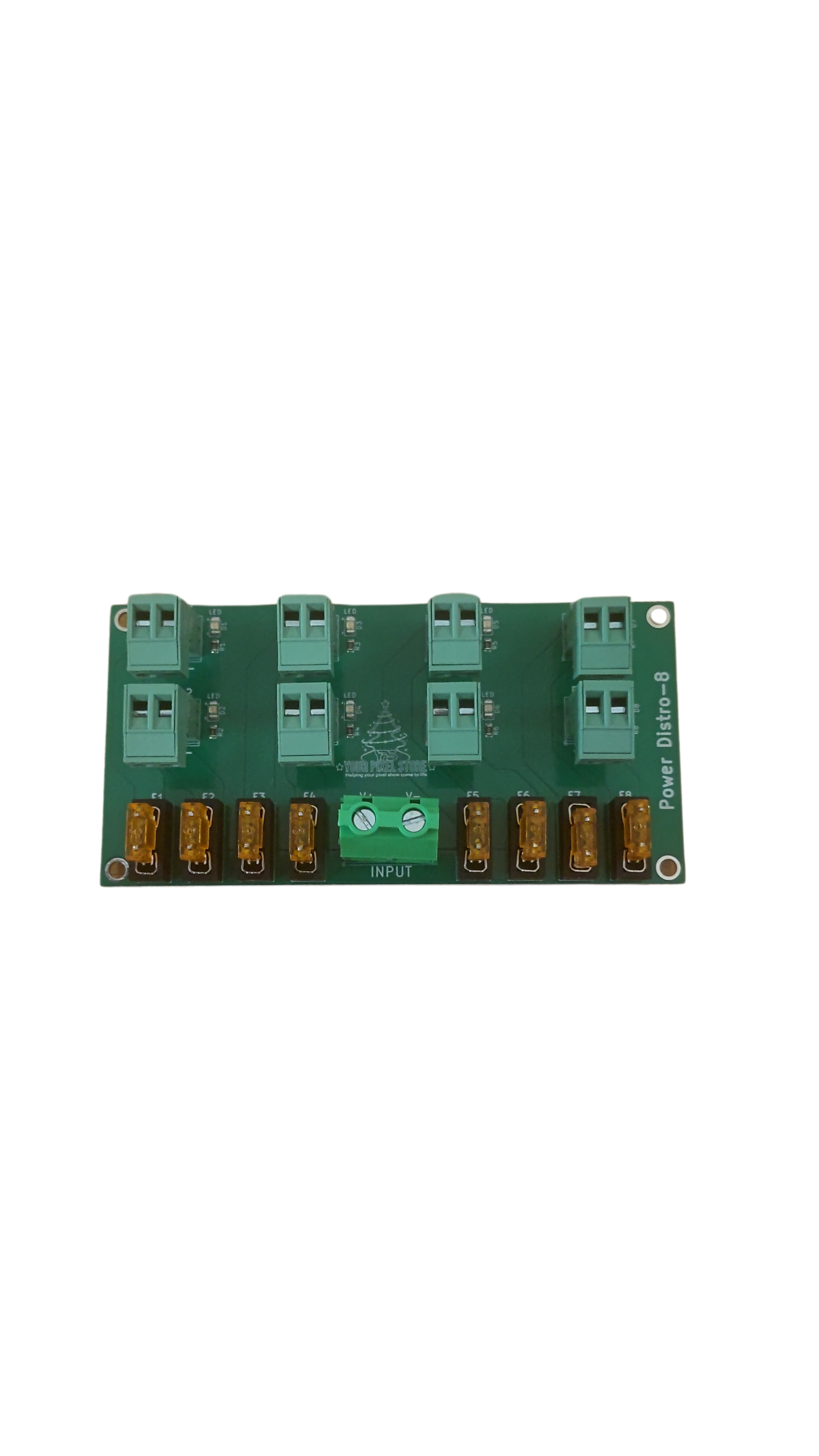
Power is the lifeblood of your light setup. Ensuring adequate distribution prevents flickering and dimming. Calculate your total power needs based on the number of pixels and their power consumption. Use power injection techniques at intervals to maintain consistent brightness. Always use quality wires and connectors to minimize voltage drop. If you’re new to this, our Power Injection Guide offers detailed insights.
Networking and IP Planning
Networking your controller might seem daunting, but it’s crucial for smooth operation. Assign static IP addresses to each controller to avoid conflicts. This planning step ensures reliable communication across your setup. Use a dedicated router for your light network to manage traffic efficiently. You can explore further setup strategies in our Controller Software Guide.
Weatherproofing and Reliability
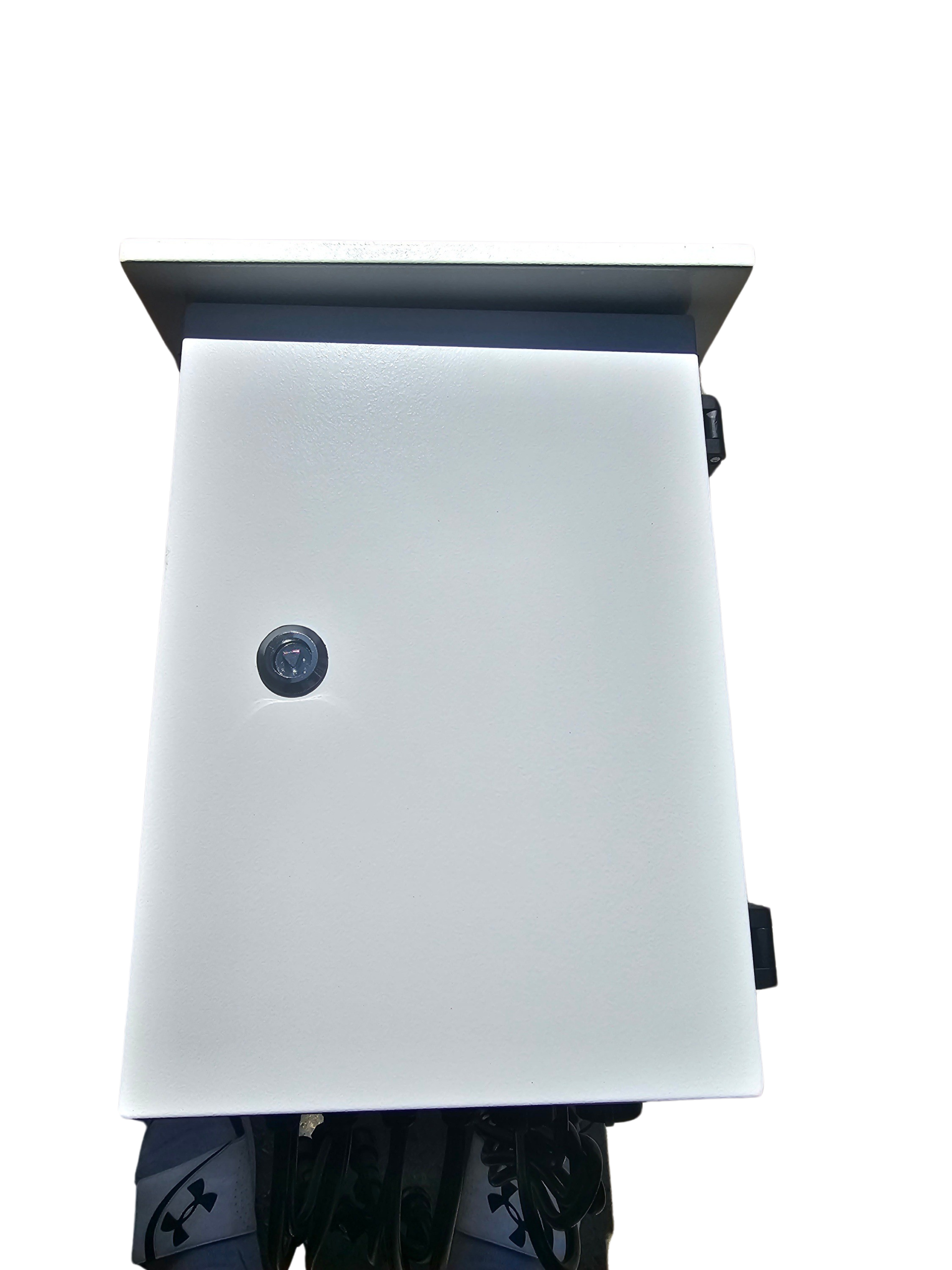
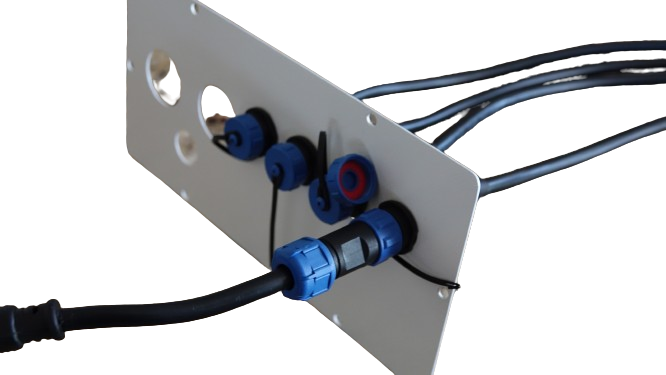
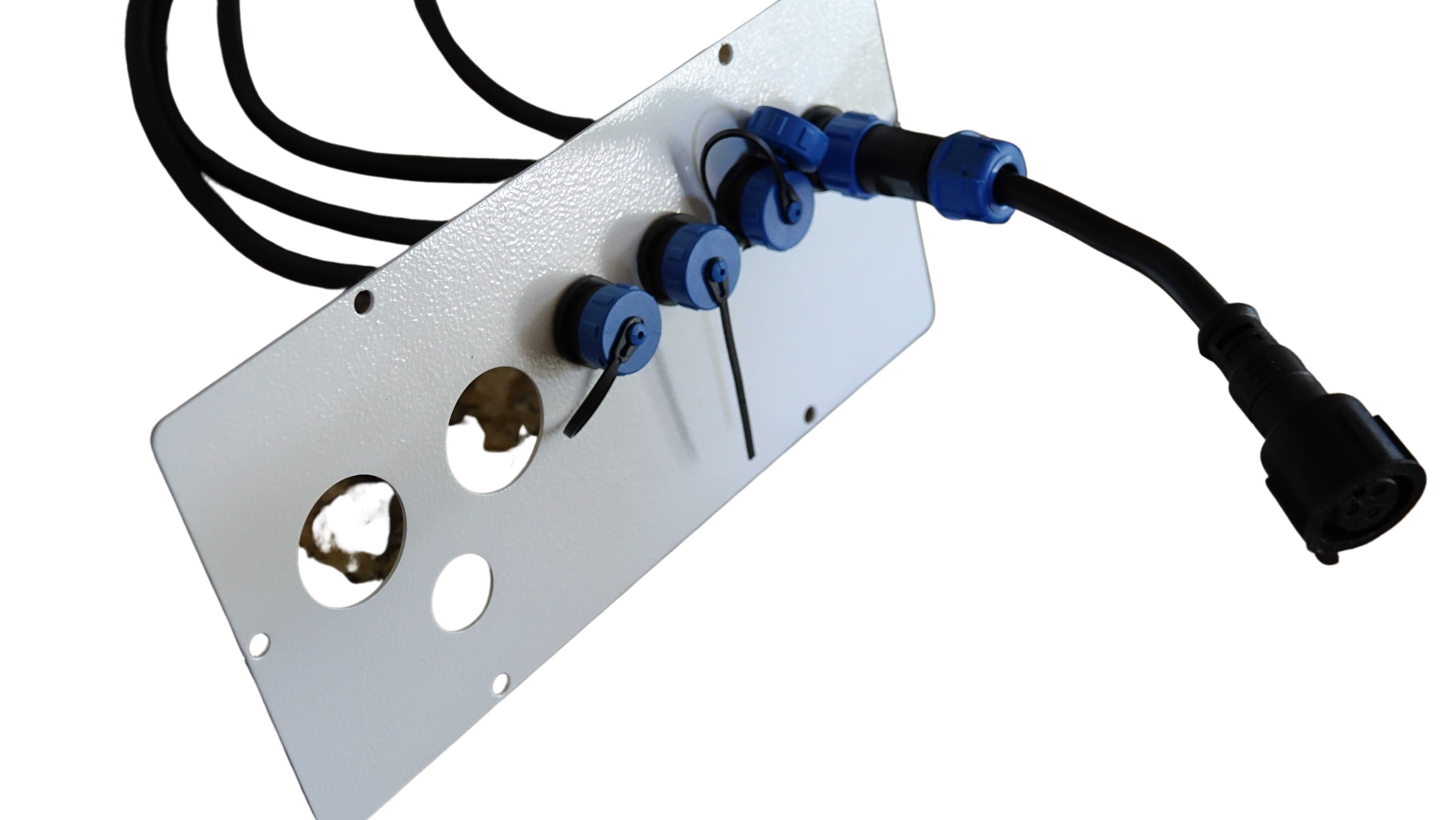
Outdoor displays face the elements, and protecting your equipment is vital. Invest in waterproof enclosures to shield controllers from moisture and dust. Use weather-resistant connectors and cables to prevent corrosion. Regularly inspect and maintain your setup to prolong its life. For those in harsh climates, our Weatherproofing Tips provide additional strategies.
YPS Alternatives and Solutions
While Falcon controllers are fantastic, YPS offers compelling alternatives that streamline your projects. Here’s why you might consider them.
Benefits of YPS VIVID 8
The YPS VIVID 8 stands out for its simplicity and power. It offers plug-and-play functionality, reducing setup time significantly. With support for various pixel types, it’s a versatile choice. Its compact design makes it ideal for tight spaces. For those new to lighting, its intuitive interface eases the learning curve. This controller ensures reliable performance even in demanding conditions, making it a trusted choice for many.
Ready-to-Run Kits and Accessories
Ready-to-run kits take the stress out of setup. They come pre-configured, so you can focus on creativity. Everything you need is included, from controllers to cables. These kits are perfect for those short on time or new to the hobby. By providing matched components, they guarantee compatibility and smooth operation. Explore our selection of ready-to-run solutions to get started quickly.
Migrating from Falcon to YPS 🚀
Switching to YPS can enhance your display’s efficiency. Their streamlined options reduce complexity while offering robust performance. If you’re currently using Falcon, migrating can be straightforward. Start by identifying which YPS controller matches your current setup. Transitioning involves updating your network and possibly reconfiguring your pixel mapping. The benefits in ease and reliability often outweigh the transition effort. For personalized advice, our team is ready to assist in making this switch seamless.
By understanding your needs and exploring both Falcon and YPS options, you can create stunning displays that captivate audiences and simplify your workflow. Whether you’re gearing up for Halloween, Christmas, or any event, these controllers help bring your vision to life. Happy lighting!