Blog
Top Free Projection Mapping Software for Halloween, Christmas, and Event Shows


Free projection mapping software has turned what once felt out of reach into something anyone can try. You don’t need a huge budget or complicated gear to make your Halloween haunt, Christmas display, or event pop with perfectly synced visuals. In this guide, you’ll find the best free projection mapping tools and learn how to pair them with LED pixel controllers from Your Pixel Store for smooth, reliable shows that grab attention and keep it.
Best Free Projection Mapping Tools
Finding the right free projection mapping tool can transform your light show. Let’s explore some popular options perfect for any DIY creator.
MapMap Projection Mapping
Start with MapMap, a user-friendly option for beginners. It offers a simple interface and essential features. You can create stunning visuals without getting lost in complex settings. Many users love it because it’s straightforward and doesn’t require a steep learning curve. MapMap can handle multiple video layers, so you can layer your visuals just the way you want.
MapMap’s open-source nature means you’ll find a supportive community ready to help. If you ever get stuck, a quick search through forums or groups can provide answers. Plus, MapMap runs on Windows, macOS, and Linux, making it versatile for different setups. If you’re diving into projection mapping, this tool is a reliable starting point.
TouchDesigner Non-Commercial Mapping
TouchDesigner offers advanced features ideal for those ready to expand their skills. Though complex, it’s free for non-commercial use. You can experiment with interactive installations and real-time visuals. This tool stands out because it’s widely used in professional settings, so mastering it could open doors to more advanced projects.
The community around TouchDesigner is vibrant, with tutorials and user forums to guide you. While it might take some time to get comfortable, the outcomes can be incredibly rewarding. If you’re looking for a challenge and want to push your creative boundaries, give TouchDesigner a try.
Smode Community Free Options
Smode Community provides a free version packed with capabilities. It’s perfect for those wanting high-quality visuals without the cost. The software supports a range of effects and real-time editing, helping you create engaging displays swiftly. Users often praise its intuitive design, which makes the creative process smoother.
Whether you’re working on a Halloween haunt or a festive Christmas display, Smode offers flexible options. With Smode, you can achieve professional results, enhancing your show’s appeal. Check out the Smode Community to see what you can create with this tool.
Projection Mapping Setup Basics
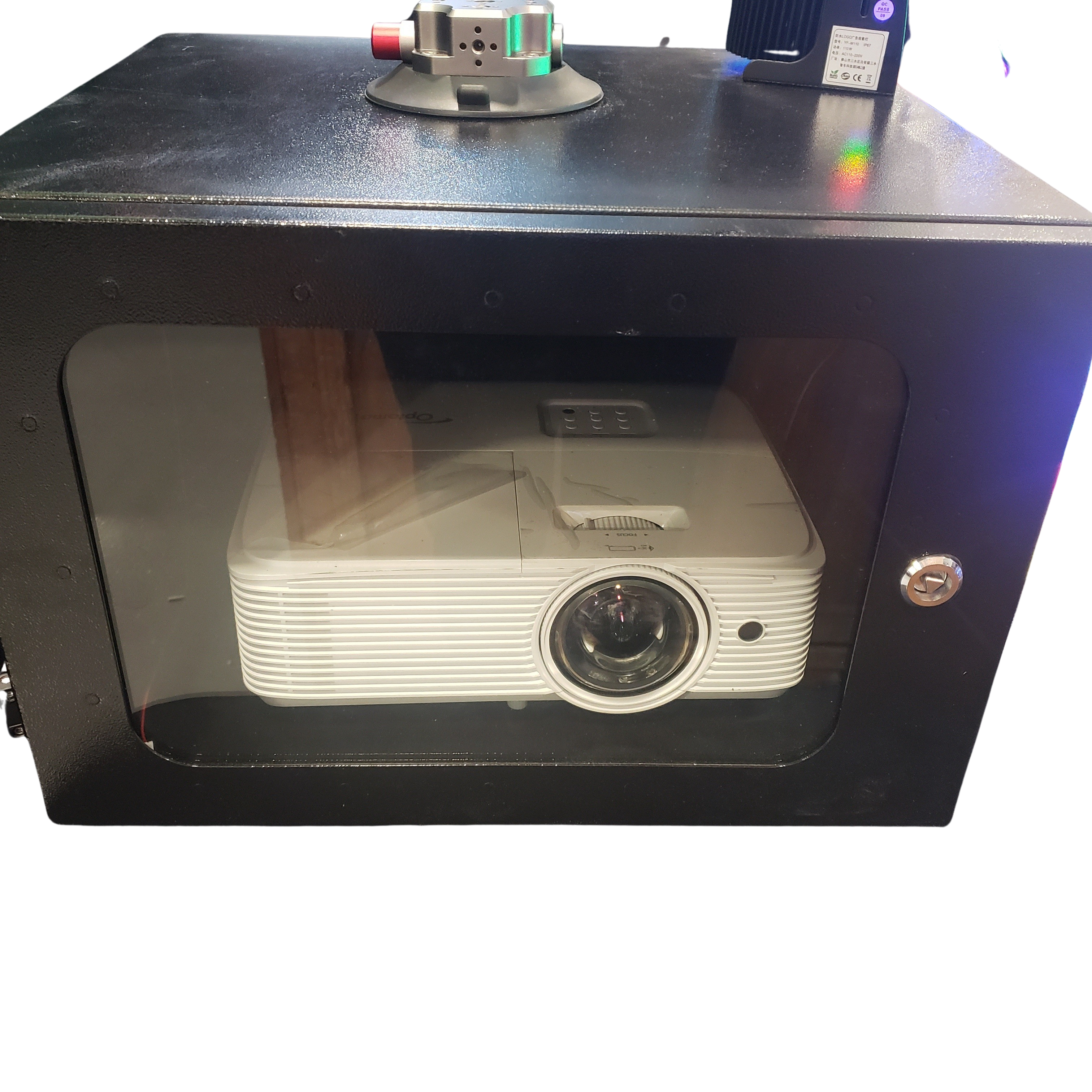
Now that you’ve seen the tools, let’s dive into setting up your projection mapping display. A solid setup ensures everything runs smoothly.
DIY Projection Mapping Guide
Starting a DIY projection mapping project might seem daunting, but it’s manageable with the right steps. Begin by planning your display area. Measure the space and decide where the projector will go. This step is crucial in ensuring your visuals fit perfectly.
Next, choose your software. Each tool has unique strengths, so pick one that matches your skill level and goals. For beginners, MapMap is ideal. More experienced users might prefer TouchDesigner or Smode. Install the software and explore the interface. Most offer tutorials to help you get started.
Finally, test your setup. Project on your chosen surface and adjust the visuals as needed. Small tweaks can make a big difference in the display’s impact. With practice, you’ll find projection mapping an exciting and rewarding hobby.
Syncing with LED Pixel Controller
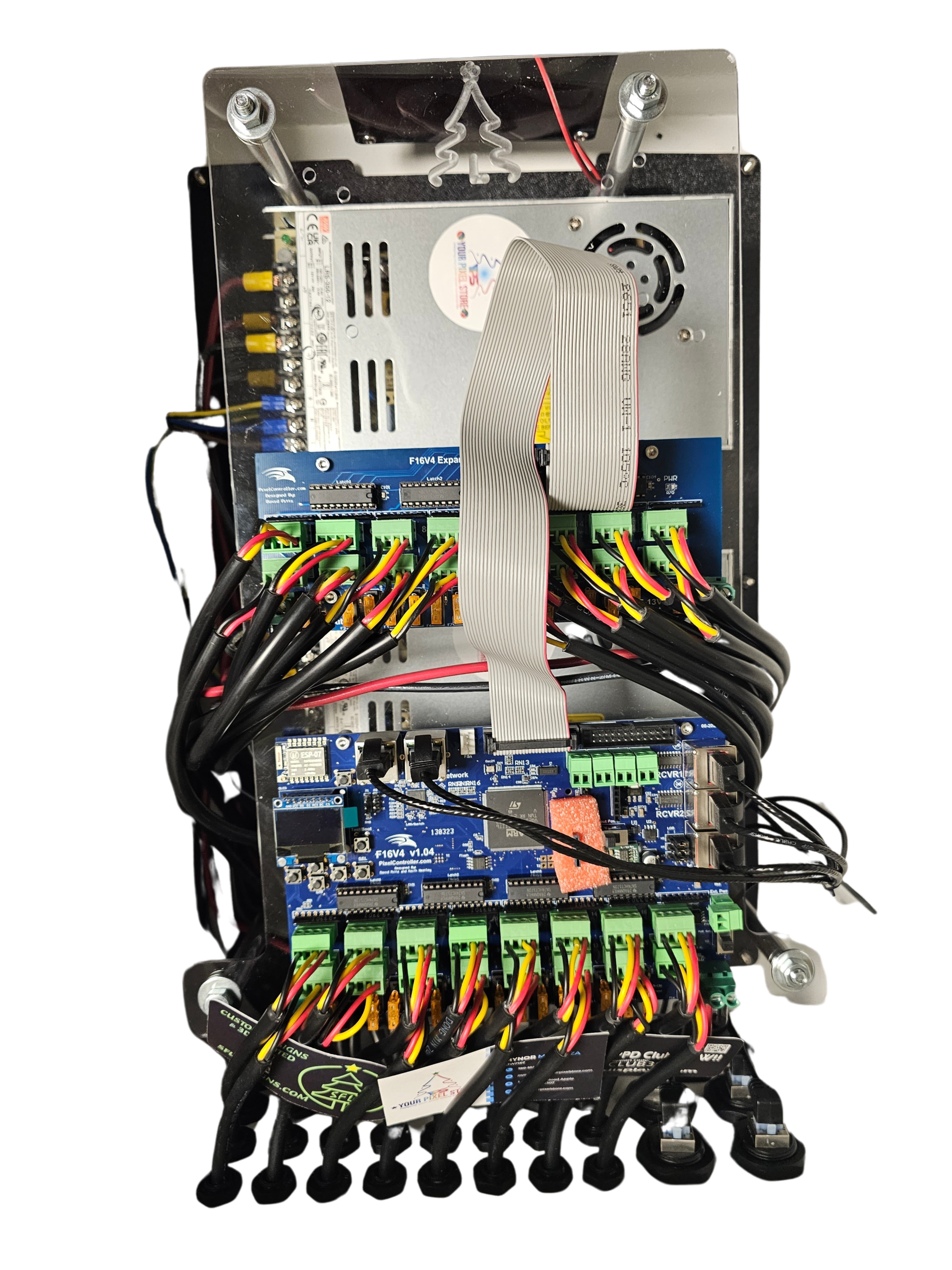
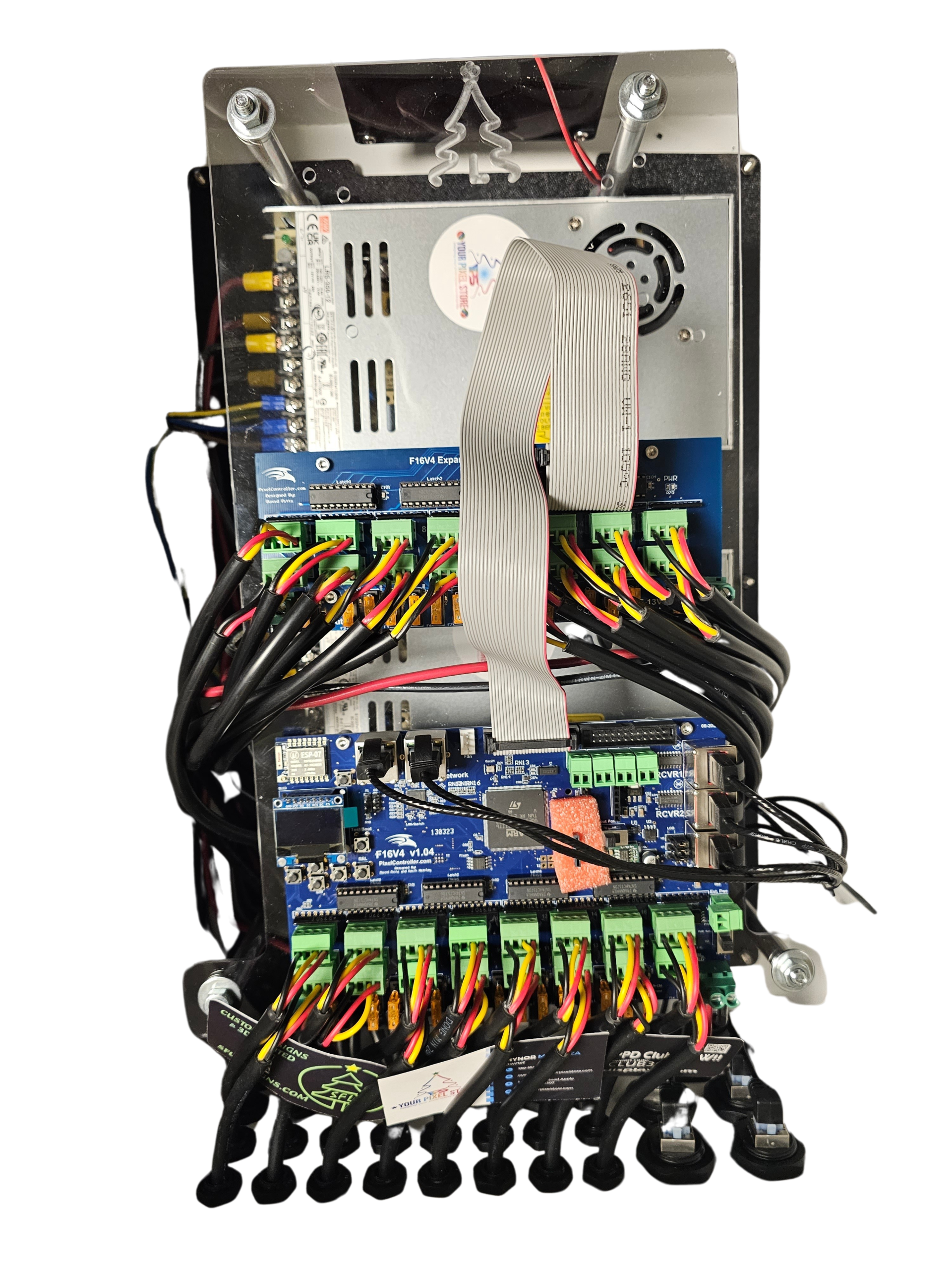
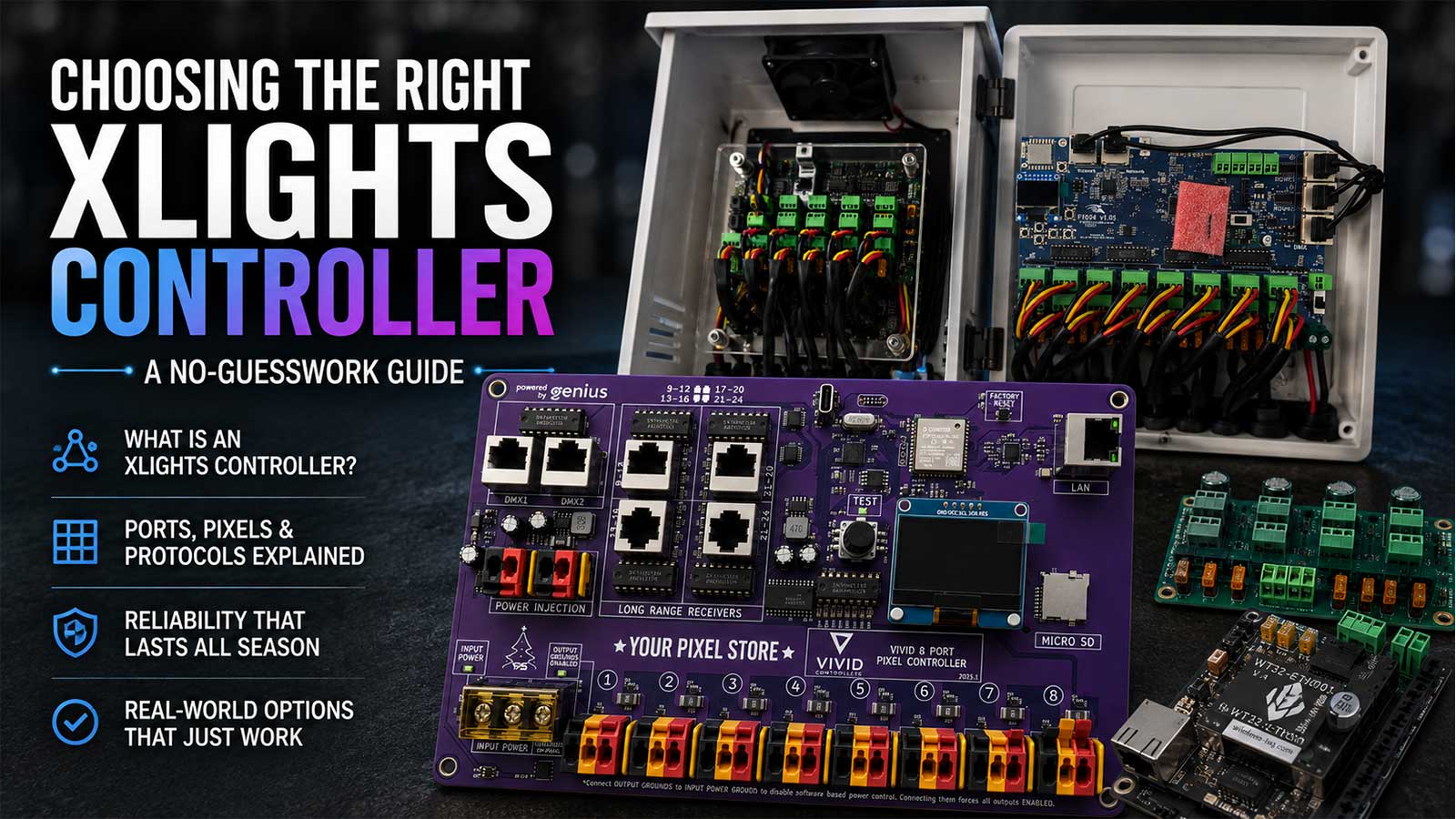
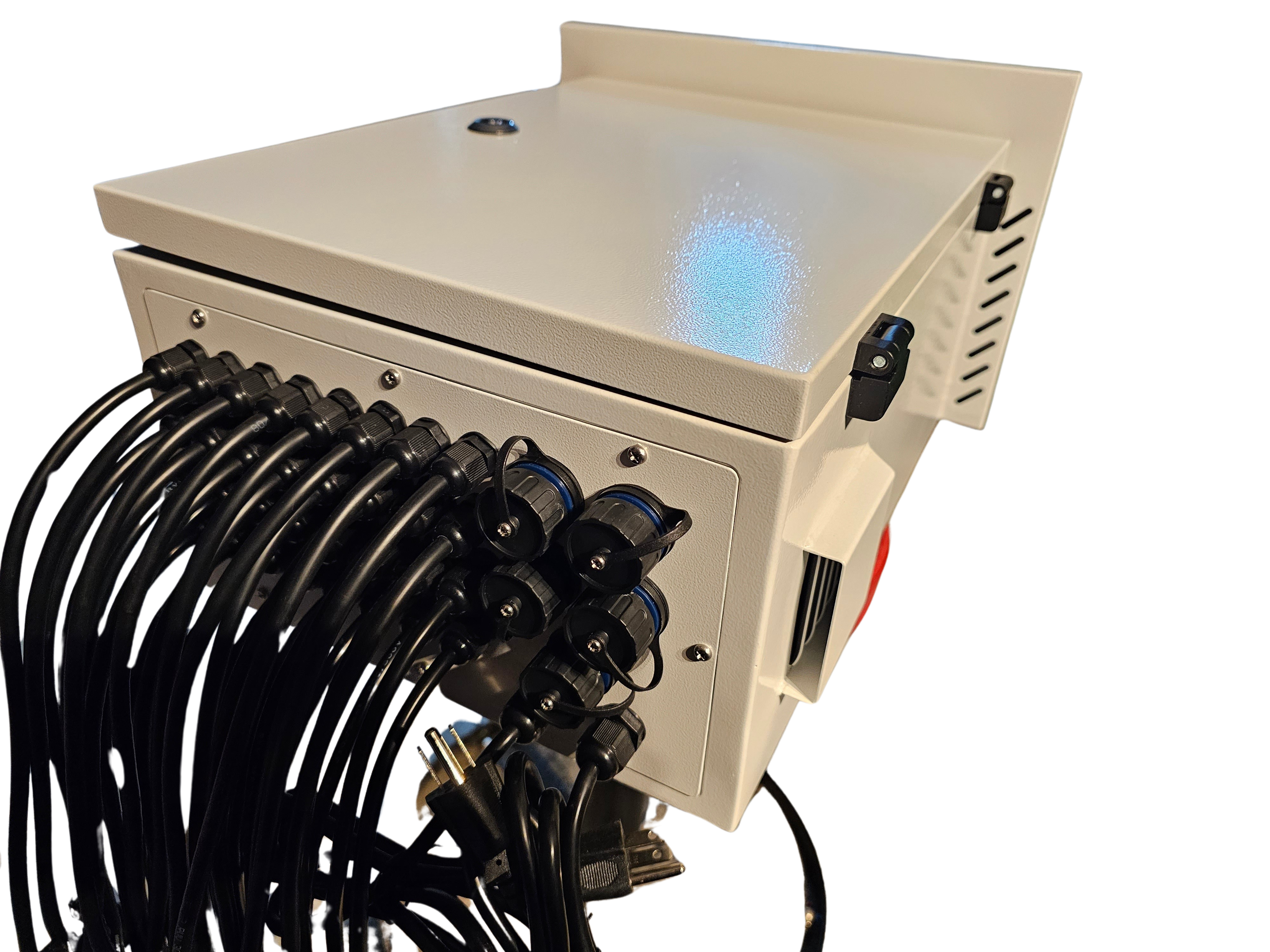
Syncing mapped visuals with LED pixels adds an extra dimension to your show. An LED pixel controller, like the YPS VIVID 8, simplifies this process. It ensures your lights and visuals are in perfect harmony, enhancing your audience’s experience.
To sync, connect your pixel controller to your software. Follow the guide on WS2812 Controllers for seamless integration. This setup allows you to control light patterns and colors in sync with your projections. Once connected, test the system to ensure smooth operation.
Adding synced lights transforms your display, making it more dynamic and engaging. Your audience will love the coordinated visuals and lighting effects. Consider exploring OpenRGB for Holiday Shows for more advanced syncing options.
House Projection Mapping Tips
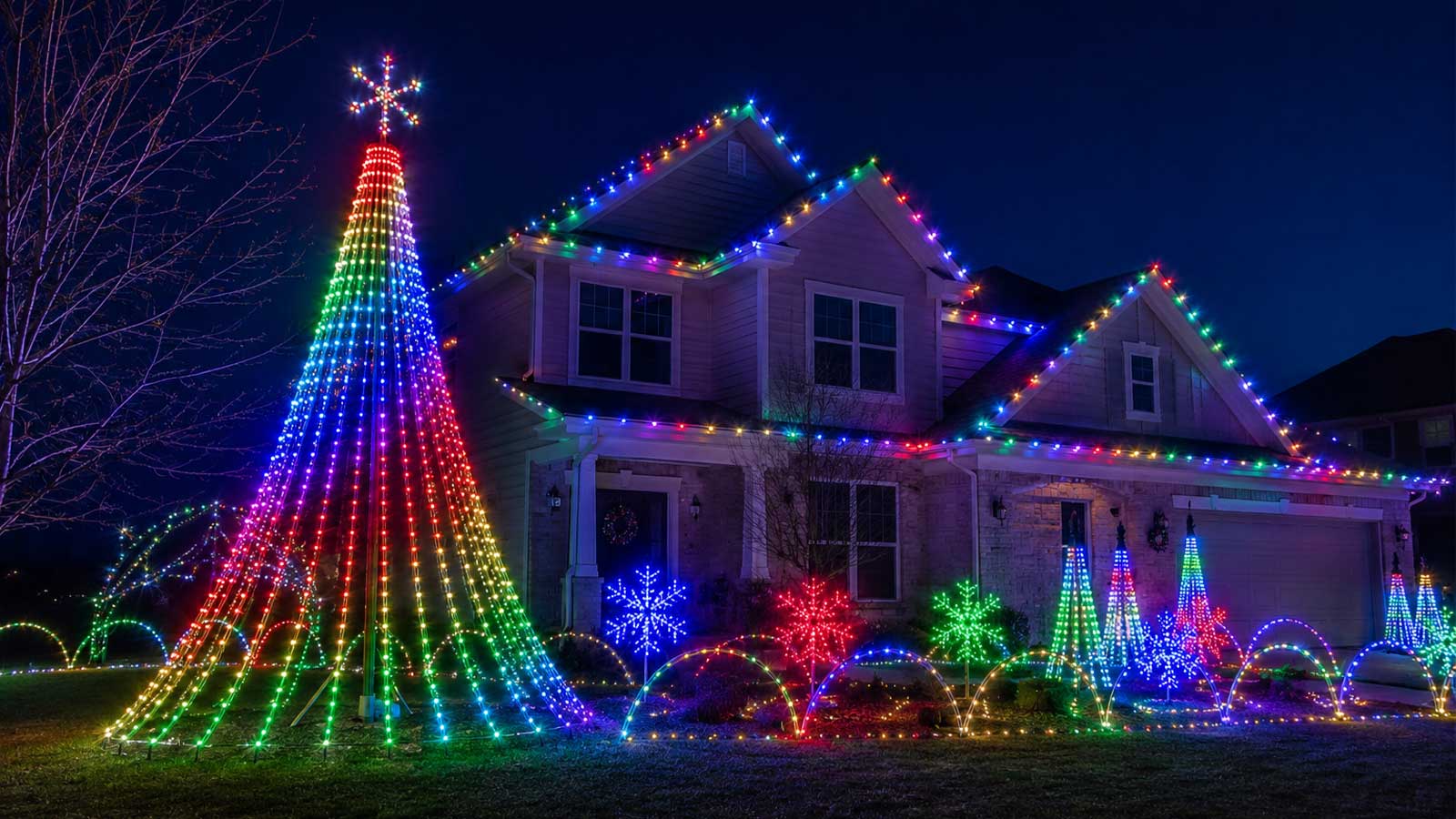
Mapping your house for the holidays is a fun way to spread cheer. Start by choosing a theme and designing visuals that match. Consider using Smode for its versatile effects. Map the visuals onto your house, focusing on architectural features to make them pop.
Keep your audience in mind. Use bold colors and exciting patterns to capture attention. Remember, less is more. Simple, impactful visuals often resonate best. Test your setup from different angles to ensure it looks great from all perspectives.
Experimentation is key. Don’t be afraid to try new patterns or color schemes. If something doesn’t work, tweak and test again. With practice, you’ll create a display that captivates and delights your neighbors and guests.
Projection Mapping for Seasonal Shows
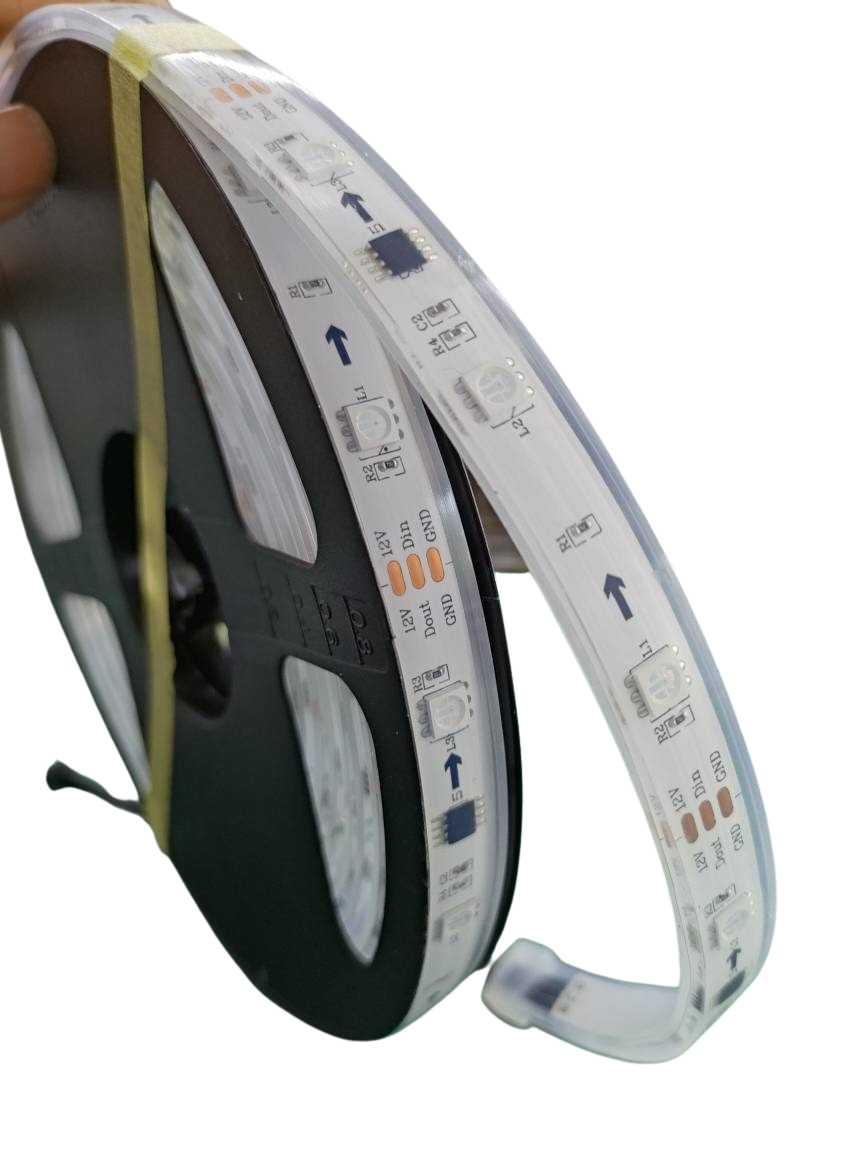
Seasonal shows are a great opportunity to showcase your projection mapping skills. Let’s explore some popular seasonal displays.
Projection Mapping for Halloween
Halloween is perfect for spooky, animated projections. Use TouchDesigner to create eerie scenes and interactive elements. Think ghosts, pumpkins, and haunted houses. Layer visuals to add depth and create an immersive experience.
Consider adding sound effects to enhance the mood. Syncing visuals with sound can take your show to the next level. Test your setup in advance to avoid last-minute glitches. Your audience will appreciate a seamless and spooky show that feels alive.
Projection Mapping for Christmas
For Christmas, warm and festive visuals work best. Use MapMap to project snowflakes, reindeer, or Santa Claus on your home. Bright colors and cheerful animations will make your display stand out in the neighborhood.
Incorporate music for added charm. Sync light patterns with classic holiday tunes for an engaging experience. Your Christmas projection mapping will bring joy and festive spirit to everyone who sees it. Plan and test your setup to ensure everything runs smoothly for the holiday season.
Event Projection Mapping Essentials
Events benefit greatly from projection mapping. Whether it’s a birthday, wedding, or corporate gathering, visuals can add a unique touch. Use Smode for its variety of effects and real-time editing capabilities.
When planning, consider the event’s theme and audience. Tailor your visuals to match, ensuring they enhance the overall atmosphere. Test your setup in the event space to fine-tune details. A well-executed projection mapping display can make your event memorable.
In conclusion, free projection mapping software opens up endless creative possibilities. With the right tools and setup, you can create stunning displays for any occasion. Remember, practice makes perfect, so keep experimenting and refining your skills. Your audience will love the captivating visuals you create.