Blog
WLED Controllers: Build Smart, Scalable Pixel Props With Confidence

WLED controllers are a go-to choice for builders crafting small to medium pixel props that need reliable, scalable control. If you’ve wrestled with tricky wiring or syncing problems on your holiday or event lighting, this guide will clear the fog. You’ll learn what a WLED controller is, how to power it safely, and ways to connect it with bigger shows using popular tools like xLights. Stick around for build recipes and product tips that help you get your pixels shining with confidence. Getting started with WLED has never been easier.
Understanding WLED Controllers
Let’s dive into WLED controllers and explore how they can enhance your light show setup.
What is a WLED Controller?
A WLED controller is a device that allows you to manage your LED lights with precision. It’s popular among DIYers because it supports various LED types and can be customized easily. At its core, it’s a small board, often an ESP32, that connects to your network and lets you control lights through an app. This means you can change colors, patterns, and even sync effects with music. For those using WS2811 pixels, it offers smooth transitions and vibrant displays.
Ideal Use Cases for WLED
WLED shines in settings where you need flexibility and ease of use. Whether it’s a Halloween haunt or a Christmas display, this controller handles small to medium setups with ease. It’s perfect for holiday light shows where you want to create dynamic effects without complex programming. Think about those front yard displays that dance to music or intricate indoor setups for parties. The ability to control everything from your phone or computer makes it a favorite among hobbyists.
Comparing WLED and Pro Controllers
Choosing between WLED and pro controllers like the YPS VIVID 8 can be tricky. WLED is budget-friendly and great for smaller projects. It’s user-friendly and integrates well with tools like xLights WLED. On the other hand, pro controllers offer more channels and power, making them ideal for larger displays. They also provide enhanced reliability. If you’re planning to expand your setup in the future, investing in a pro controller might be wise.
Building with WLED
Once you understand WLED basics, it’s time to consider how to build a solid setup that lasts.
Powering and Protecting Your Setup
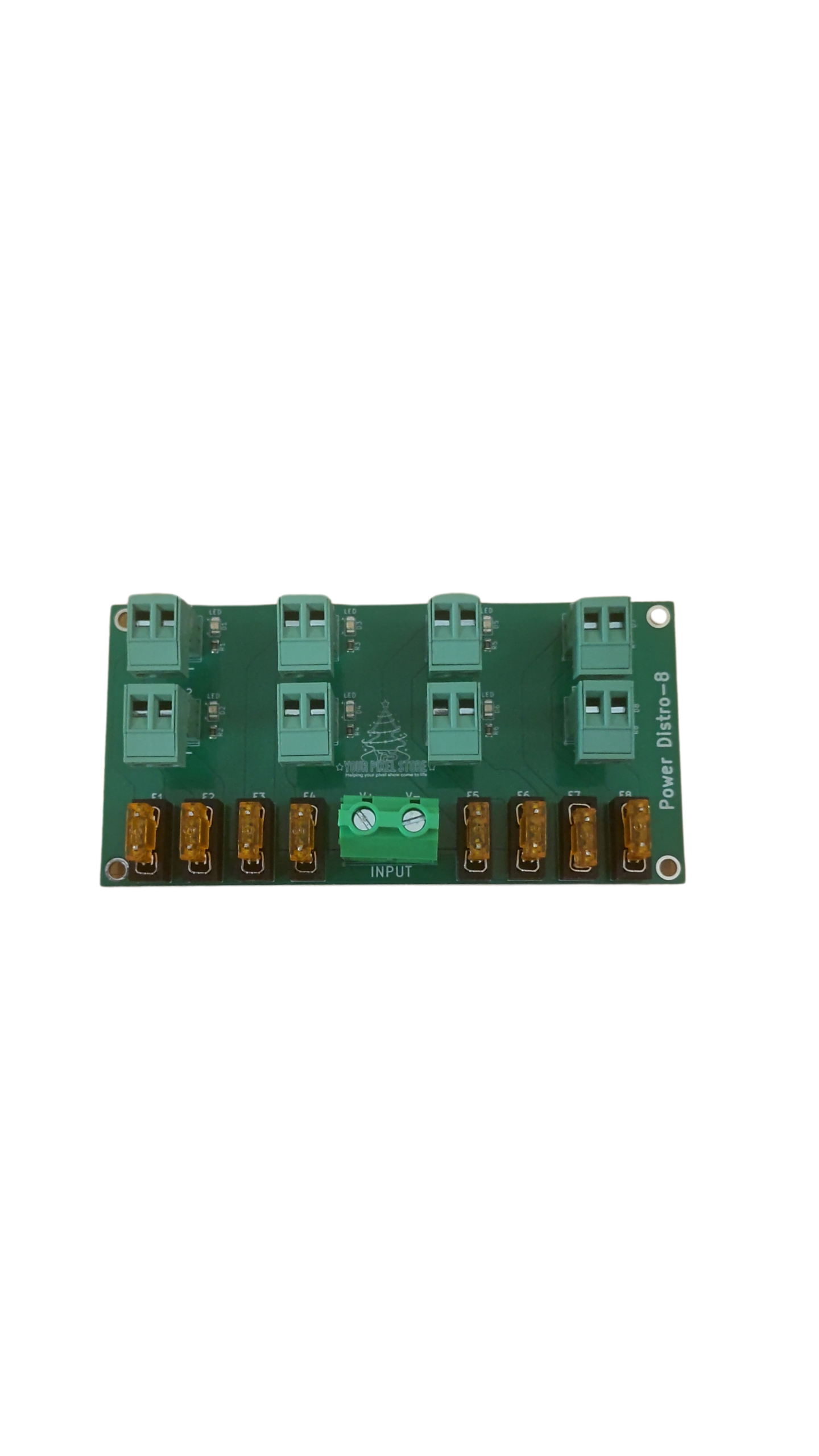
Powering your WLED setup is crucial for smooth operation. Start with understanding 5V vs 12V pixels. Typically, 5V is suitable for short runs, while 12V handles longer distances. Use a reliable power supply and consider pixel power injection to prevent voltage drop. Protect your setup by ensuring connections are secure and shielded from the elements. This might mean using waterproof cases or silicon sleeves for more protection.
Pixel Compatibility and Wiring Basics
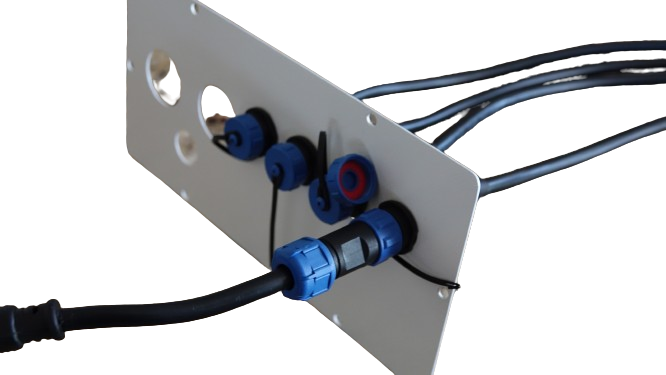
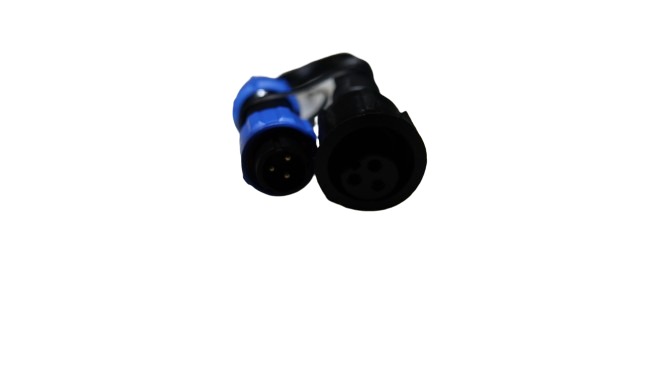
Next, let’s talk about pixel compatibility. WS2812B LEDs are popular choices due to their vibrant colors and ease of use. When wiring, follow the voltage and current guidelines to avoid overloading. Connectors like xConnect connectors and Ray Wu connectors ensure secure connections, reducing the risk of disconnections. Always test your setup in stages to catch any issues early. This step-by-step approach saves time and ensures a smooth installation.
Enclosures and Weatherproofing Options
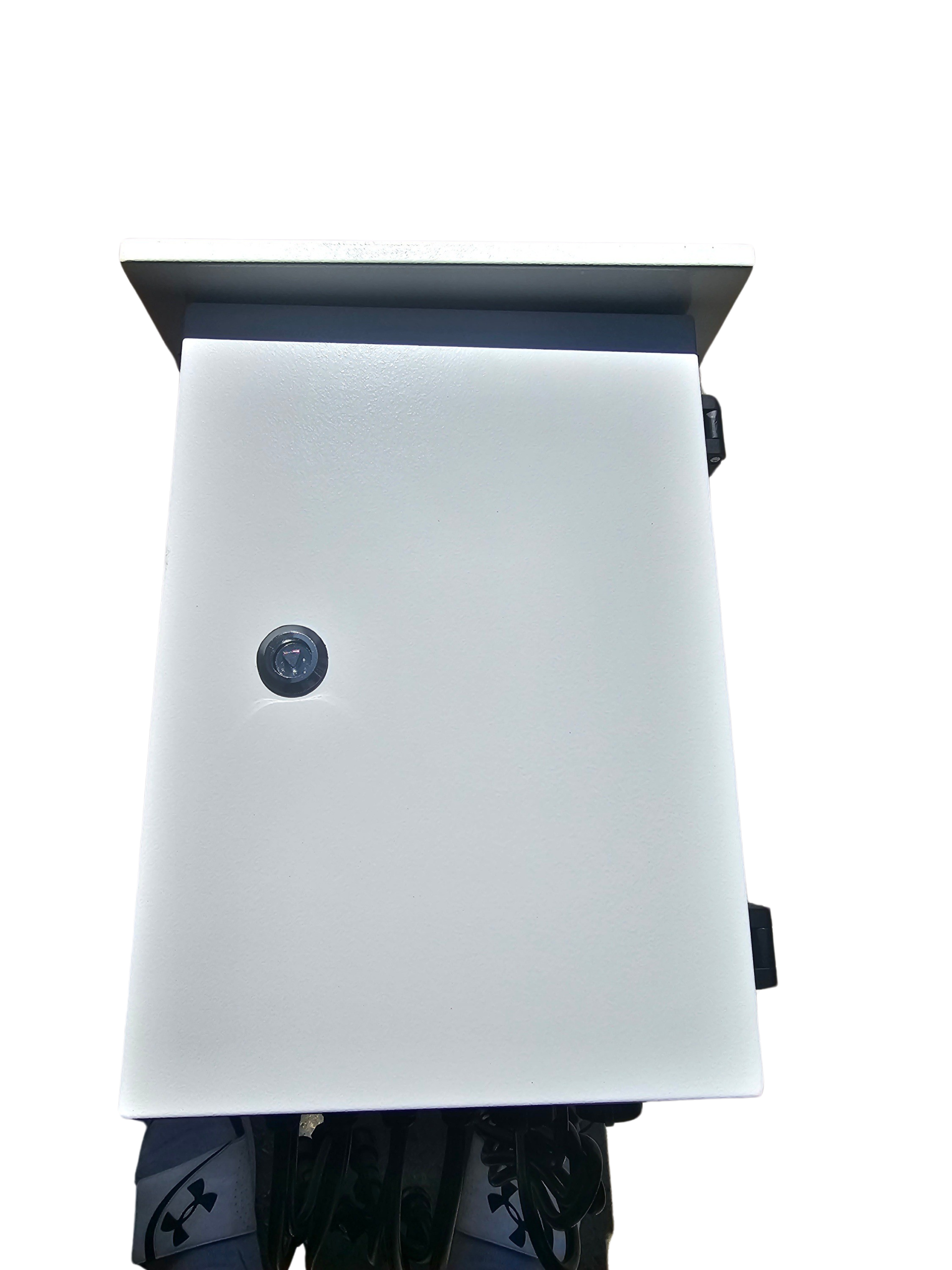
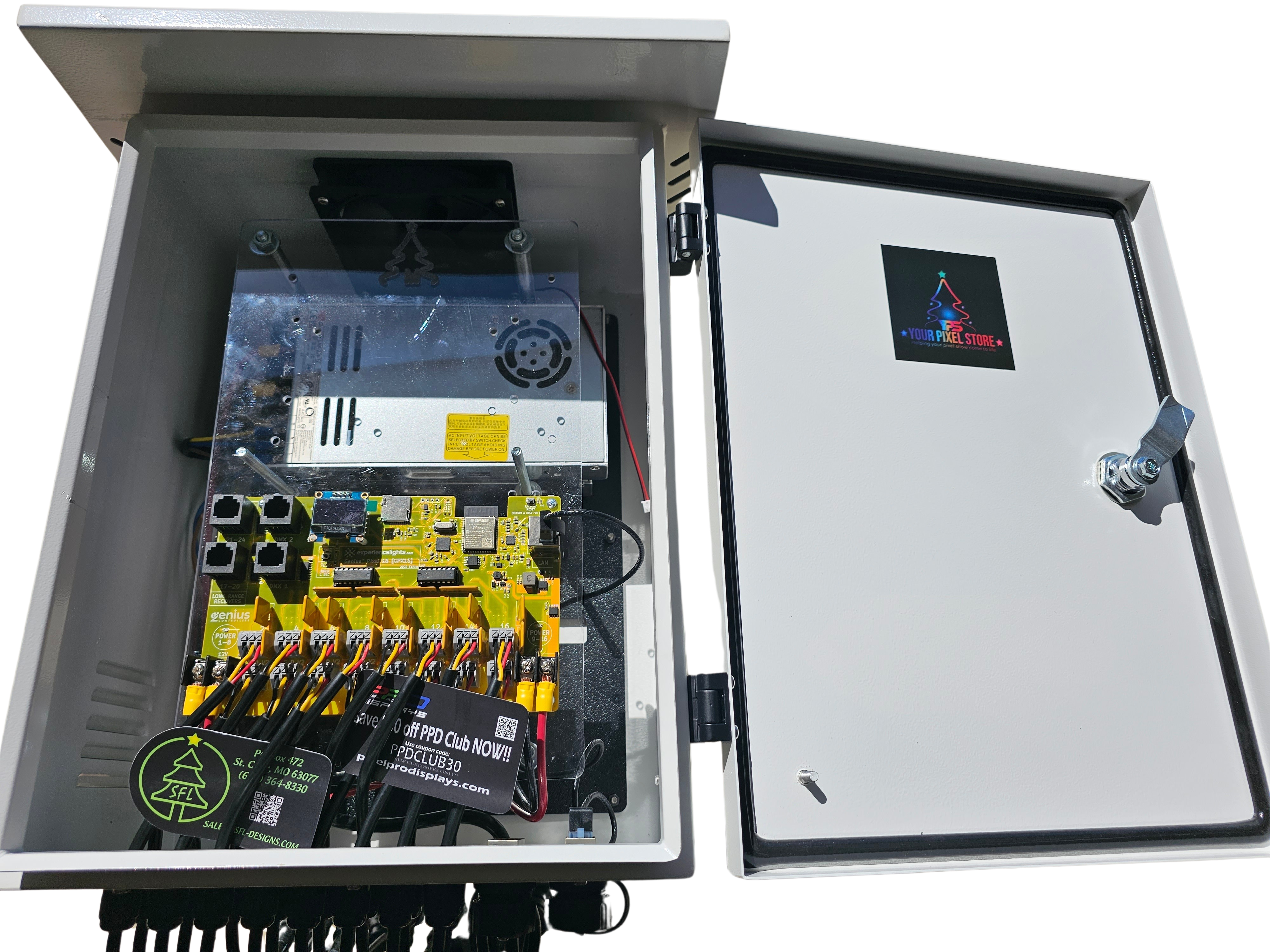
Weatherproofing is essential for outdoor displays. Using a waterproof LED enclosure is a smart move. Not only do they protect your electronics, but they also streamline your setup. Look for enclosures that offer easy access for maintenance. For those living in humid or wet climates, consider additional sealants or gaskets to keep moisture out. This ensures your display remains stunning, rain or shine.
Integration and Upgrades
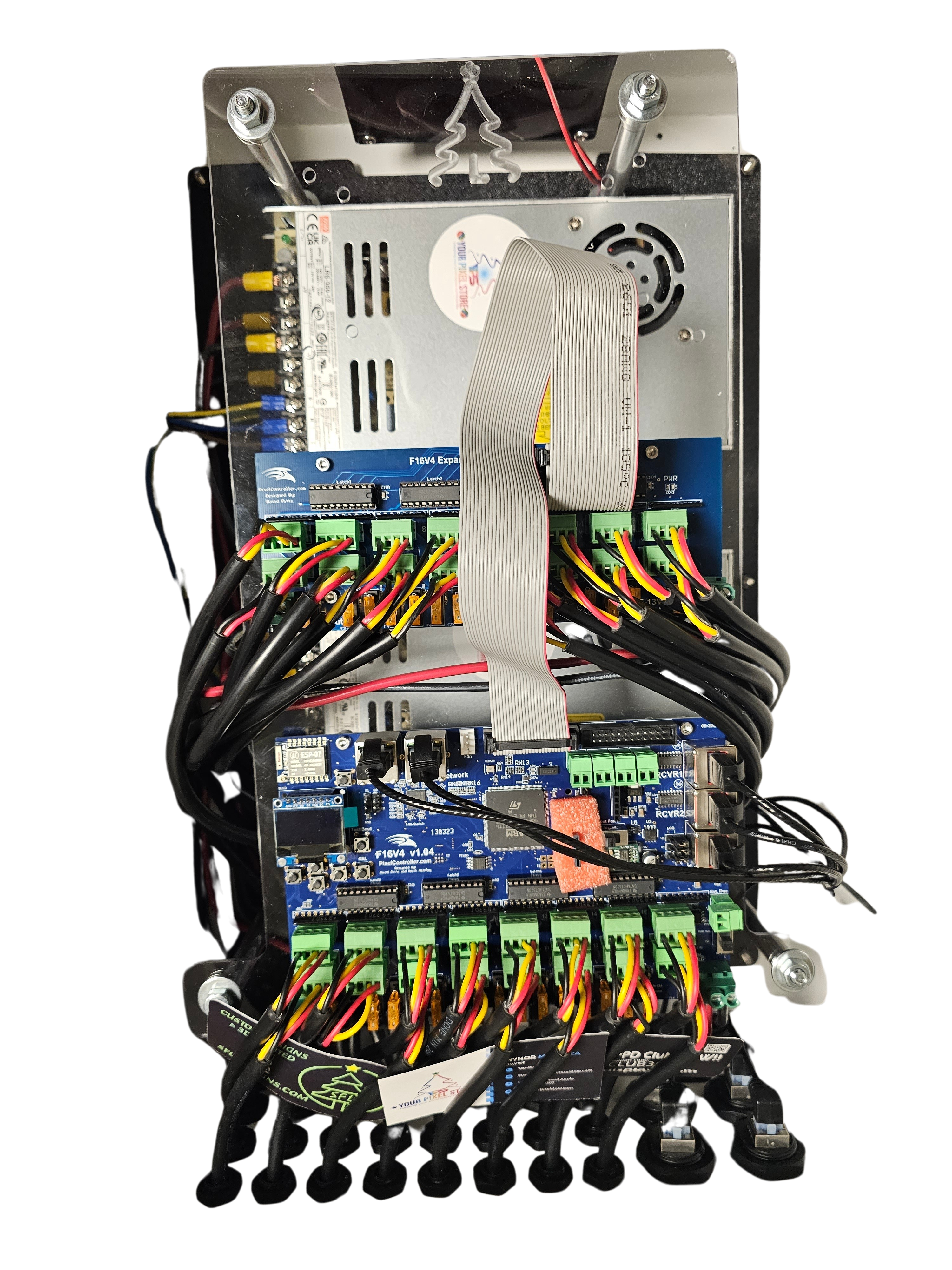
Taking your WLED setup to the next level involves integrating with larger systems and exploring upgrade paths.
Syncing with Larger Shows
Syncing your setup with larger shows can be a game-changer. Utilizing protocols like E1.31 sACN or Art-Net lighting allows seamless integration with bigger projects. This means your holiday light show controller can work in tandem with other displays. Tools like xLights make this process straightforward. They offer tutorials and community support to help you get started.
Sample Build Recipes
Crafting a show-stopping display involves more than just plugging in lights. Here are some sample build recipes to spark your creativity:
Indoor Party Setup: Use a mix of WS2812B LEDs for vibrant colors. Pair them with a simple app control for music sync.
Outdoor Christmas Display: Combine WS2811 pixels with a waterproof enclosure. Add a touch of sparkle with power injection for consistent brightness.
These recipes highlight the versatility of WLED in various settings.
Upgrade Paths to YPS VIVID 8
As your projects grow, you might consider upgrading to the YPS VIVID 8. This ready-to-run pixel controller offers more channels and robust power management. It’s perfect for expanding your display without starting from scratch. Investing in a pro controller means you can tackle more ambitious projects with confidence. For more detailed guidance, check out WS2812 Controllers Made Simple: Power Your Show with YPS VIVID 8.
By following these insights, you’re on your way to creating dazzling displays that captivate audiences. Remember, a little planning goes a long way in ensuring a stunning light show. Keep experimenting and pushing the limits of your creativity!