Blog
RGB controller for PC: The simple way to run pixels from your computer


Controlling addressable RGB pixels from your PC doesn’t have to be confusing or frustrating. Many builders struggle to connect software with the right hardware, wasting time and gear. This guide breaks down how a reliable RGB controller for PC, like the YPS VIVID 8, takes the guesswork out and gets your show running smoothly for Halloween, Christmas, or any event. Learn more about how you can integrate these systems with different software solutions, such as those discussed in this reddit discussion.
To dive deeper into the specifics of RGB control for holiday and event shows, explore how to sync PC RGB with pro pixel controllers through our detailed guide on OpenRGB for Holiday and Event Shows. If you’re interested in mastering the process from the very first pixel, WLED Made Simple offers a comprehensive step-by-step approach. For those looking to power their show effortlessly, our article on WS2812 Controllers Made Simple provides valuable insights into maximizing your setup with YPS VIVID 8.
Simplifying RGB Control
Connecting your PC to RGB pixels doesn’t have to be a daunting task. Let’s dig into how software and hardware play their parts and why PC-based control offers unique advantages.
Software vs Hardware Roles
When setting up an RGB lighting display from your PC, understanding software and hardware roles is crucial. Software acts as the brain, sending signals to create patterns and colors. You might explore options like OpenRGB or SignalRGB for versatile control. On the hardware side, controllers like the YPS VIVID 8 handle the heavy lifting. They translate software commands into actions, ensuring your lights behave as expected. This division means you can focus on designing your show without worrying about technical compatibility.
Many assume software does all the work, but without the right hardware, your display won’t shine. Imagine trying to run a marathon without shoes; you might manage, but it wouldn’t be pleasant. The same goes for your RGB setup: both elements must align to perform smoothly.
Benefits of PC-Based Control
Why control lights with a PC? For starters, it offers unmatched precision and flexibility. With a PC RGB lighting controller, you can adjust colors, patterns, and timing with a click. This control makes syncing lights with music or events seamless. Whether you’re crafting a holiday wonderland or a spooky Halloween vibe, the possibilities are vast.
Consider this: 80% of users find PC-based systems easier to update and expand. Unlike fixed controllers, a PC setup grows with your creativity. Take your Halloween display from simple orange hues to intricate, animated ghosts without buying new gear. The longer you wait to switch, the more you’re missing out on endless creative opportunities.
Professional Controllers Explained

Once you grasp the basics of RGB control, it’s time to explore pro-grade options. Let’s explore what makes the YPS VIVID 8 a standout choice and the perks of choosing ready-to-run kits.
Features of YPS VIVID 8
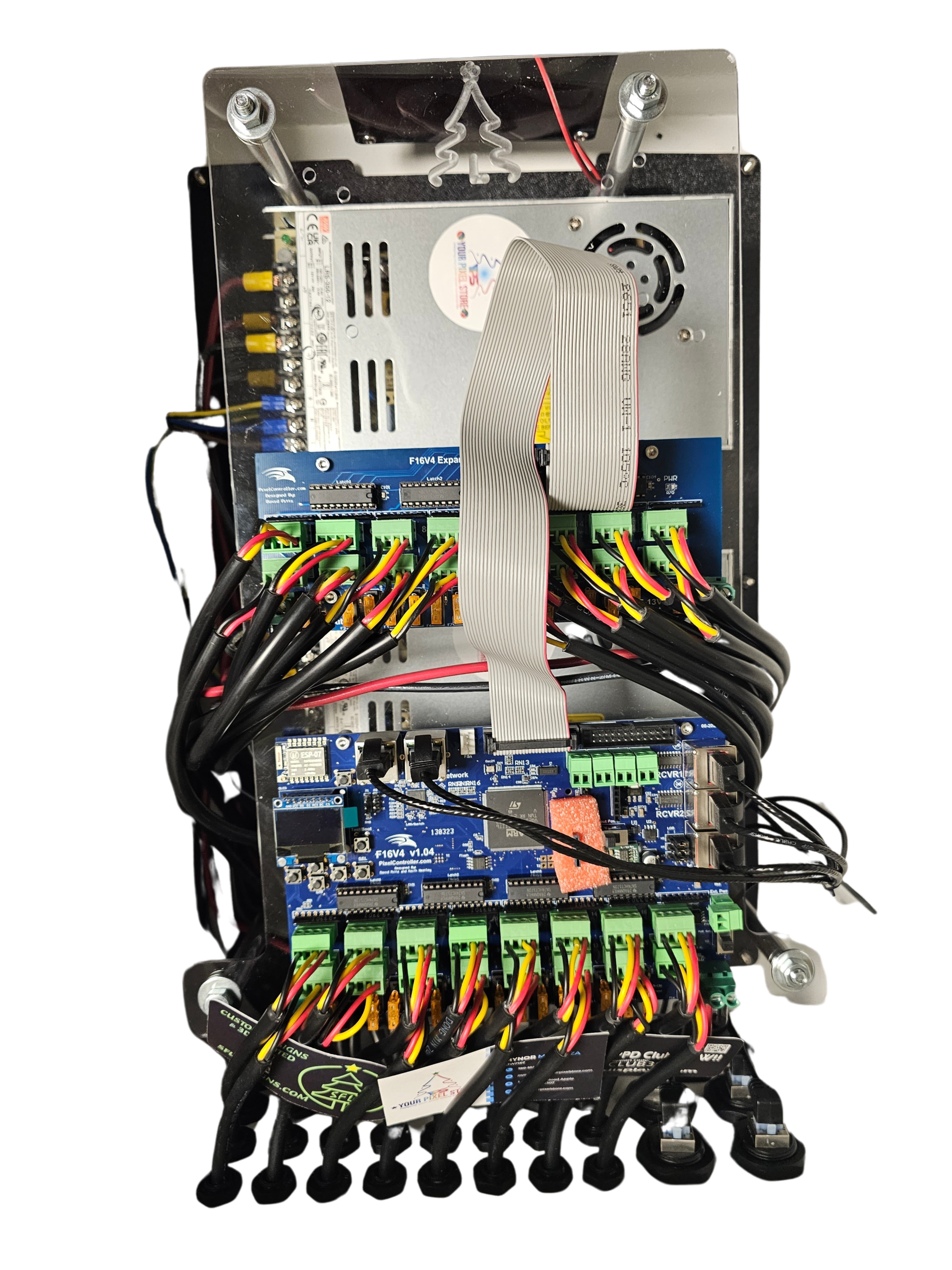
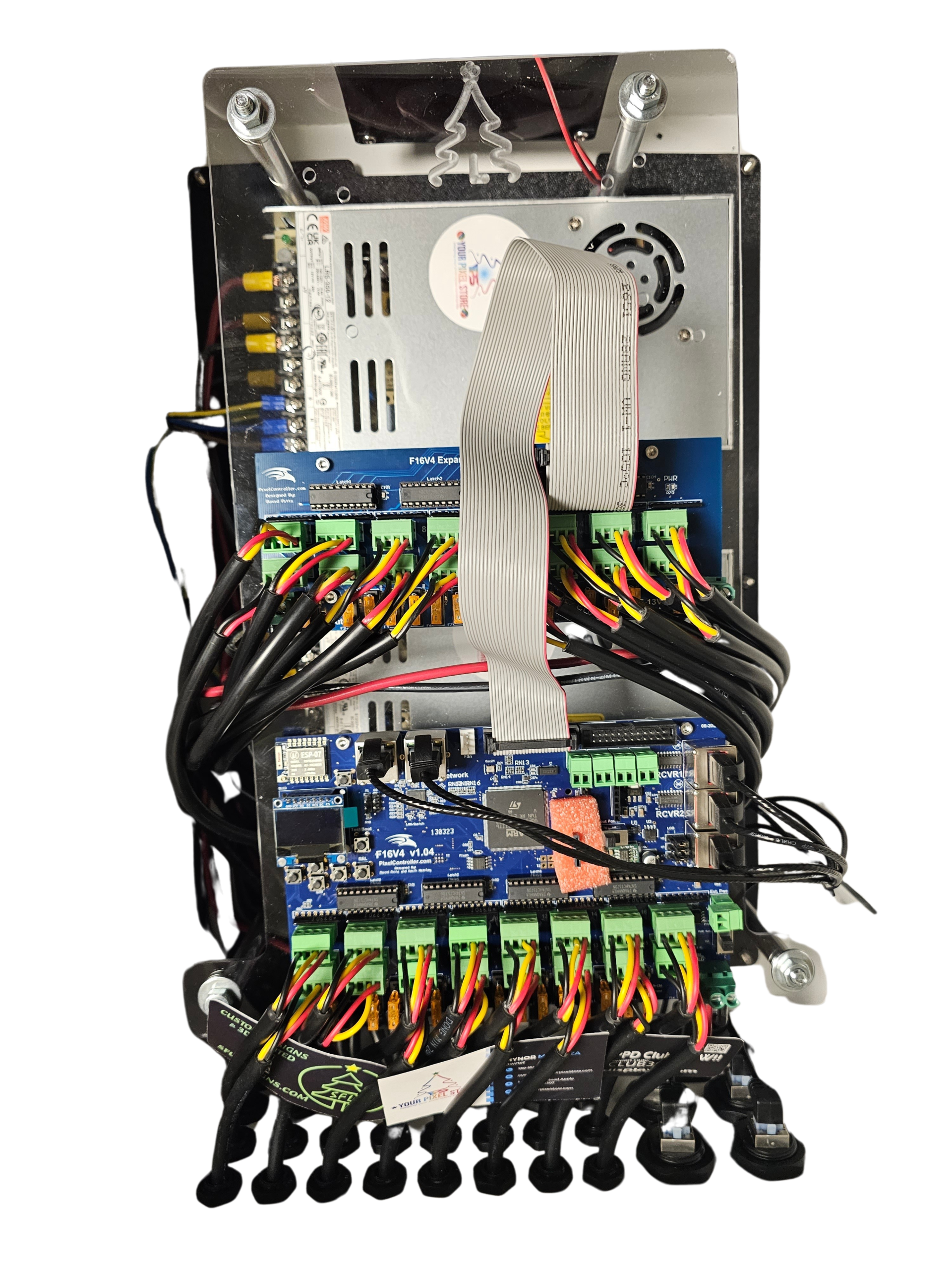
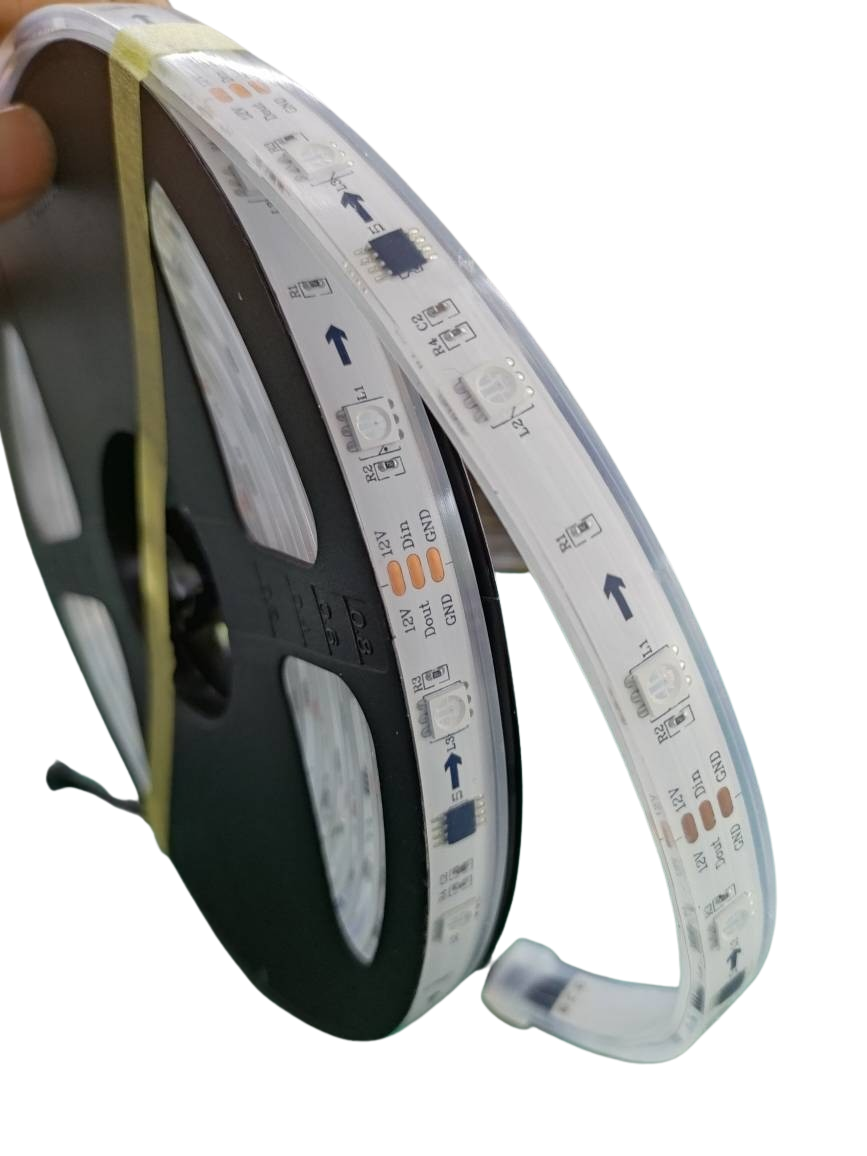
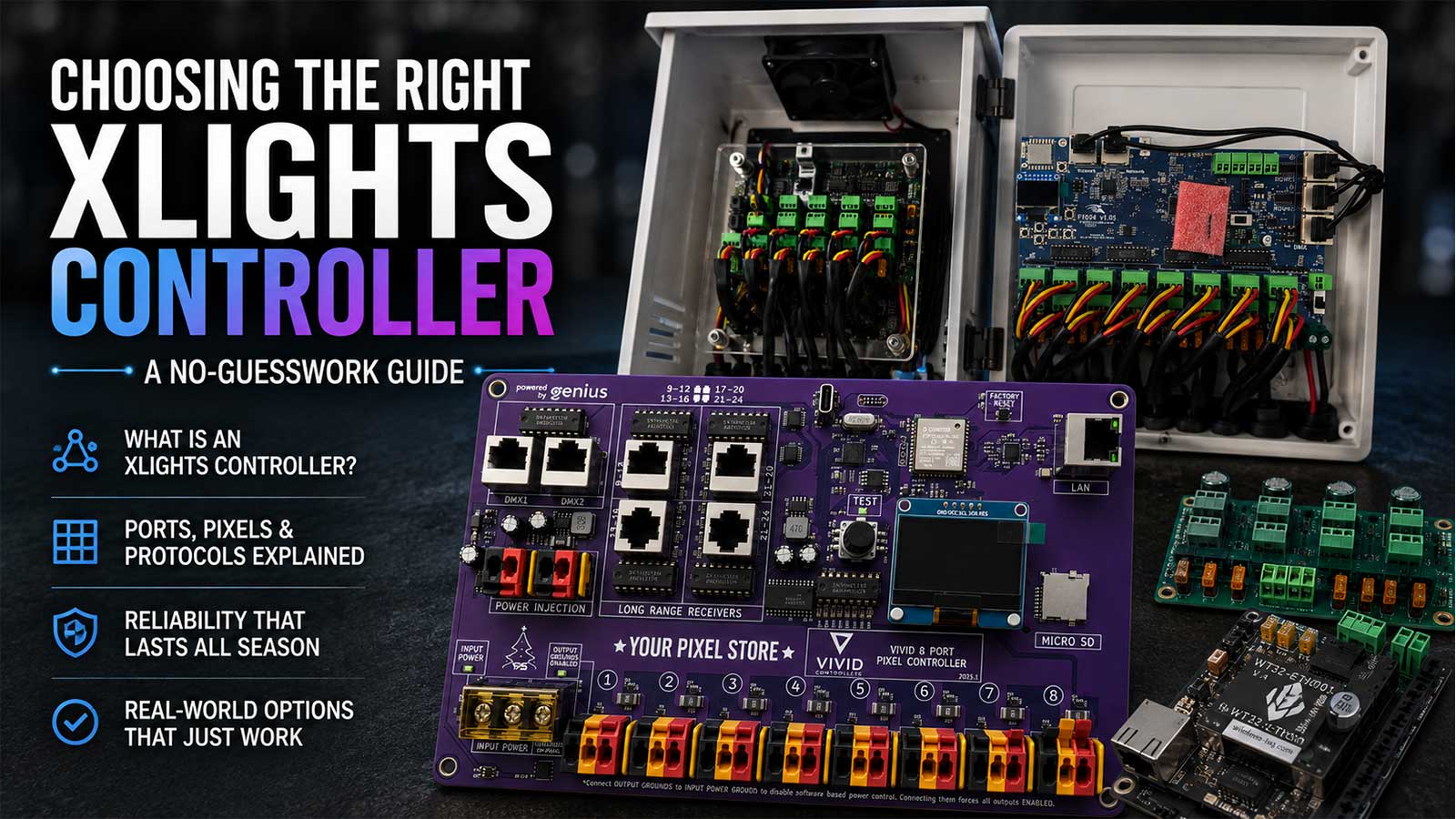
The YPS VIVID 8 isn’t just another controller; it’s a robust solution designed for high-performance shows. It supports up to 8 strings of RGB pixels, ensuring vast coverage. With easy integration for WS2811 and other pixel types, your setup becomes a breeze.
Many think all controllers are complex, but the YPS VIVID 8 challenges this notion. Its user-friendly interface and detailed guides make setup straightforward. With the YPS VIVID 8, you’re not just controlling lights—you’re elevating your entire display experience. Plus, with real support from Your Pixel Store, setup hurdles become a thing of the past.
Why Choose Ready-to-Run Kits
Ready-to-run kits are a dream for both novices and pros. They eliminate the hassle of figuring out compatibility and wiring, delivering components that work right out of the box. Imagine opening a kit and starting your project without additional purchases or headaches.
The kits from Your Pixel Store come pre-configured, ensuring seamless operation. They’re ideal for those who want to save time and avoid trial-and-error setups. You’ll have more moments to enjoy your creation and less time spent troubleshooting. Most people think DIY means doing everything from scratch, but sometimes smart shortcuts are the best path to success.
Setting Up Your RGB Controller
Getting the right controller is the first step; now, let’s ensure it works smoothly with a simple setup and troubleshooting tips.
PC to Pixel Controller Setup
Connecting your PC to a pixel controller can seem tricky, but it doesn’t have to be. Here’s the key insight: break it into simple steps. First, install your LED pixel control software on the PC. Next, connect the controller to the PC using a network cable. Ensure your controller is powered up, and then configure the software to recognize the controller.
Some believe this setup takes hours, but with the YPS VIVID 8, you’ll be ready in no time. Remember, the more straightforward your approach, the quicker your success.
Troubleshooting Common Issues
Even with the best gear, hiccups happen. If your lights aren’t behaving, start with the basics. Check connections and ensure all cables are secure. Is your software talking to the controller? A quick restart often solves communication errors.
For stubborn issues, refer to user forums like this insightful Facebook group post. Most people think they’re alone in troubleshooting, but many solutions are just a community post away. Don’t let small setbacks dim your creativity.
In summary, mastering PC-based RGB control transforms how you approach lighting shows. With the right tools and mindset, your displays can be more vibrant and engaging than ever before. Ready to take the plunge? Dive into the world of RGB control with confidence!