
Blog
xLights Controllers Made Simple: How to Choose, Power, and Set Up Your Show

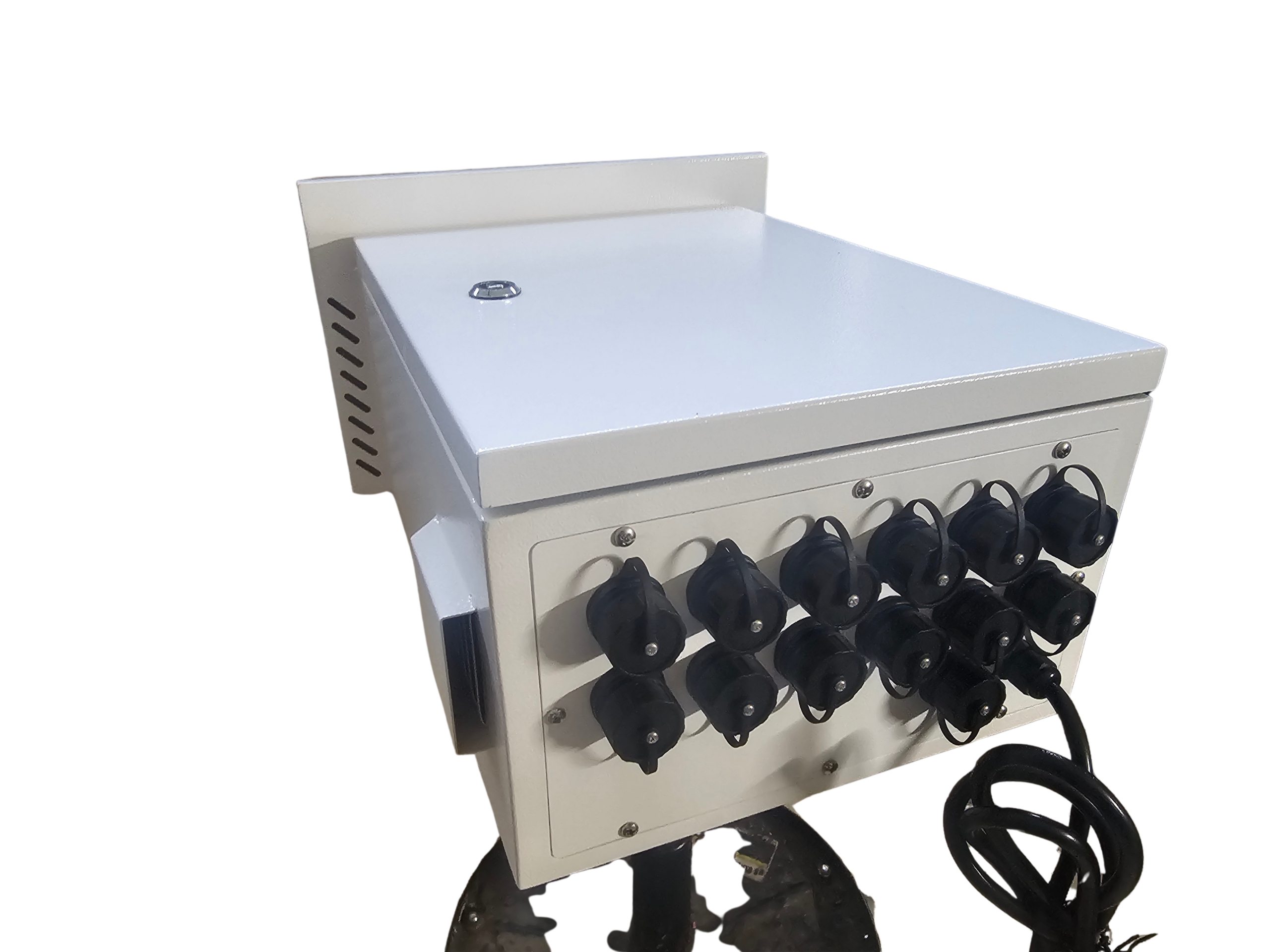
Most pixel controllers promise smooth shows, but picking the right one often turns into a guessing game. You might end up with power issues, confusing ports, or setups that stall your holiday light show before it even starts. This guide cuts through the noise, showing you how to choose, power, and set up your xLights controller with confidence—featuring trusted solutions like the YPS VIVID 8 and Ready-to-Run controllers that get your display shining fast. Check out more detailed steps in the quick-start guide.
Choosing the Right Pixel Controller
Understanding how to select the right pixel controller is crucial to achieving a stunning light show. Let’s break down the basics to get you started.
Understanding xLights Controller Basics
Your journey begins with getting to know the xLights controller. This powerful tool works with popular protocols like E1.31, sACN, and DDP. These terms might sound complex, but they are the secret sauce behind synchronized lighting. By connecting your controller to xLights software, you can choreograph your lights to music, creating a magical experience. If this feels overwhelming, check out the xLights User Manual for a deeper dive into setup details.
Essential Features for Your Show
Choosing a controller requires knowing the features that matter most. Look for options that offer enough ports to handle your display’s size. Check if it supports your preferred lighting protocol. A good controller will make it easy to connect and control numerous pixels. To learn more about setting up lighting networks, explore this practical guide.
Benefits of YPS VIVID 8
The YPS VIVID 8 stands out by offering user-friendly controls with professional-grade capabilities. Its strength lies in its flexibility, managing thousands of pixels without breaking a sweat. This makes it ideal for both small backyard displays and large commercial projects. Many users praise its ease of use and reliability, ensuring your show runs smoothly every time.
Powering Your Holiday Light Show
Once you’ve chosen your controller, it’s time to consider how to power your light show efficiently.
Calculating Power Needs for LED Pixels
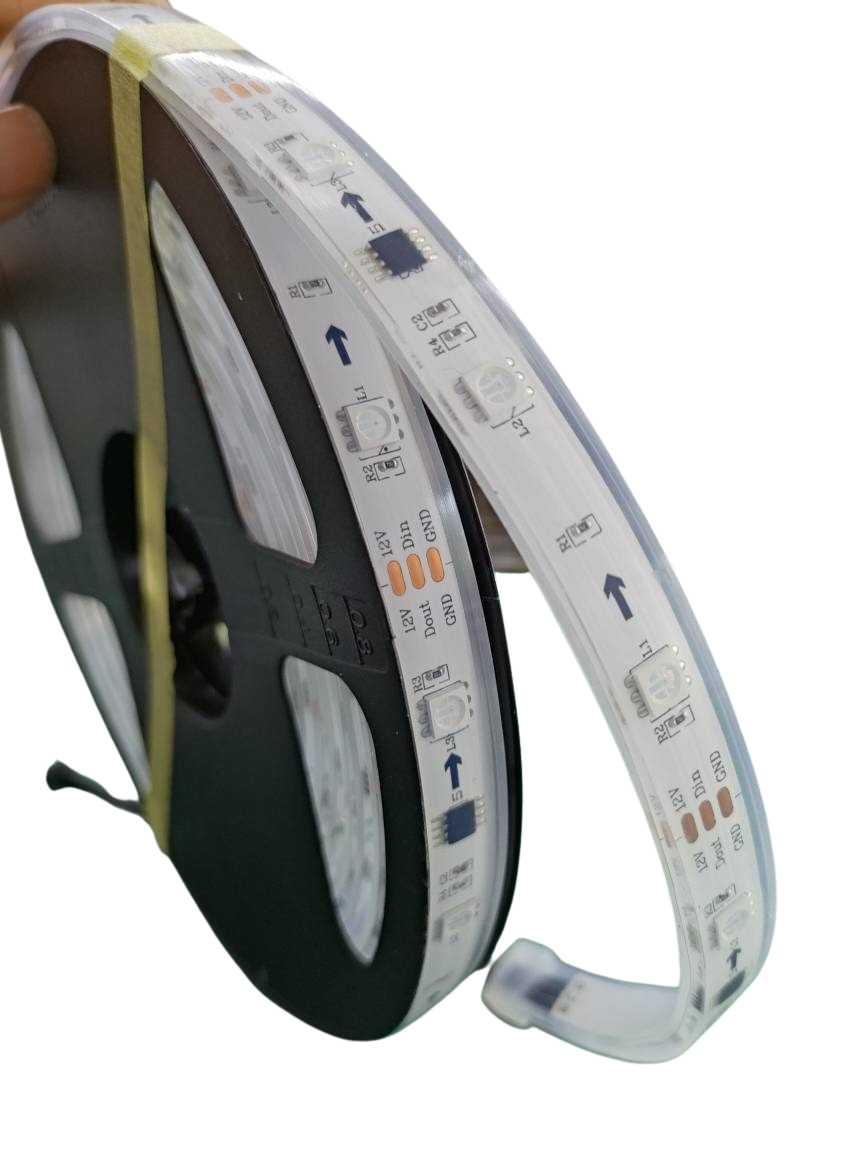
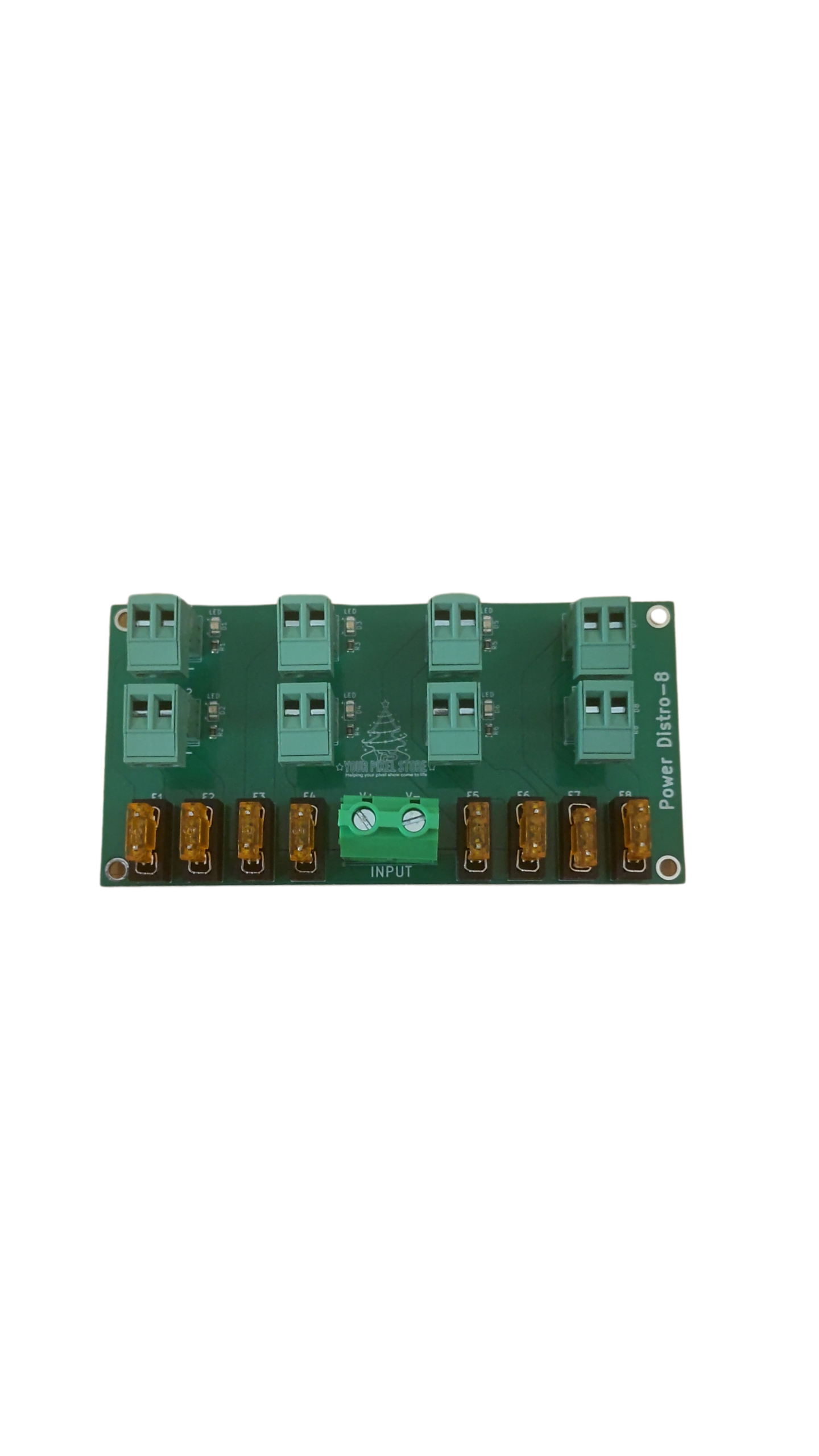
To keep your lights shining bright, understanding your power needs is essential. Each LED pixel requires a specific voltage and current. Multiply the number of pixels by their power rating to get your total needs. This ensures your show is consistently illuminated without unexpected outages.
Pixel Power Injection Techniques
Power injection can solve many common issues in large displays. By adding power at intervals along your pixel strands, you prevent voltage drop that can cause dim or flickering lights. This technique is especially useful for long runs of pixels. Check out the xLights setup guide for insights on how to implement this effectively.
Choosing the Right Power Supply
Selecting the correct power supply means knowing your total power requirements and choosing a unit that can handle a bit more than that. This ensures you have enough power for everything to run smoothly. Look for reliable brands that can deliver consistent performance, keeping your display bright and impressive.
Setting Up Your Light Show
You’re almost ready to light up the night. Let’s explore how to set up your show with ease.
Using Ready-to-Run Controllers
Ready-to-Run controllers simplify the process by arriving pre-configured. They’re perfect if you’re new to lighting shows. These controllers remove much of the guesswork, allowing you to focus on placing and programming your lights. The Falcon F48V5 is a popular choice for its versatility and ease of use.
Controller Enclosure Options
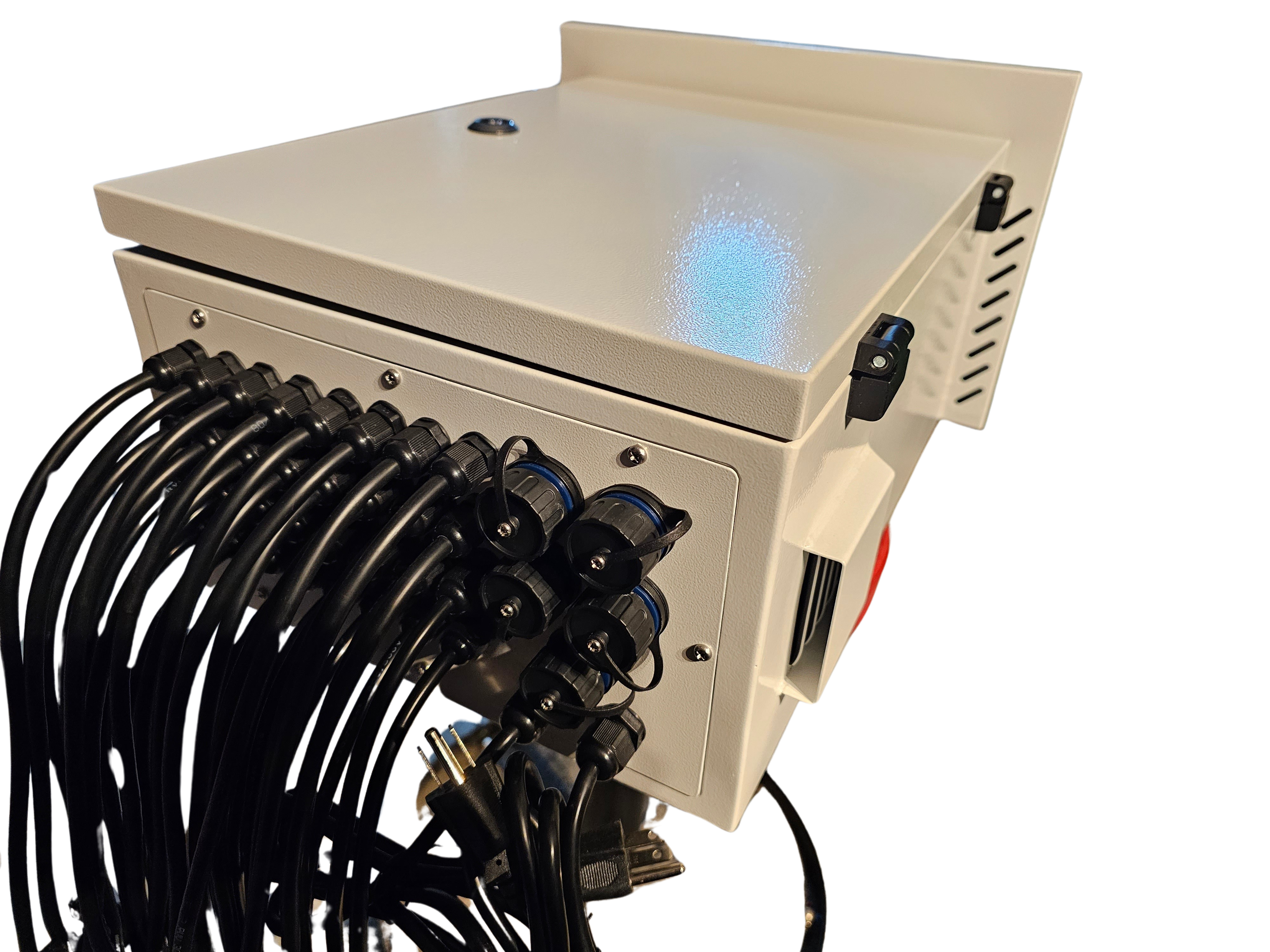
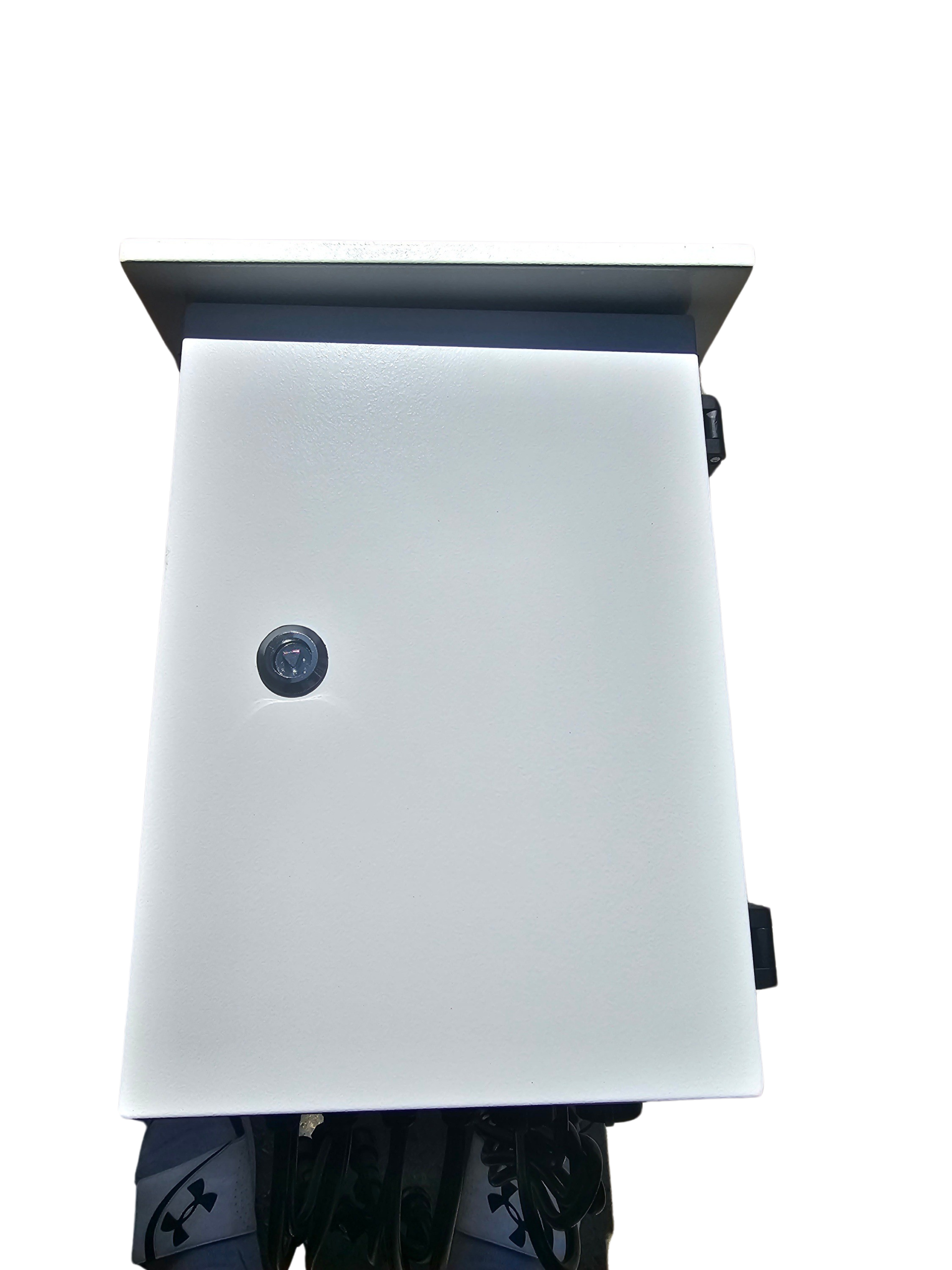
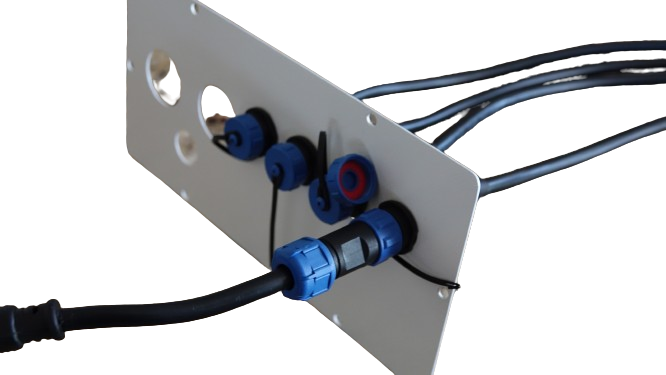
Protecting your investment is key. Controller enclosures shield your equipment from the elements, ensuring longevity. Choose from various sizes and styles to accommodate your setup. A good enclosure will have space for ventilation and easy access to connections, making maintenance a breeze.
Common Pitfalls in DIY Light Shows
Avoiding common pitfalls can save time and frustration. One common mistake is underestimating power needs, leading to dim displays. Another is incorrect wiring, which can cause your show to malfunction. By planning your layout and double-checking connections, you ensure a smoother setup. For beginners, the Raspberry Pi Imager guide is a helpful resource for reliable setups.
This guide equips you with the knowledge to choose, power, and set up your xLights controller with confidence. With the right tools and techniques, your light show will captivate audiences and create unforgettable moments.









One thought on “xLights Controllers Made Simple: How to Choose, Power, and Set Up Your Show”