Blog
Kulp Controllers Explained: Setup Tips, Compatibility, and Smart Alternatives from Your Pixel Store

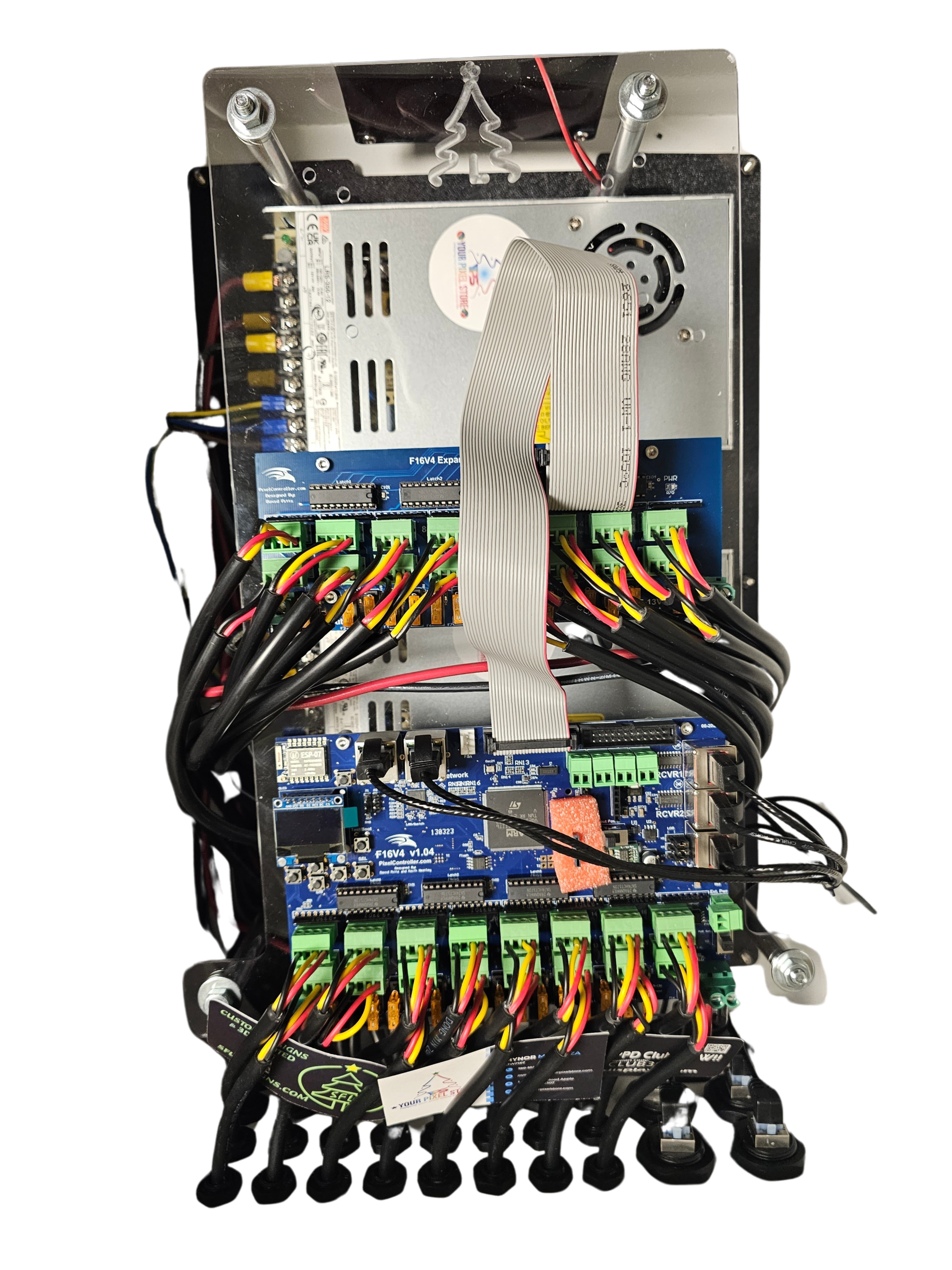
Kulp controllers remain a top choice for building holiday light shows with pixel-perfect precision. If you’ve wrestled with setup headaches or compatibility puzzles, you’re not alone. This guide breaks down what makes Kulp controllers tick, walks you through smooth setup tips, and highlights smart alternatives like the YPS VIVID 8 that can simplify your show’s control system. Stick around to get clear advice and proven gear recommendations from Your Pixel Store. Learn more about Kulp controllers and their applications by visiting this link.
Kulp Controller Setup Tips
Setting up a Kulp controller can be straightforward with the right guidance. Let’s explore the key steps to ensure smooth installation and operation.
Essential Tools and Materials
Before diving into the setup, gather all necessary tools and materials. You’ll need a power supply, wiring tools, and the Kulp controller itself. It’s a good idea to have some cable ties and a multimeter handy for testing.
Power Supply: Ensure it matches the voltage requirements of your pixels (12V or 5V).
Wiring Tools: Wire strippers and crimping tools will help in making secure connections.
Multimeter: Useful for checking connections and voltage levels.
Having these tools ready makes the setup process smoother and prevents unnecessary interruptions.
Step-by-Step Installation Guide
Now, let’s walk through the installation process. Follow these steps for a seamless setup:
Mount the Controller: Choose a location that is dry and within reach of your power supply and pixels.
Connect the Power Supply: Ensure the power supply’s voltage matches your pixel requirements. Connect it securely to the controller.
Wire the Pixels: Connect the pixel strings to the controller outputs. Double-check connections to avoid shorts.
Each step builds on the last, ensuring your system is set up correctly. If you need further guidance, check out our xLights Tutorial: Build Your First Pixel Show with Confidence.
Troubleshooting Common Issues
Even with careful setup, issues can arise. Here are some common problems and solutions:
Connection Issues: Ensure all wires are securely connected. Use a multimeter to test for continuity.
Power Problems: Check the power supply voltage. It should match the pixel type.
Signal Issues: Verify that data lines are connected properly. Inspect for any damaged cables.
With these tips, you’ll tackle common problems effectively. For more help, our xLights Sequences Made Simple guide can offer additional insights.
Compatibility with Lighting Systems
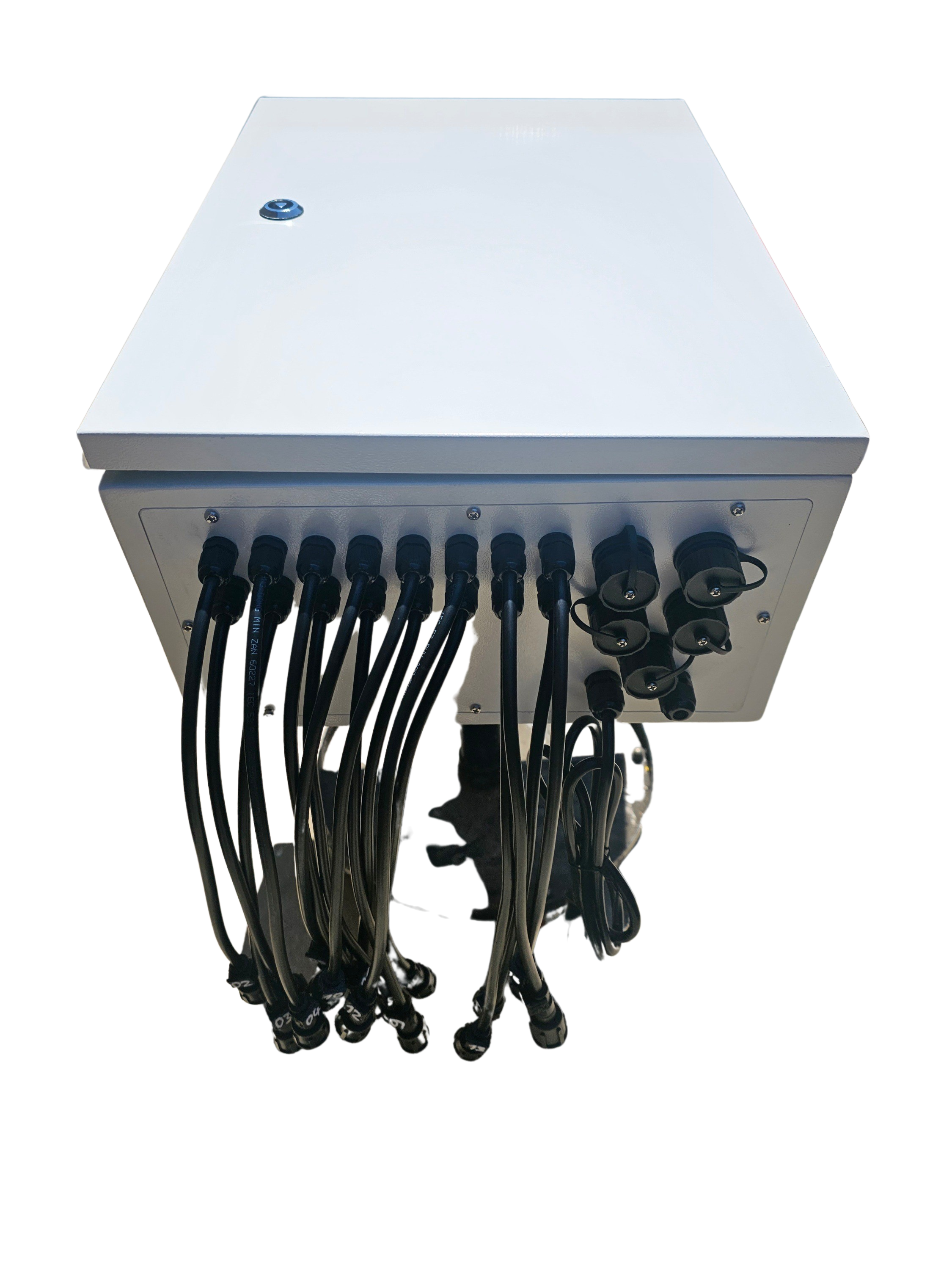
Kulp controllers are versatile, supporting various lighting setups. Let’s delve into their compatibility with different systems.
Supported Pixel Types and Protocols
Kulp controllers are compatible with a wide range of pixel types and protocols, making them ideal for diverse lighting projects.
Pixel Types: Supports both 12V and 5V pixels, including popular models like WS2811.
Protocols: Compatible with E1.31, Art-Net, and DMX, among others.
These capabilities ensure that your lighting setup will be both flexible and reliable.
Integrating with xLights and FPP
Integration with popular software like xLights and FPP is crucial for advanced control.
xLights: Offers powerful sequencing tools, allowing you to create dynamic light shows effortlessly.
FPP (Falcon Player): Enables standalone operation and simple scheduling of your light display.
These integrations make it easier to achieve the light show of your dreams. For a deeper dive, explore our WLED Controllers guide.
Power Injection and Voltage Options
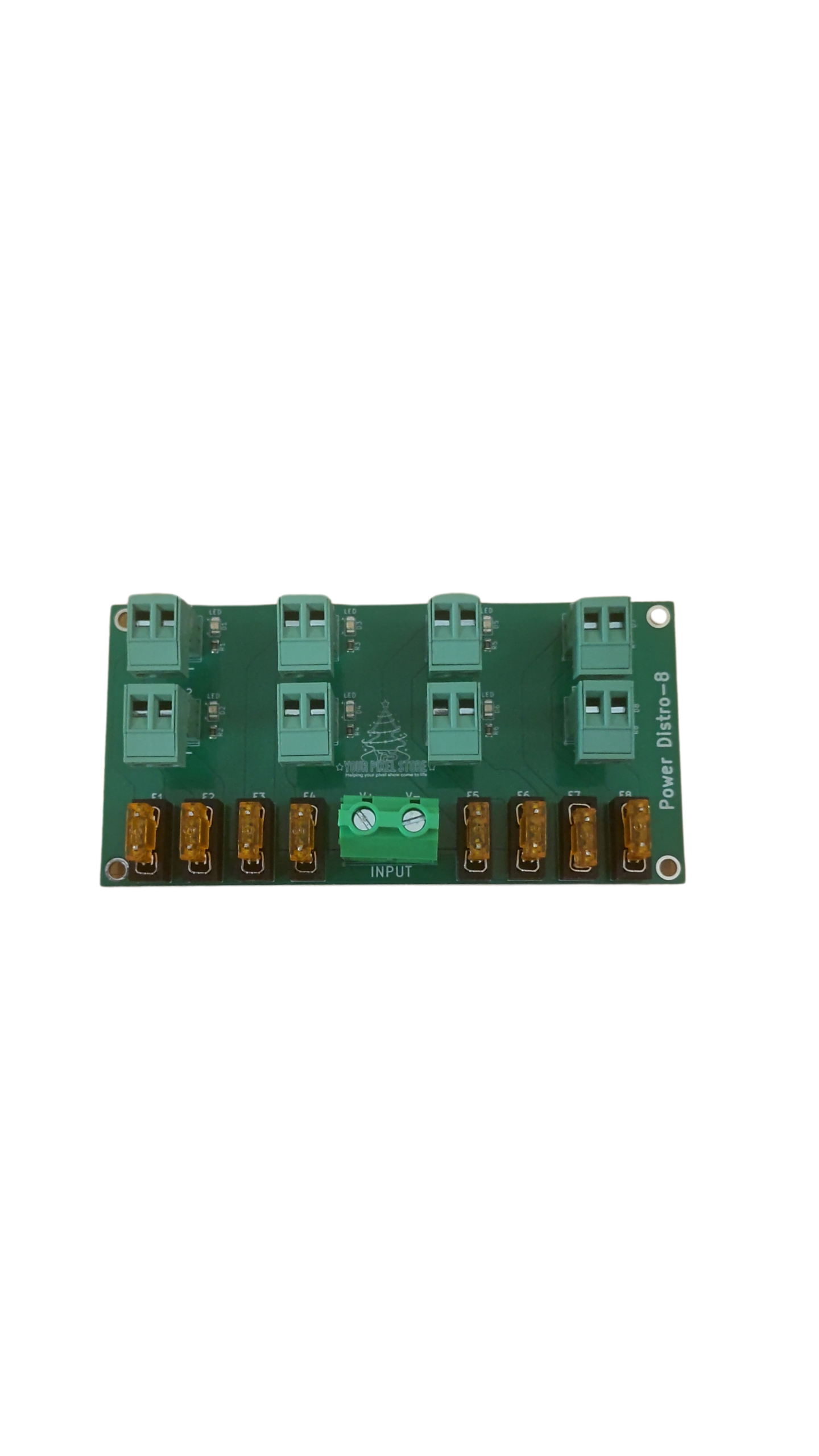
Power injection is essential for maintaining consistent brightness across long pixel runs.
When to Inject Power: Necessary for runs exceeding the controller’s direct power capacity.
Voltage Options: Choose between 12V and 5V pixels based on your specific needs.
Understanding power injection ensures your display functions flawlessly throughout its entire length.
Smart Alternatives from Your Pixel Store
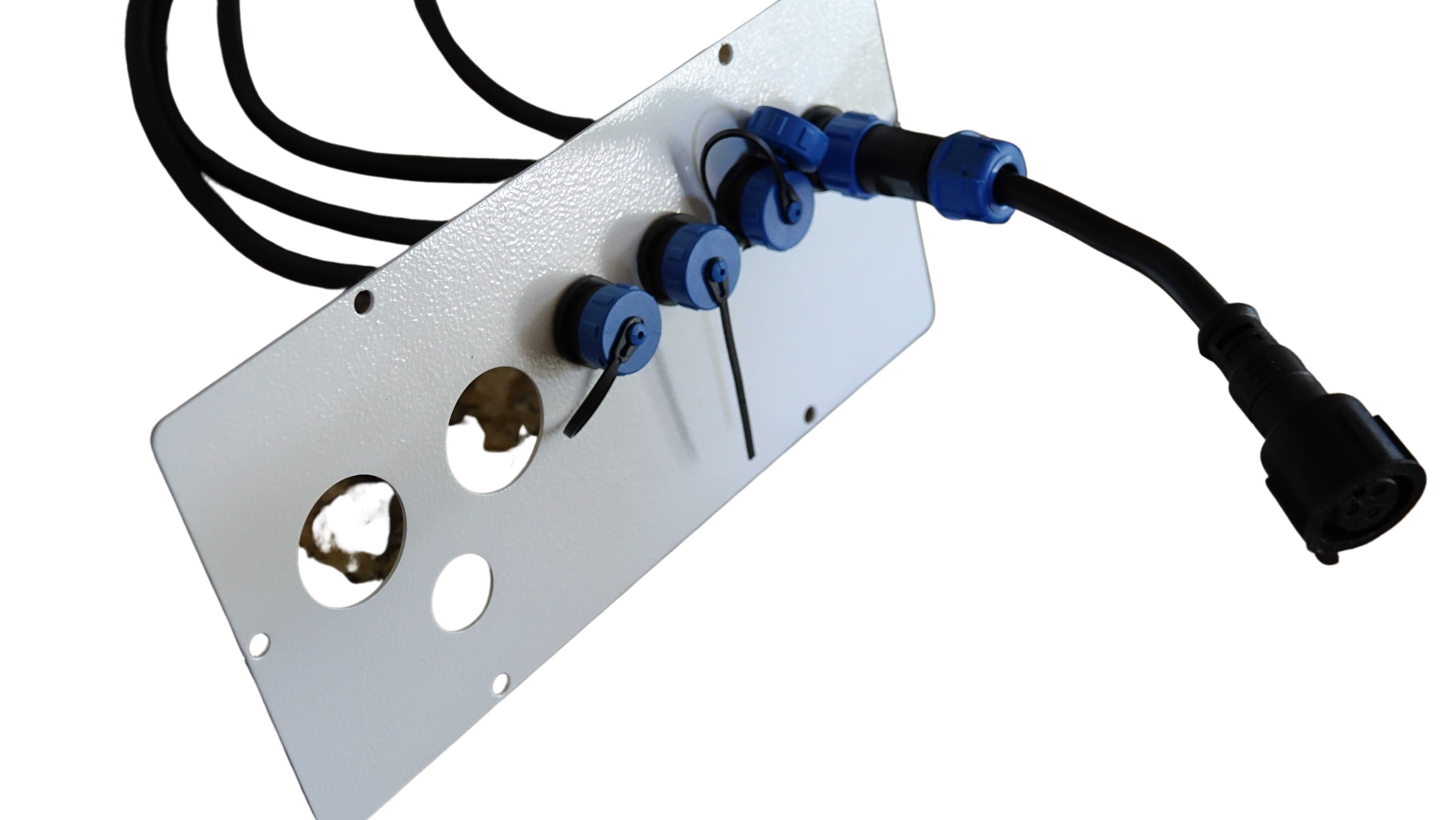
While Kulp controllers are excellent, sometimes alternatives might better suit specific needs. Let’s examine some options from Your Pixel Store.
YPS VIVID 8 Features
The YPS VIVID 8 offers robust features that cater to a wide range of lighting projects.
Ease of Use: User-friendly interface simplifies setup.
Powerful Control: Supports numerous pixel outputs, ideal for complex displays.
With these features, the YPS VIVID 8 is a strong contender for anyone looking to expand their lighting capabilities.
Ready-to-Run Controller Kits
Our ready-to-run kits make starting your light show quick and painless.
Pre-Configured: Arrives pre-configured for immediate use.
Comprehensive Package: Includes necessary accessories for seamless integration.
These kits save time and effort, allowing you to focus on creative aspects.
Accessories for Seamless Integration
Enhance your setup with our range of accessories designed for optimal performance.
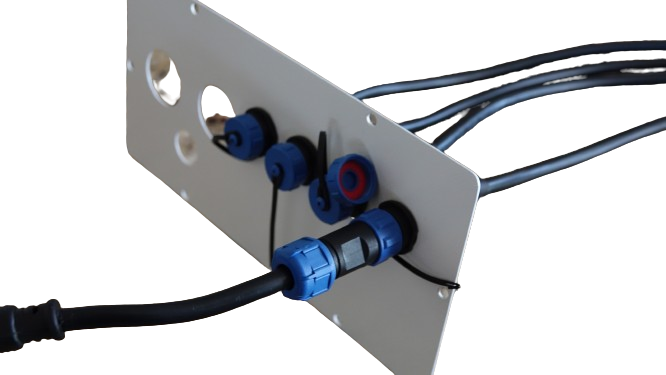
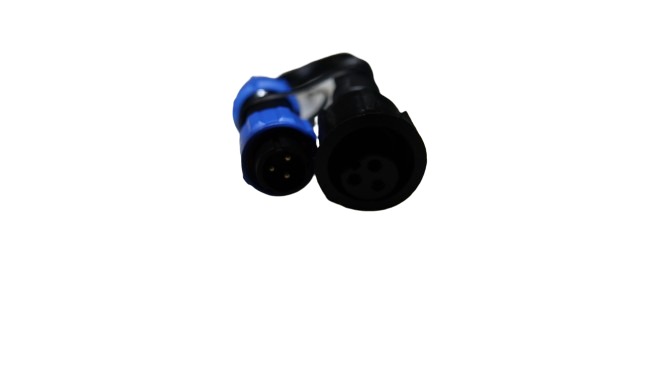
Waterproof Pigtails: Ensure reliable outdoor connections.
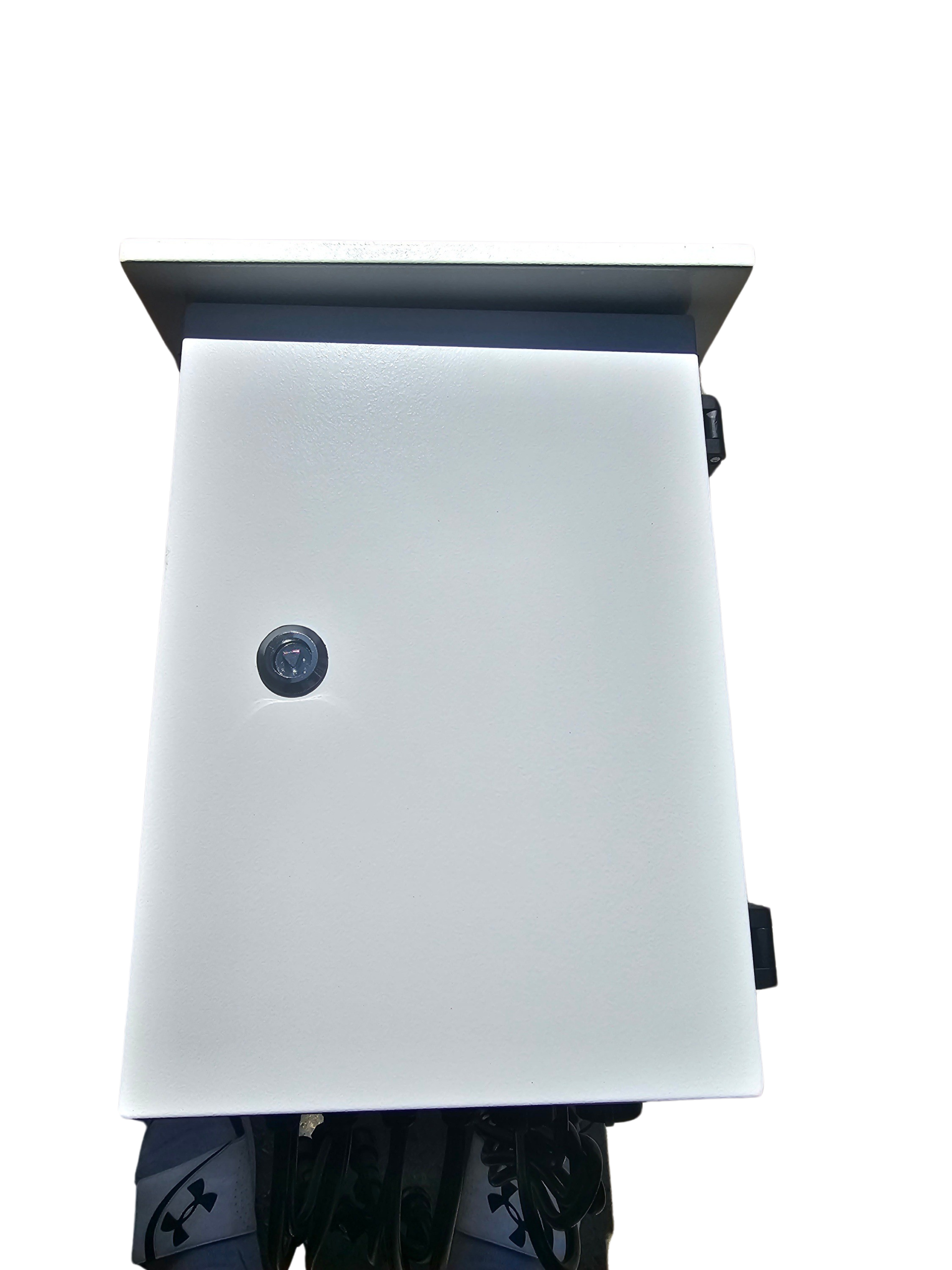
Outdoor Enclosures: Protect your equipment from the elements.
With these accessories, your setup will be both efficient and durable, supporting your holiday light show for years to come.
By understanding your options and the support available, you can confidently create a stunning display that captivates audiences. If you have further questions, feel free to reach out to us at Your Pixel Store.