Blog
Pixel Controller Software Guide: Choose, Configure, and Run Your Show

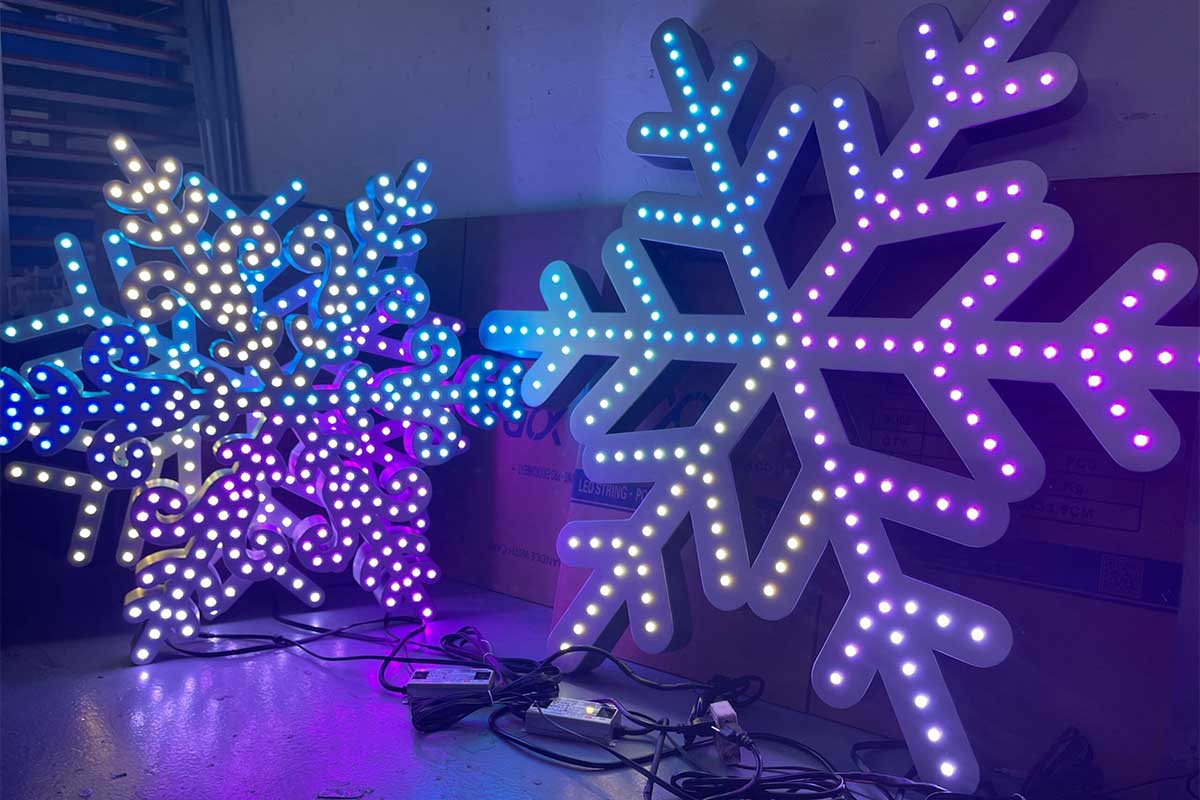
Most pixel controller software feels like a maze if you’re not sure where to start. Setting up your show—from sequencing to running it live—can get confusing fast, especially when you want crisp control over every pixel. This guide breaks down key tools like xLights setup, Falcon Player FPP, and WLED control, so you can pick the right software and get your holiday light show software running smoothly with Your Pixel Store gear. Check out more about pixel control and mapping software.
Understanding Pixel Controller Software
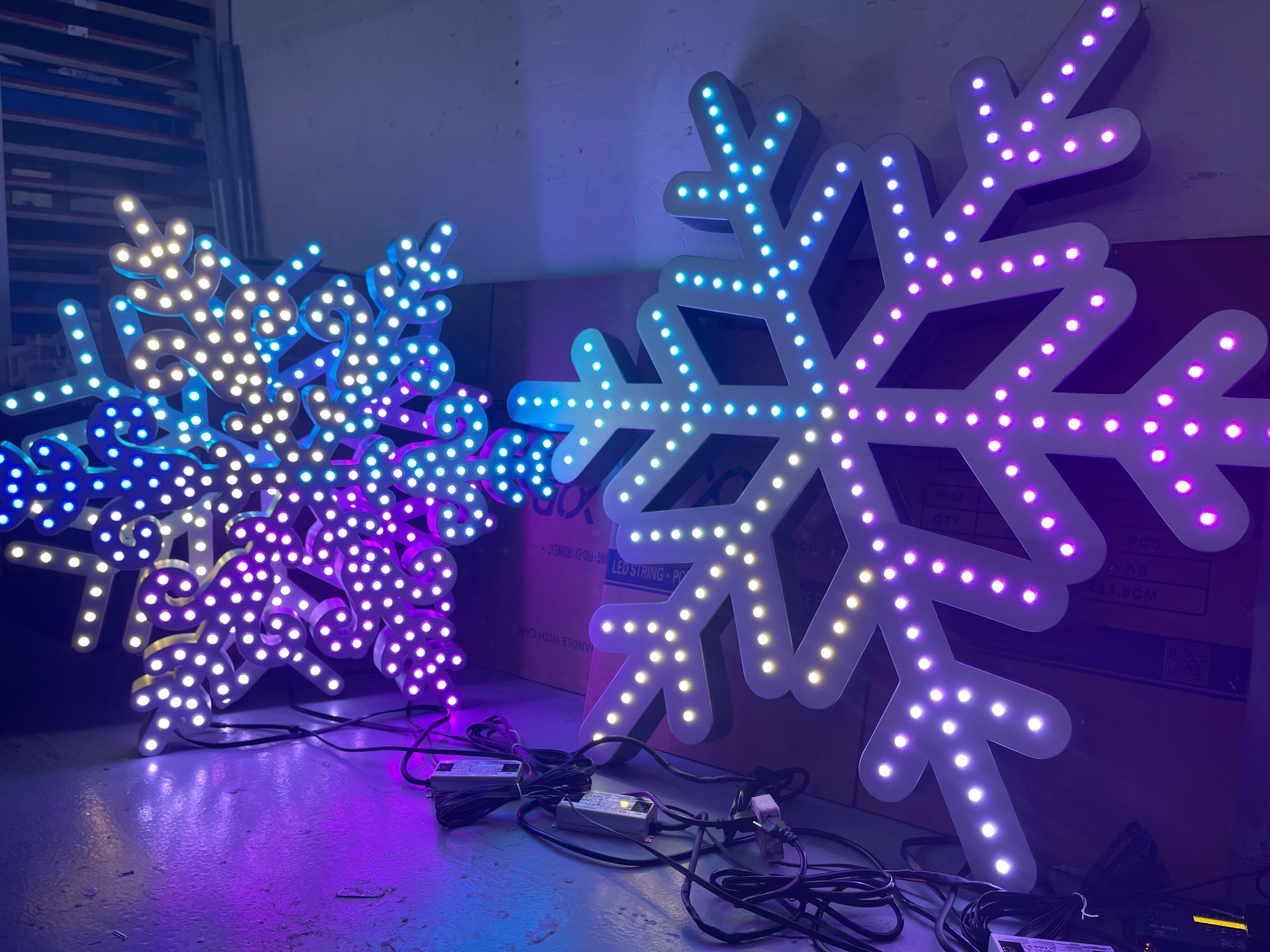
Diving into pixel controller software can seem overwhelming, but it’s simpler than it appears. Knowing the basics is key to creating stunning displays.
Basics of Pixel Controller Software
Pixel controllers are the backbone of your light show. They command each light, making sure it syncs with your desired effects. A good controller can handle complex displays, ensuring every pixel acts as it should. You’ll find controllers that work with different protocols, like sACN or E1.31, helping your lights communicate effectively.
These controllers translate your creative designs into dynamic displays. Whether it’s a simple setup or an elaborate show, understanding the software helps you manage lights like a pro. Many users start with software that offers user-friendly interfaces, making setup smoother. Discover various software options for pixel mapping.
Types of LED Pixel Controllers
When choosing a controller, knowing your options is crucial. Controllers vary by compatibility and features. Some are best for small projects, while others cater to expansive shows. Falcon and YPS VIVID 8 are notable brands, offering ready-to-run solutions for different needs.
Small-scale displays might use simple controllers with fewer channels. For larger setups, opt for controllers that support more channels and offer advanced features like wireless control. It’s about matching your project needs with the controller’s capabilities. Having the right controller ensures smooth operation and enhances your show’s quality.
Popular Holiday Light Show Software
Software like xLights and Falcon Player FPP are favorites among enthusiasts. They provide tools for designing and running captivating light shows. xLights offers an intuitive interface, perfect for beginners and pros alike. It supports pixel mapping, making design tasks a breeze.
Falcon Player FPP is ideal for running shows once your sequences are ready. It simplifies the process, ensuring your display runs flawlessly. With user communities and online resources, these tools are accessible and easy to learn. Explore more lighting control software options.
Choosing the Right Software
Selecting the correct software can transform your light show from ordinary to extraordinary. Here’s how to find the best fit for your needs.
Comparing xLights, Falcon Player FPP, and WLED
Choosing between xLights, Falcon Player FPP, and WLED depends on your project scope. xLights excels in sequencing, offering robust features for designing intricate shows. It supports sACN and E1.31, making it versatile for various projects.
Falcon Player FPP is great for managing show playback. It works well with pre-sequenced shows, ensuring reliable performance. WLED offers straightforward control, especially useful for smaller or DIY projects. It’s user-friendly, making it a popular choice for beginners.
Each software has its strengths, so assess your needs and choose accordingly. The right choice simplifies setup and enhances your display’s impact.
Key Features for Event Lighting Control
When looking at event lighting control, prioritize features that support your vision. Essential features include channel mapping, show sequencing, and compatibility with various protocols. These ensure precise control over your display, no matter the complexity.
Advanced features like wireless control and real-time adjustments are also beneficial. They allow flexibility, adapting to changes on the fly. Software that integrates easily with hardware simplifies the process, reducing setup time and potential errors.
Benefits of Ready-to-Run Controllers
Ready-to-run controllers like the YPS VIVID 8 eliminate much of the guesswork. They come pre-configured, making them ideal for those who prefer a plug-and-play approach. These controllers save time and reduce errors, perfect for both beginners and seasoned pros.
They handle a range of setups, from simple displays to complex shows. This versatility means you can start small and expand your setup over time. Many users find that ready-to-run solutions enhance reliability and performance, providing peace of mind during critical events.
Configuring and Running Your Show
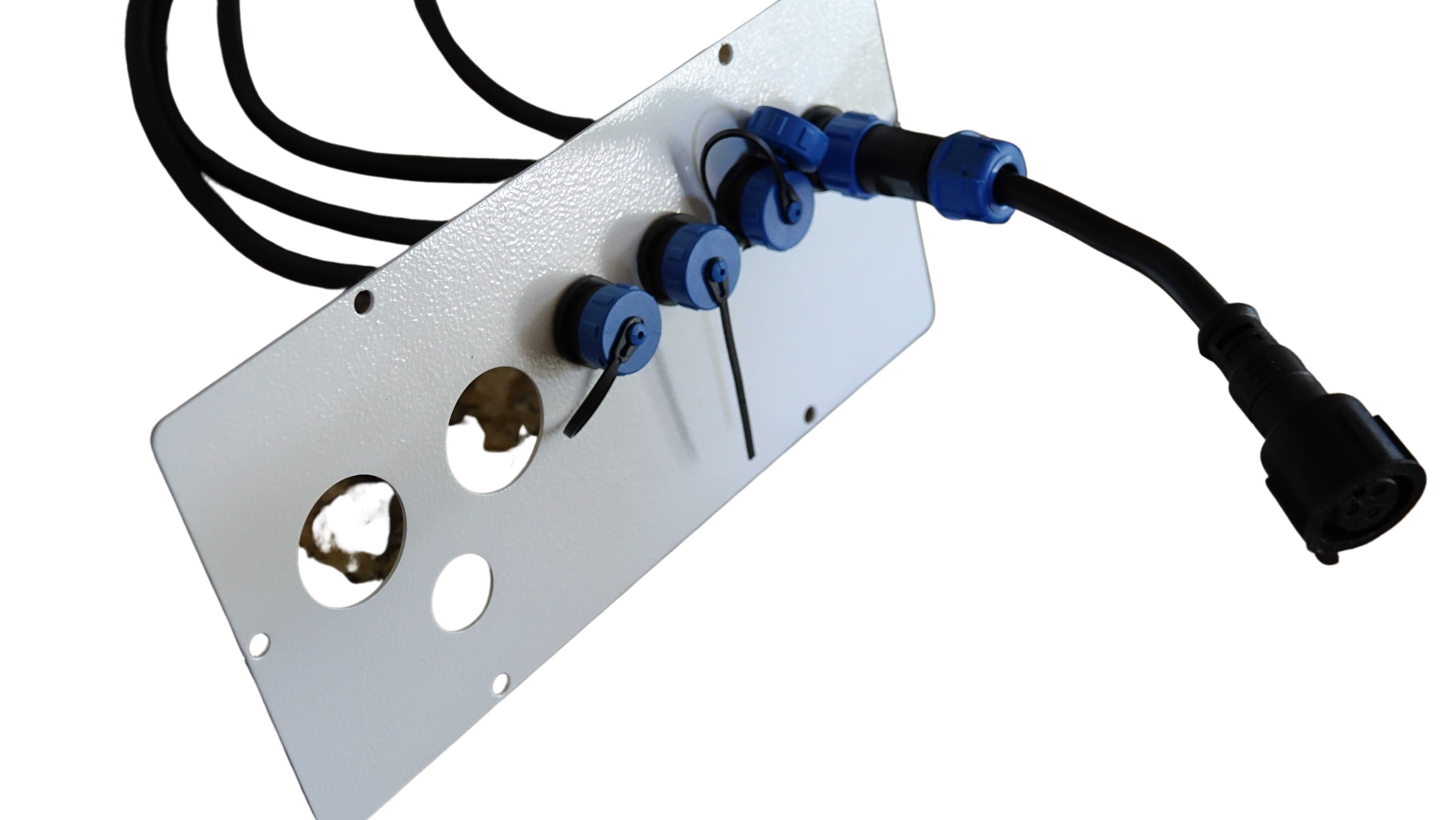
Now that you’ve chosen your software, it’s time to configure and run your show. Here’s a step-by-step guide to getting your display up and running smoothly.
Step-by-Step xLights Setup Guide
Install xLights: Download and install the latest version from the official site.
Configure Hardware: Connect your controller and ensure it’s recognized by the software.
Create a Layout: Map out your display layout, setting up channels and controllers.
Design Sequences: Use xLights to create sequences that match your vision.
Test Your Setup: Run test sequences to ensure everything functions as expected.
Following these steps ensures your setup process is smooth and error-free. With xLights, you can create captivating displays that captivate any audience.
Show Sequencing and Channel Mapping Tips
Effective show sequencing and channel mapping are crucial. Begin by outlining your show, deciding on effects and transitions. Use xLights to sequence each channel, ensuring smooth transitions between segments.
Channel mapping helps organize your setup. Assign specific lights to channels, allowing precise control over each element. This organization simplifies troubleshooting and enhances your display’s visual impact. Remember: a well-sequenced show keeps audiences engaged from start to finish.
Importance of Power Injection Planning
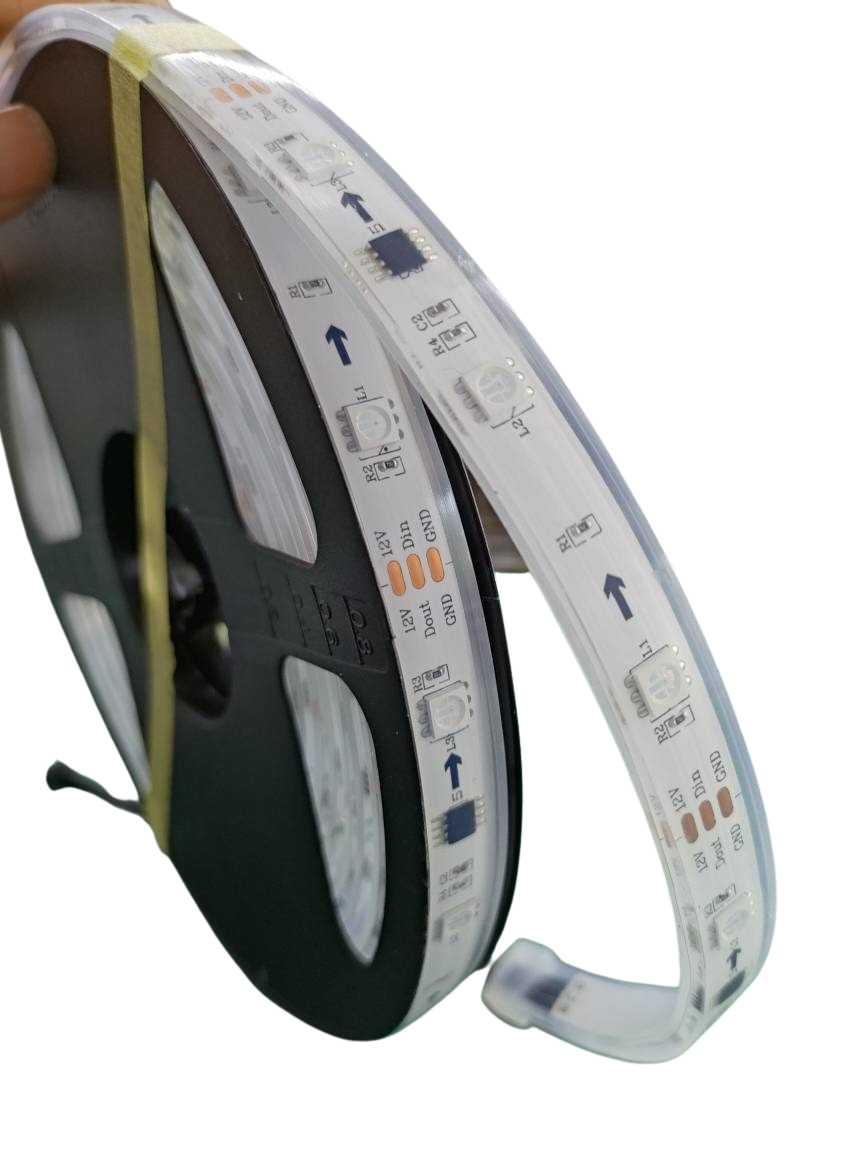
Power injection is a vital aspect of display setup. It ensures consistent brightness across all lights. Without proper planning, lights at the end of a string may dim, affecting overall quality.
To avoid this, plan your power setup carefully. Use power injection at regular intervals, ensuring even distribution. This planning prevents voltage drop, maintaining the integrity of your display. Investing time in power management enhances both reliability and performance, ensuring your show dazzles all who see it.
This guide helps you navigate pixel controller software, giving you the tools to create stunning light shows. With the right setup, your displays will shine bright, captivating audiences and making every event memorable.